Gateway
Compatible ground communications.
Explore Gateway ↗NetLink's engineering programme combines compatible ground communications, central records, controlled release tooling and authorised engineering visibility.
Request a demonstration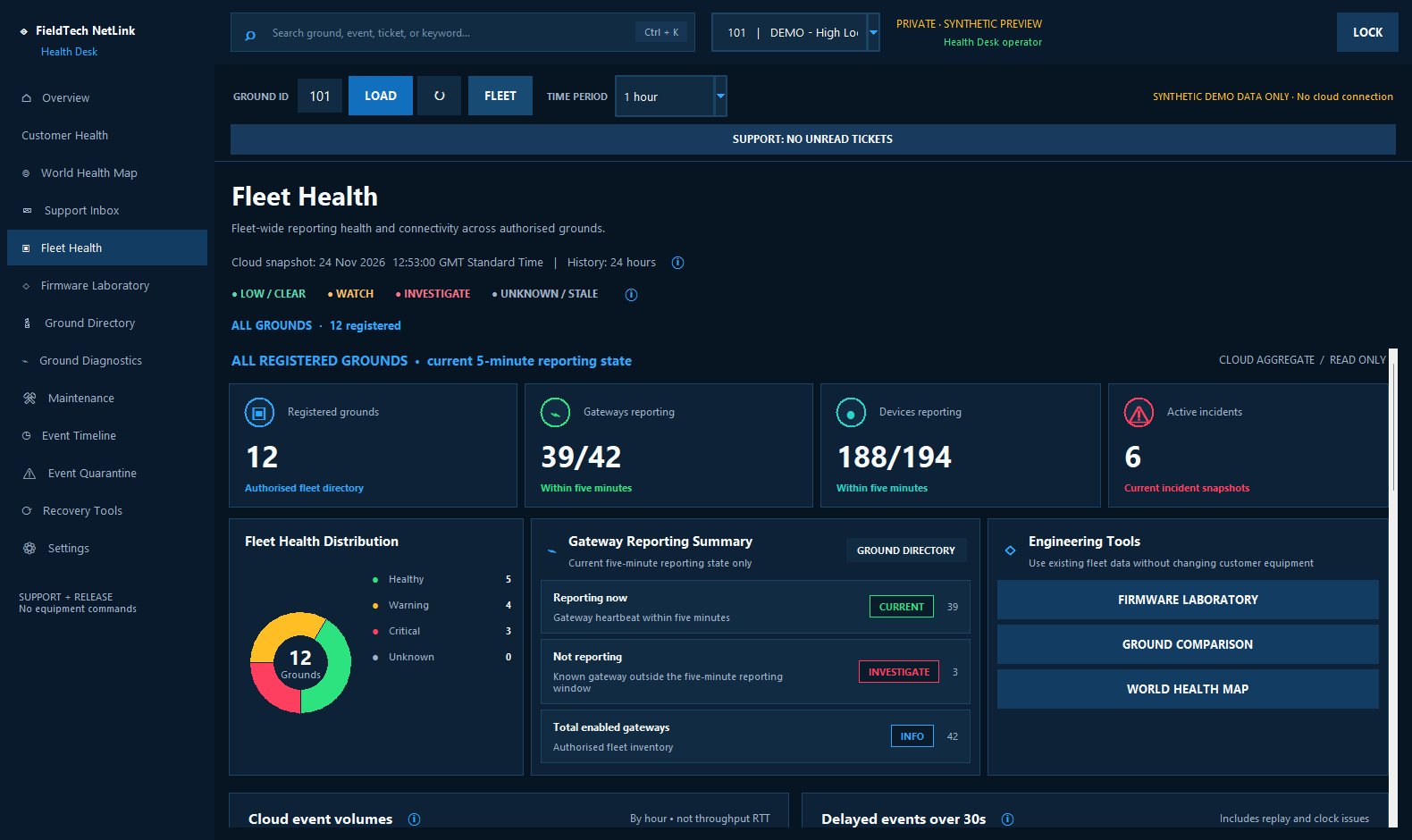
Health Desk is FieldTech's private support tool. Screens are synthetic demonstrations for this design review and require approval before public use. No uptime or service-level guarantee is implied.
Conceptual data flow, subject to accepted hardware, mode and network configuration.
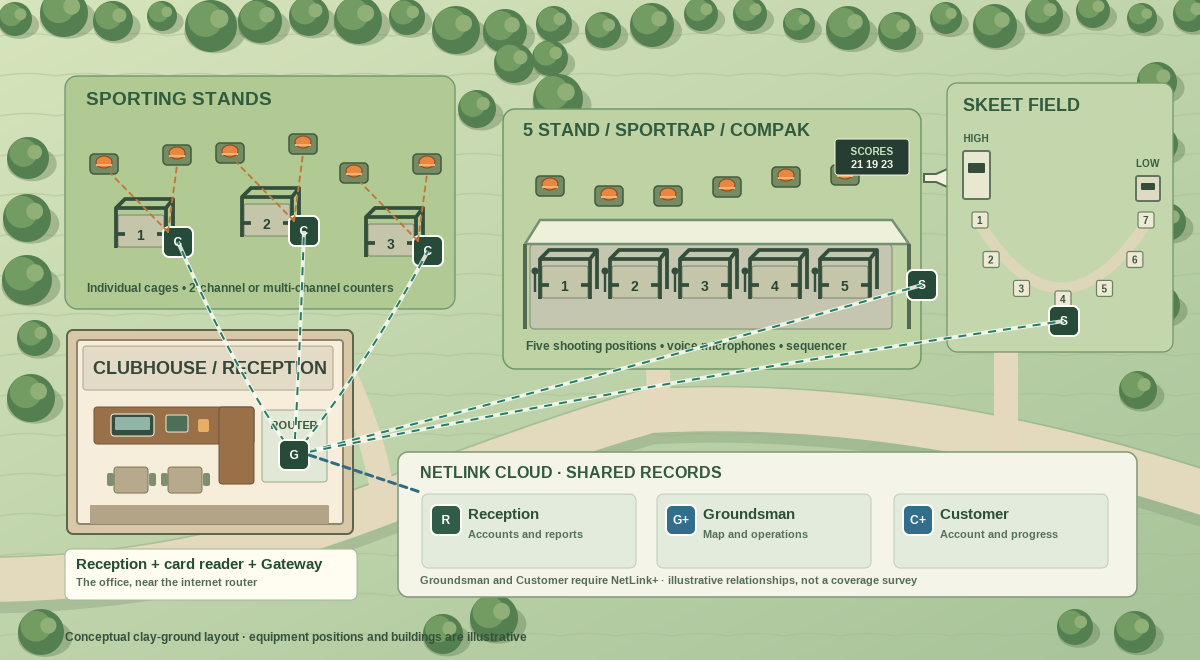
Illustration, not a site survey or wiring plan. *Direct local display integration is a development path; availability depends on accepted equipment and software. Select an area to explore.
The internal Health Desk supports engineering investigations across authorised grounds. Information may be current, stale or unavailable; the system should not assume missing information is healthy.
Review available fleet and equipment status.
Inspect communication and diagnostic records.
Review supported update and version evidence.
Operational behaviour depends on the product, mode and accepted software.
Recovery and offline behaviour are mode-specific. Not all features are available without connectivity.
The controls and evidence vary by release and device.
Compatible ground communications.
Explore Gateway ↗Product-aware release and update architecture.
Explore Firmware & resilience ↗Internal support and diagnostic visibility.
Explore Health Desk ↗Discuss your disciplines, equipment, connectivity and business requirements with FieldTech.
Current application screenshots using isolated demonstration records. Access and availability depend on the approved package and configuration.
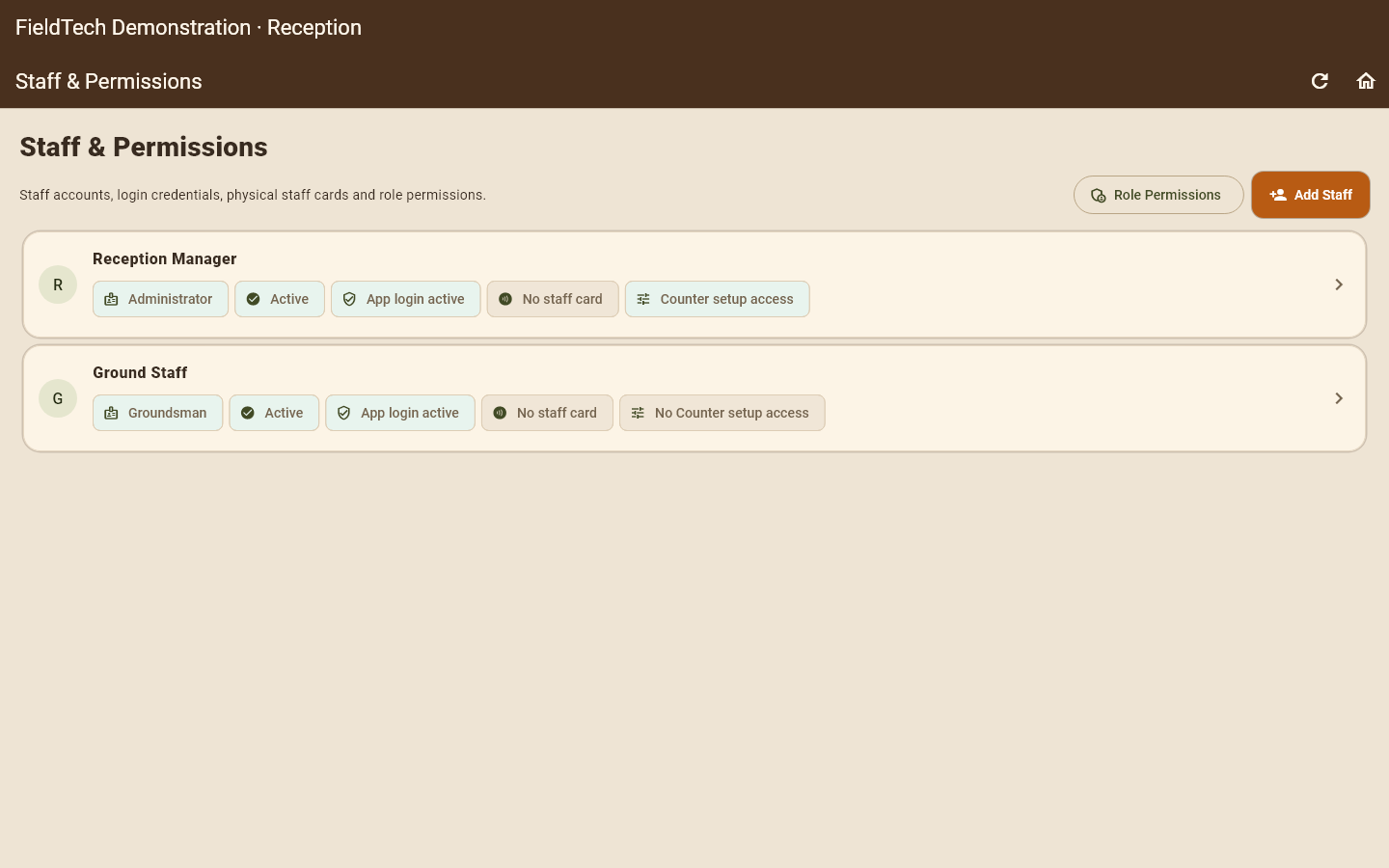
Create and manage staff accounts and their role assignments. Separate everyday Reception work from administrative responsibilities.
Explore this feature →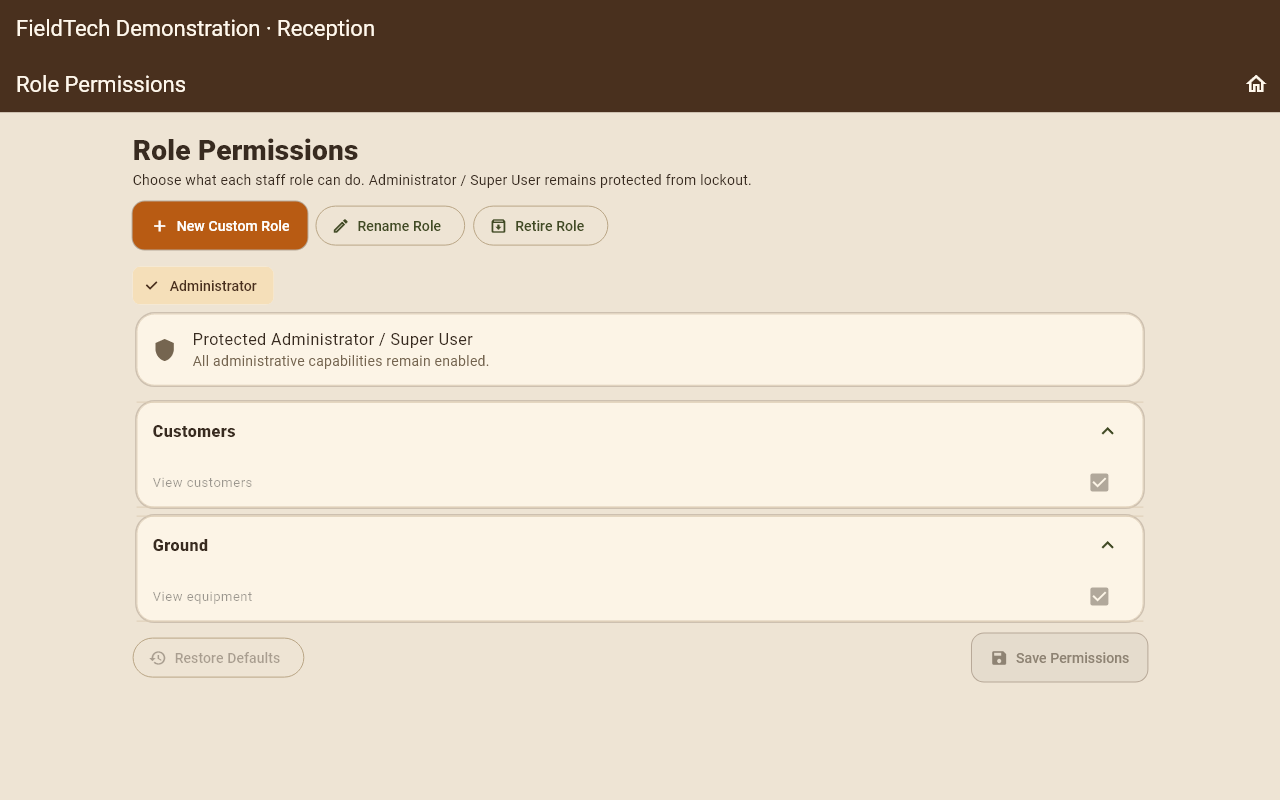
Inspect and configure role capabilities. The protected administrator role retains its recovery and oversight responsibilities.
Explore this feature →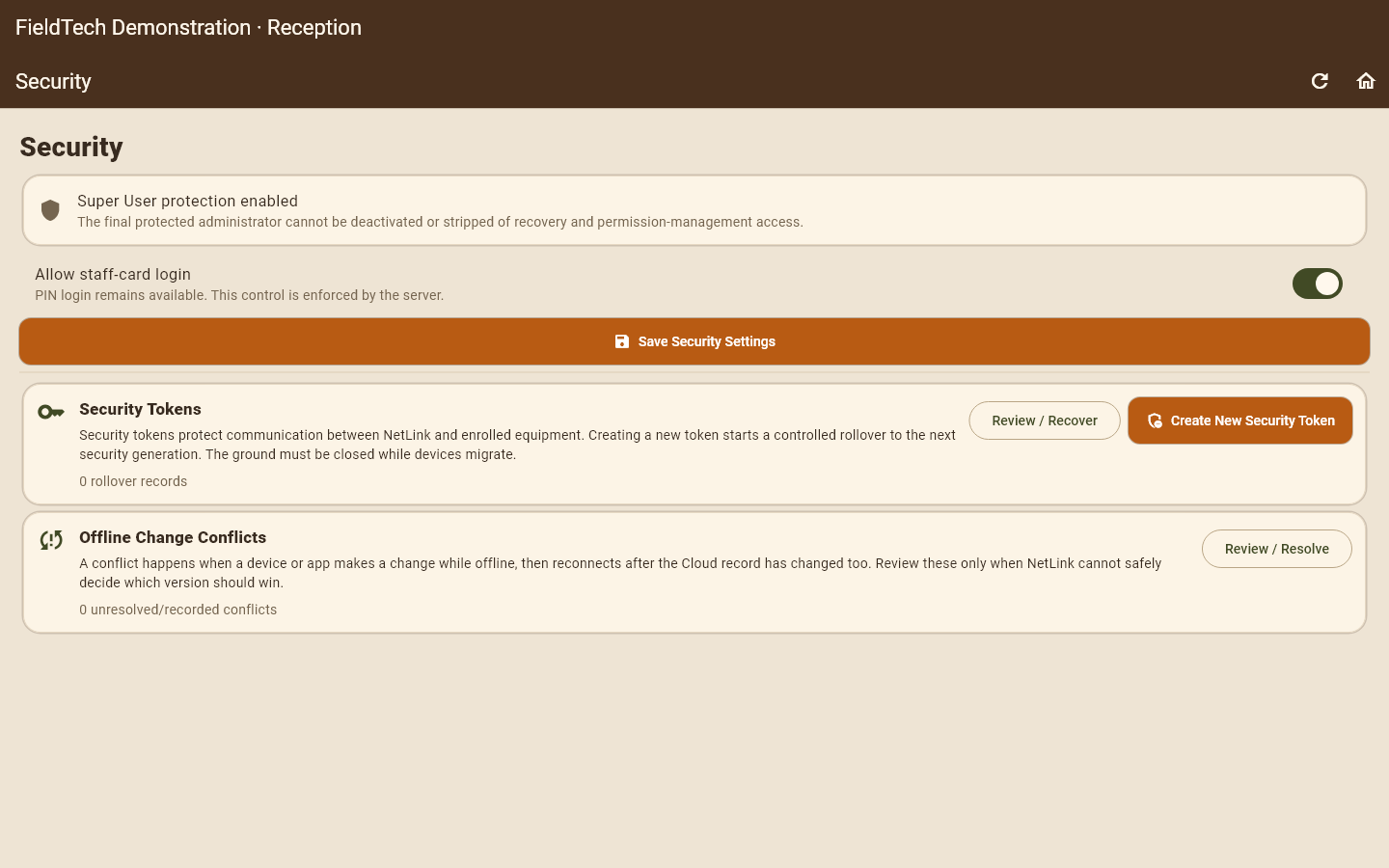
Use authorised security administration, controlled token changes and offline-conflict review. Sensitive operations remain permission-controlled.
Explore this feature →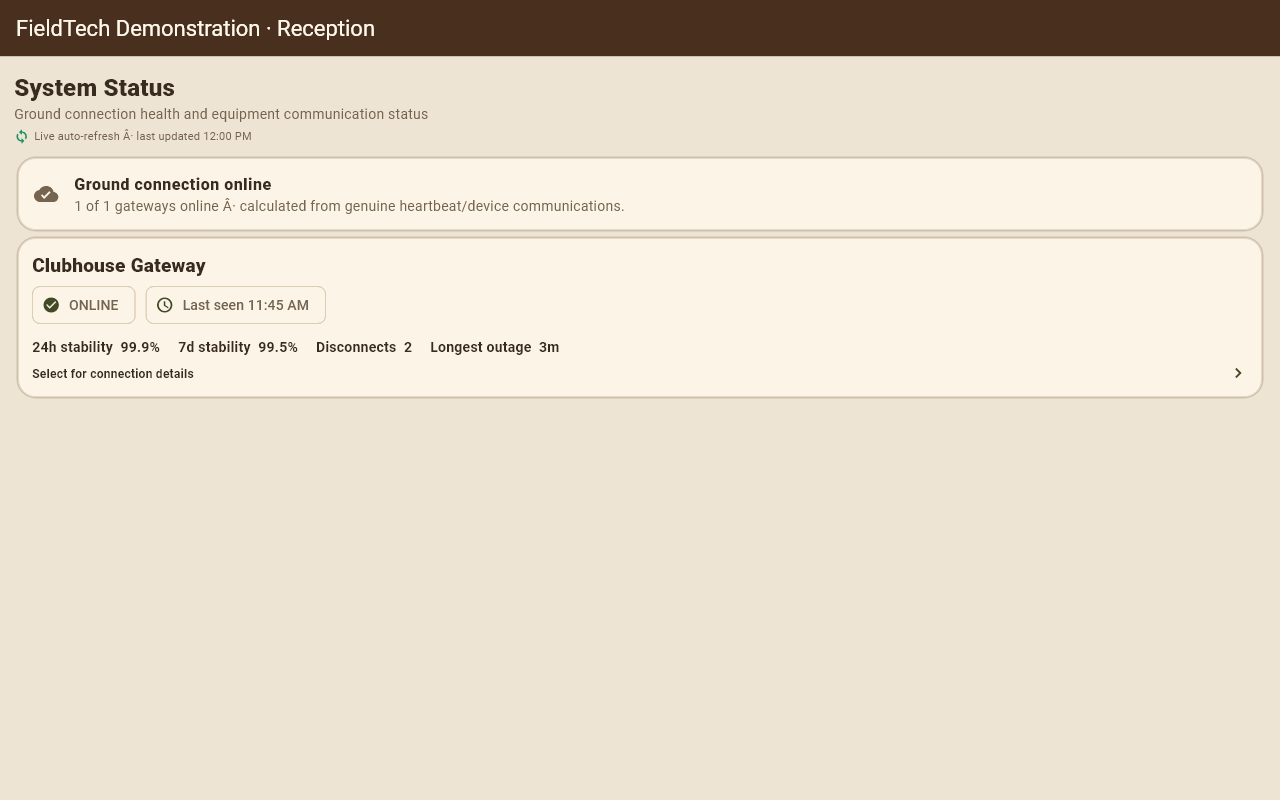
Review last contact, connection stability and disconnect history for the clubhouse gateway.
Explore this feature →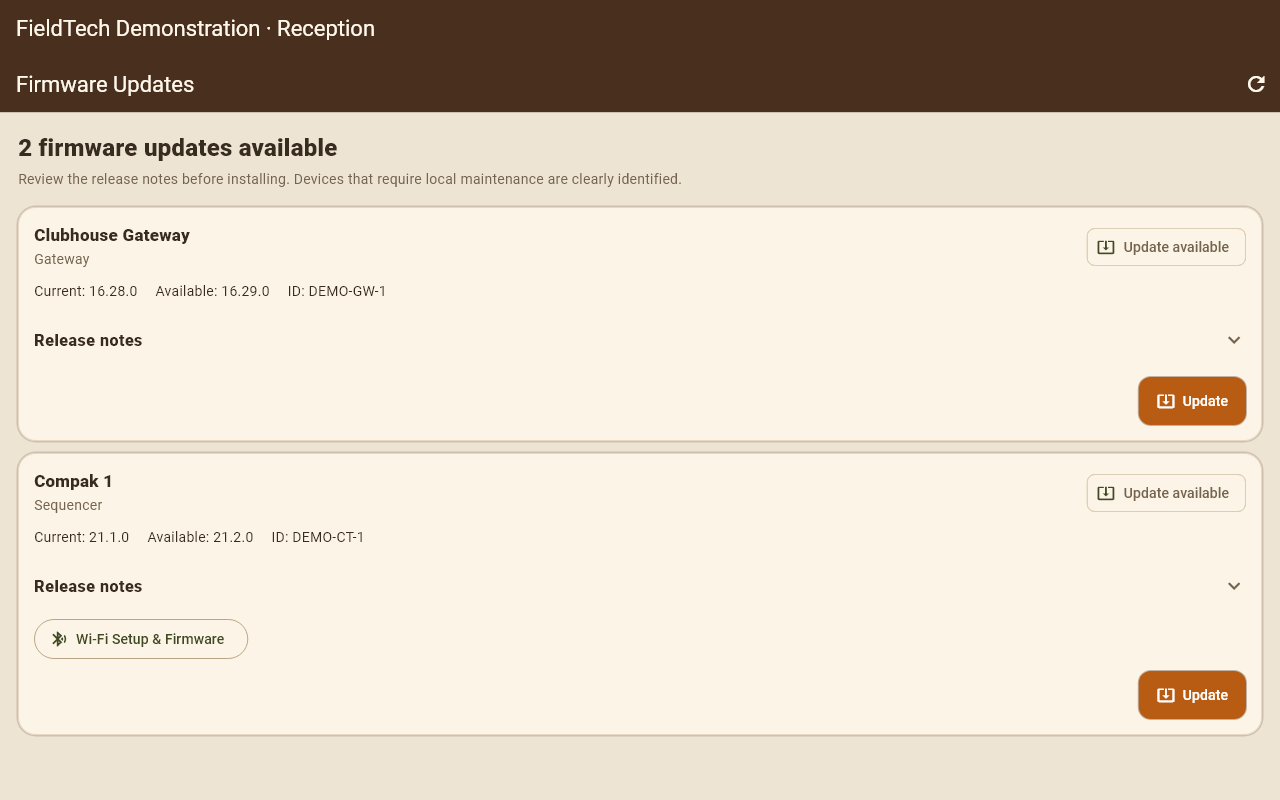
Review available versions and device-specific update actions. Some equipment requires an authorised local Wi-Fi maintenance workflow.
Explore this feature →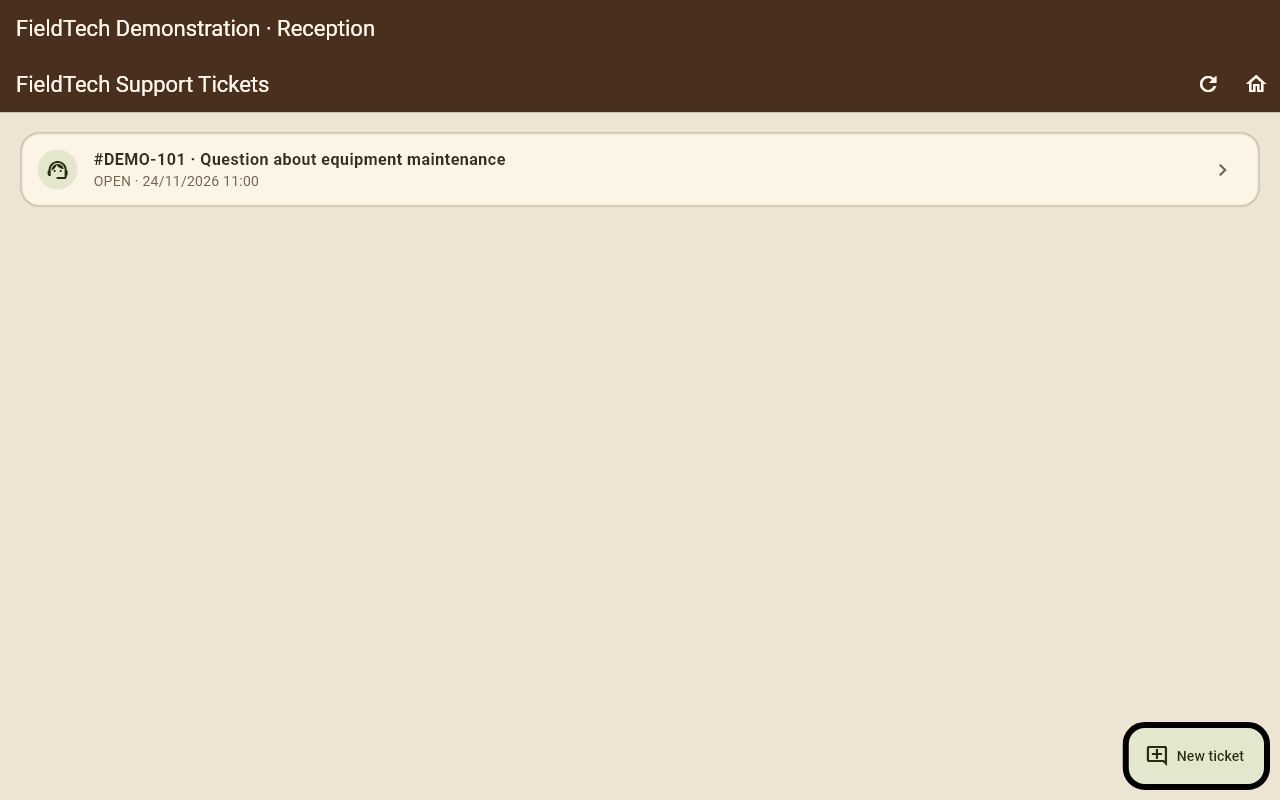
Use the support-ticket workspace to report issues, follow the conversation and keep support history together.
Explore this feature →