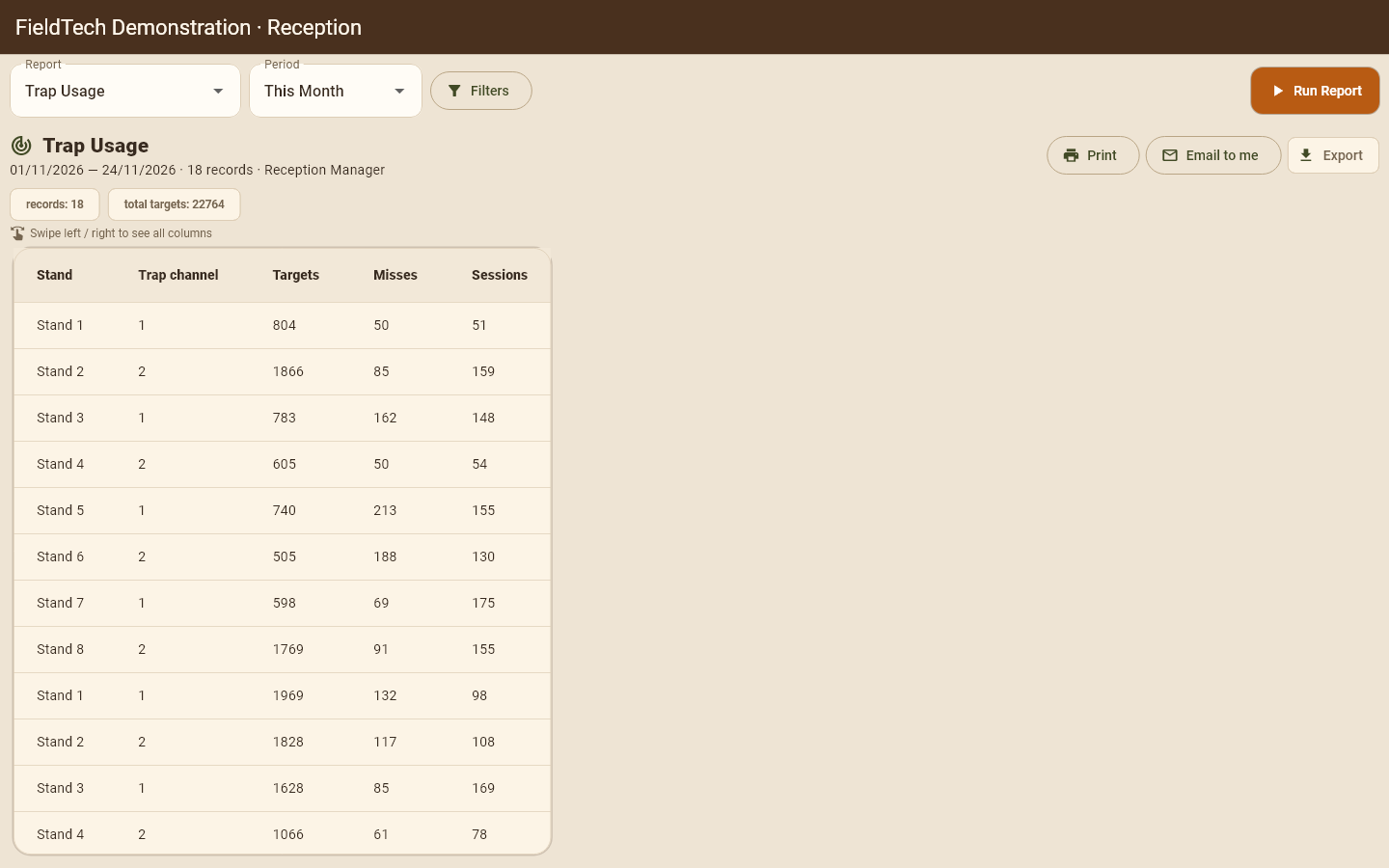
Trap usage
Compare recorded clay usage and value across stands and associated traps.
ExploreBring stock movements, trap consumption, maintenance jobs and service records together, so your ground can plan work rather than discover shortages at the last minute.
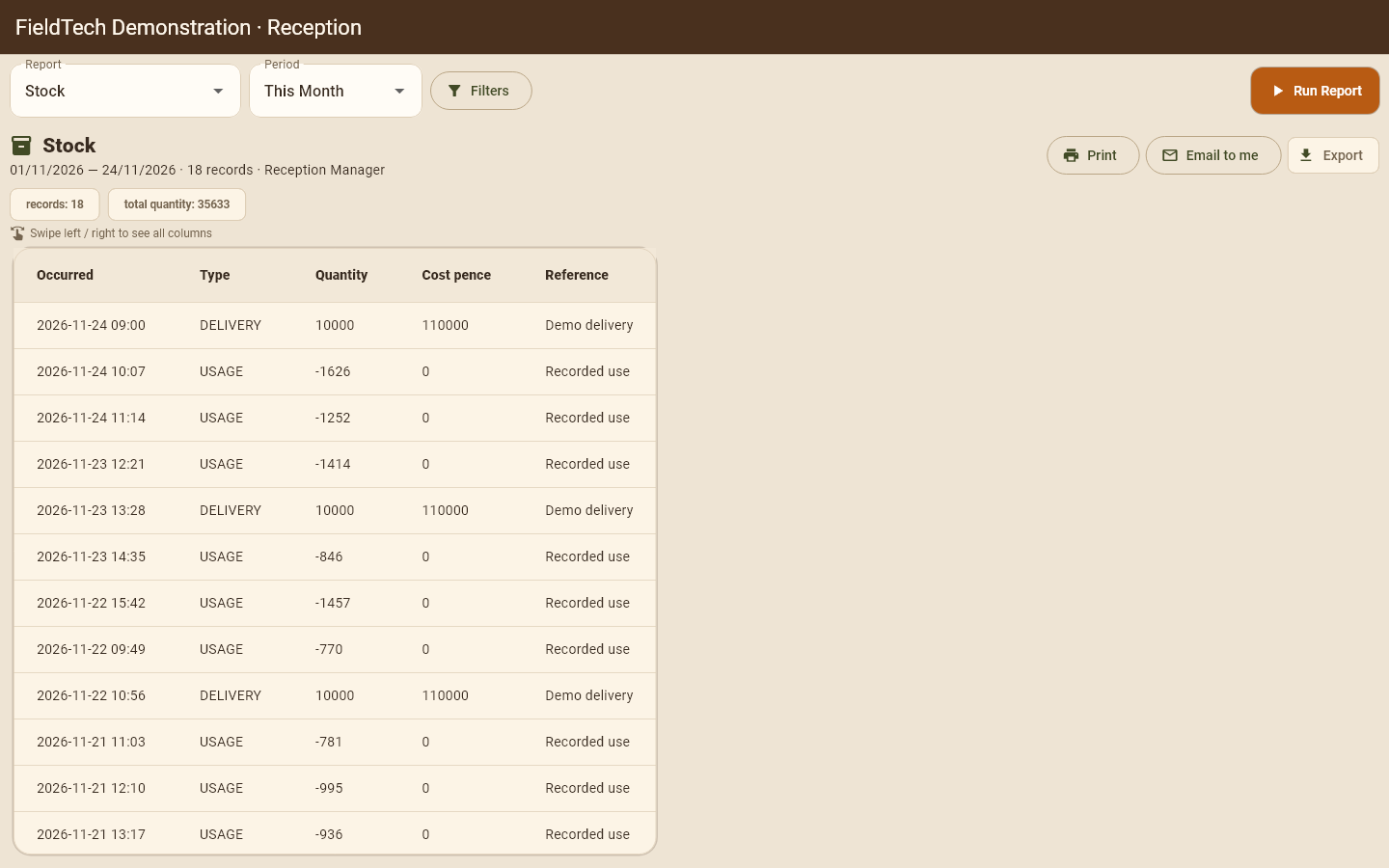
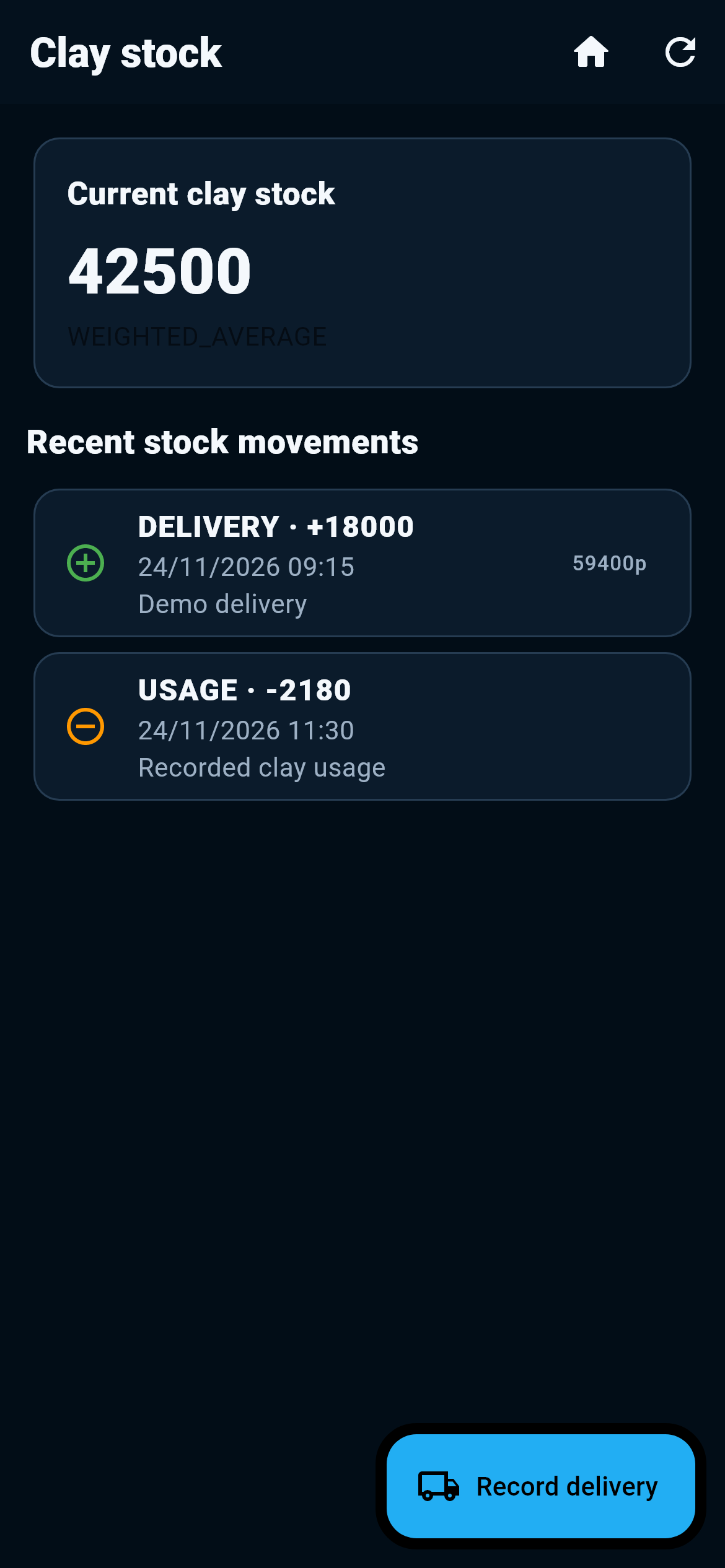
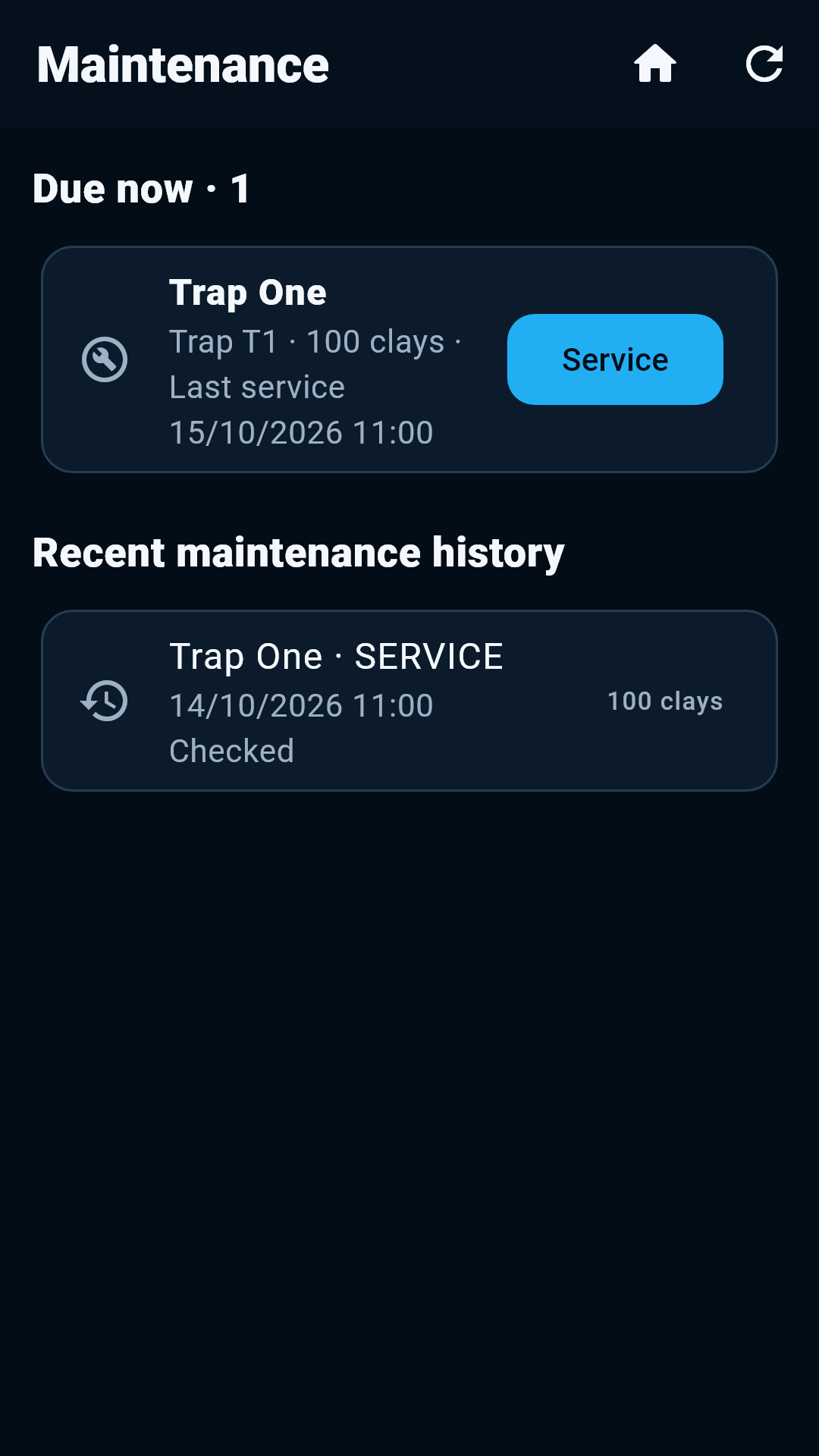
Record stock deliveries and movements through the authorised workflows, and use reported trap usage and remaining clays to plan replenishment.
Groundsman gives authorised staff access to the relevant clay-stock and operations workspaces, where deliveries and adjustments can be recorded.
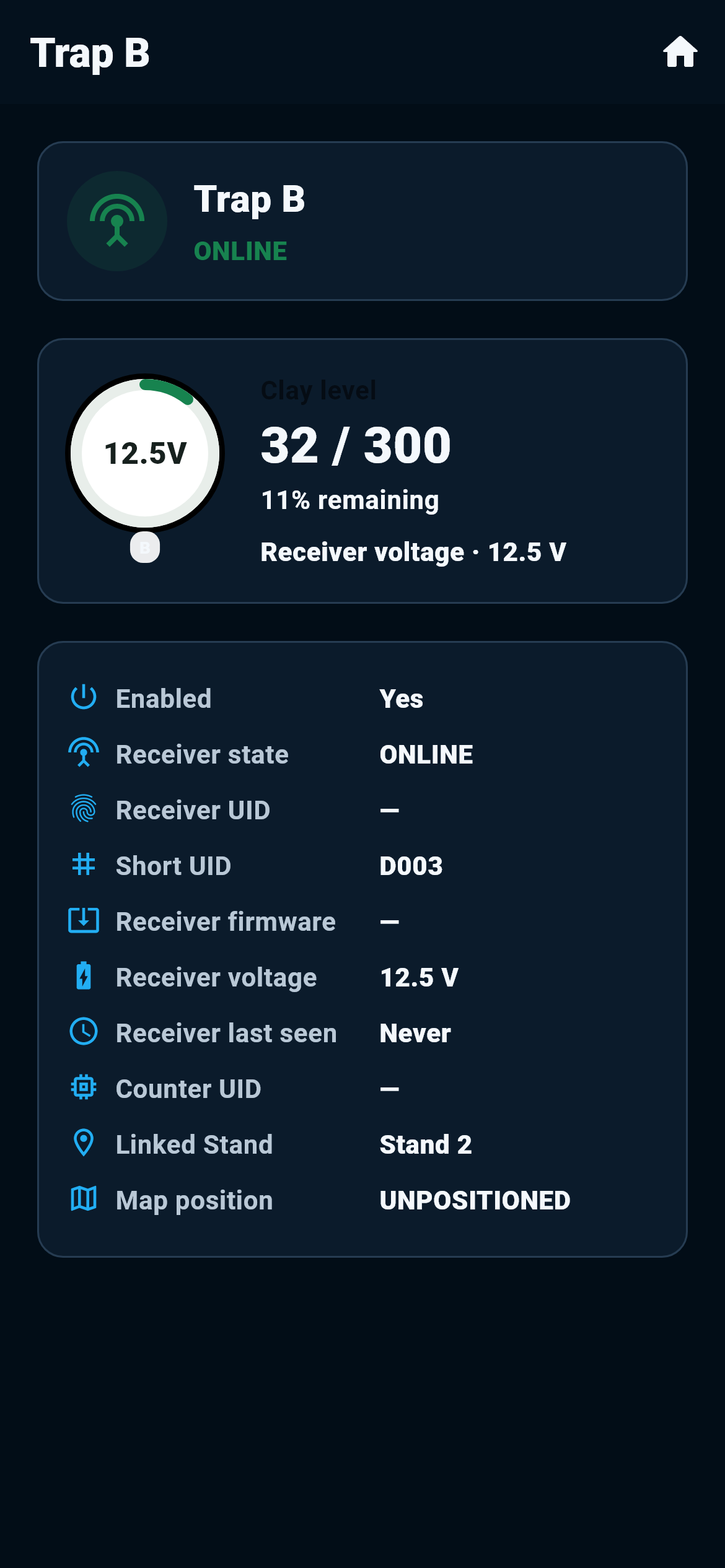
Review maintenance jobs and service records in Reception. Link the work to the operational equipment information so staff can see what is due and what has already been completed.
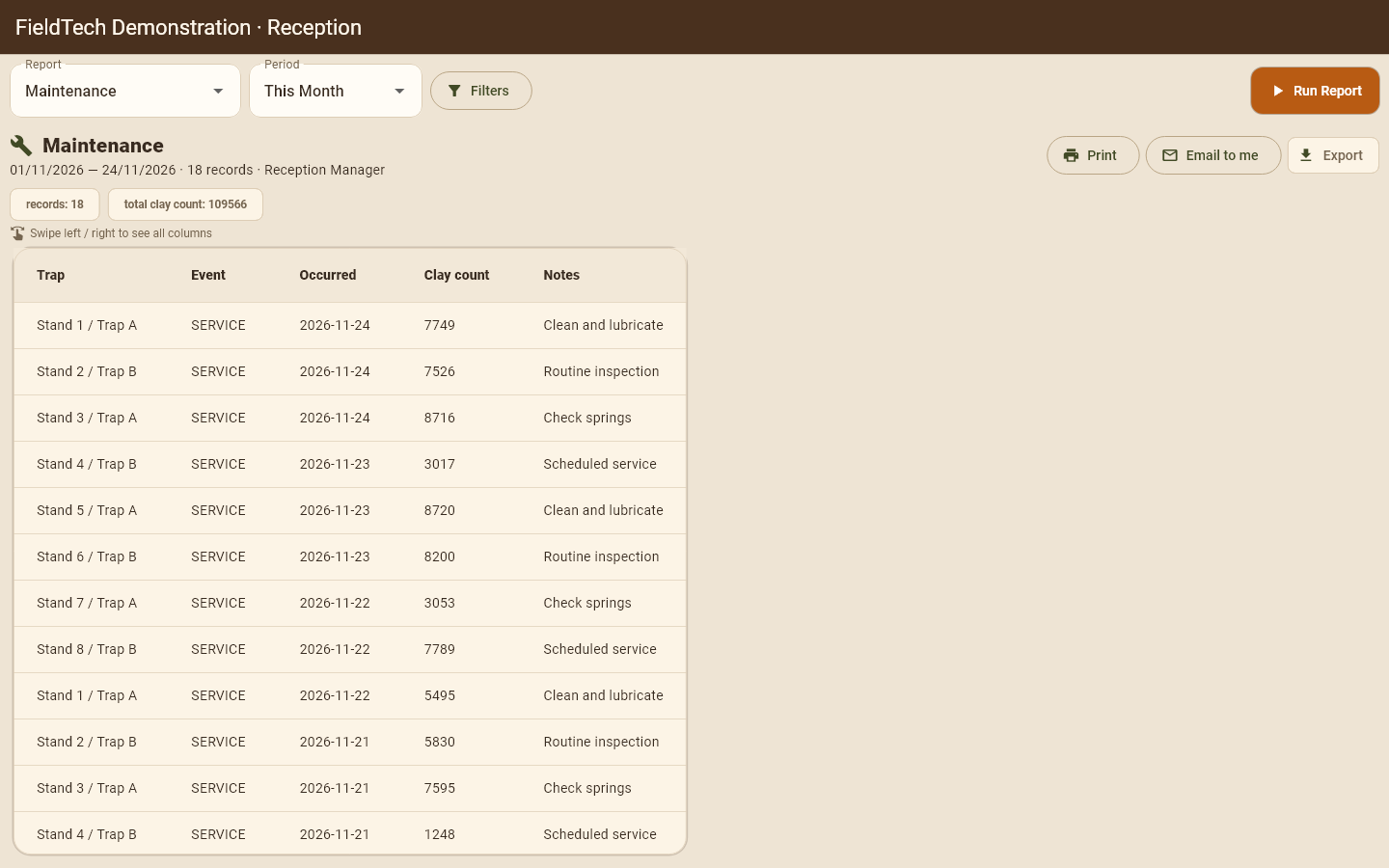
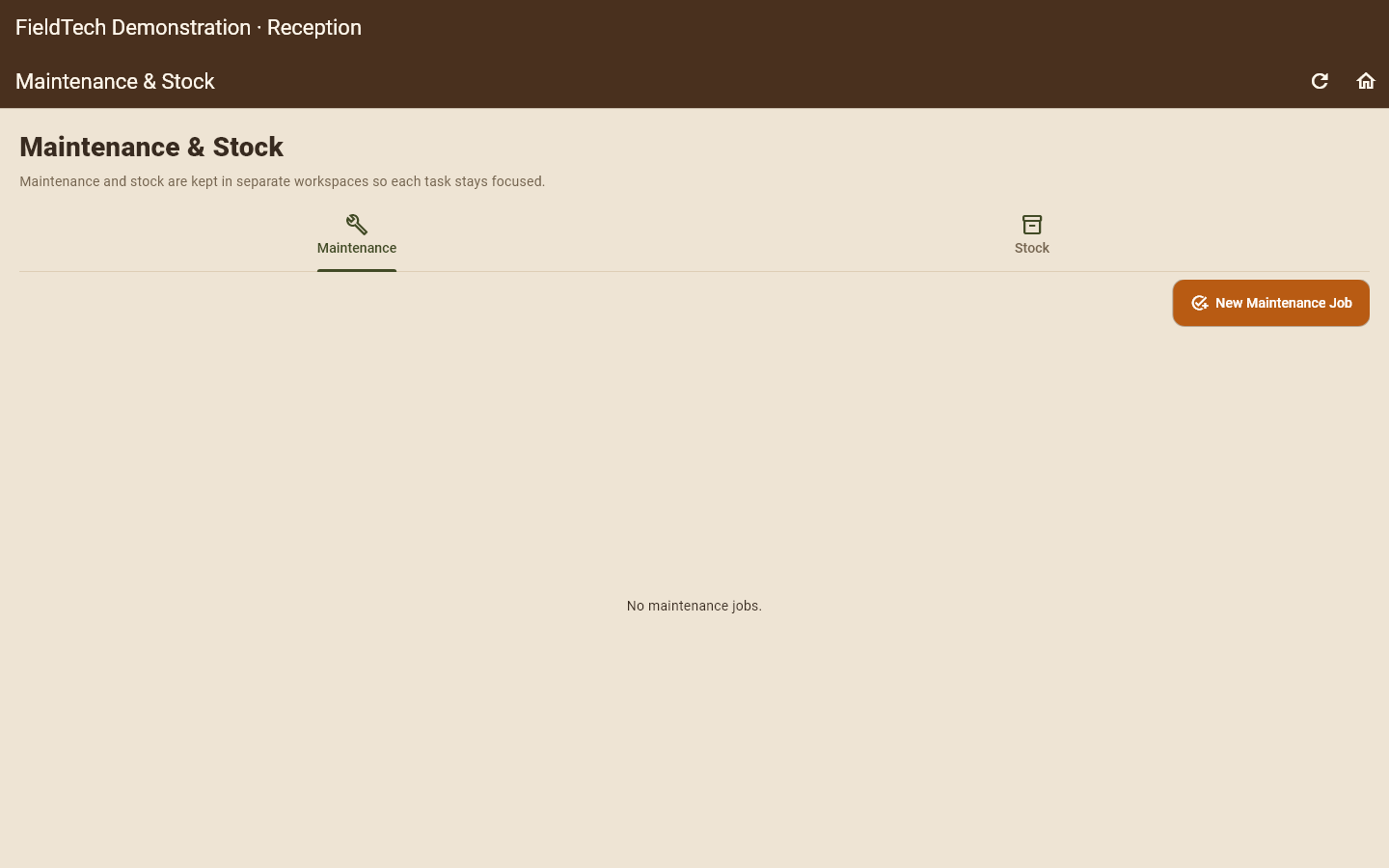
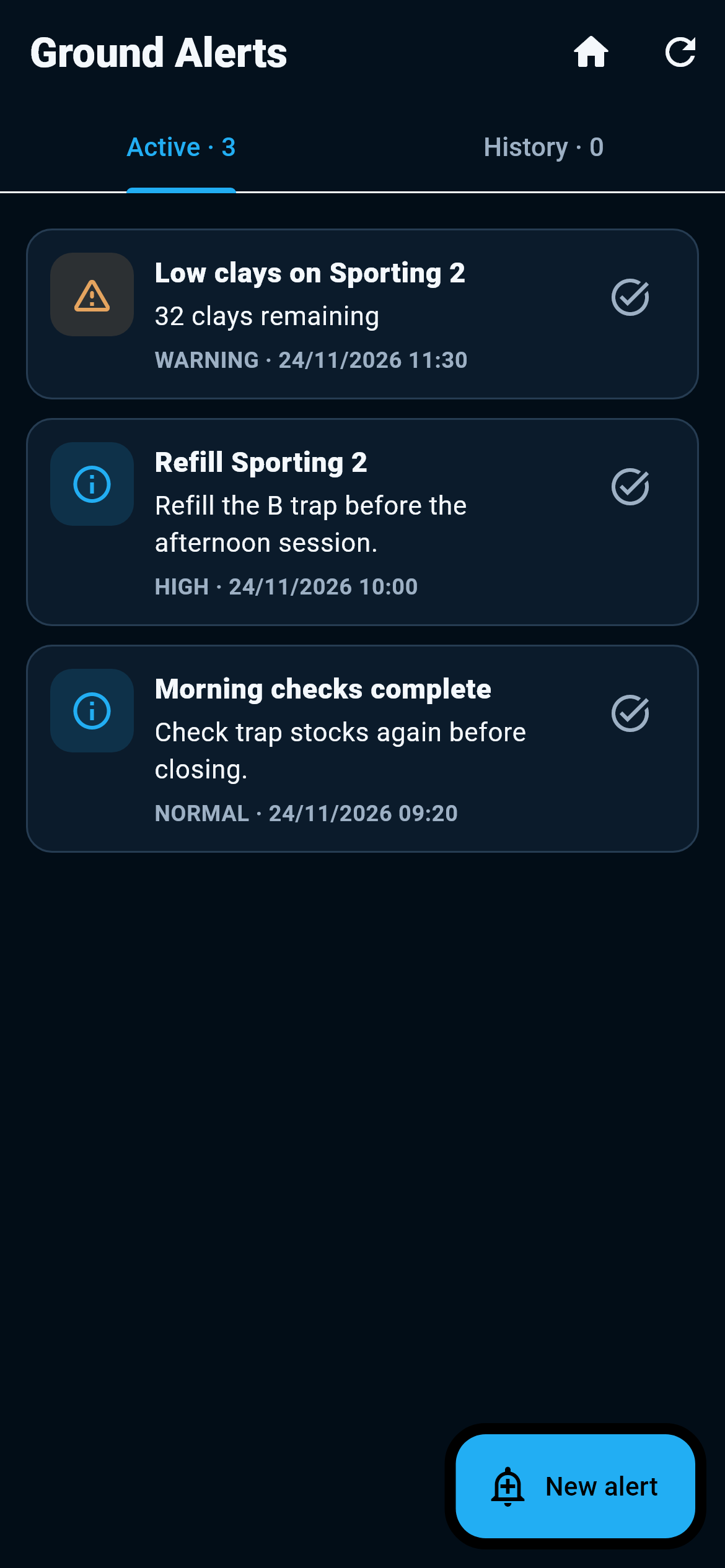
With NetLink+, staff can review maintenance, outstanding warnings and handover notes in the field, and record the appropriate completed actions.
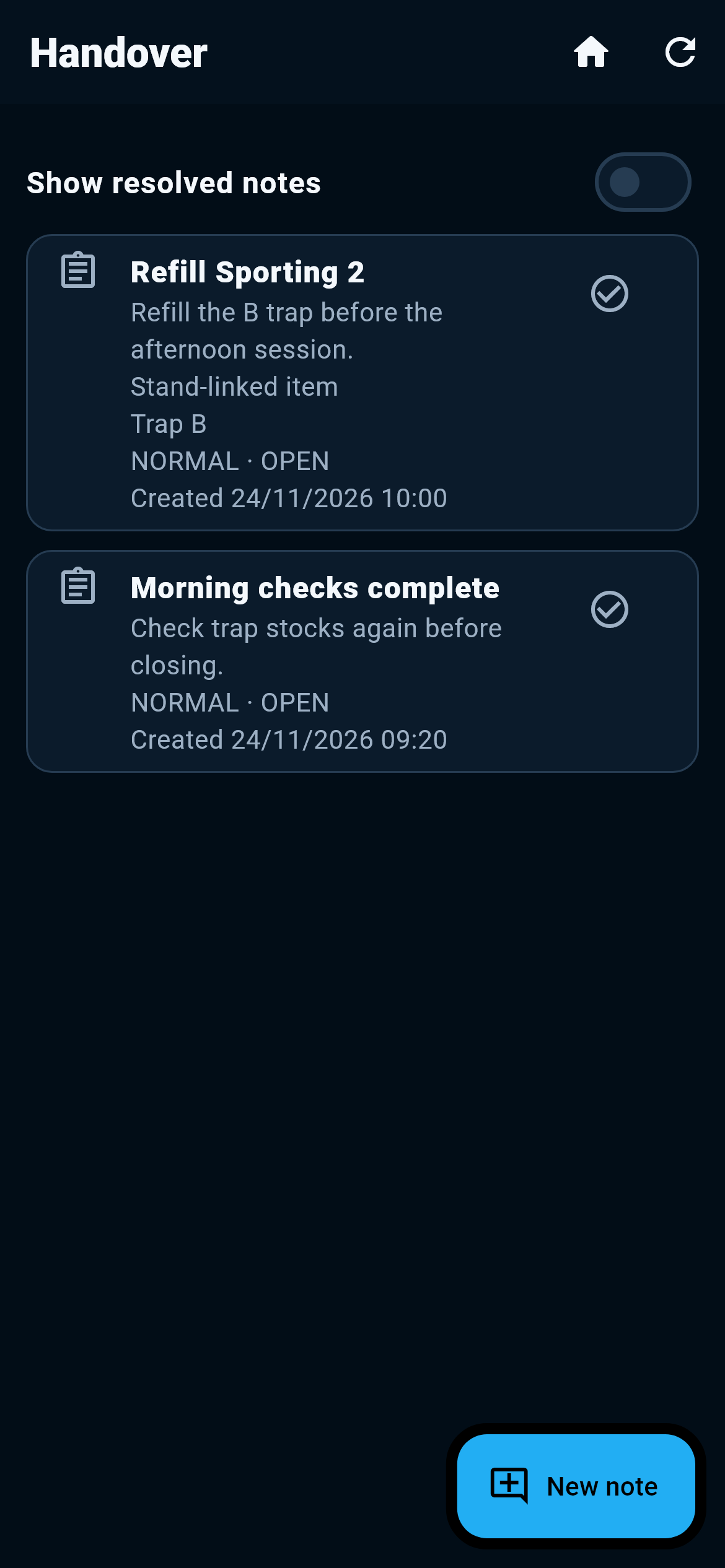
Scroll through the actual application screens. Select an image to enlarge.
Compare recorded clay usage and value across stands and associated traps.
ExploreReview stock movement records, delivery quantities and recorded values.
ExploreReview due or completed maintenance and equipment service records.
Explore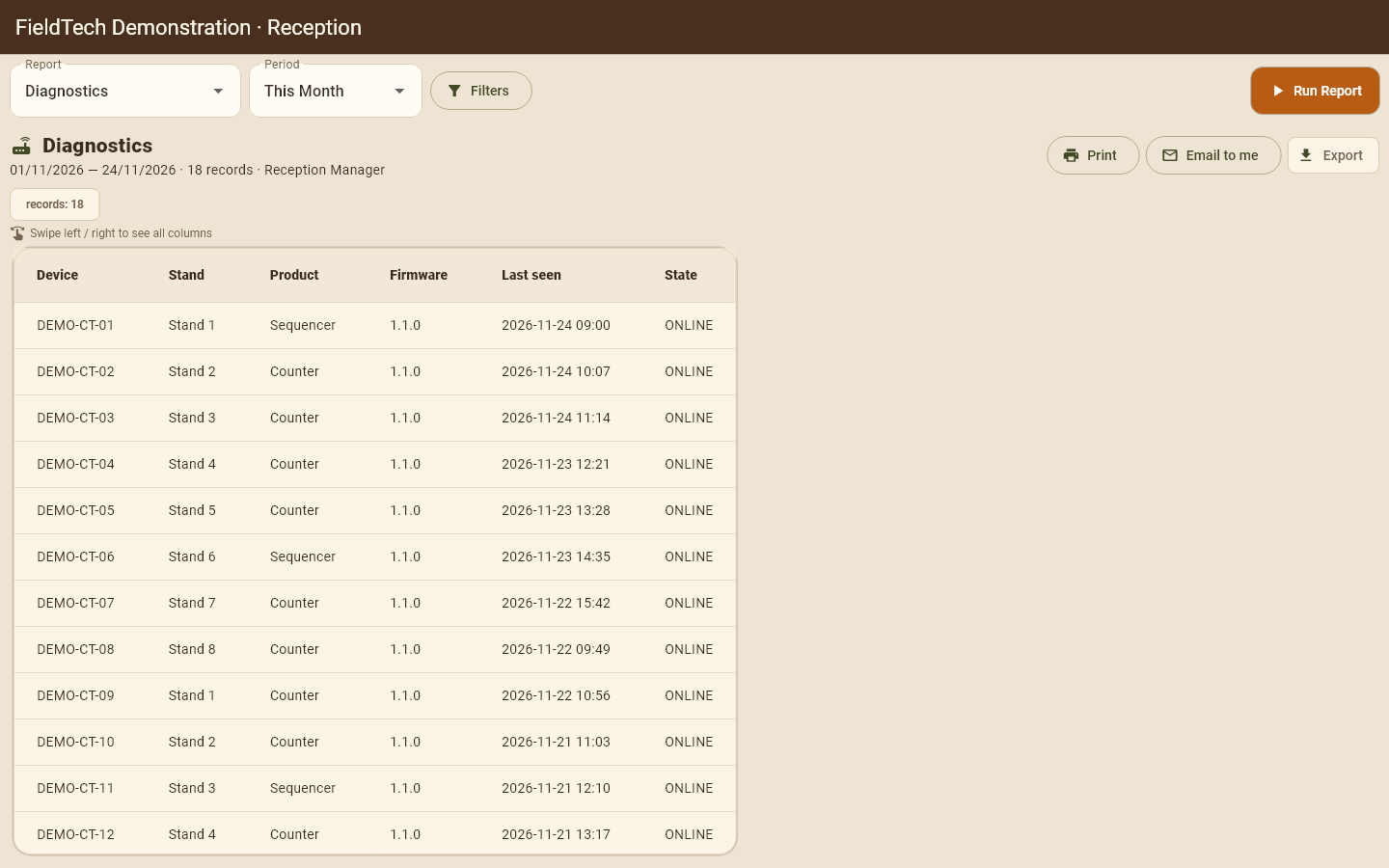
Inspect reported technical events and equipment-related information.
ExploreScroll through the actual application screens. Select an image to enlarge.
Review equipment requiring service and record completed maintenance under the appropriate permissions.
Explore NetLink+Review recorded stock quantities and recent movements; record a delivery when authorised.
Explore NetLink+Leave stand-specific tasks and information for colleagues, and resolve completed handover items.
Explore NetLink+Find the warnings and outstanding staff reports that need attention. Keep the record of resolved items.
Explore NetLink+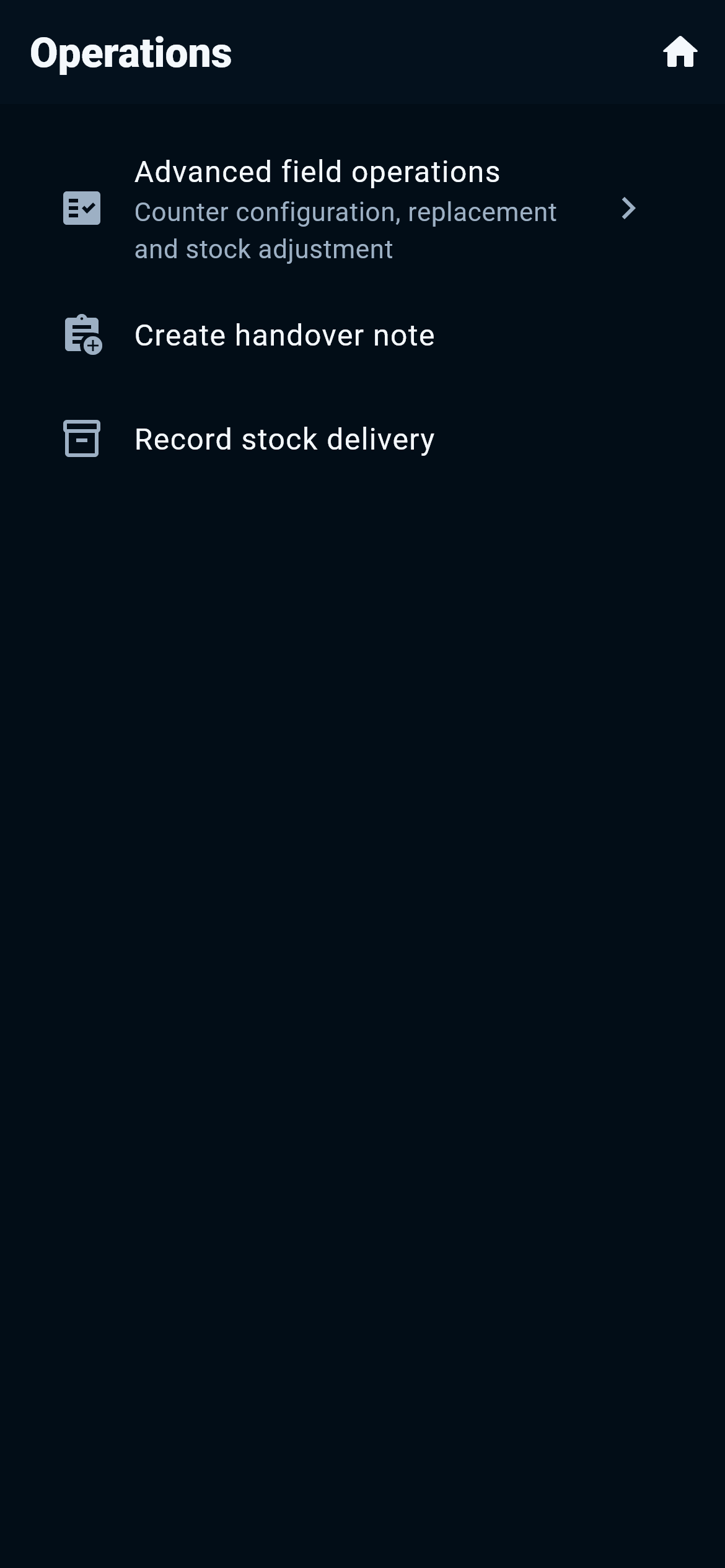
Access practical field actions including handover and stock delivery, with additional administration where permitted.
Explore NetLink+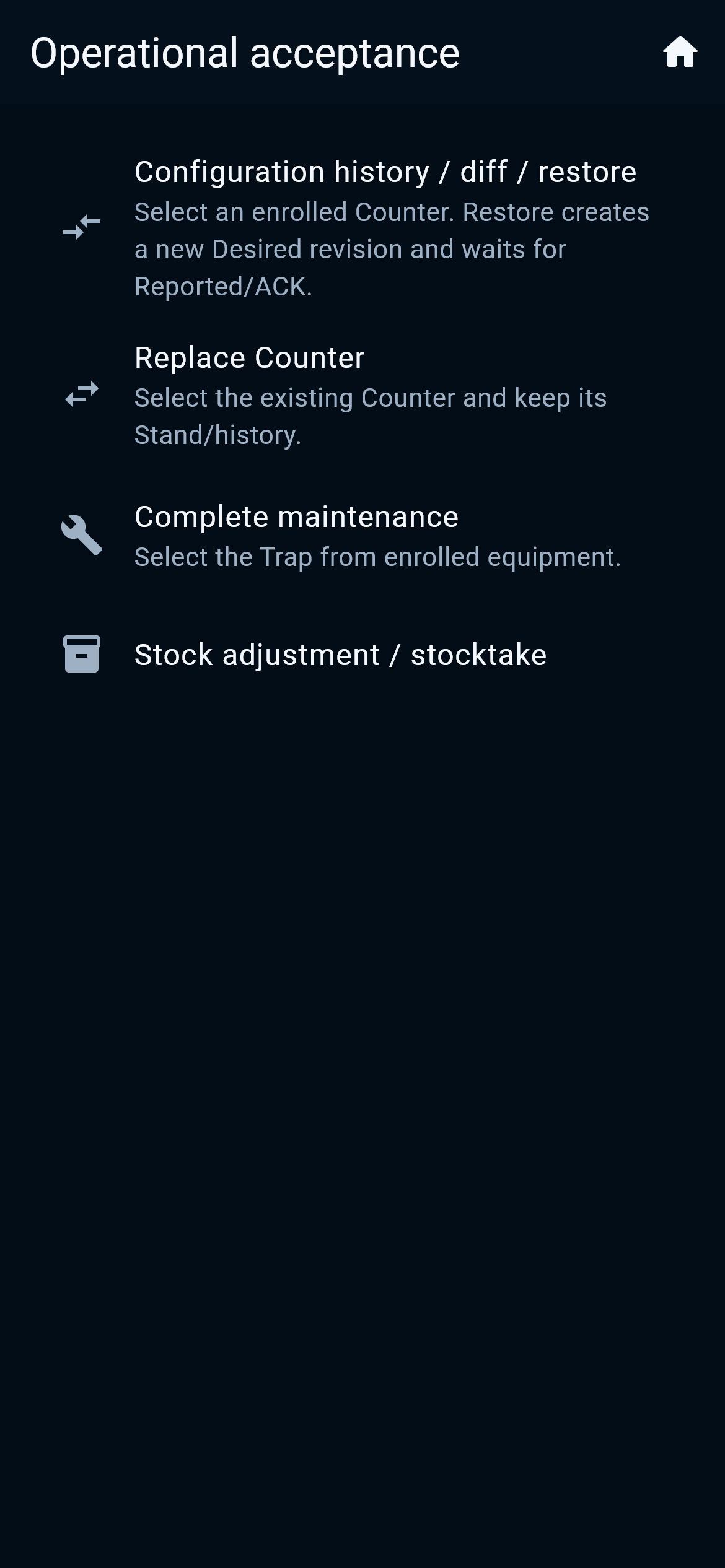
Review configuration history, supported counter replacement, completed maintenance and stock adjustments.
Explore NetLink+Plan a system around your stands, disciplines and operational requirements.