FEATURE / 01
Issue and manage customer cards
Associate compatible membership or customer cards with the correct account, so staff can look up and manage the relevant customer record.
Explore this feature →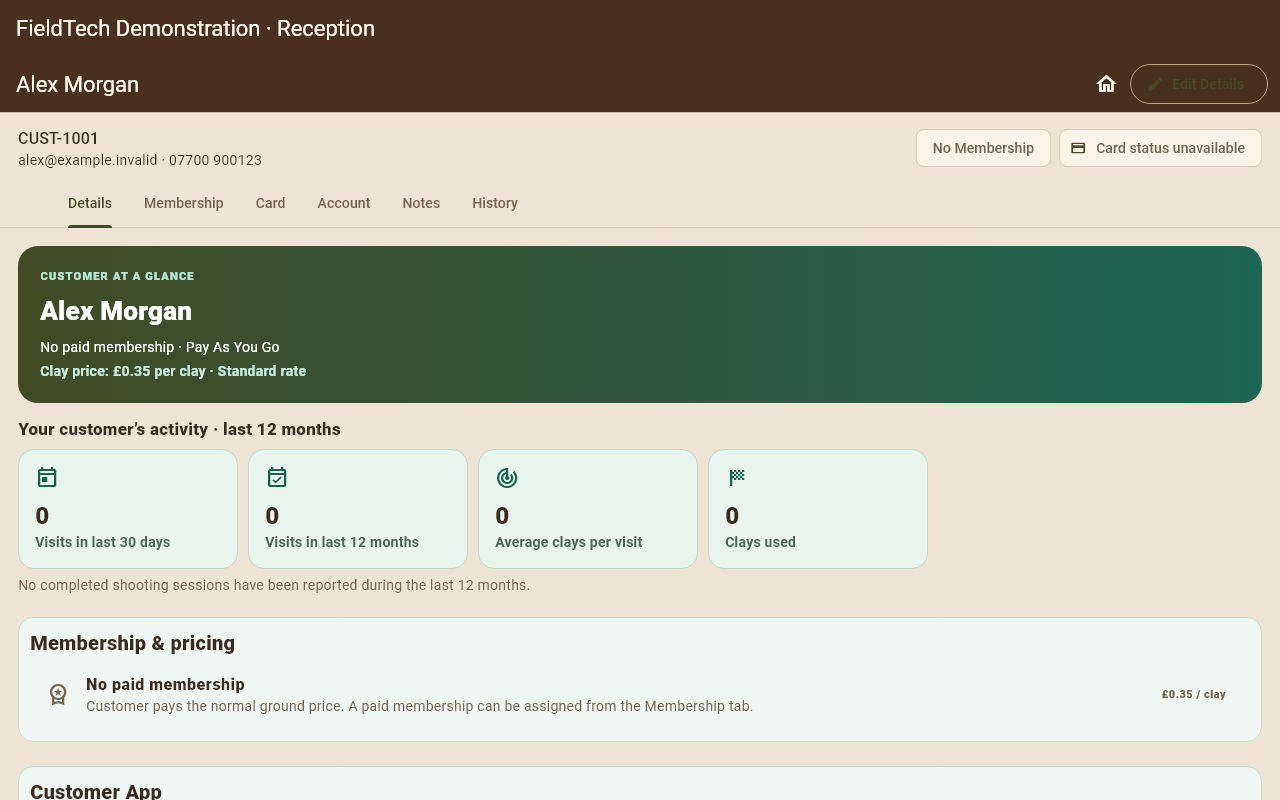
Read compatible customer cards in authorised Reception workflows.
Confirm the supplied reader variant and connection method.
A closer look at its role in the connected ground.
Associate compatible membership or customer cards with the correct account, so staff can look up and manage the relevant customer record.
Explore this feature →Use the authorised reader and account workflow to prepare the card and complete applicable customer transactions.
Explore this feature →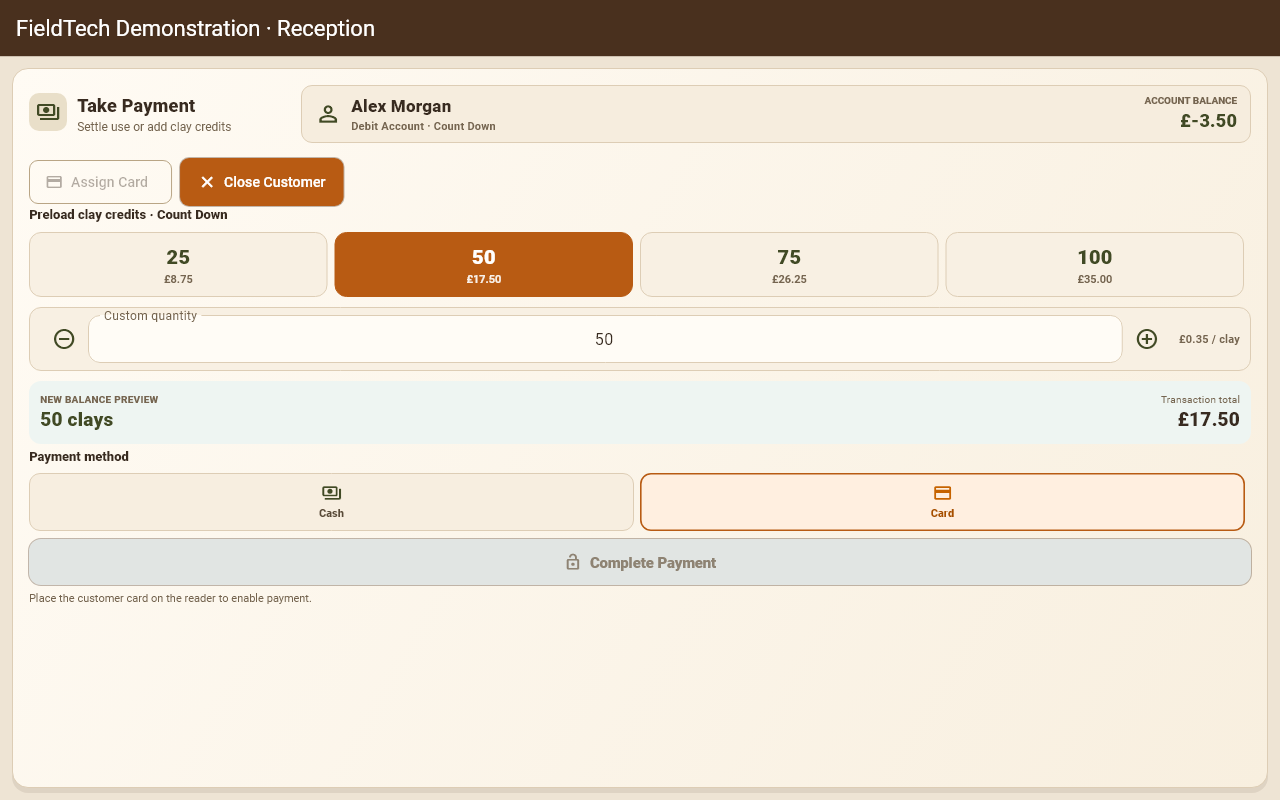
Compatible staff-card workflows support protected equipment administration. Staff access permissions are managed independently of customer membership.
Explore this feature →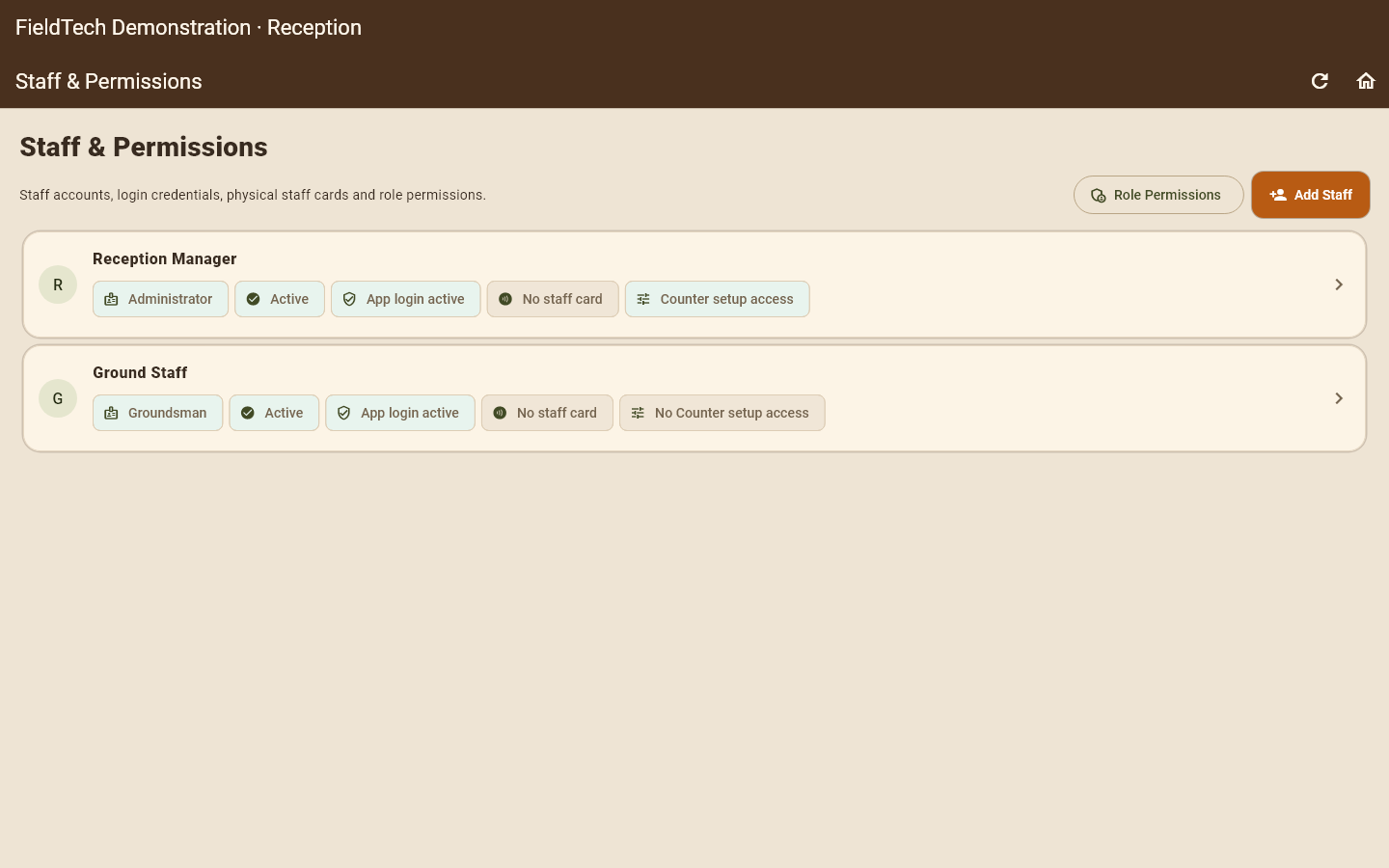
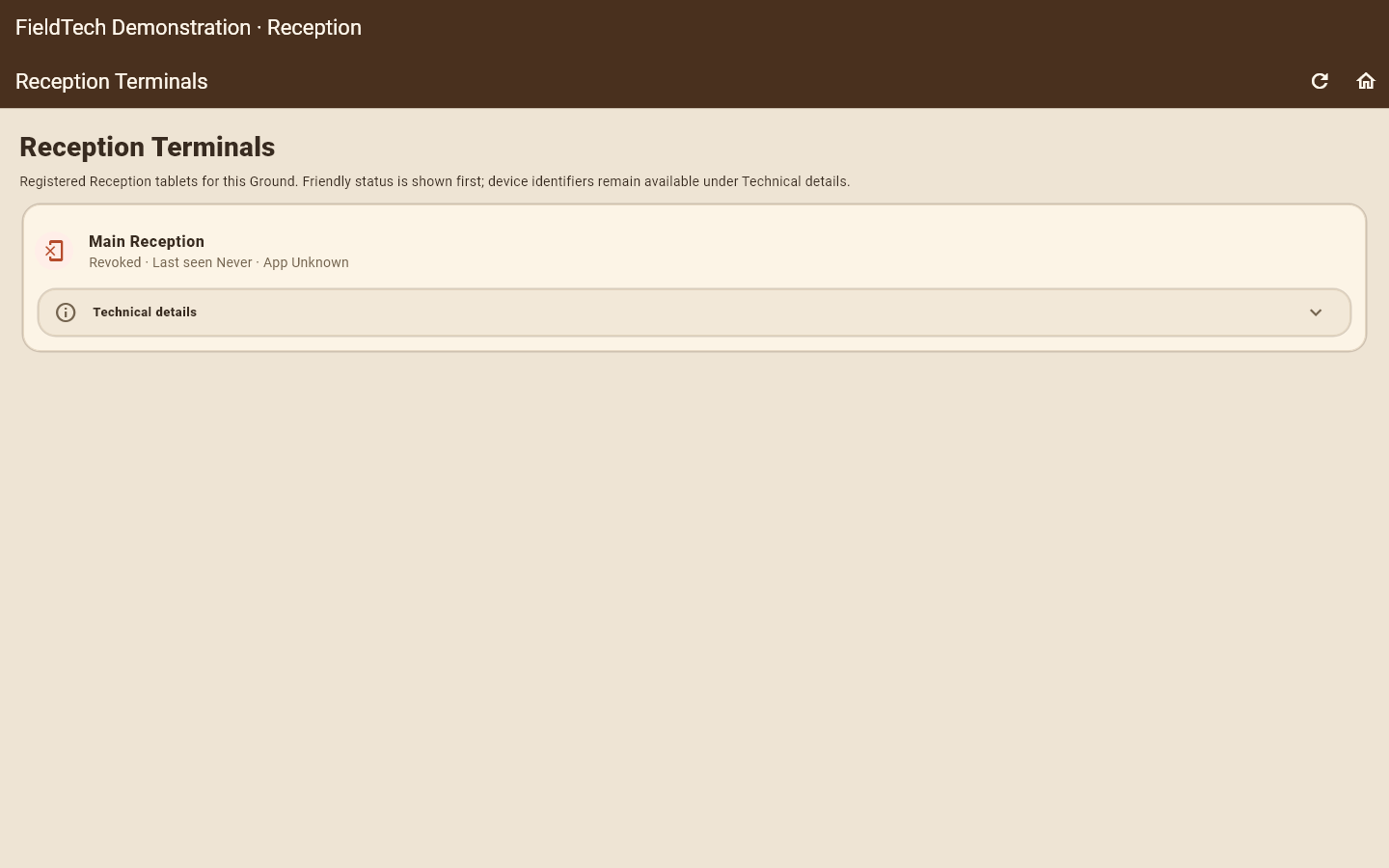
Review Reception terminal enrolment and configure the approved reader connection. The supplied reader variant and connection method must match the installation.
Explore this feature →