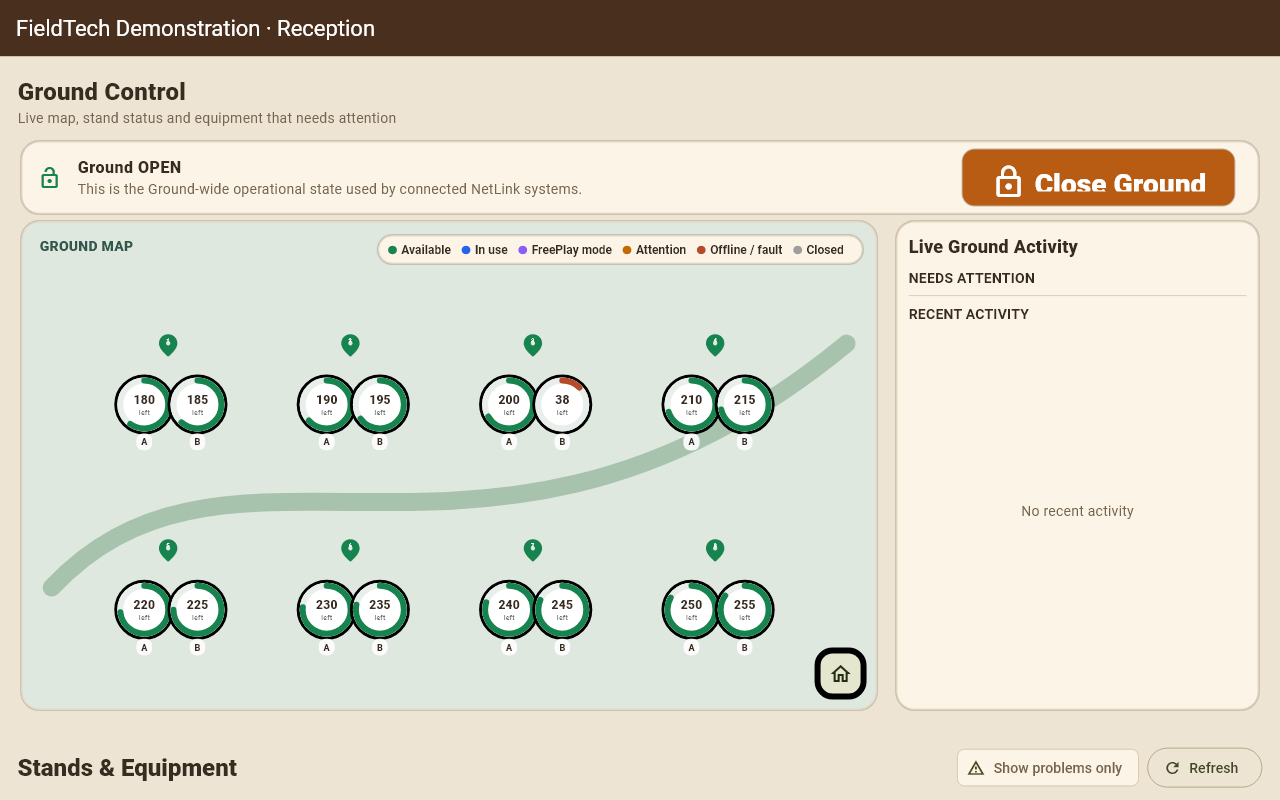
Ground Control
See the configured stands, associated traps, connectivity and clay availability. Investigate issues before reopening a stand.
ExploreA connected view of stand availability, equipment readings and ground activity makes it easier to identify what needs attention and coordinate the response.
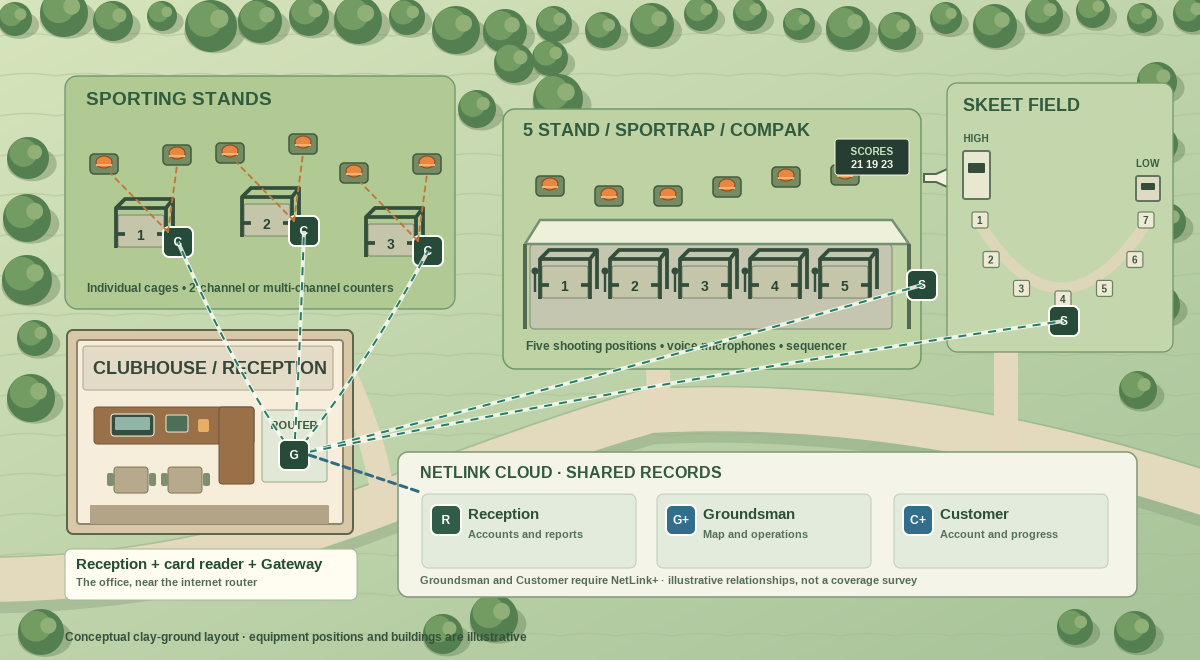
Core Reception brings configured stands and associated traps into the operational workspace, with the information provided by compatible equipment.
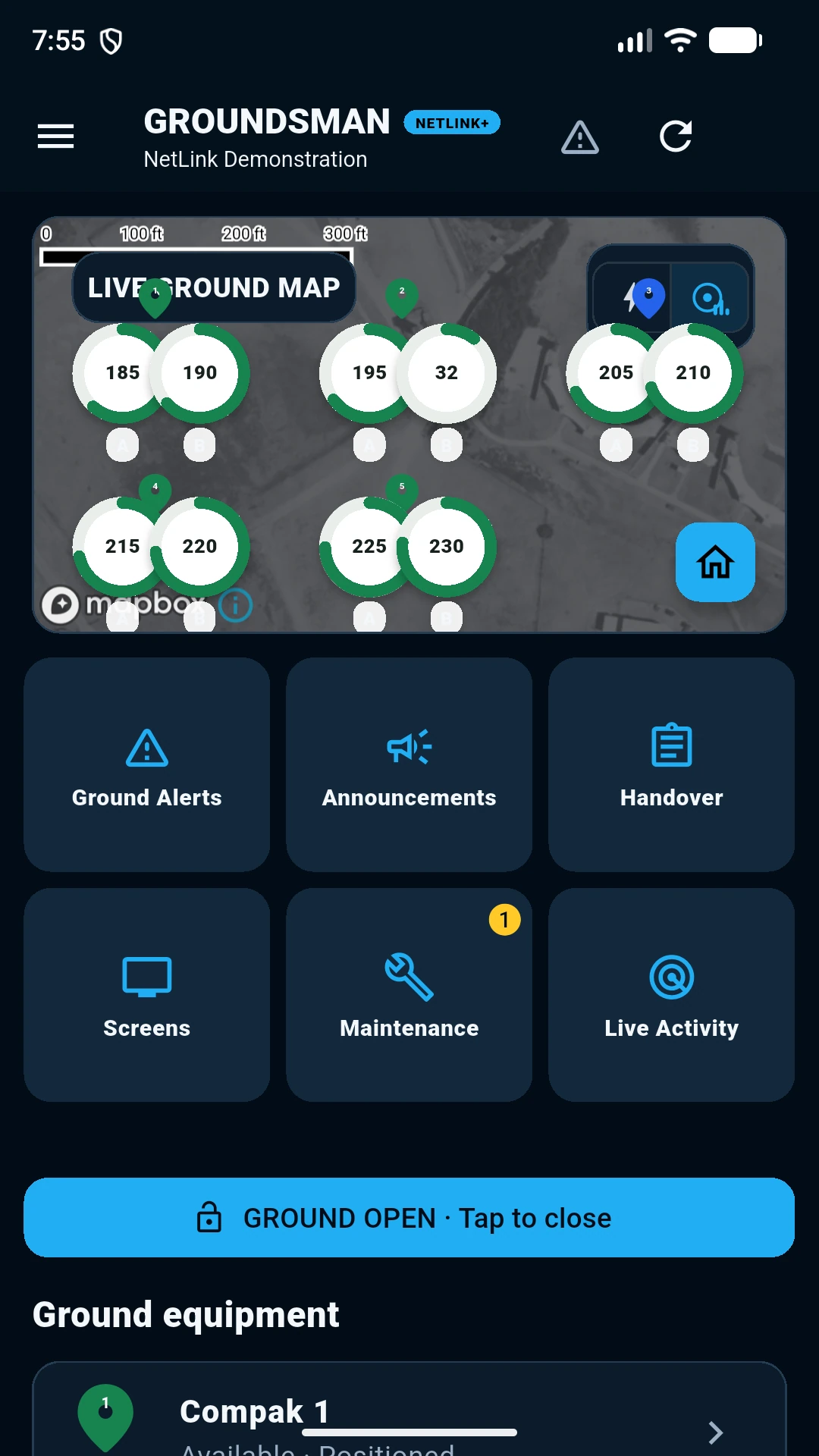
With NetLink+, authorised staff can use Groundsman to review the same ground from the field. The live map shows configured positions, with available readings and status information.
Alerts, staff notices, handover notes and recorded activity help the team keep track of issues, outstanding work and decisions.
Scroll through the actual application screens. Select an image to enlarge.
See the configured stands, associated traps, connectivity and clay availability. Investigate issues before reopening a stand.
Explore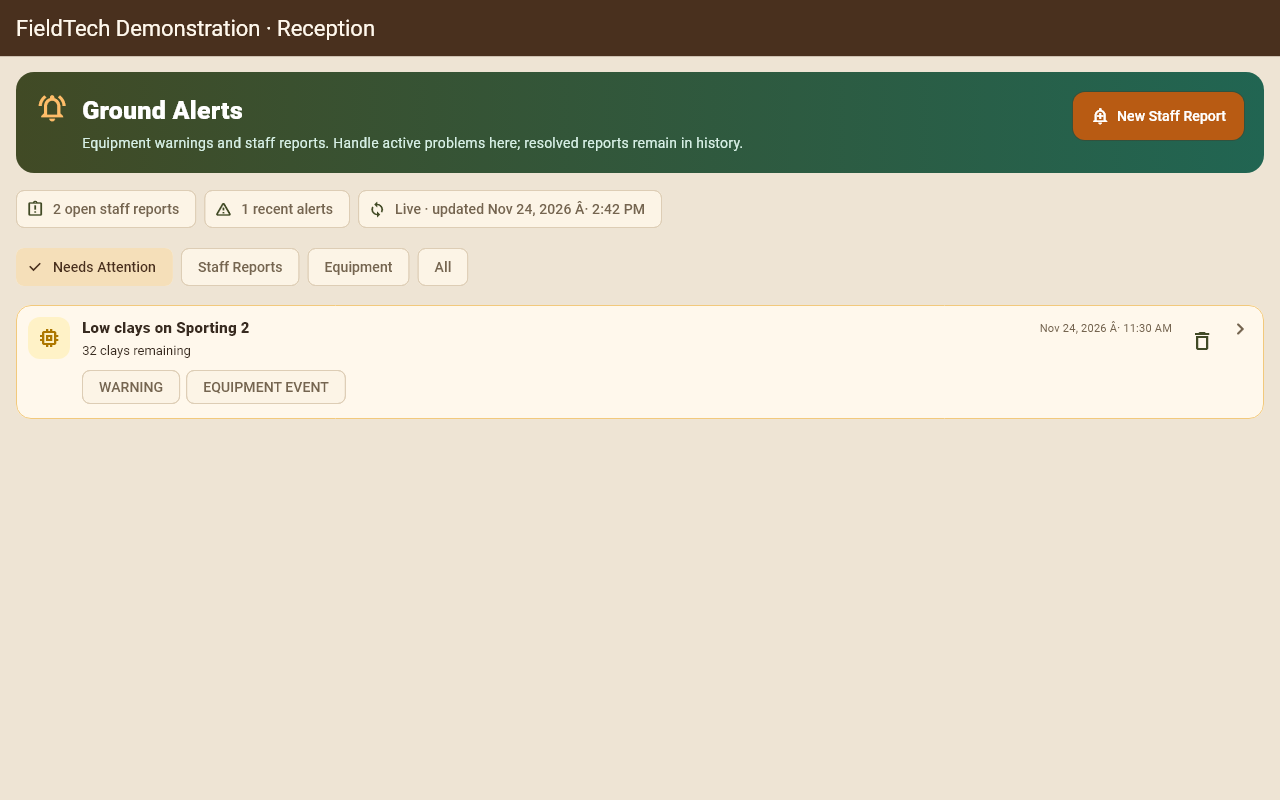
Review equipment warnings and staff reports, including low-clay conditions. Address the underlying issue instead of simply overlooking the warning.
Explore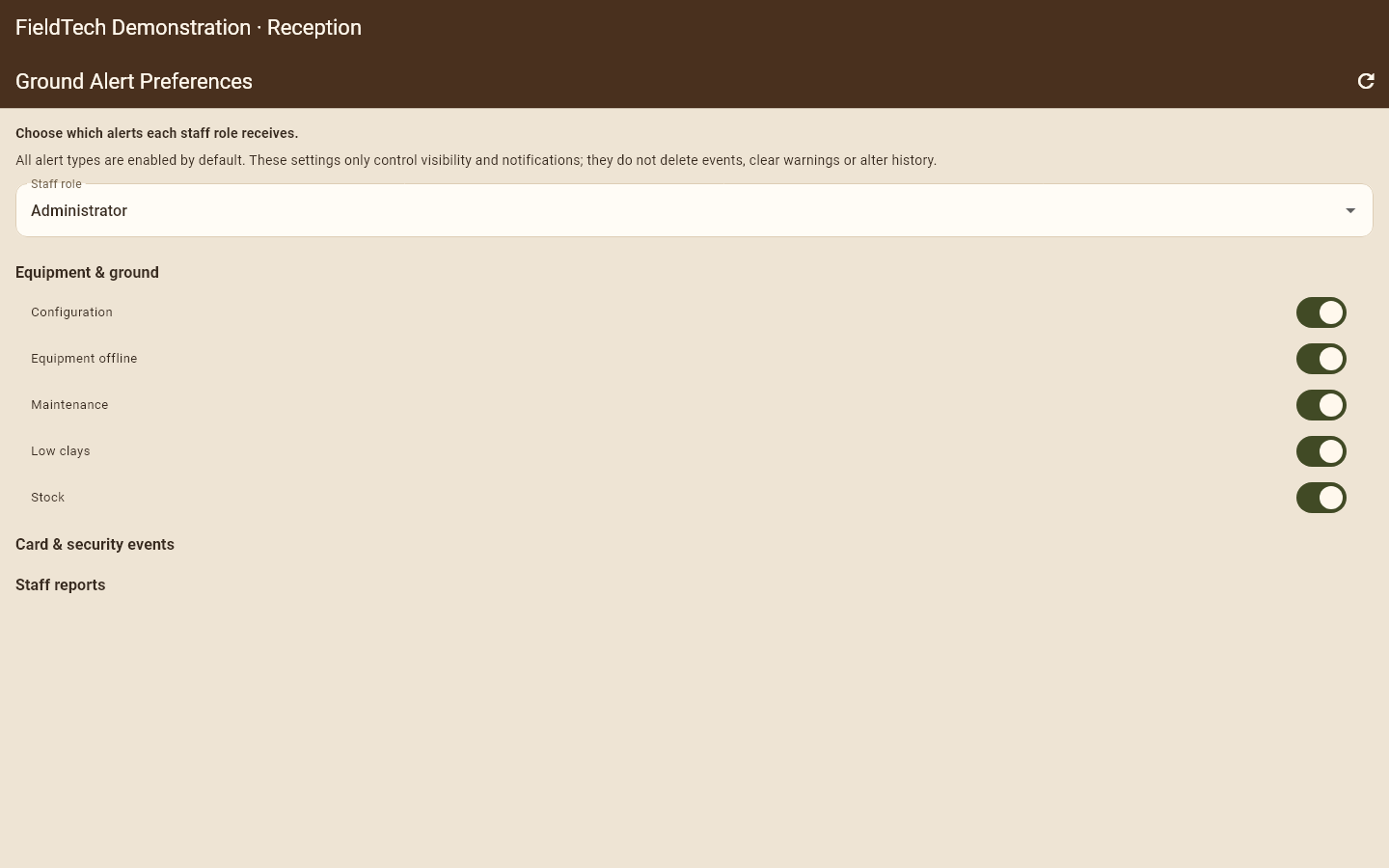
Choose which alert types each staff role receives. Changing visibility does not delete historical records or resolve an equipment issue.
Explore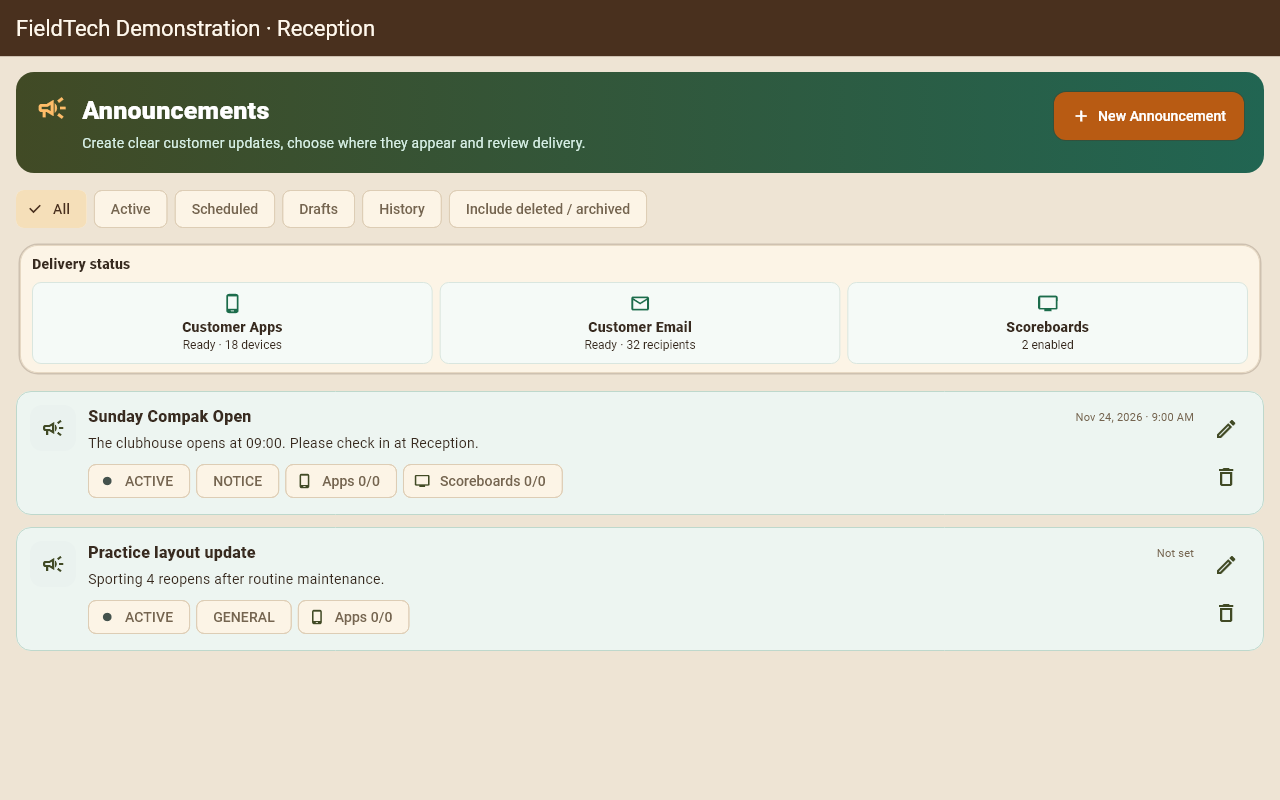
Compose and manage notices for the supported customer app, email and scoreboard channels, subject to delivery settings.
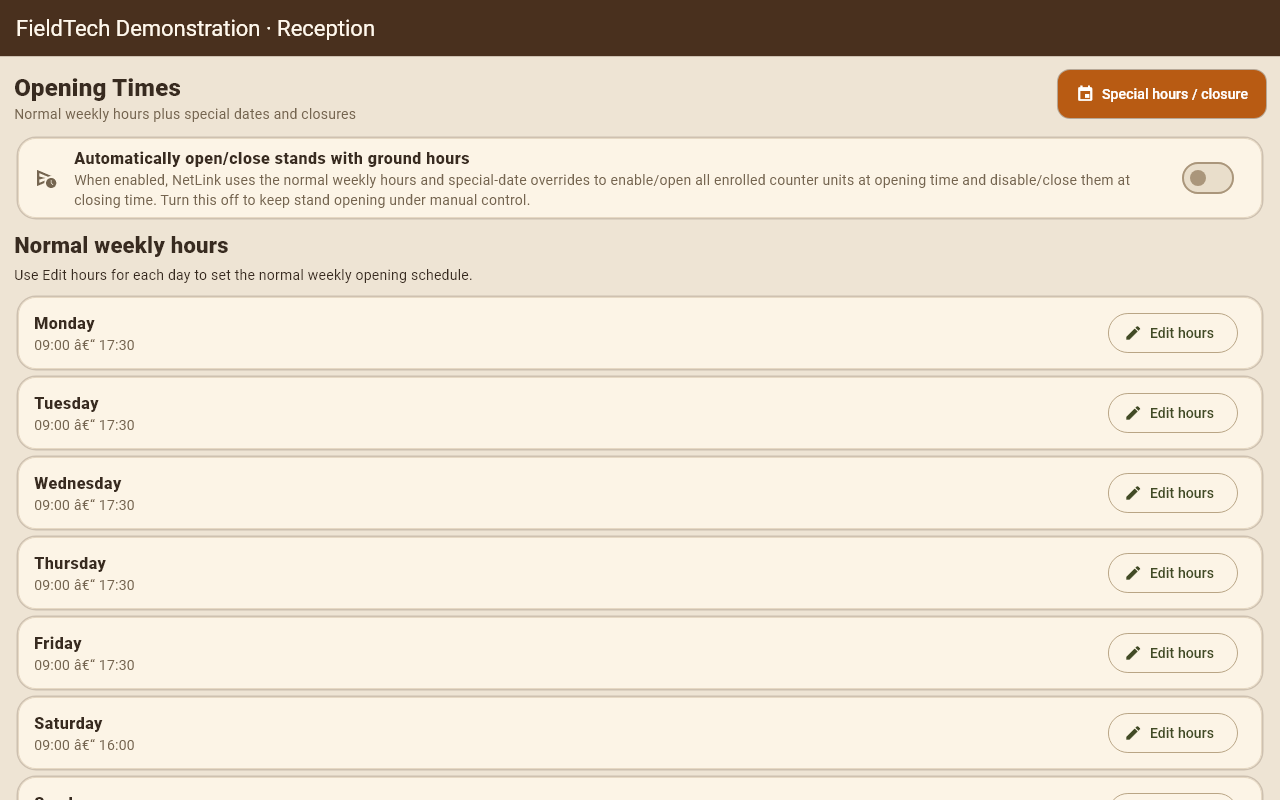
ExploreMaintain regular opening hours and special dates. Configure supported stand opening and closing automation where appropriate.
Explore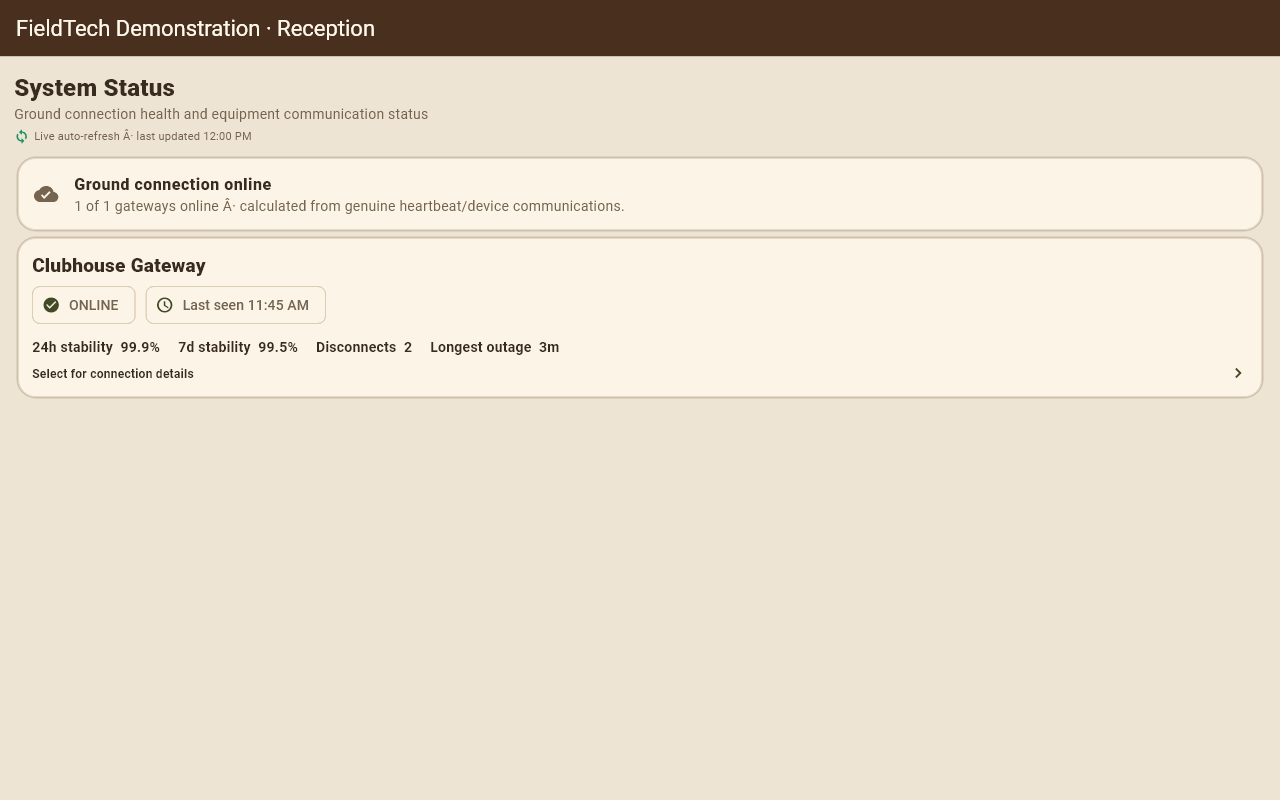
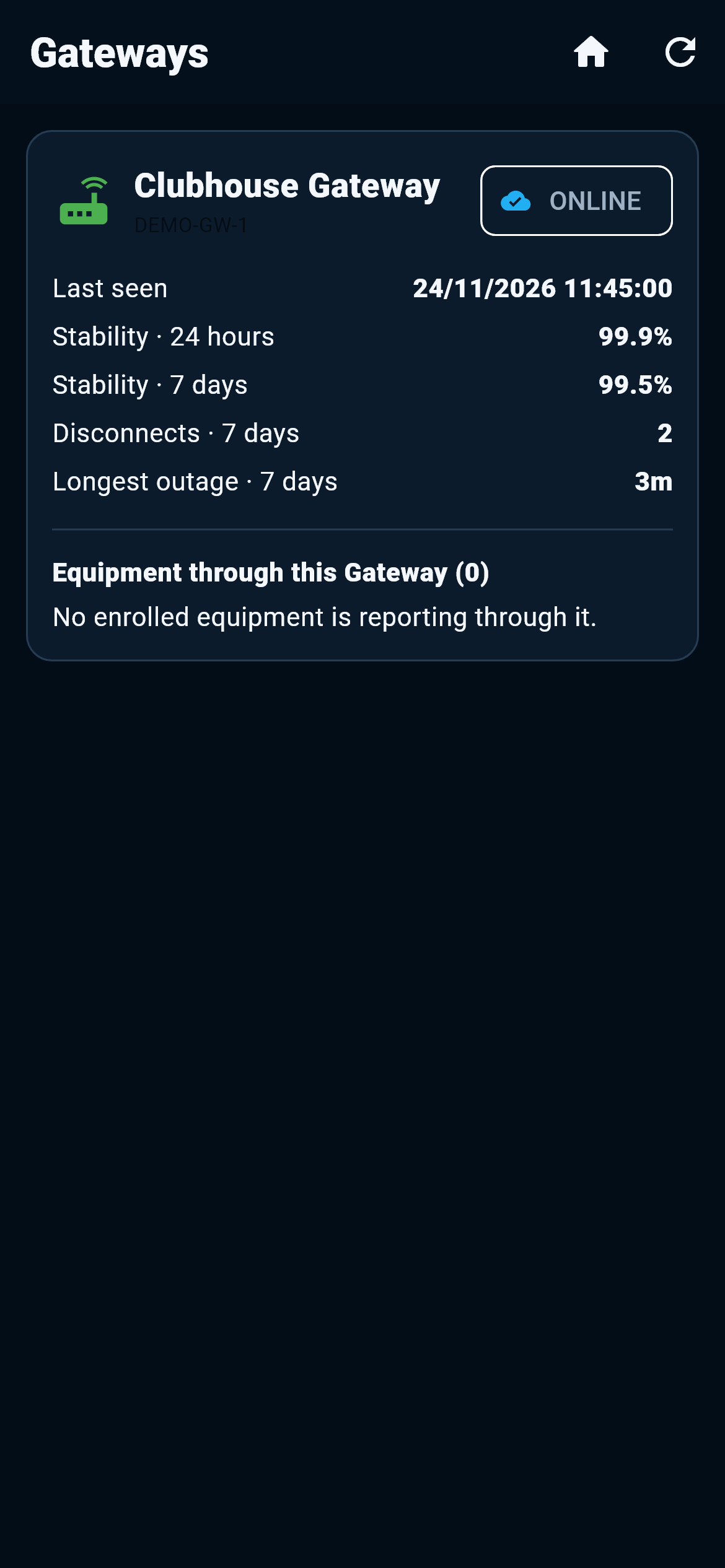
Review last contact, connection stability and disconnect history for the clubhouse gateway.
ExploreScroll through the actual application screens. Select an image to enlarge.
Open the key operational tools from the staff home workspace. View available information according to the permissions granted to your account.
Explore NetLink+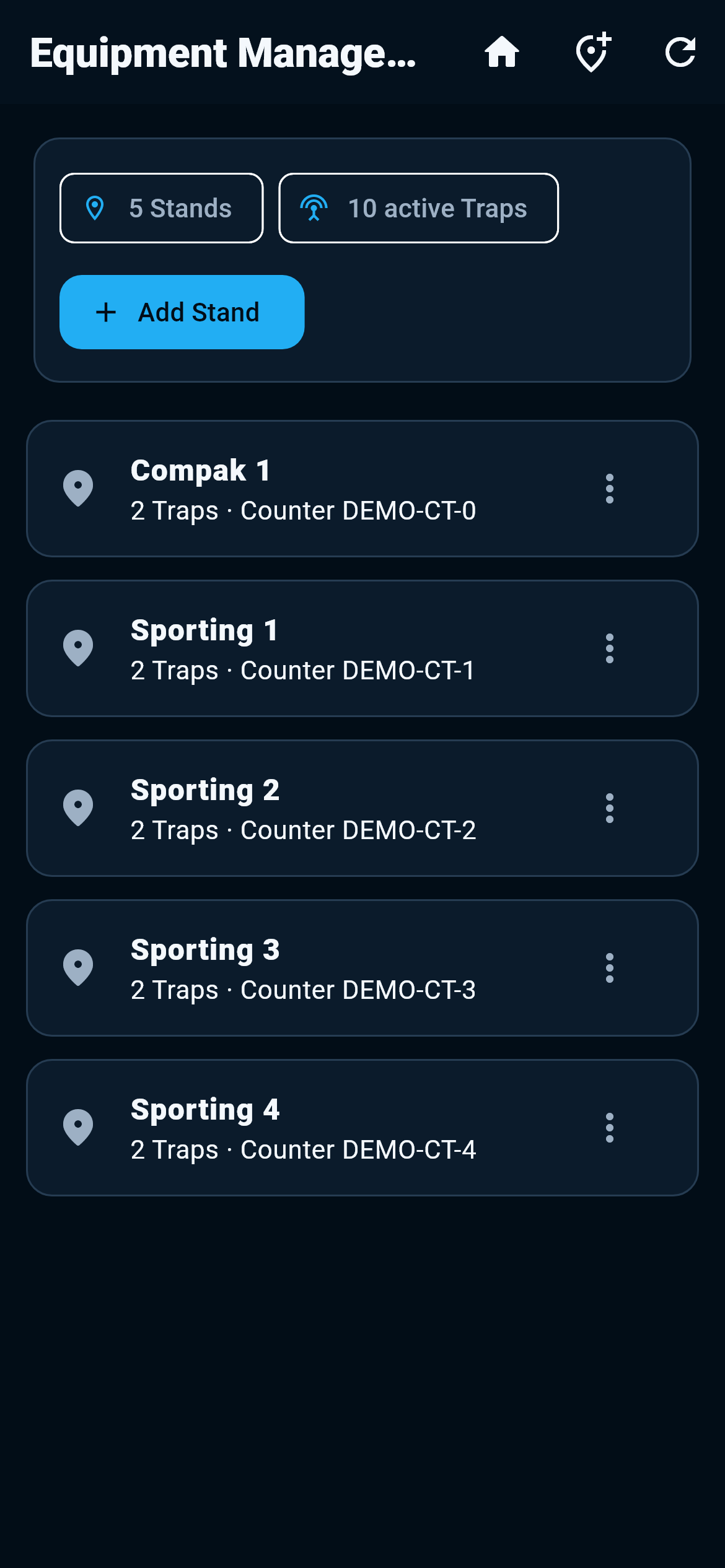
Review stands and their associated traps; inspect and manage configuration through the permitted equipment controls.
Explore NetLink+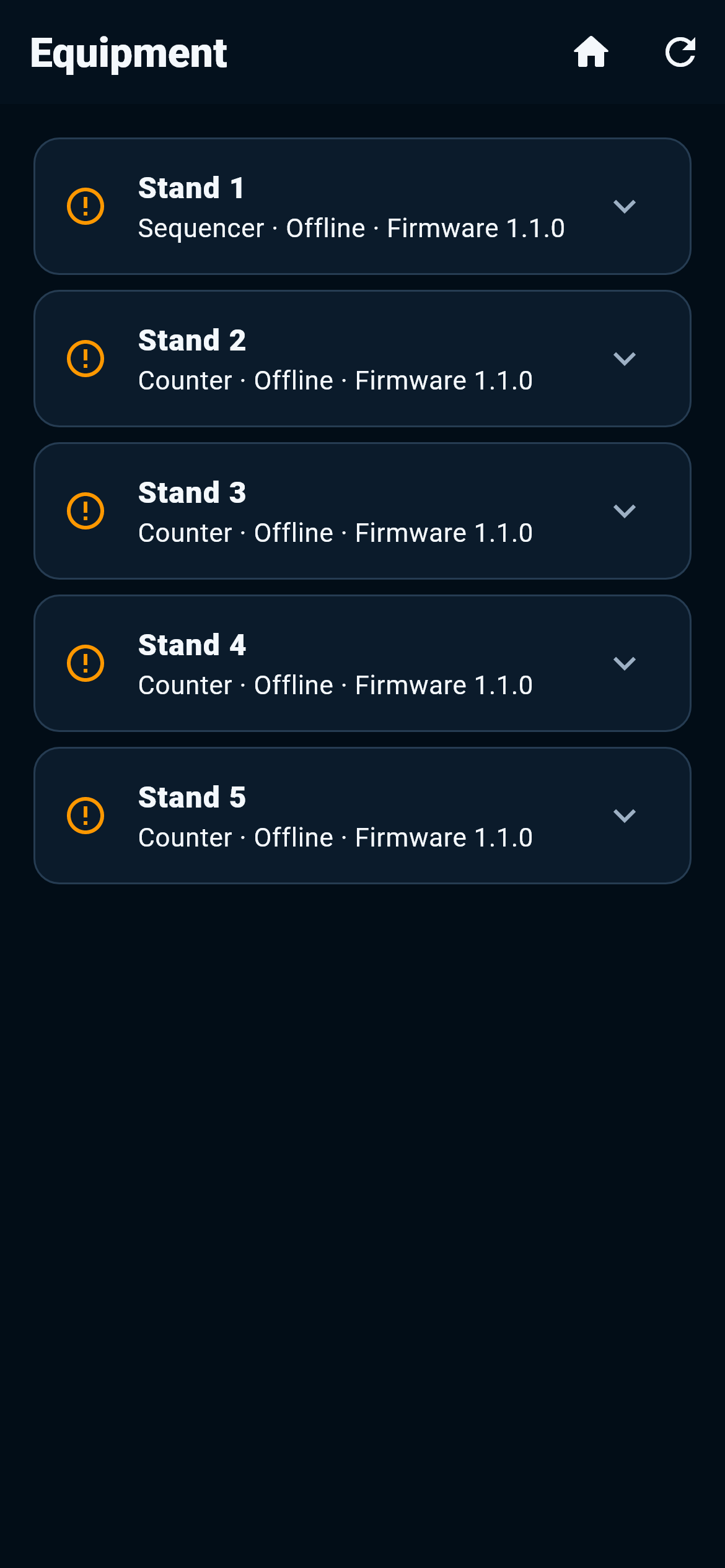
Check recorded equipment status and firmware details. An offline or unconfirmed device is distinct from one known to be available.
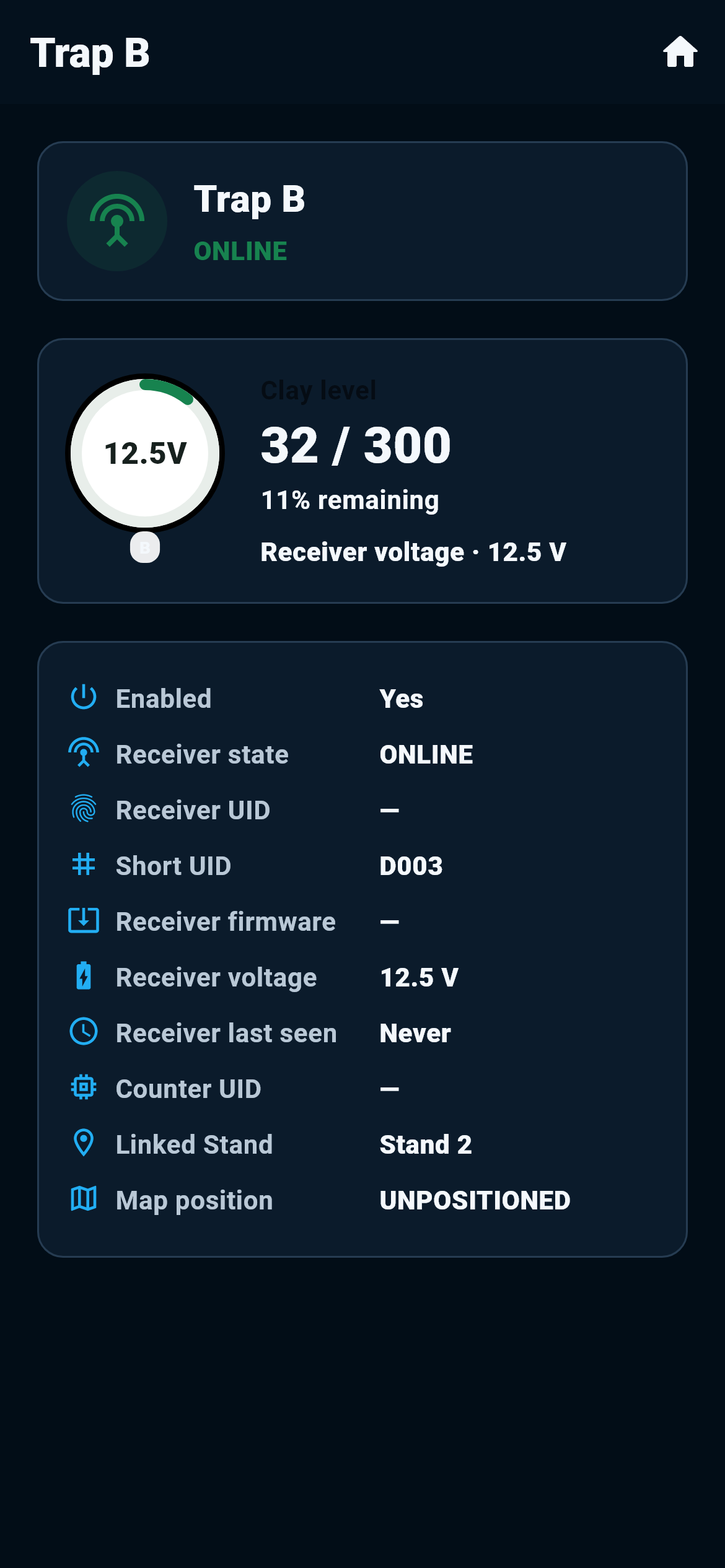
Explore NetLink+See remaining clays, receiver voltage and communication status where reported. Investigate a specific trap rather than guessing what is wrong.
Explore NetLink+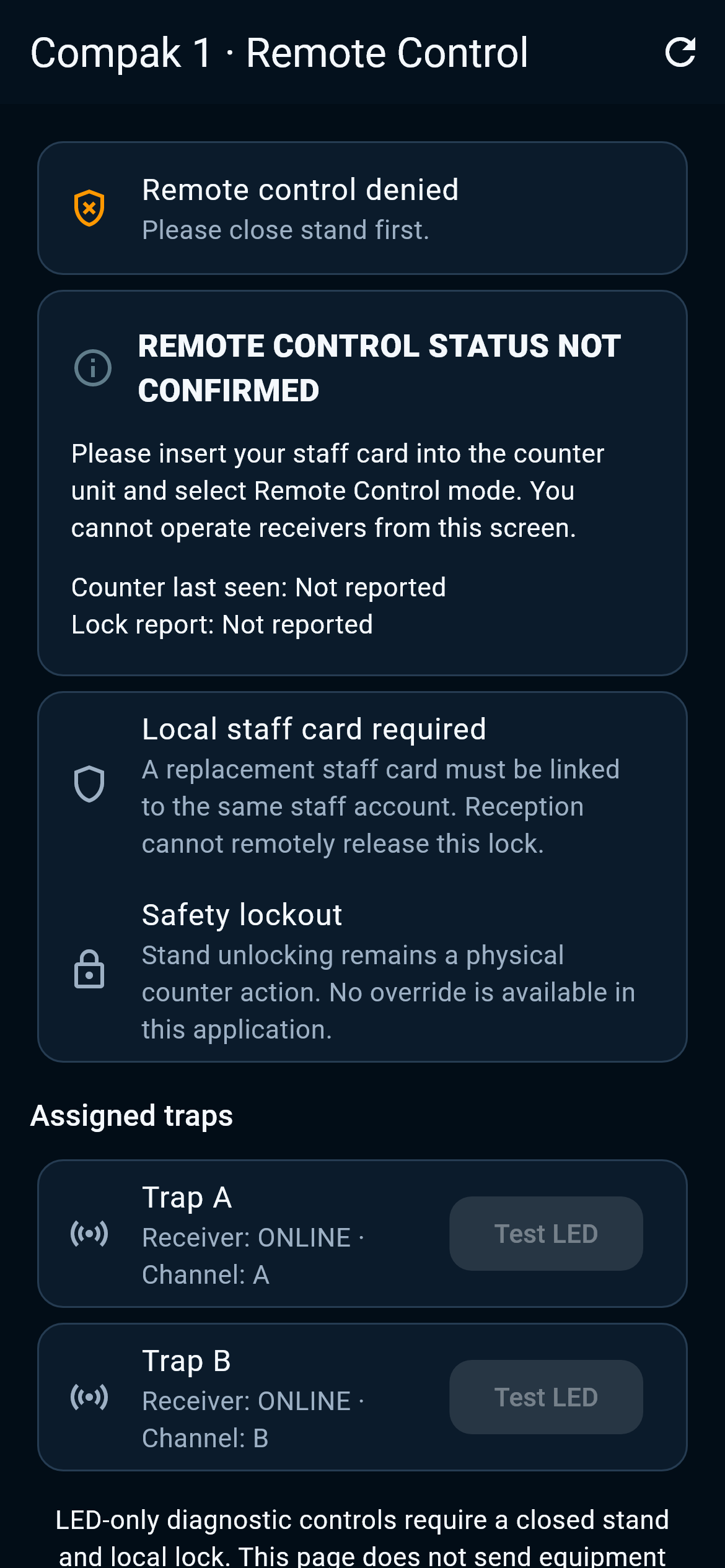
Inspect the stand's diagnostic state and approved LED-test controls. The interface enforces local authorisation and safety lockout; it is not a remote clay-release control.
Explore NetLink+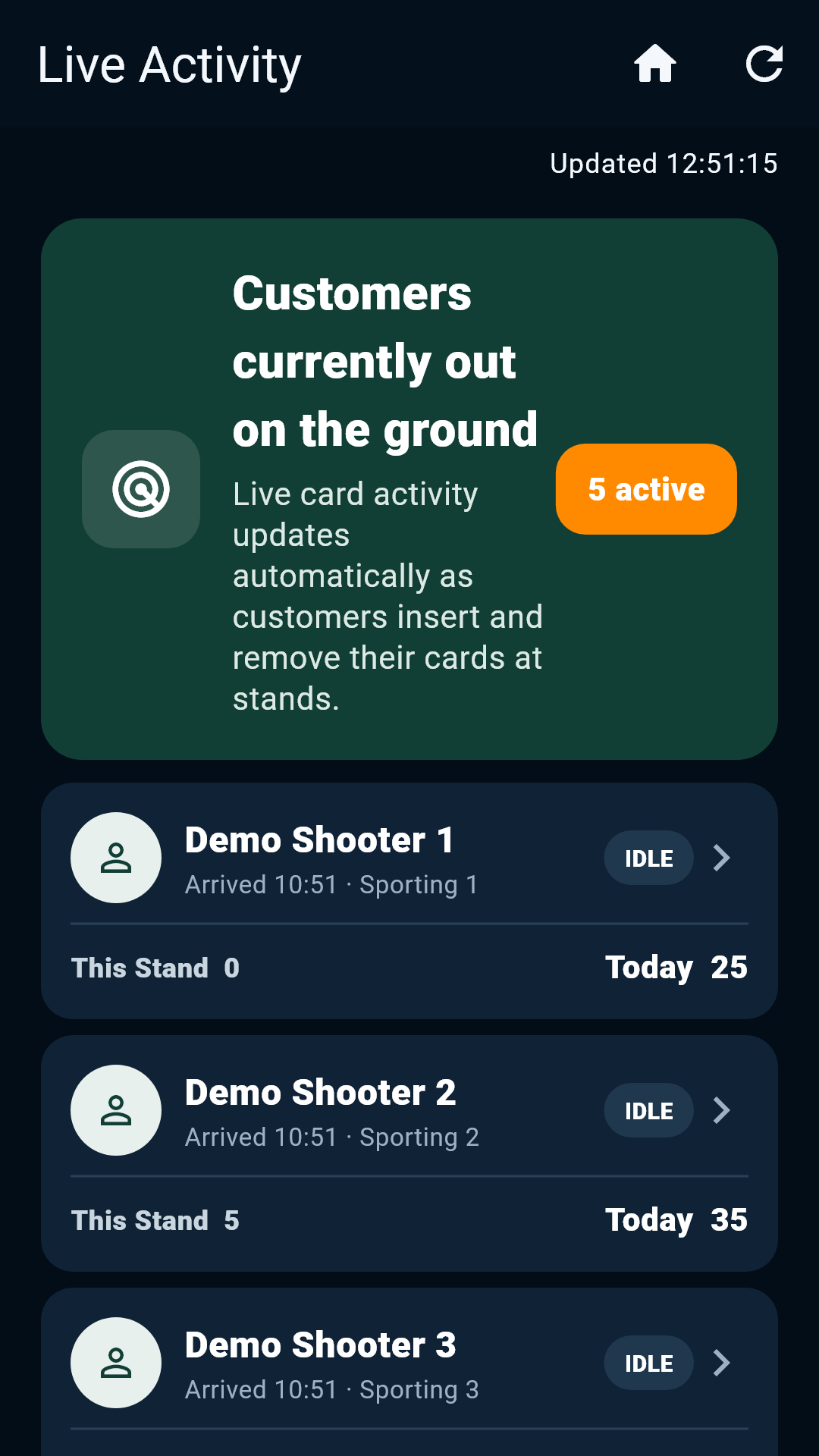
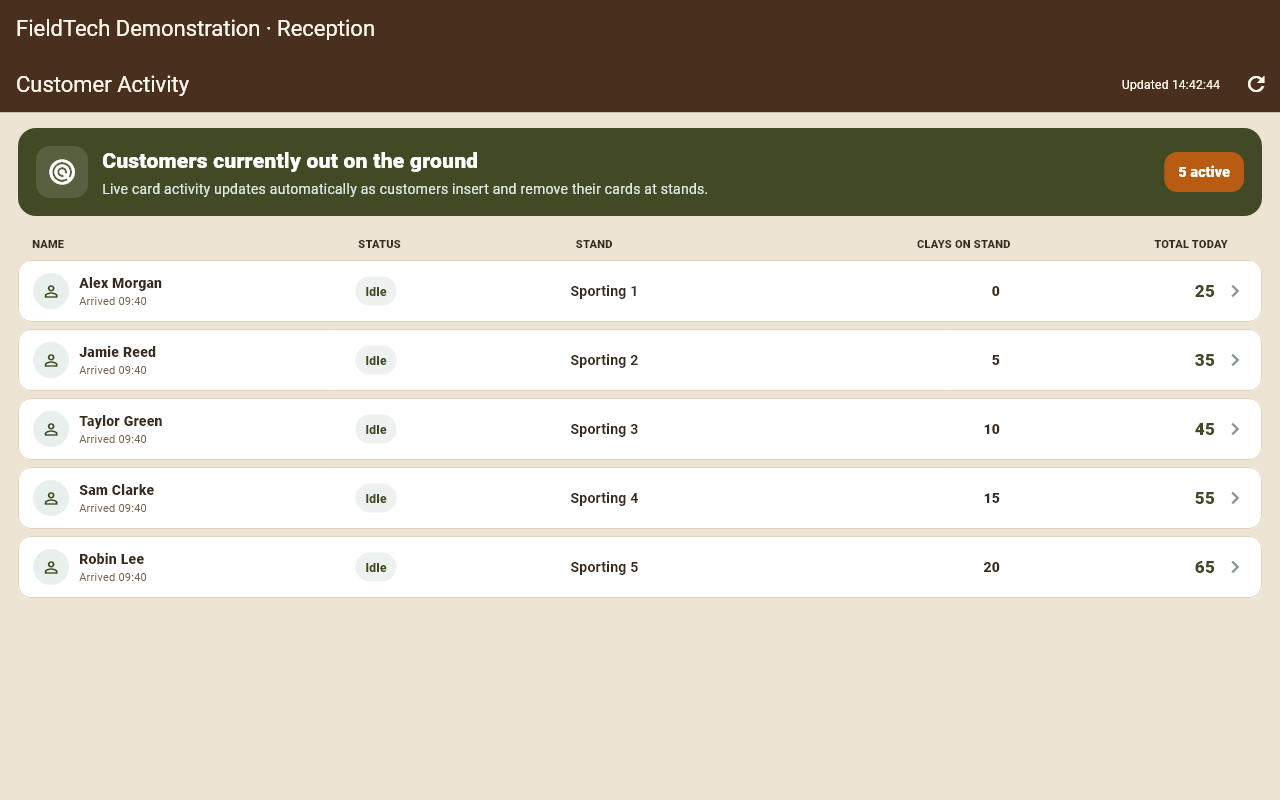
See customer activity reported by the system, including current stand and clay records when available.
Explore NetLink+Review the connection history and stability of the gateway linking the field and Cloud.
Explore NetLink+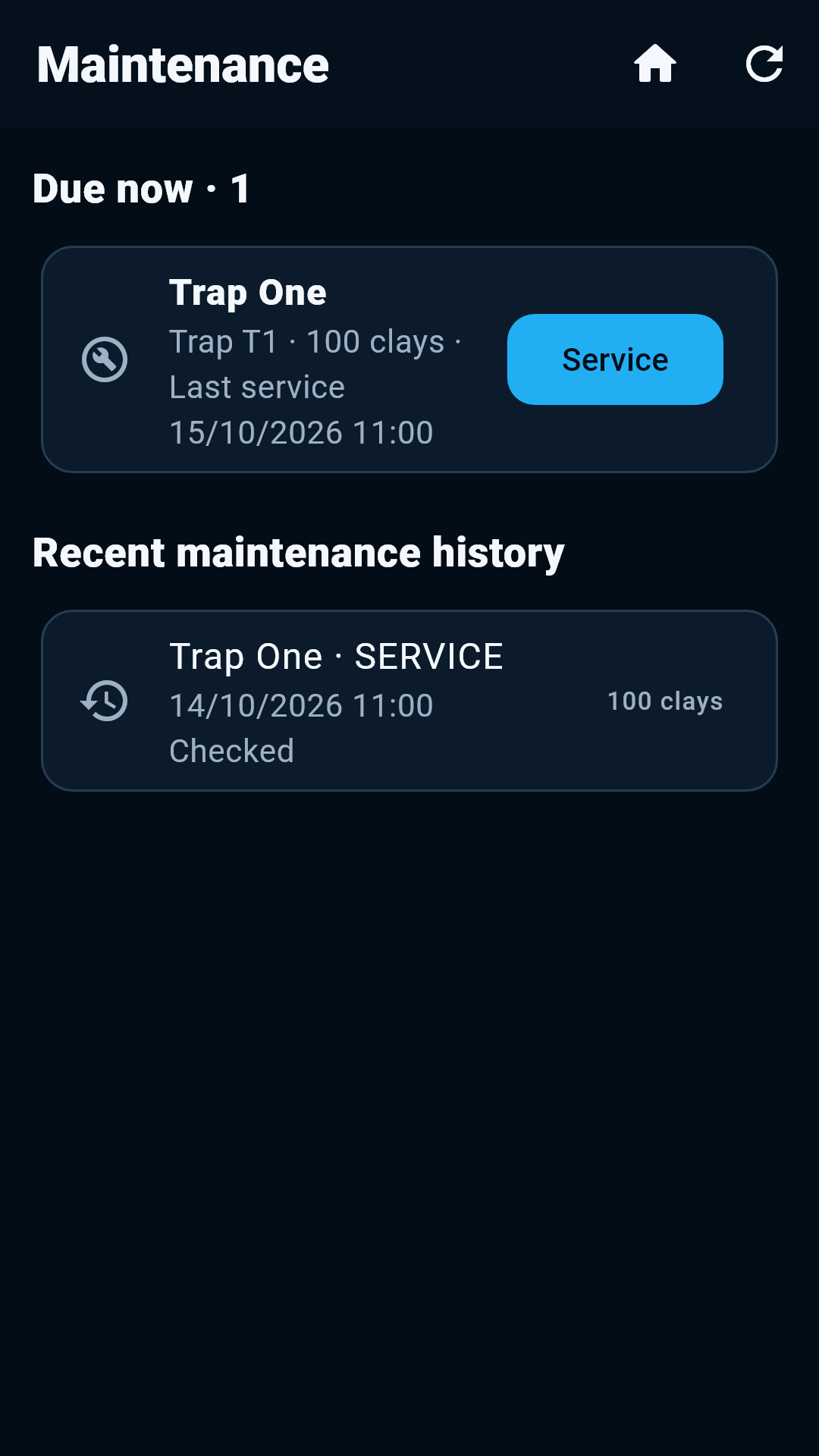
Review equipment requiring service and record completed maintenance under the appropriate permissions.
Explore NetLink+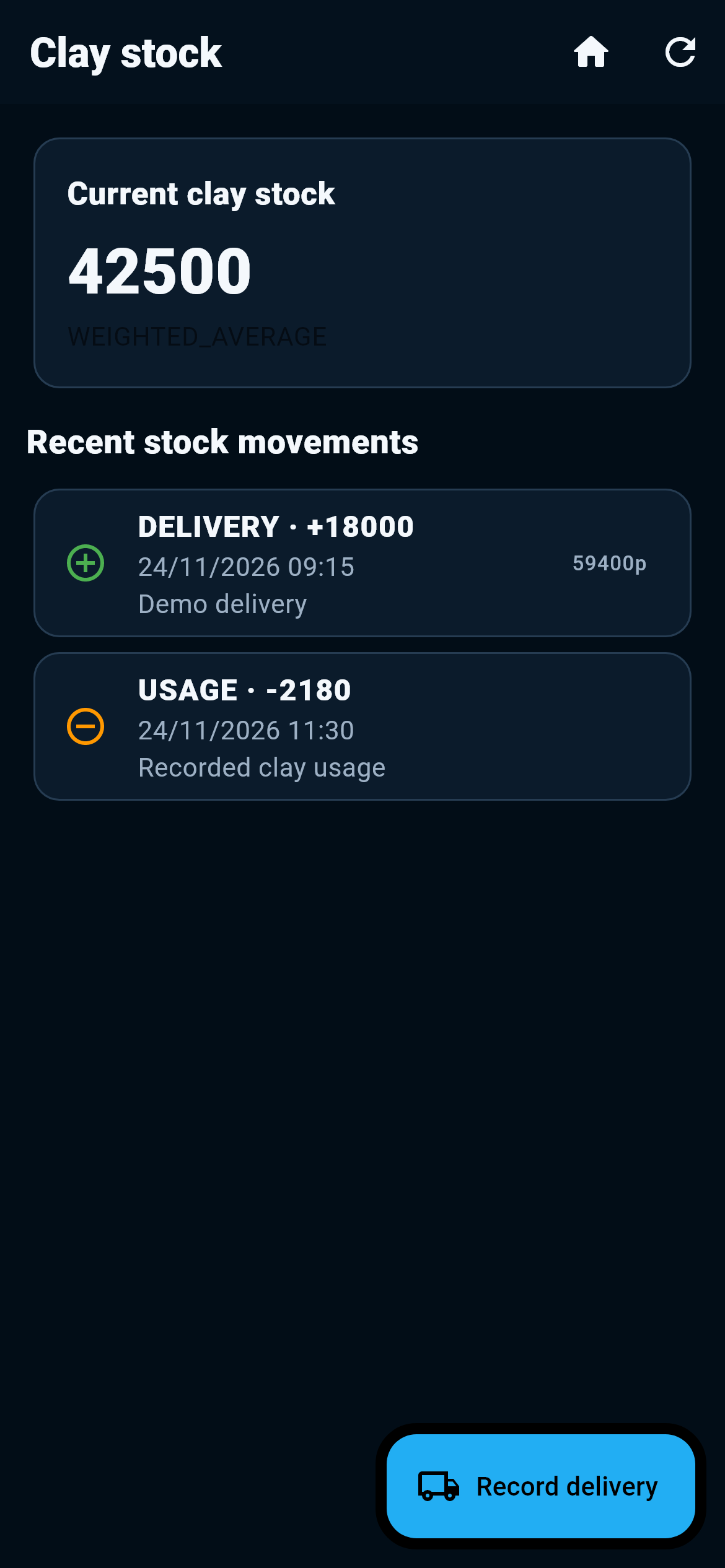
Review recorded stock quantities and recent movements; record a delivery when authorised.
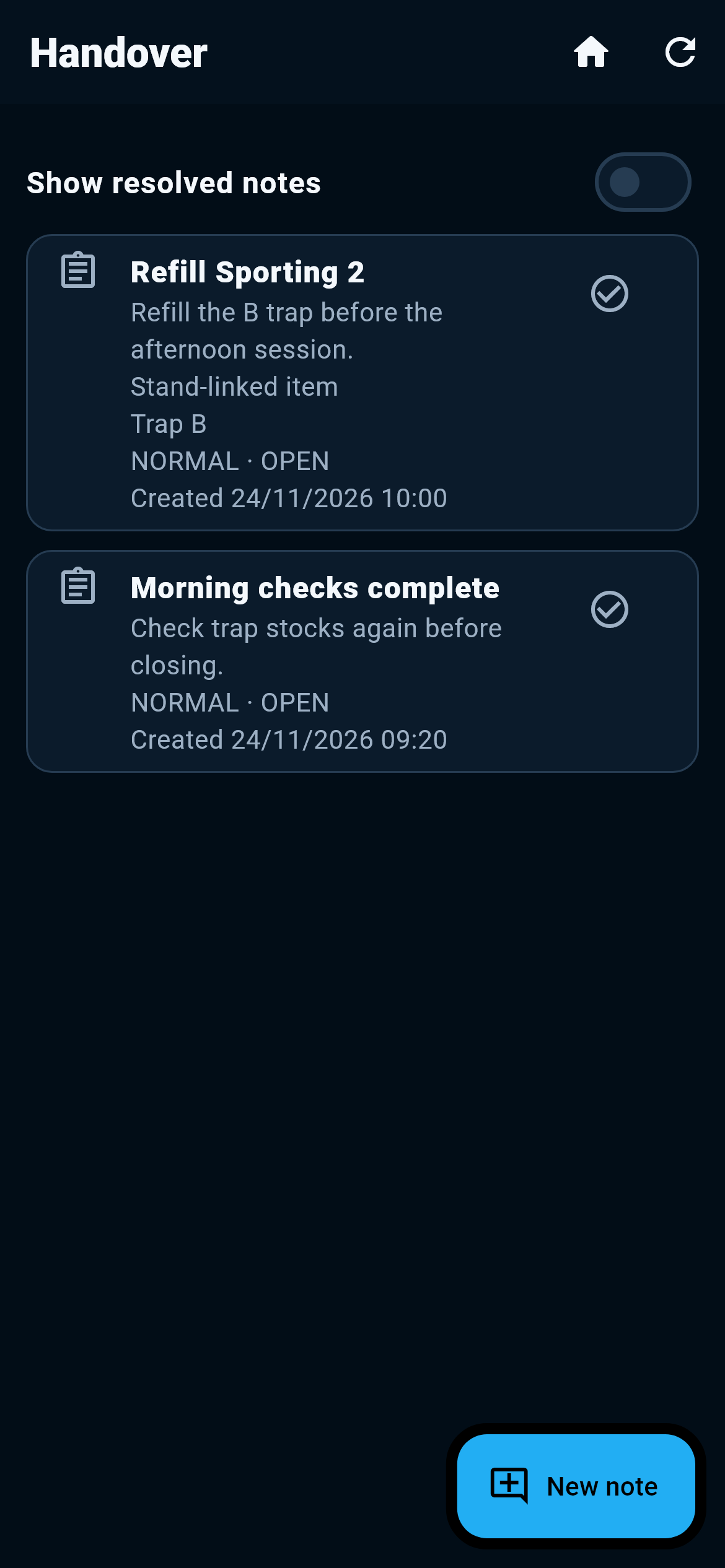
Explore NetLink+Leave stand-specific tasks and information for colleagues, and resolve completed handover items.
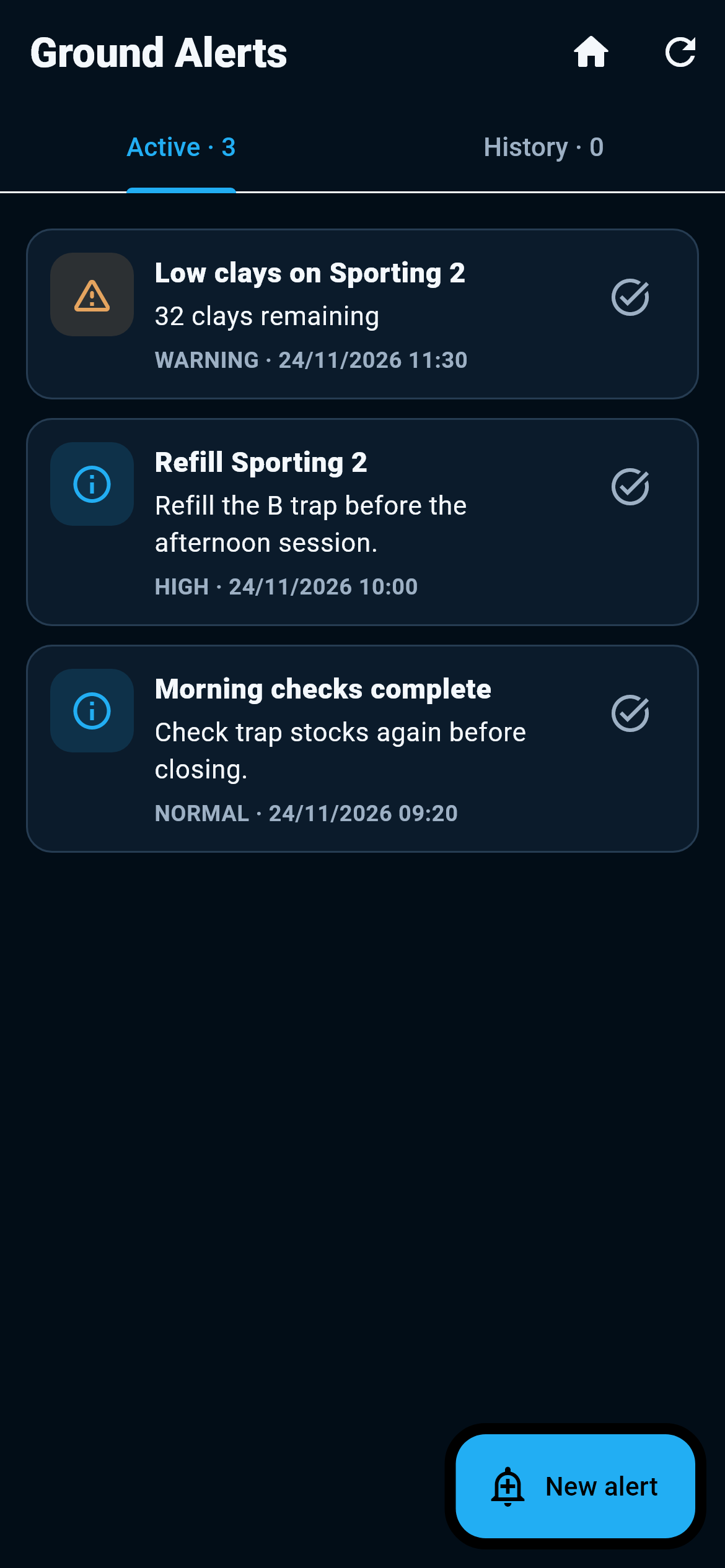
Explore NetLink+Find the warnings and outstanding staff reports that need attention. Keep the record of resolved items.
Explore NetLink+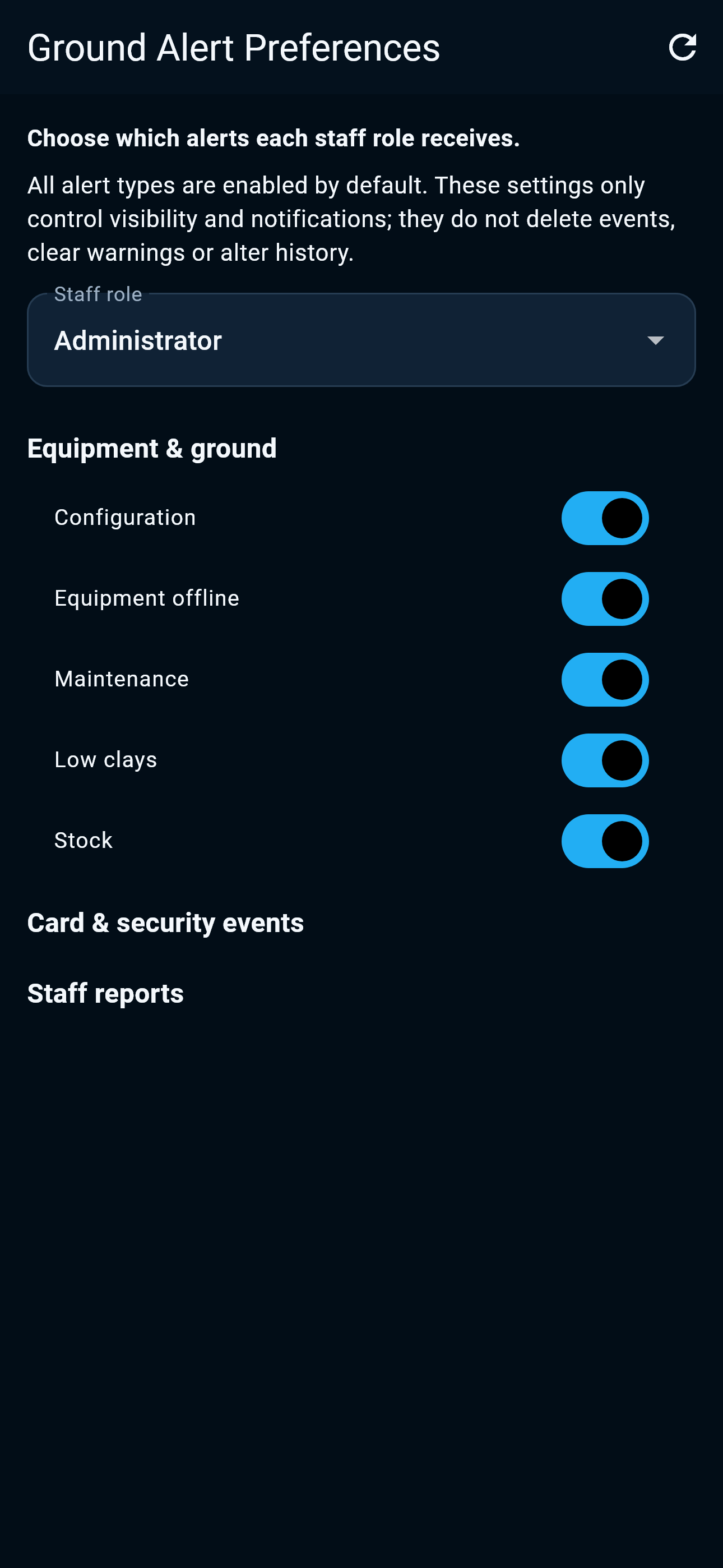
Review or configure role-specific visibility of alert categories under authorised permissions.
Explore NetLink+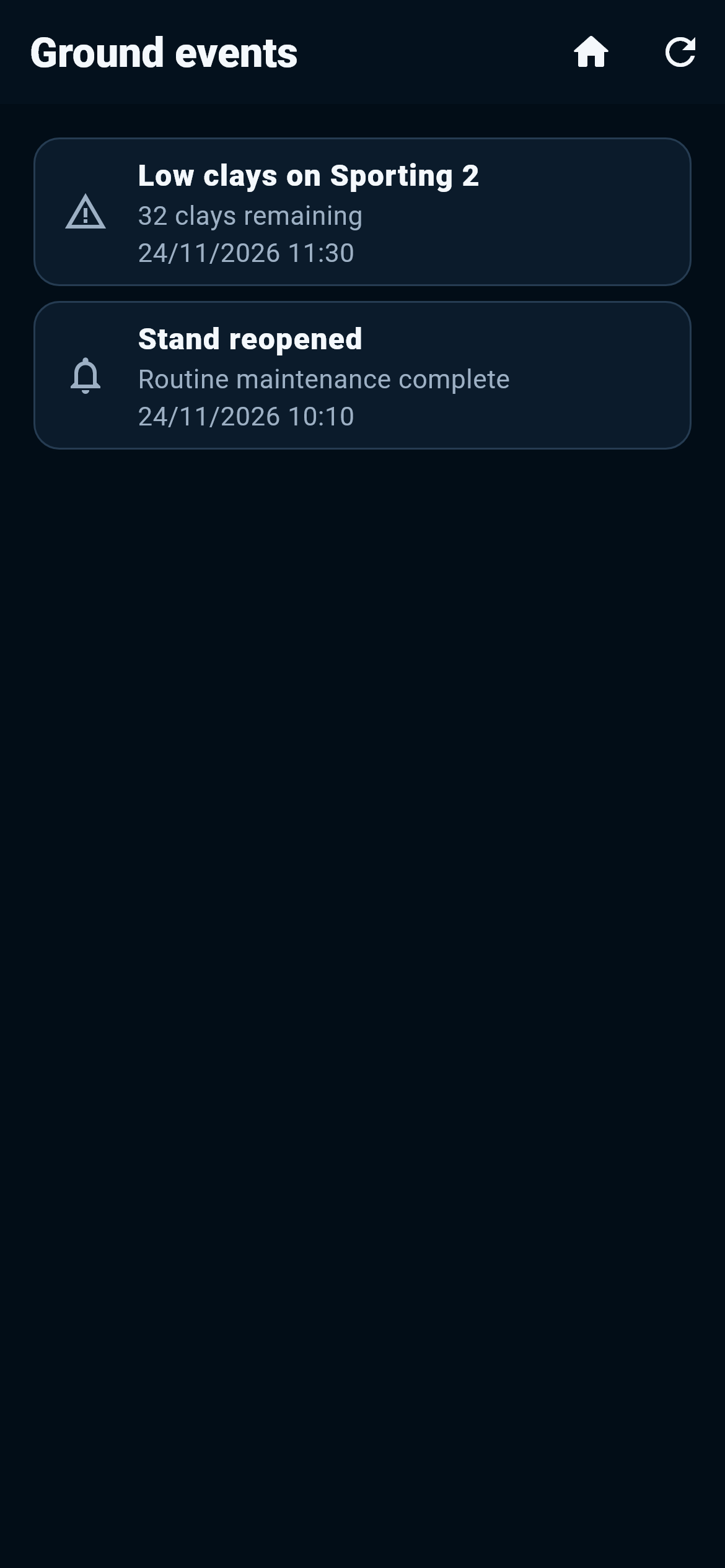
Review recorded operational events such as warnings and stand status changes.
Explore NetLink+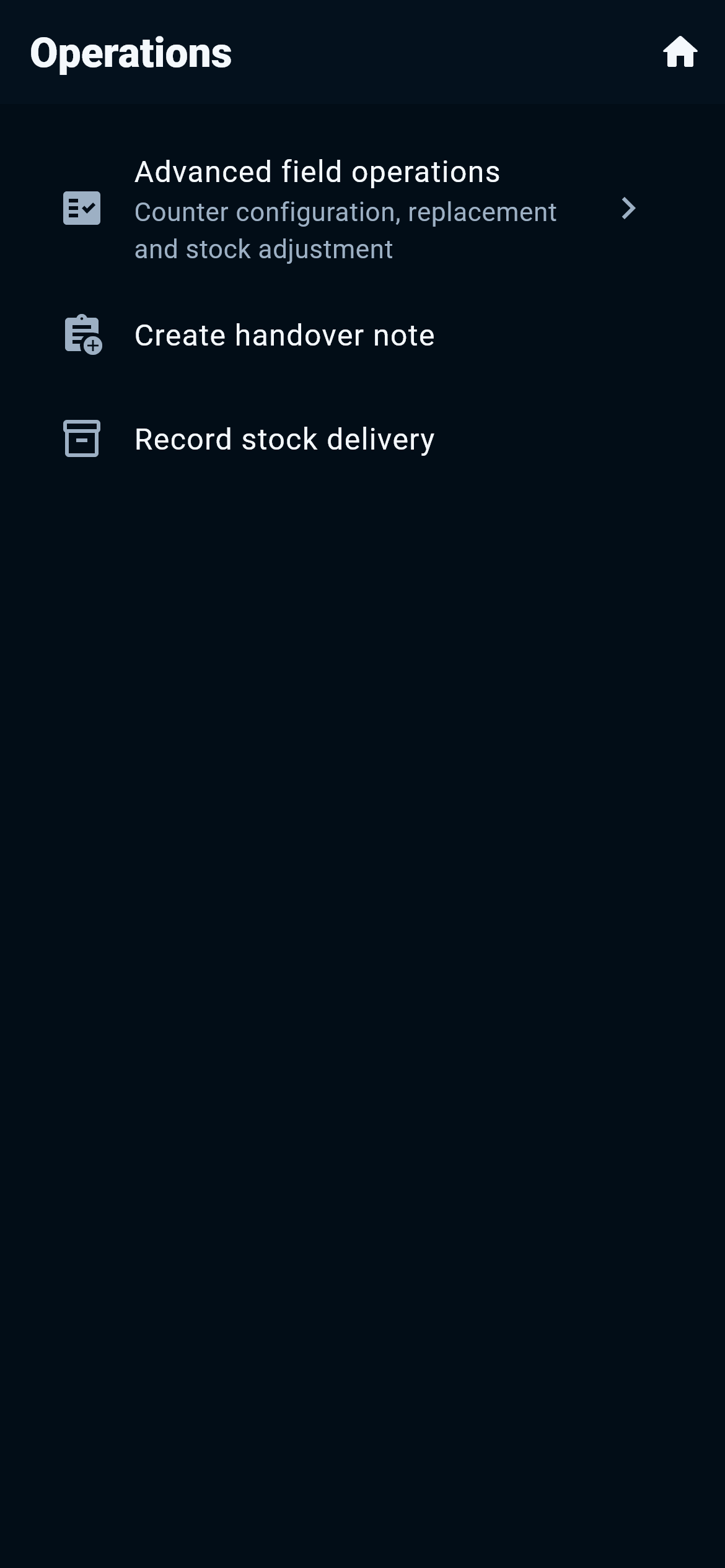
Access practical field actions including handover and stock delivery, with additional administration where permitted.
Explore NetLink+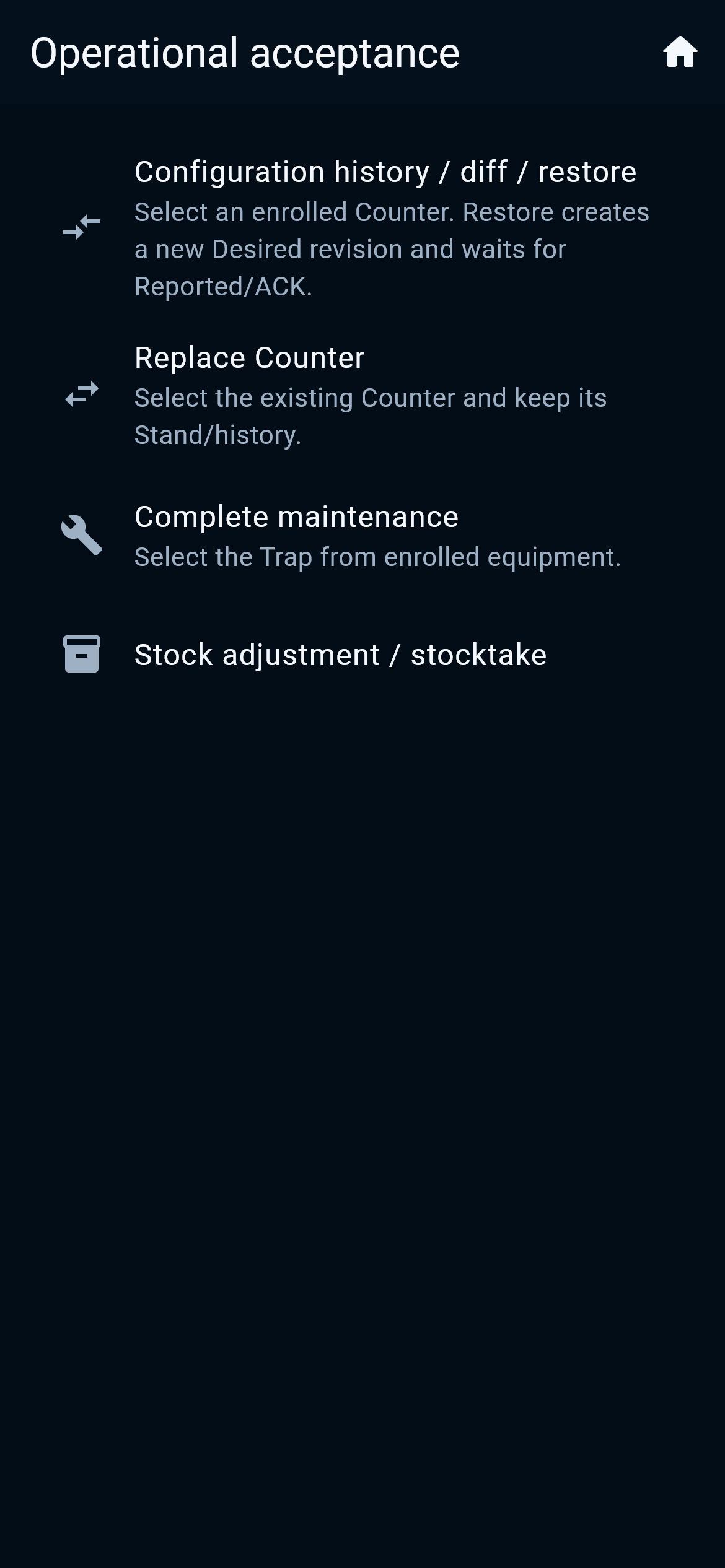
Review configuration history, supported counter replacement, completed maintenance and stock adjustments.
Explore NetLink+Plan a system around your stands, disciplines and operational requirements.