Prepare
Create the correct product-specific release package.
The NetLink development architecture is designed to validate compatible releases, track supported update outcomes and retain evidence for investigation.
Request a demonstration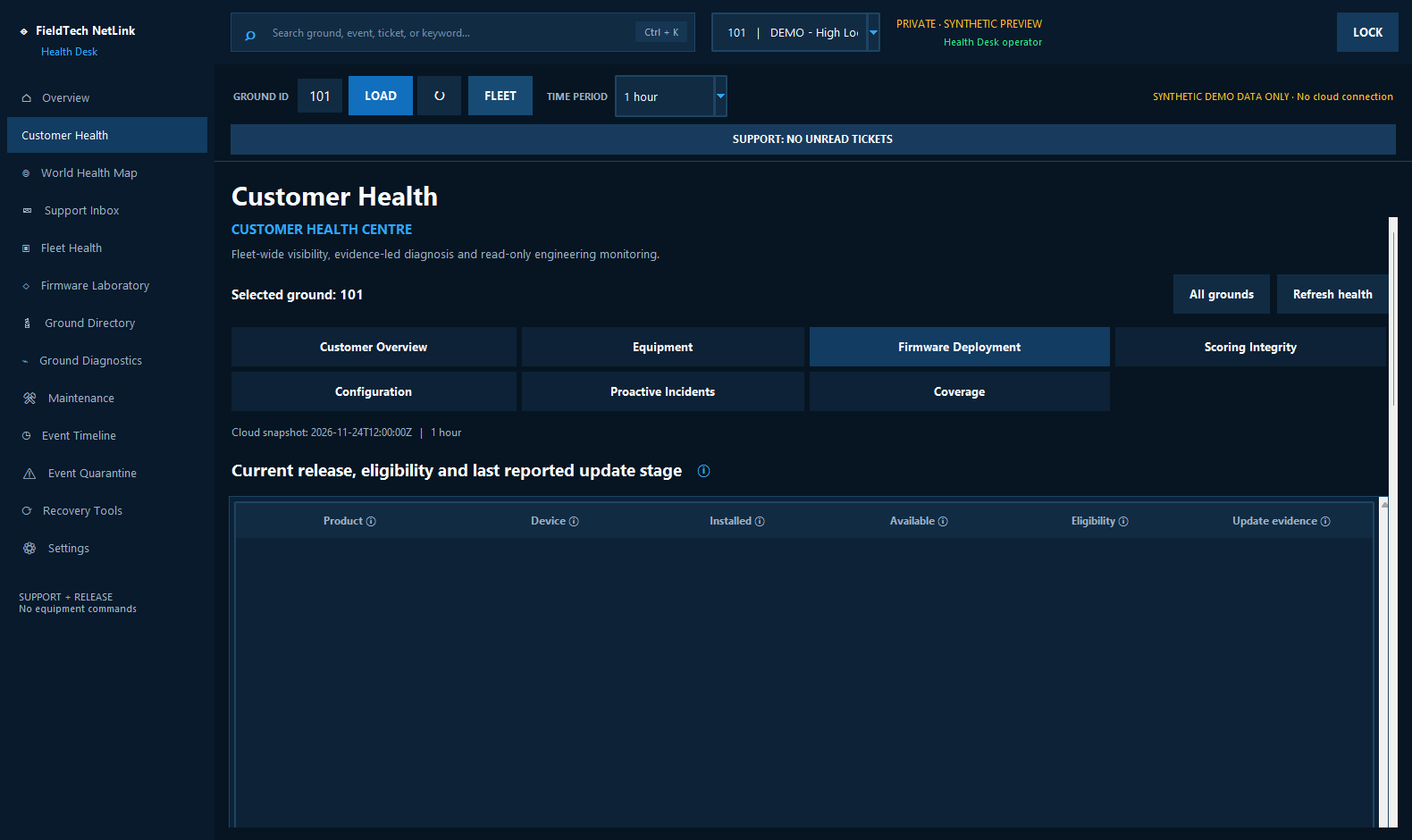
New ESP32 maintenance and health telemetry features are release candidates. Confirm approved device, firmware and connectivity requirements before use. No guarantee of zero downtime or complete telemetry coverage.
FieldTech's internal release tooling is designed to validate product and release identity rather than publish arbitrary packages.
Create the correct product-specific release package.
Check package identity, format and applicable validation requirements.
Use approved maintenance routes and customer controls.
Review supported progress and outcome evidence in engineering tools.
Designed around the existing operational radio bandwidth.
The recent health/firmware telemetry design does not add operational E32 radio traffic. Device Wi-Fi availability and firmware acceptance determine coverage.
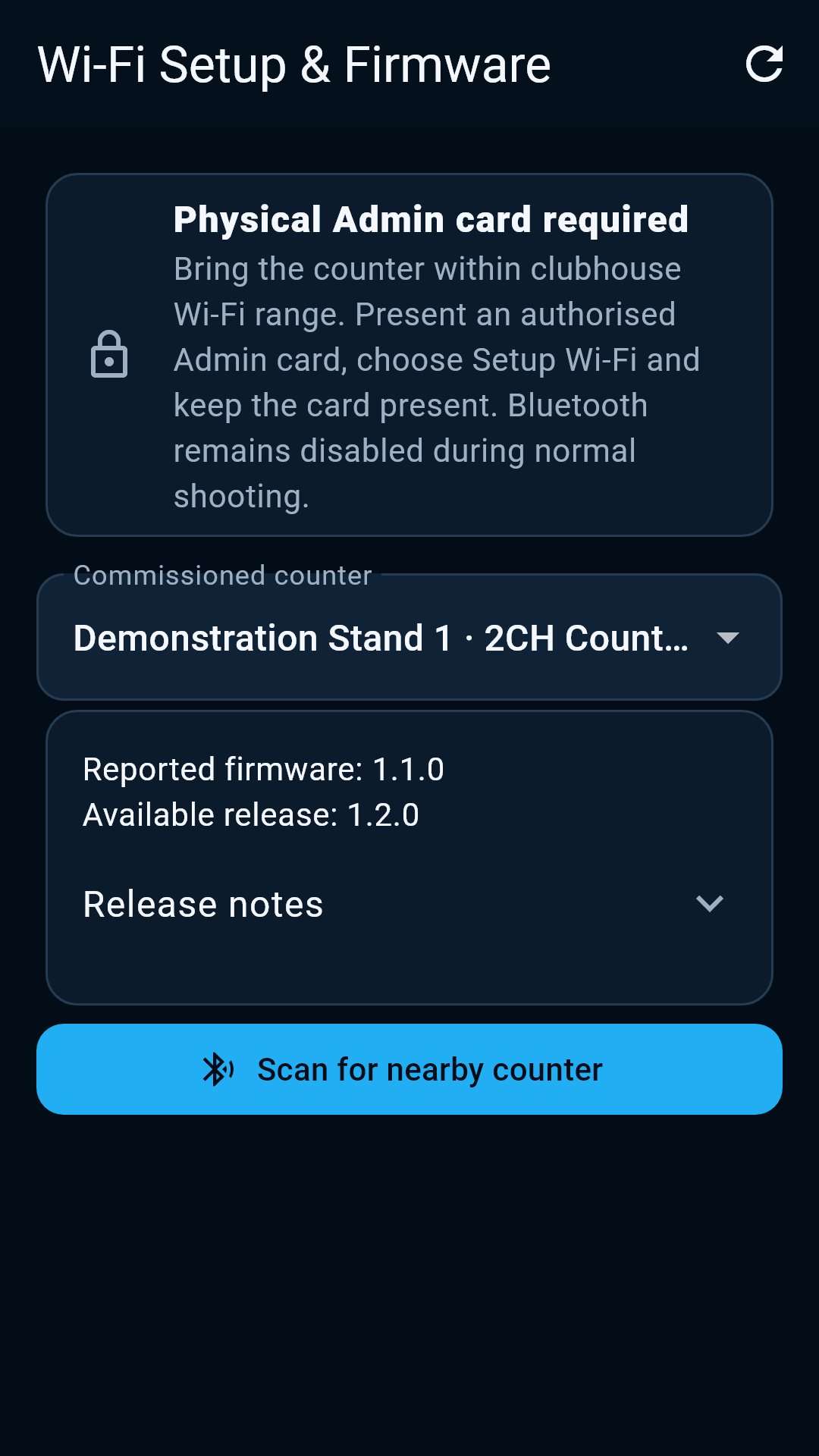
A counter may need a locally initiated maintenance session. Gateway, compatible scoreboards and other devices use their approved update routes. Updates must be appropriate to the specific product.
Avoid cross-product release selection.
Distinguish completion, failure and unknown outcome.
Preserve approved recovery and rollback behaviour.
The existing architecture includes local queuing, deduplication and recovery mechanisms. Offline behaviour depends on device, mode and software; an internet interruption does not justify claiming all functions work offline.
Approved equipment retains the relevant local functions within its design limits.
Supported events can be queued and reconciled as connectivity returns.
Unavailable information must remain unknown rather than presented as confirmed.
Discuss your disciplines, equipment, connectivity and business requirements with FieldTech.
Current application screenshots using isolated demonstration records. Access and availability depend on the approved package and configuration.
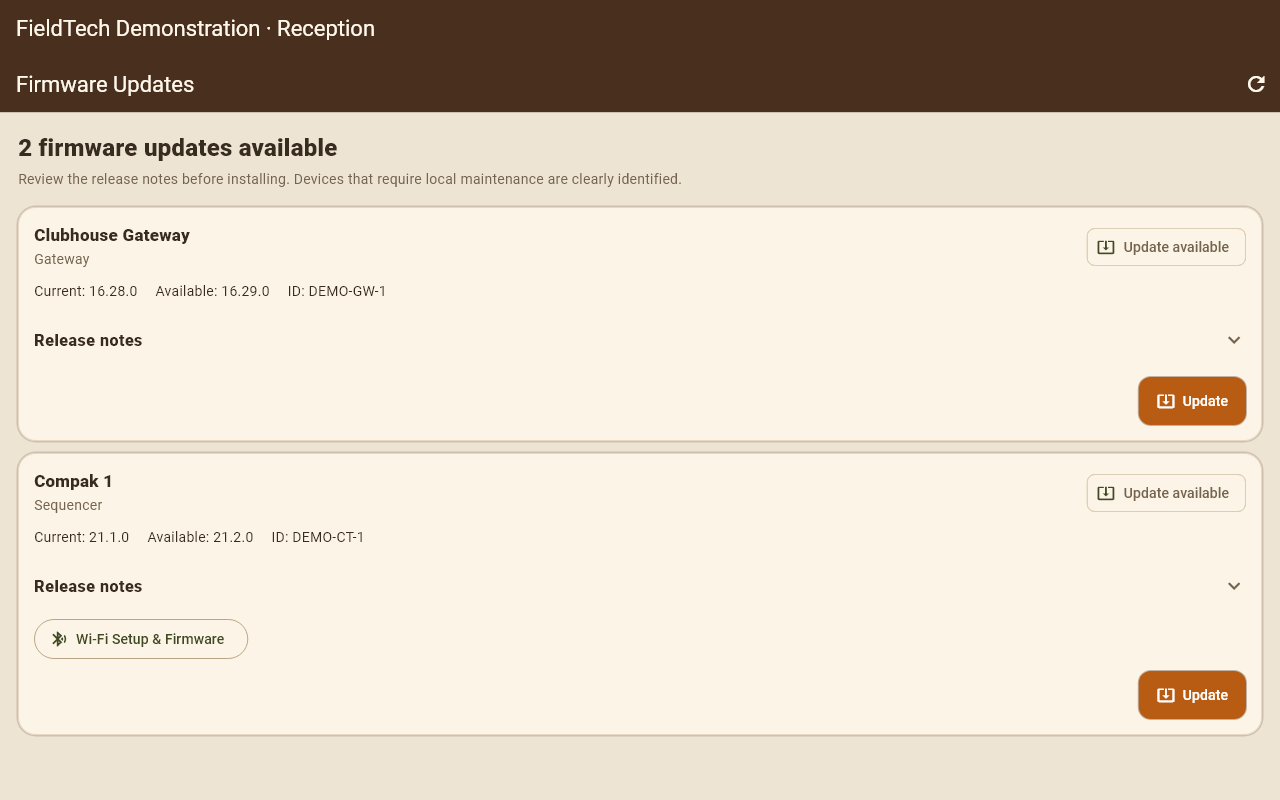
Review available versions and device-specific update actions. Some equipment requires an authorised local Wi-Fi maintenance workflow.
Explore this feature →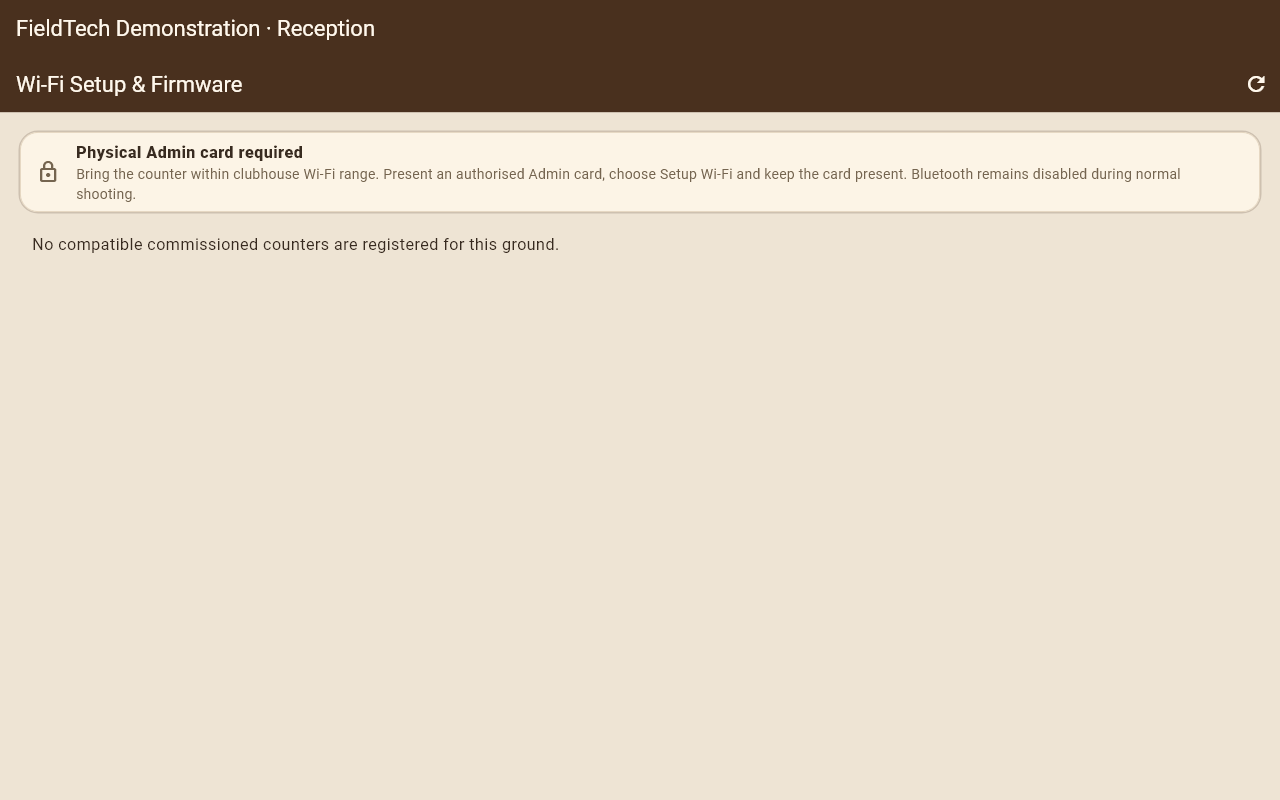
The local setup and firmware workspace explains the physical Admin-card requirement; compatible commissioned counters appear when available.
Explore this feature →Prepare supported local maintenance tasks and check device version information. Physical staff-card authorisation is required for applicable controllers.
Explore this feature →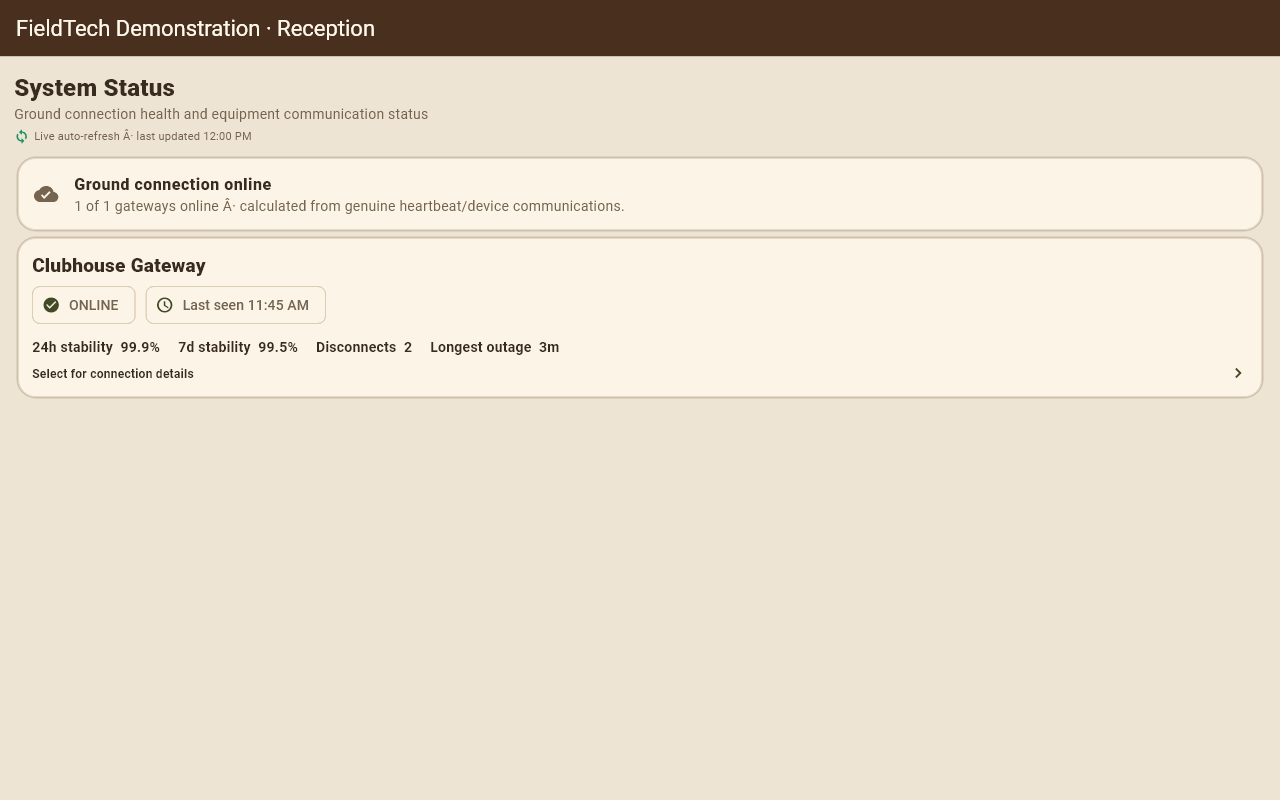
Review last contact, connection stability and disconnect history for the clubhouse gateway.
Explore this feature →