Firmware & resilience
Controlled release and recovery design.
Explore Firmware & resilience ↗FieldTech's internal Health Desk provides engineering staff with authorised visibility of available fleet, equipment, event and firmware-health information.
Request a demonstration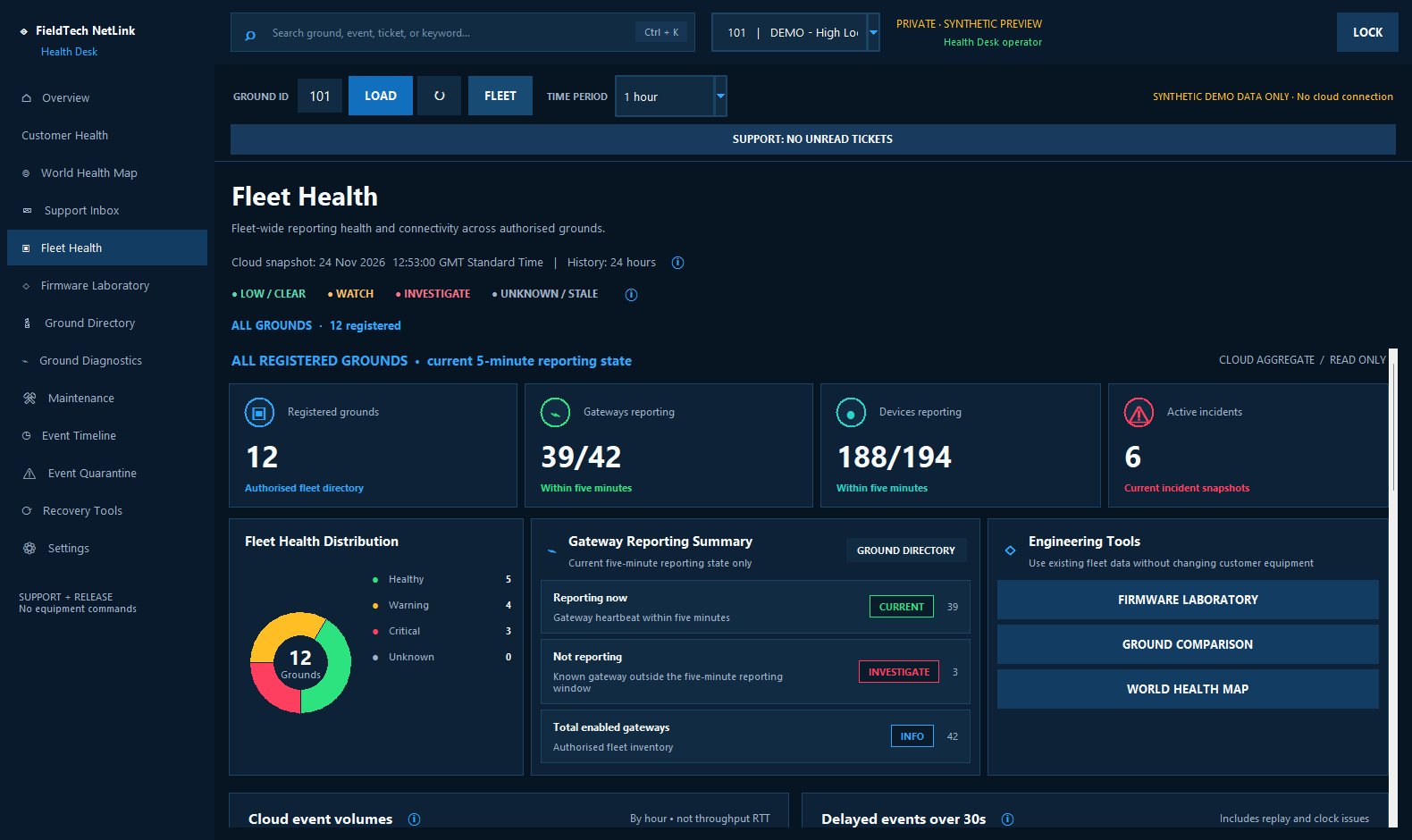
Internal FieldTech tool, not a customer-facing app. All data shown are synthetic, generated without connecting to the live service. Screenshots require owner approval before public publication.
The current interface distinguishes reporting status and helps staff examine available evidence.
Review reporting counts and active incident summaries.
Separate current, stale, unknown and degraded states instead of assuming everything is healthy.
Open authorised diagnostic tools and inspect the available evidence. No guarantee of uninterrupted connectivity.
Current UI screenshots, captured against a small synthetic dataset.
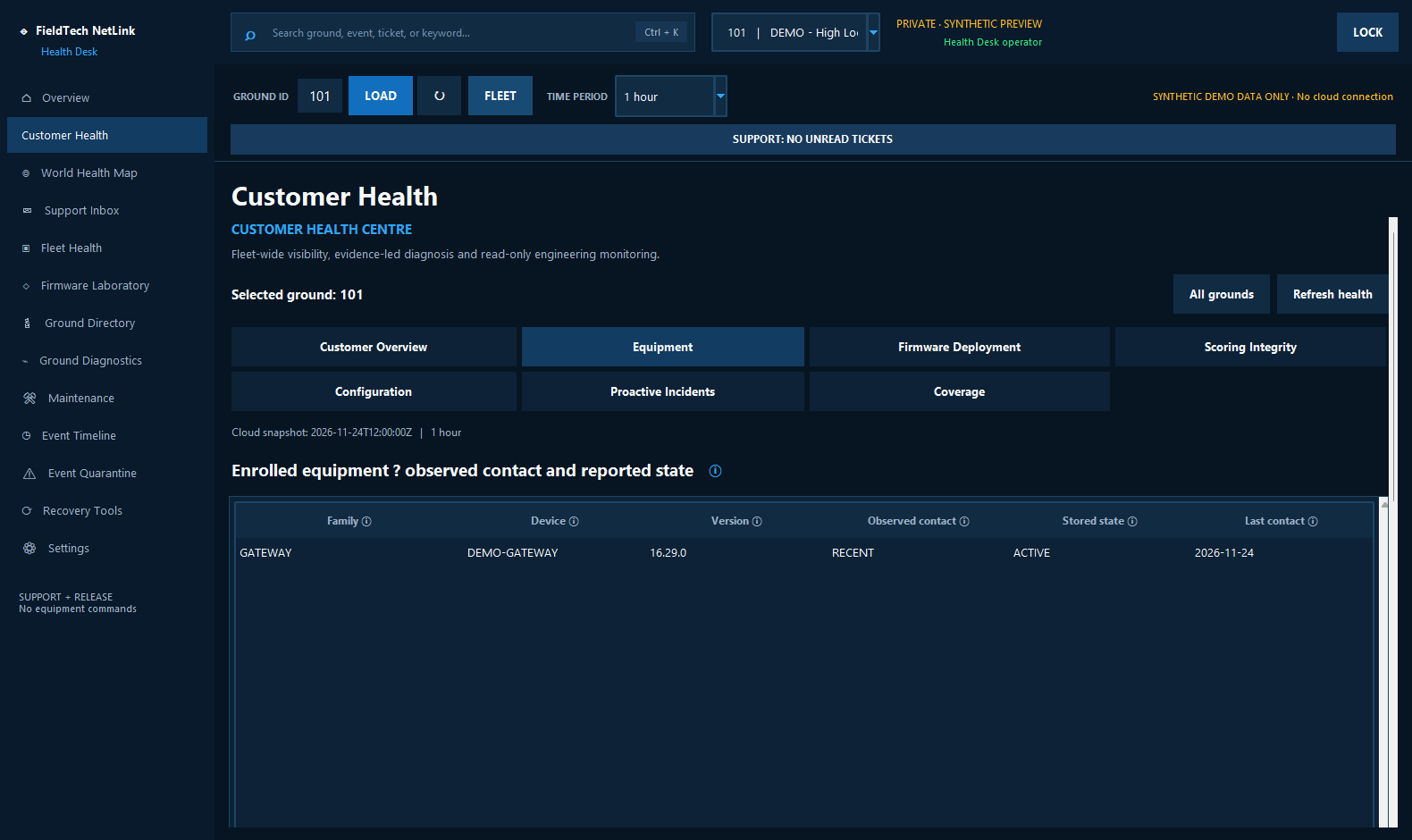
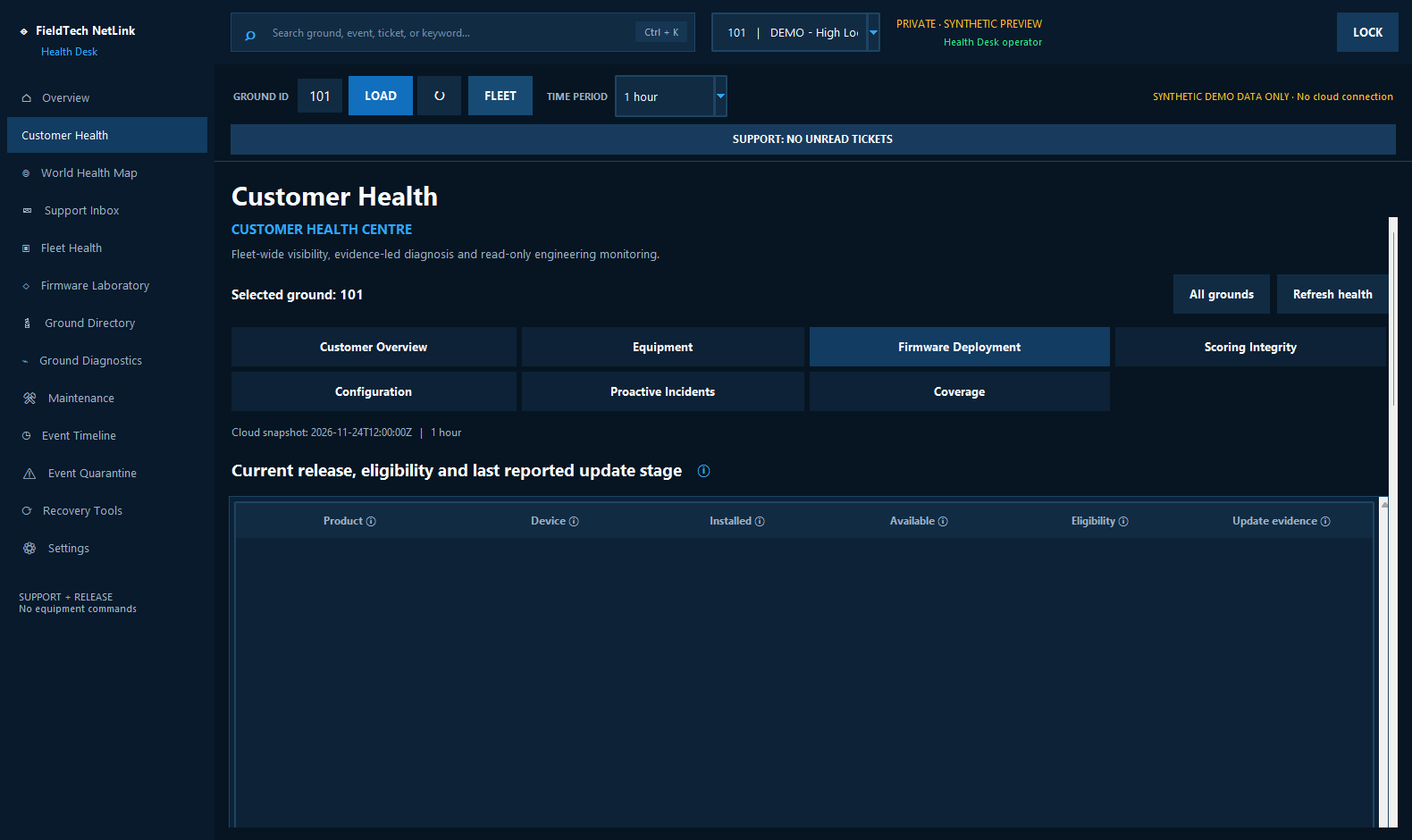
A workflow for investigating available data, not a promise of automated diagnosis.
Current architecture and development scope.
Controlled release and recovery design.
Explore Firmware & resilience ↗Gateway and ground networking.
Explore Connectivity ↗Local staff tools and maintenance.
Explore Ground operations ↗Discuss your disciplines, equipment, connectivity and business requirements with FieldTech.
Current application screenshots using isolated demonstration records. Access and availability depend on the approved package and configuration.
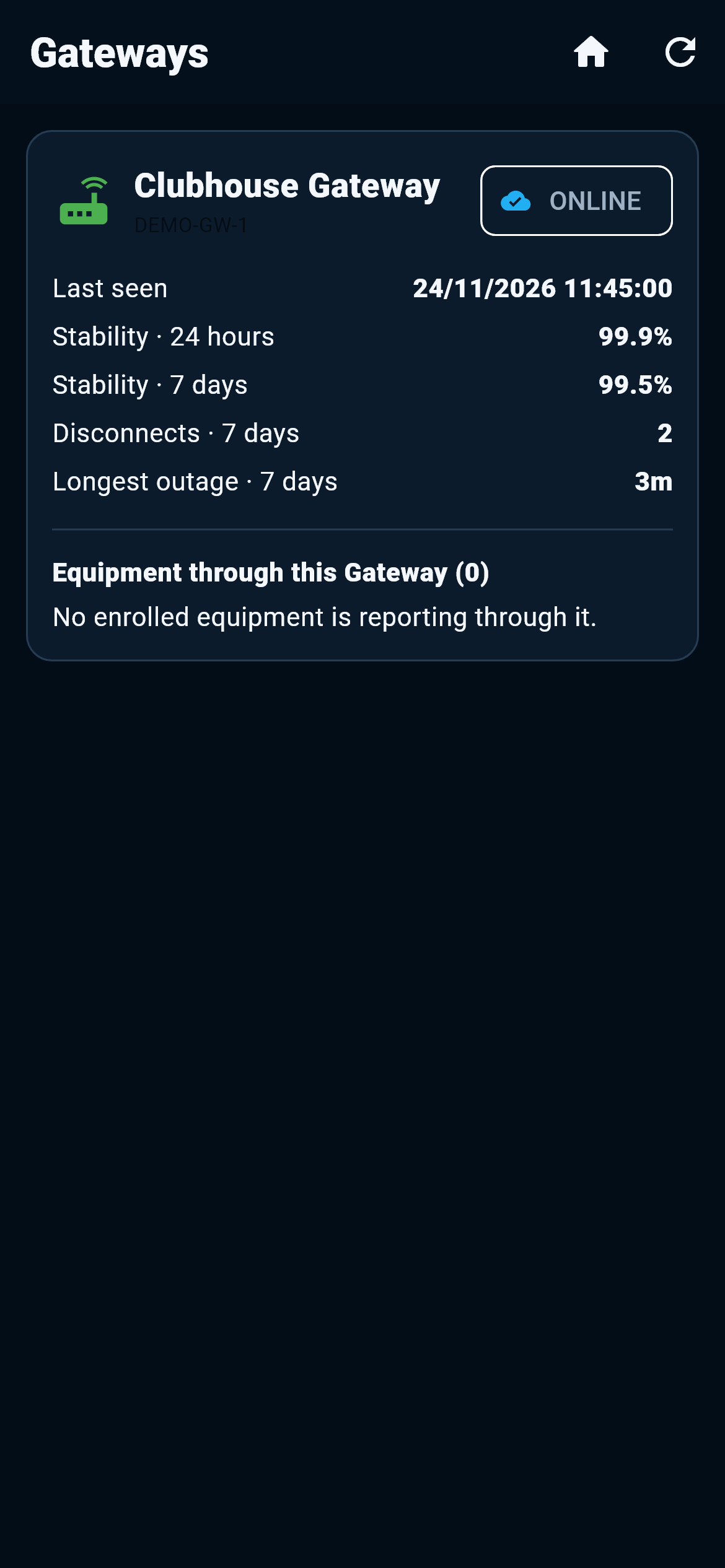
Review the connection history and stability of the gateway linking the field and Cloud.
Explore this feature →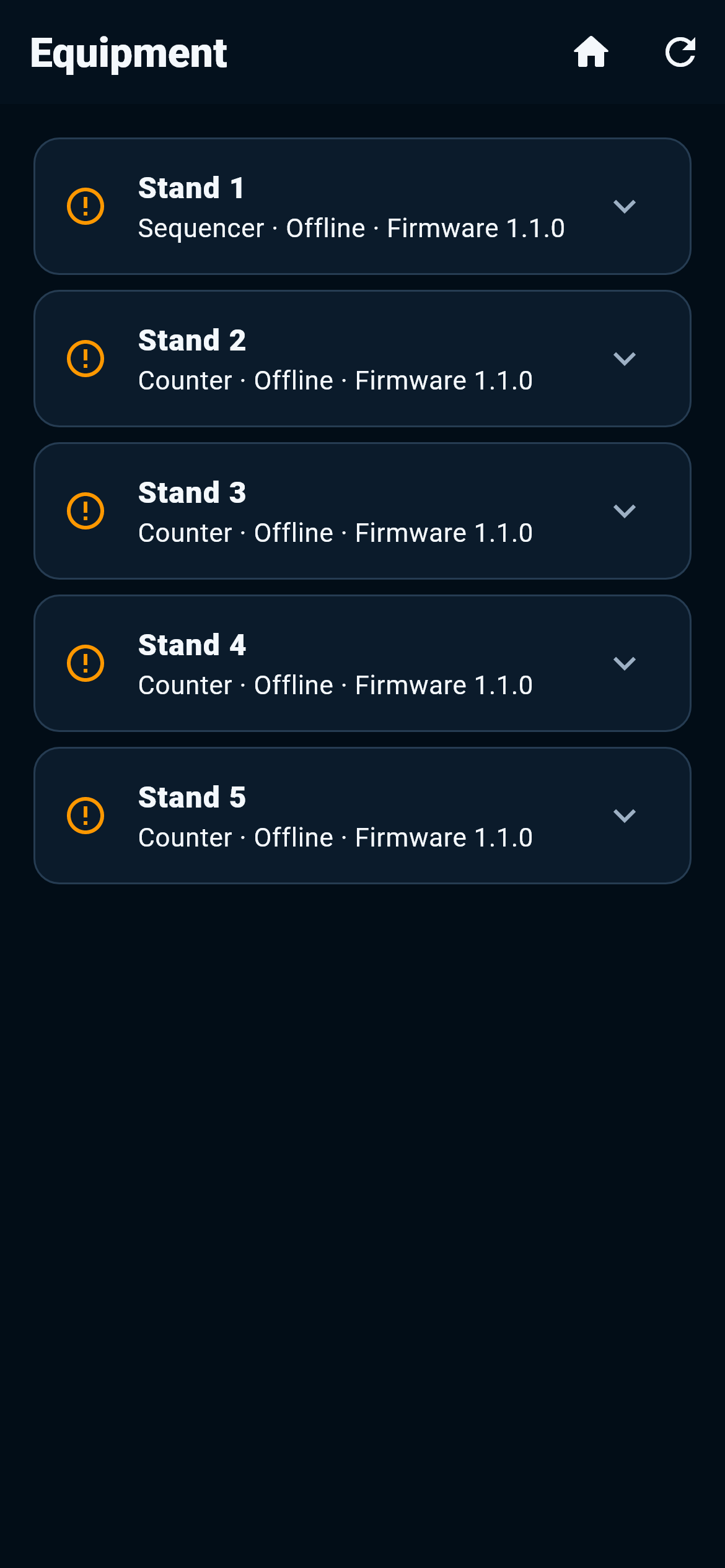
Check recorded equipment status and firmware details. An offline or unconfirmed device is distinct from one known to be available.
Explore this feature →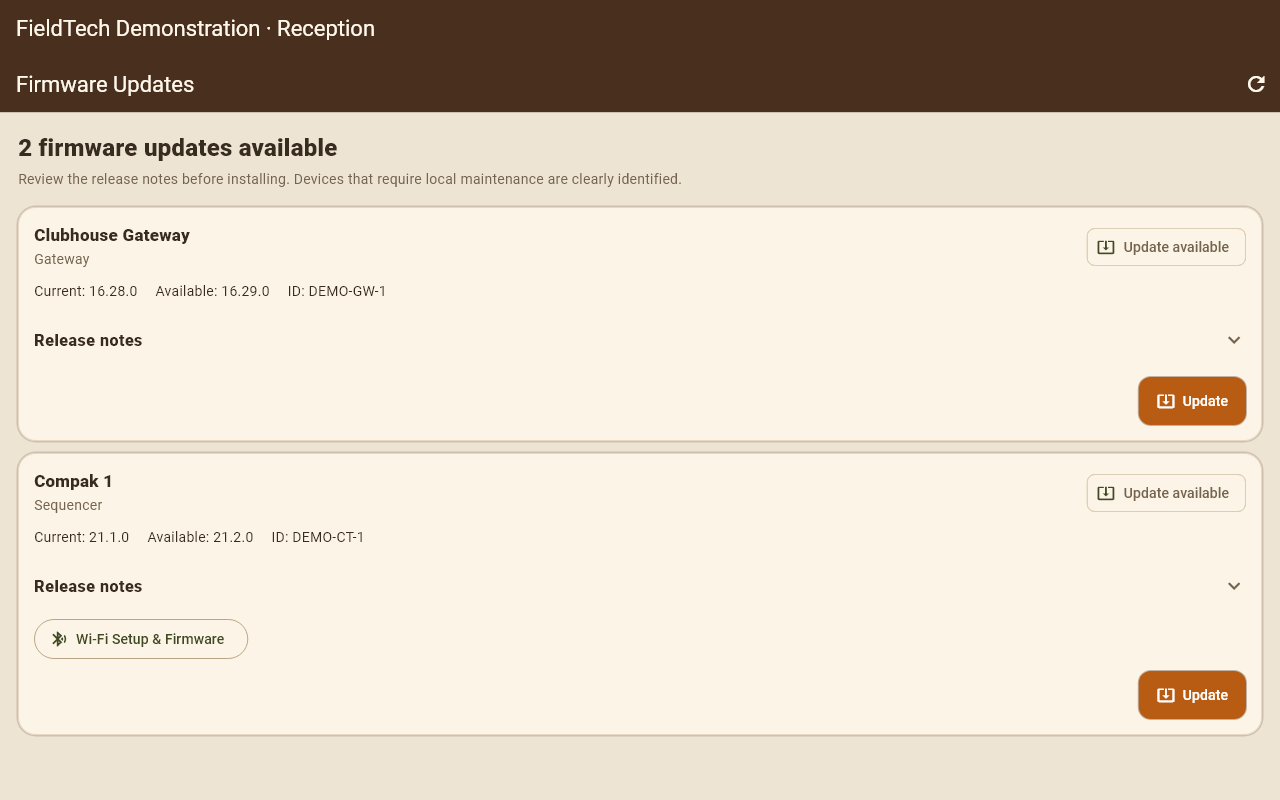
Review available versions and device-specific update actions. Some equipment requires an authorised local Wi-Fi maintenance workflow.
Explore this feature →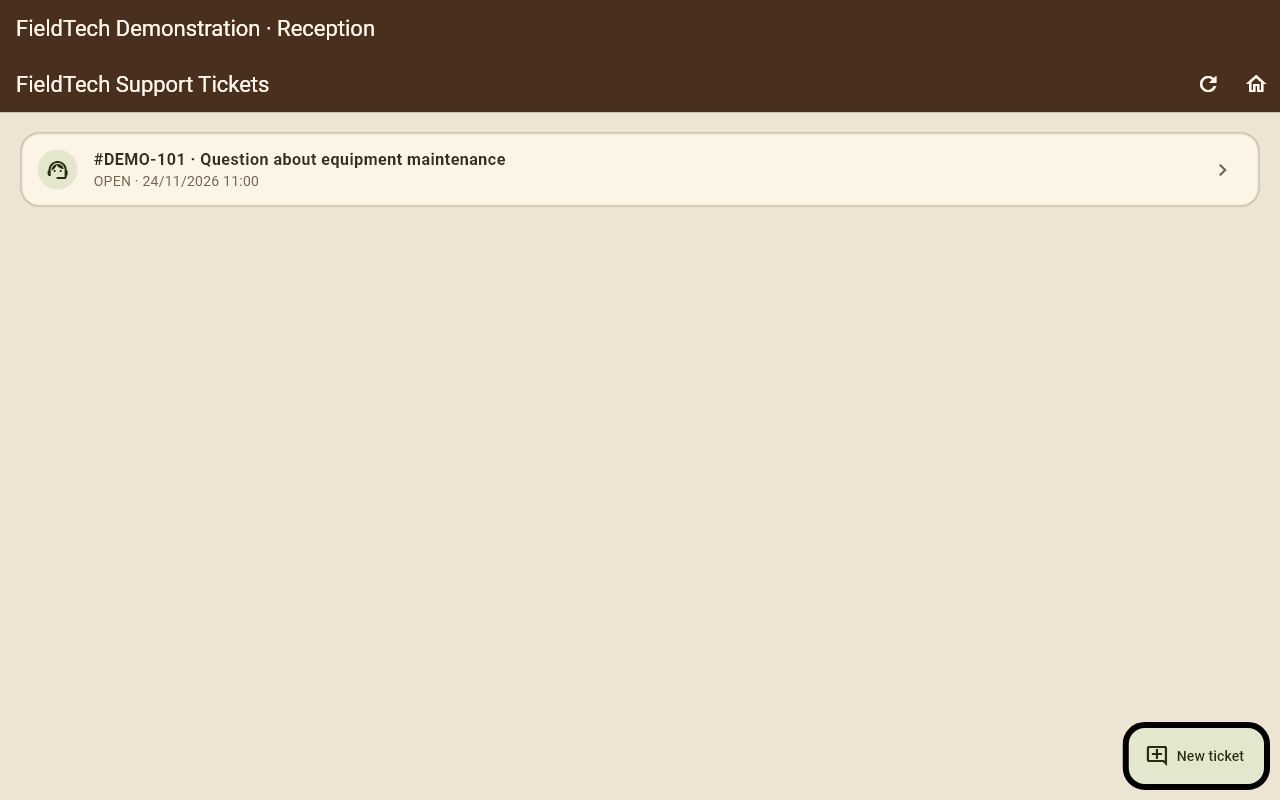
Use the support-ticket workspace to report issues, follow the conversation and keep support history together.
Explore this feature →