Stand display
Supported live score presentation associated with the stand.
Present supported scores and results on connected stand and clubhouse screens, and use relevant digital signage scenes when appropriate.
Request a demonstration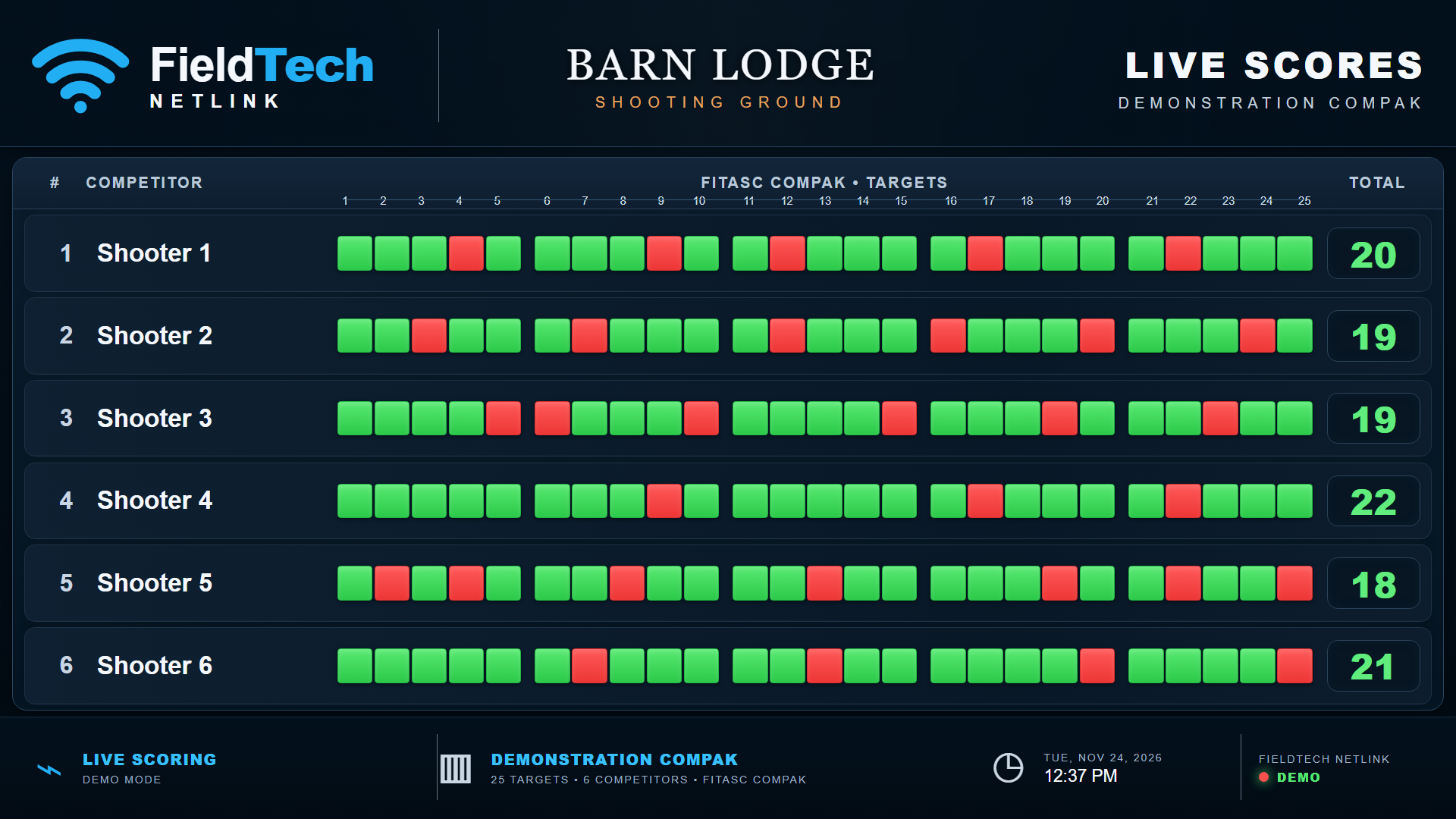
Scoreboard prototype; exact supported display modes depend on approved release and installation.
Select a view to see the genuine candidate application interface.
A discipline-aware presentation of supported scoring records.
Current candidate interface · demonstration data
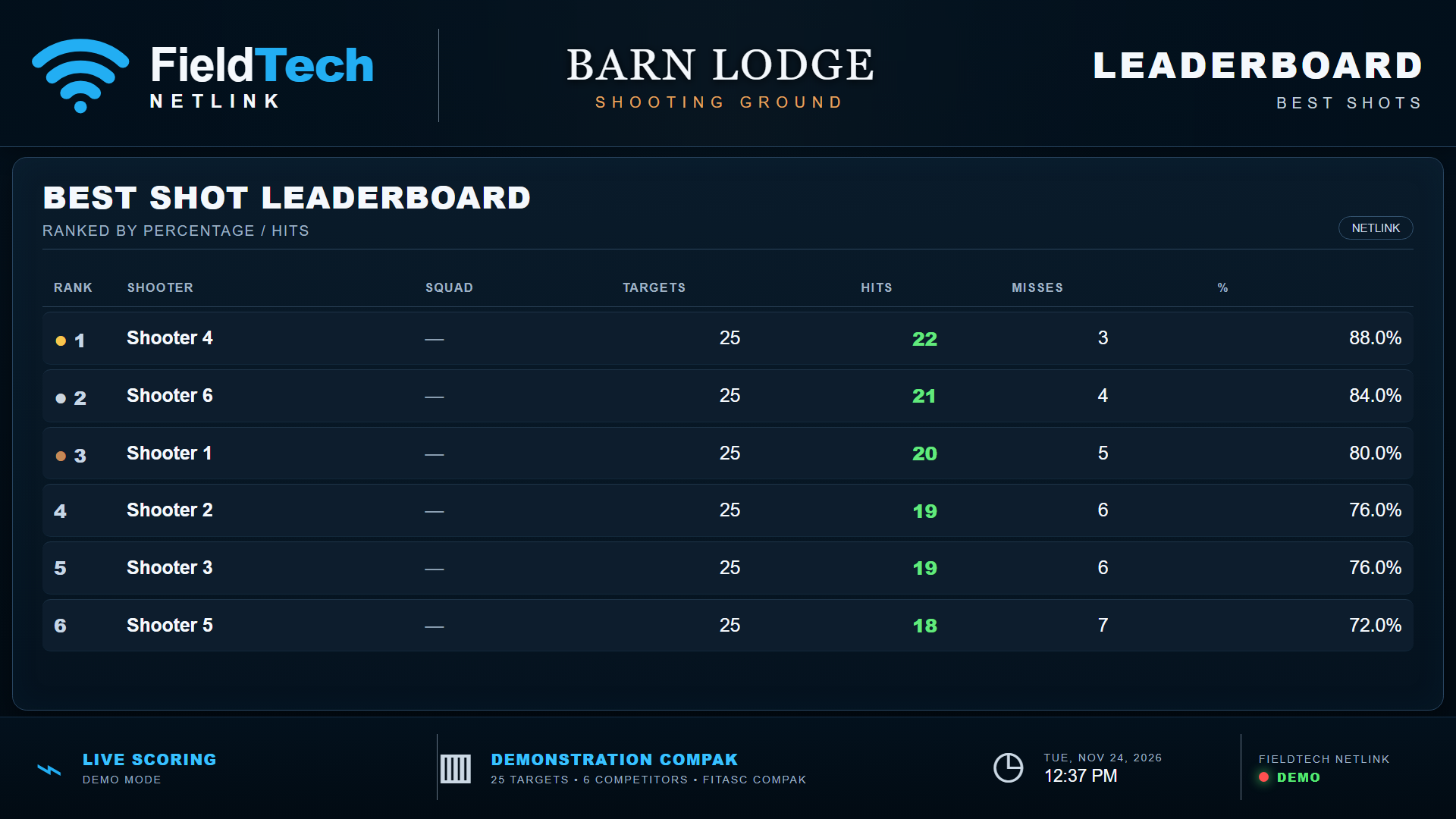
Present supported rankings and results in an audience-friendly view.
Current candidate interface · demonstration data
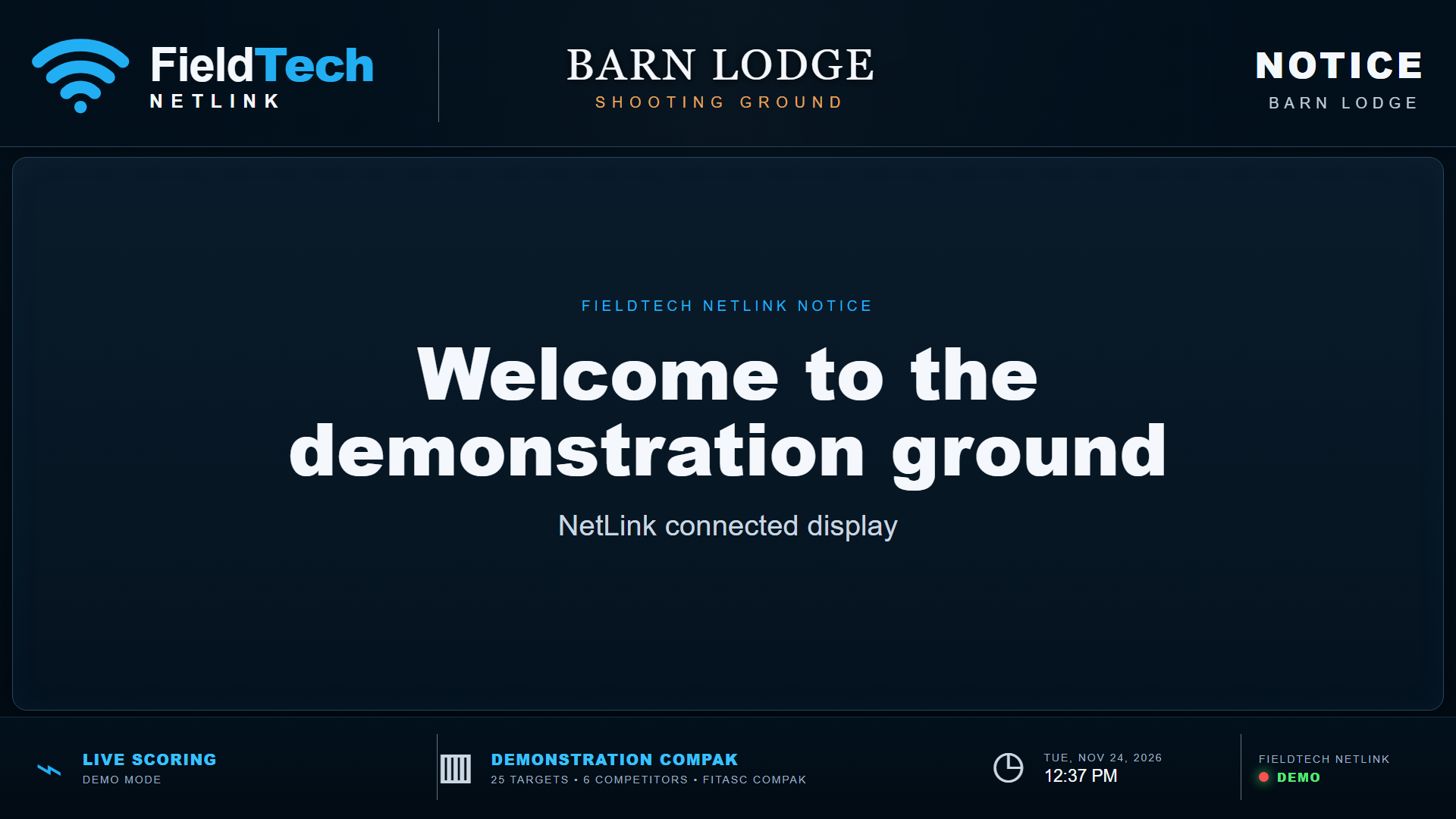
Use compatible screen configurations to show relevant ground information.
Current candidate interface · demonstration data
Different screens can support different information requirements.
Supported live score presentation associated with the stand.
Relevant competition results and leaderboard views.
Announcements and supported media scenes.
The display endpoint is separate from the scoring source.
Direct local Wi-Fi stand scoring is a development path. Do not assume production availability, guaranteed latency or continuous online operation.
Explore relevant equipment and applications.
Dedicated scoreboard software and receiver hardware are designed for stand and clubhouse displays.
Explore Scoreboard receiver ↗Designed for discipline-specific target order, shooter progression and score handling across configured layouts.
Explore Multi-discipline sequencer ↗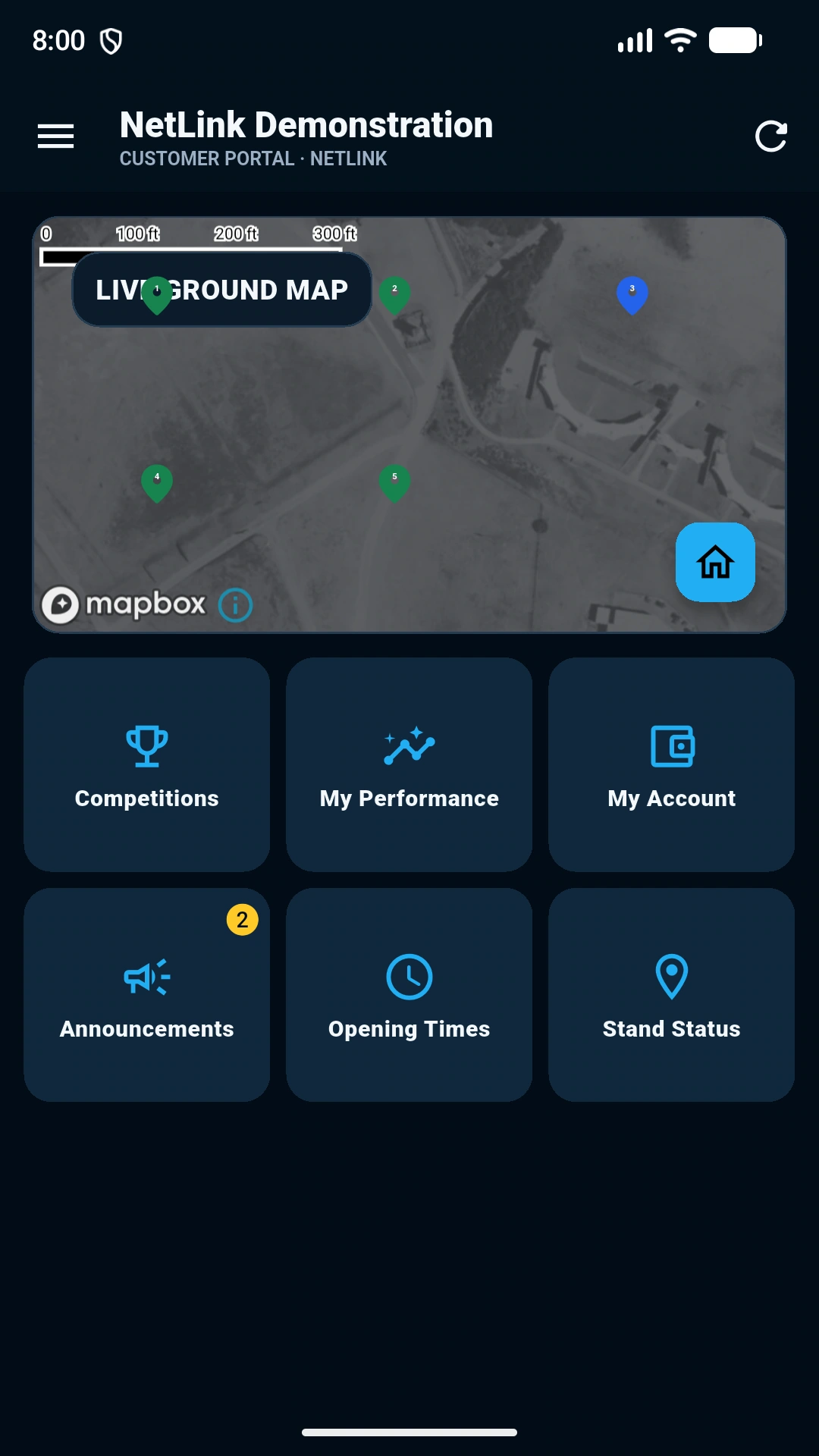
Give shooters a direct connection to their ground, from account details and opening times to competitions and personal performance.
Explore Customer ↗Discuss your disciplines, equipment, connectivity and business requirements with FieldTech.
Current application screenshots using isolated demonstration records. Access and availability depend on the approved package and configuration.
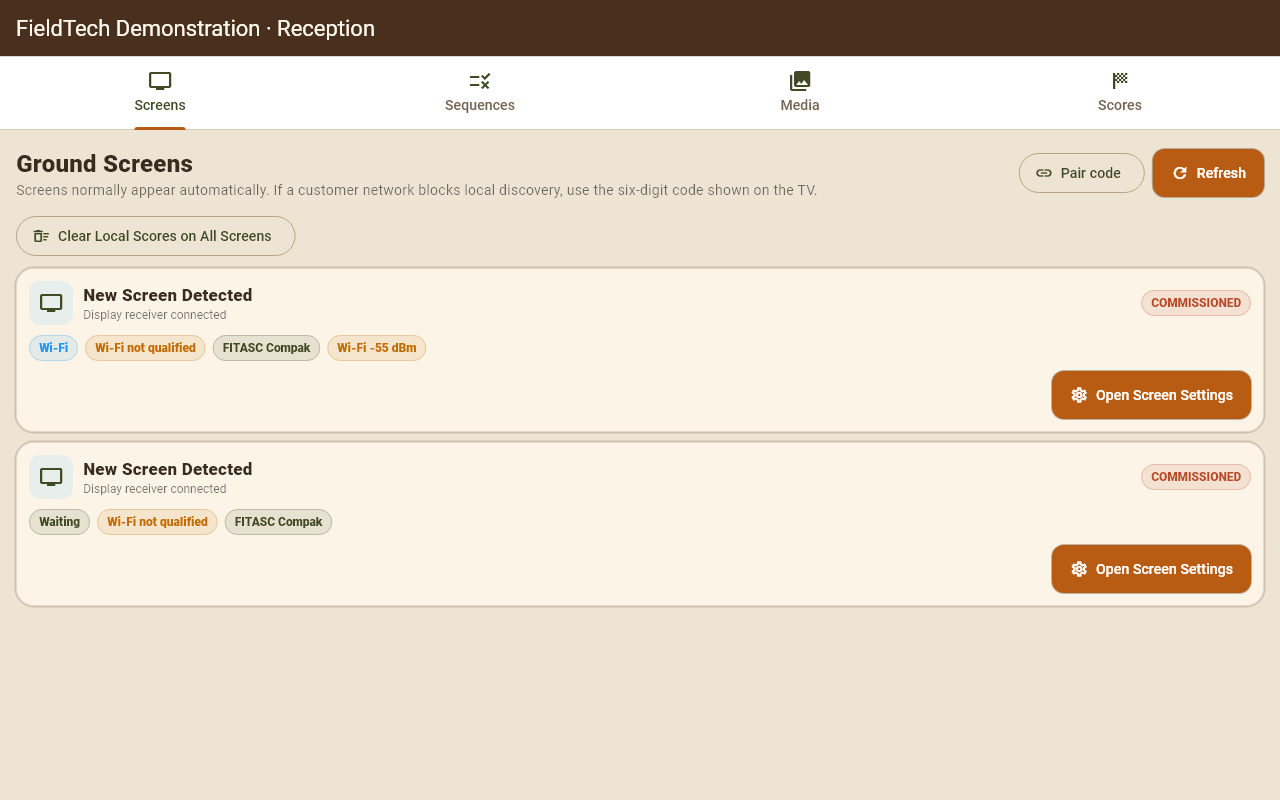
Commission and identify display endpoints, manage supported sequences, media and screen content for the ground.
Explore this feature →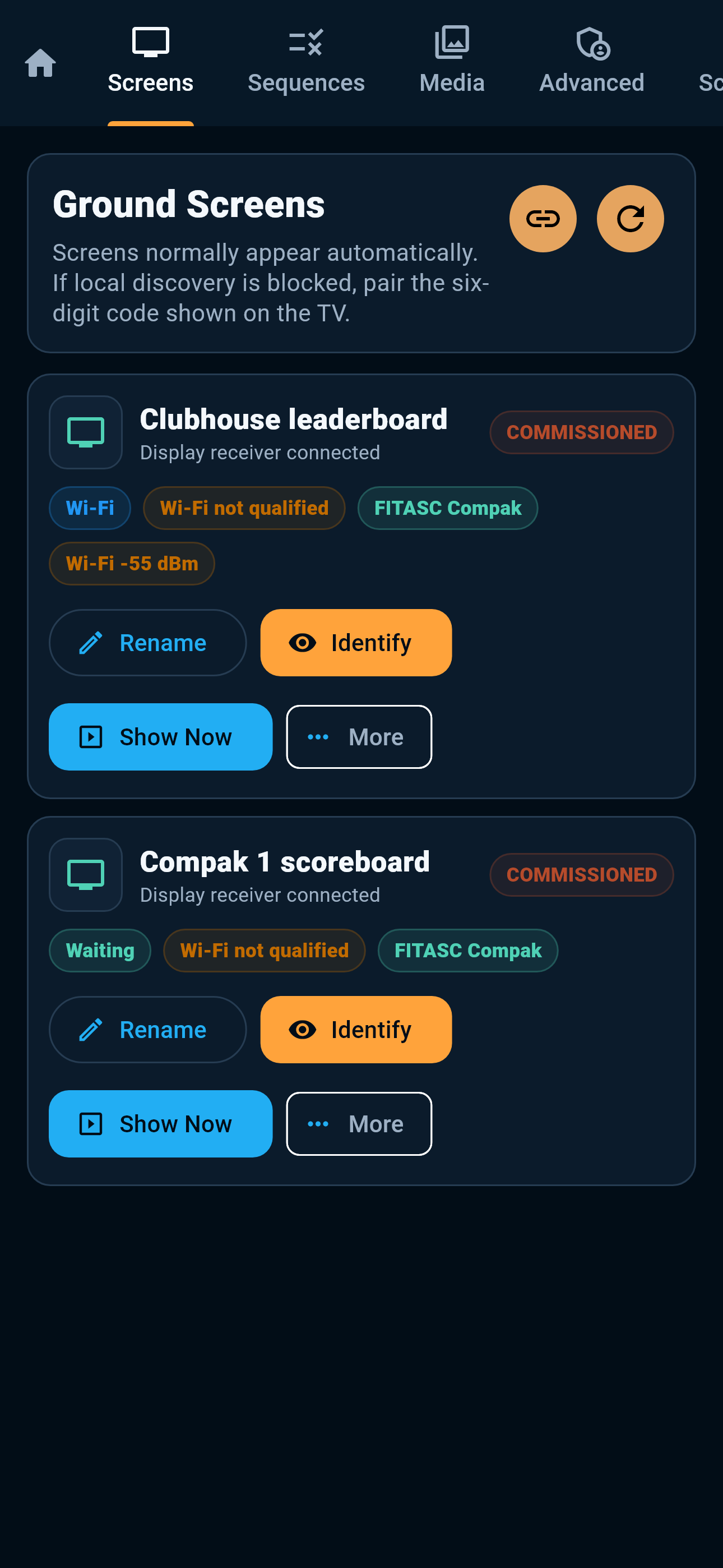
Review connected display endpoints, configuration, supported content and screen controls.
Explore this feature →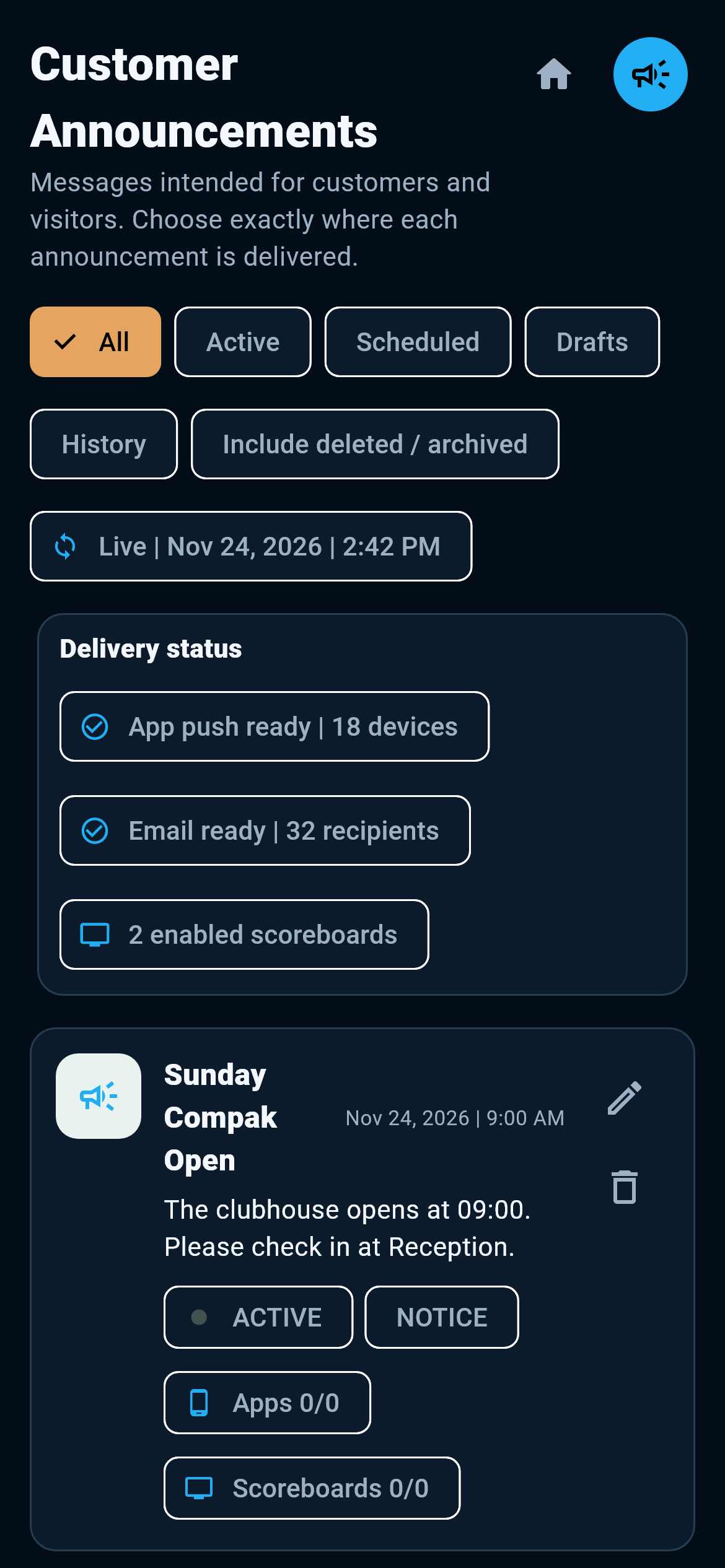
Create and manage announcements through authorised delivery channels, including supported app and display delivery.
Explore this feature →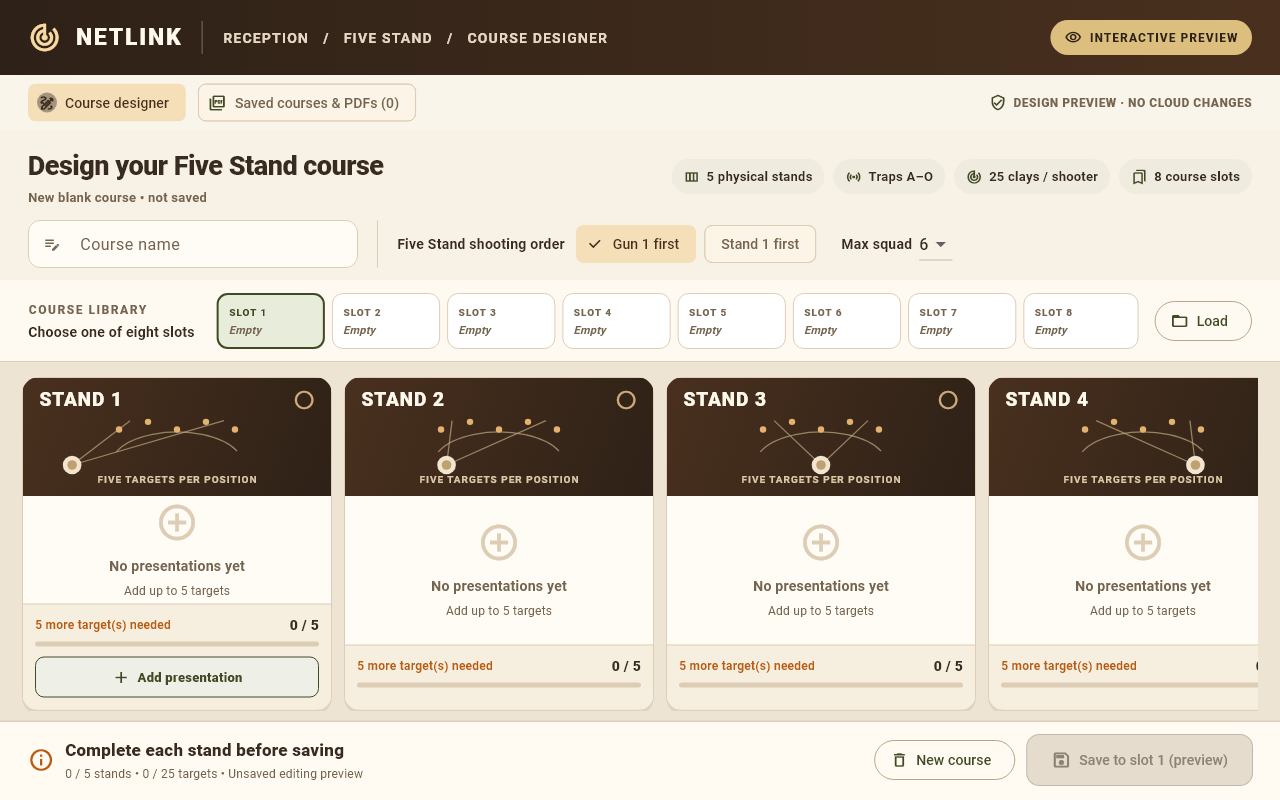
Configure and review the course in the appropriate sequencer workspace before using compatible stand equipment.
Explore this feature →NetLink+ Customer and Groundsman apps, personal performance, customer push notices and advanced analytics are NetLink+ benefits. Core includes Reception and its operational reporting. Availability depends on configured equipment and permissions.
Compare the options