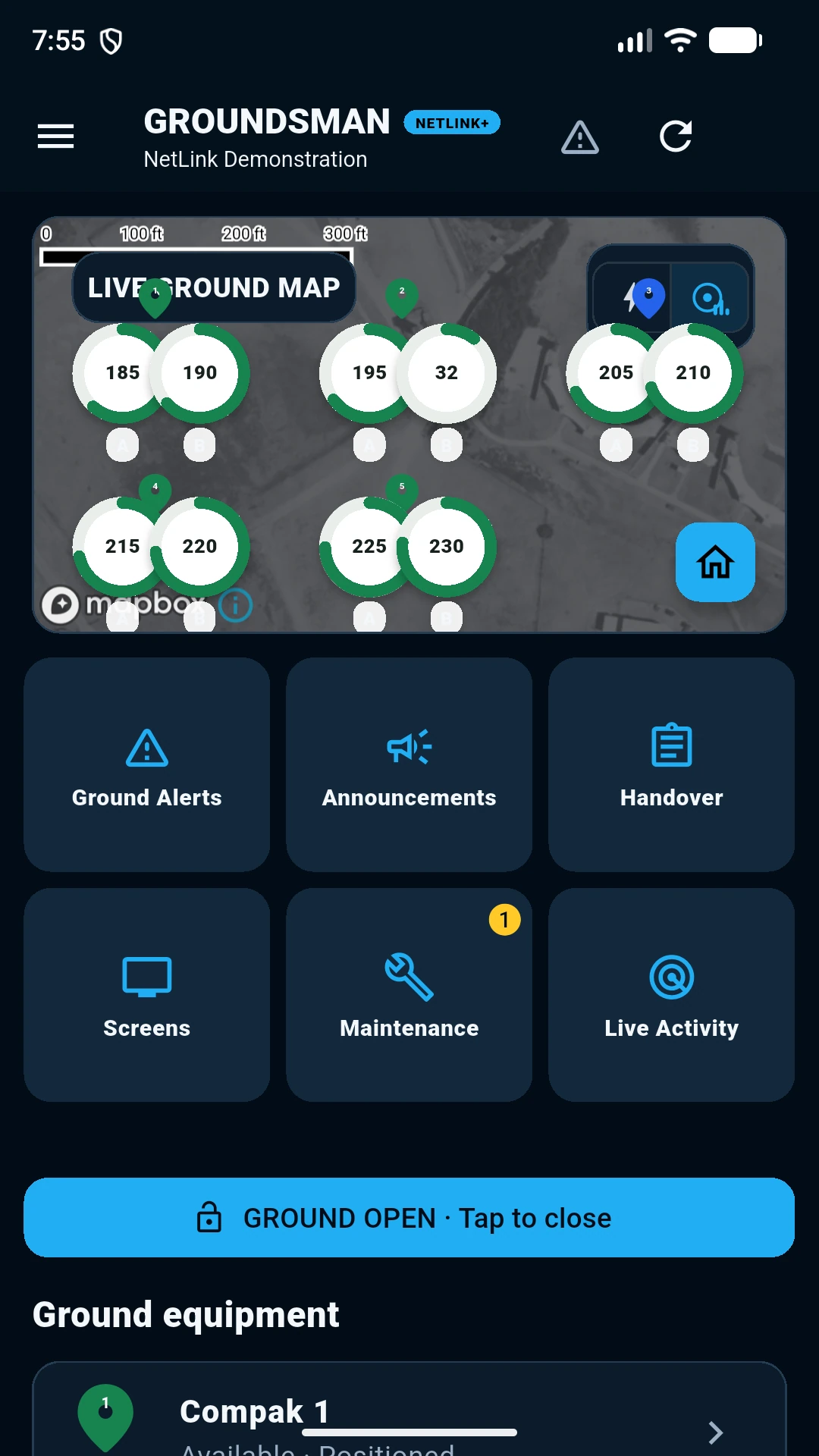
Groundsman home
Open the key operational tools from the staff home workspace. View available information according to the permissions granted to your account.
Explore NetLink+Give authorised staff the same useful ground information away from the clubhouse. See which equipment needs attention, coordinate the day’s work and record what has been done.
Groundsman presents configured stands and their associated trap readings on the ground map. Reported clay quantities, connectivity and availability give staff a practical starting point for their work.
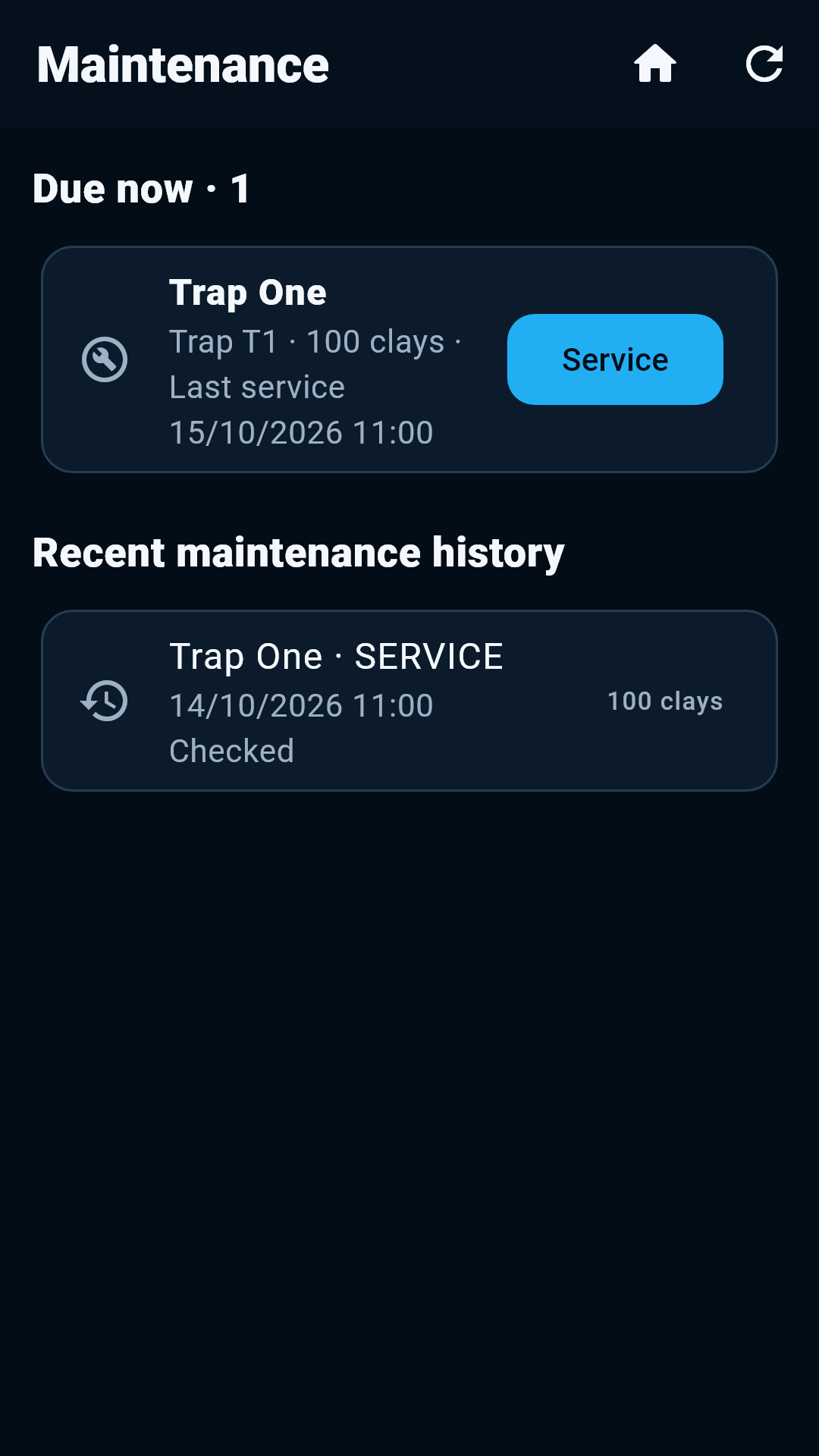
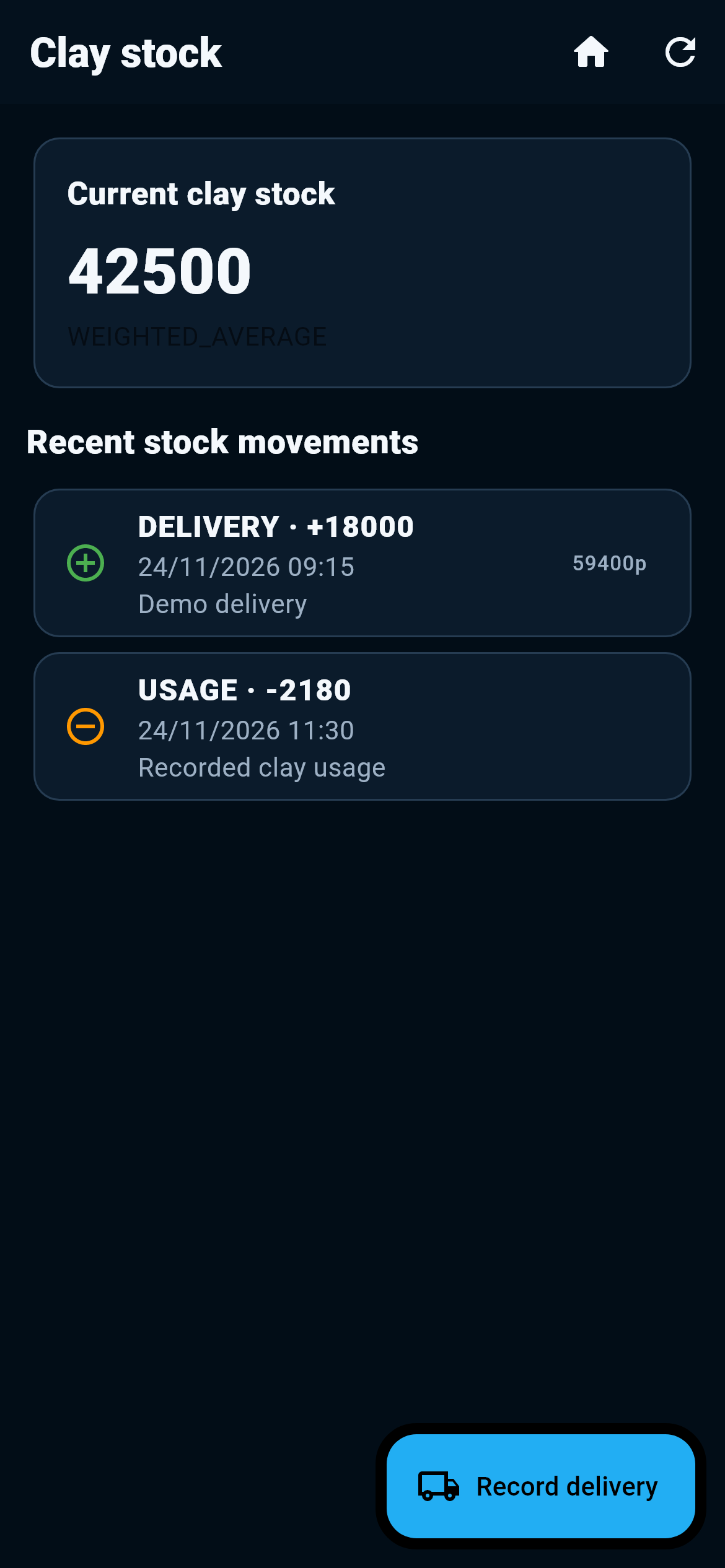
Plan the next refill or service around reported equipment use and stock. Review required work and record completed actions under the appropriate permissions.
Use alerts, event records and authorised operational controls to manage the ground. Staff role permissions determine which information and actions are available.
Browse the actual app screens, grouped by the work your staff need to carry out.
A practical phone-based workspace for authorised grounds staff.
Open the key operational tools from the staff home workspace. View available information according to the permissions granted to your account.
Explore NetLink+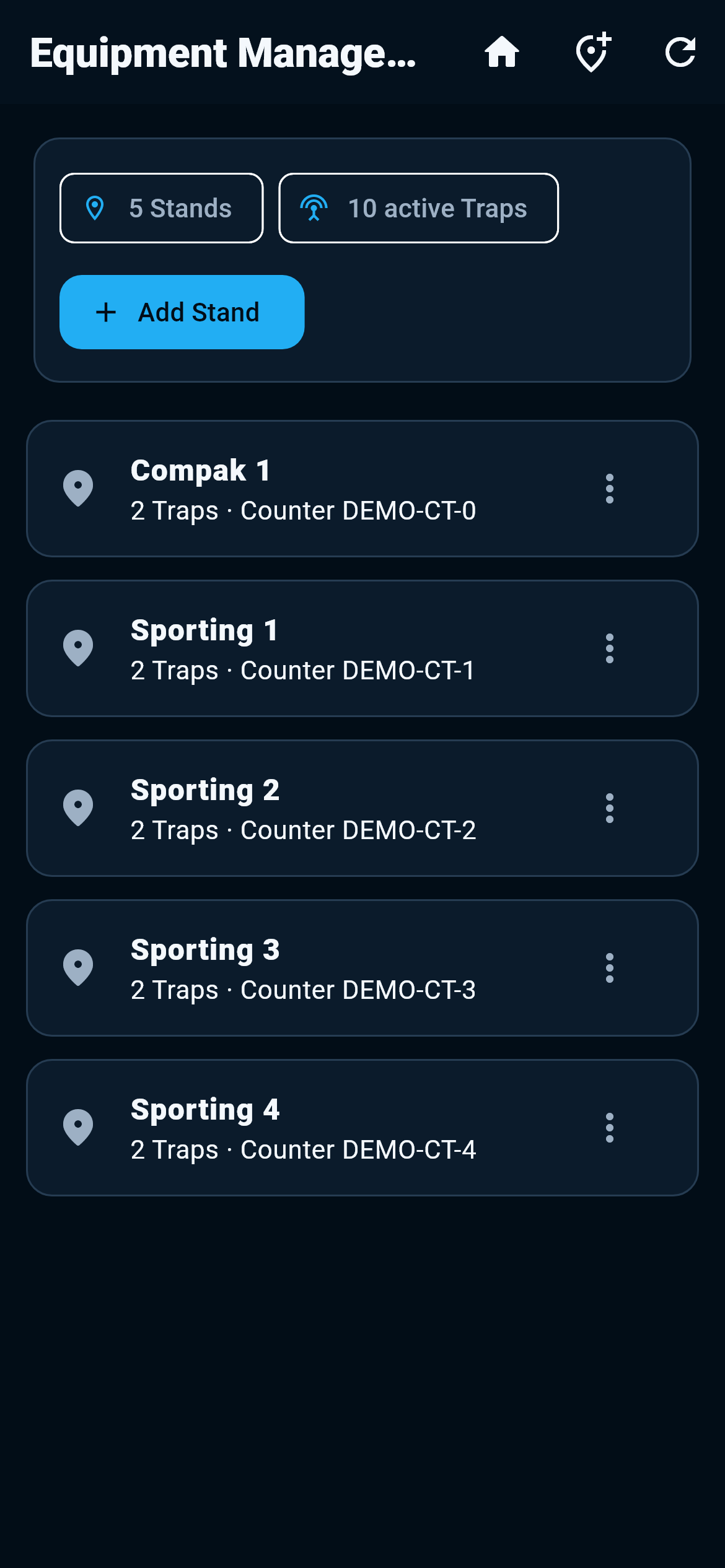
Review stands and their associated traps; inspect and manage configuration through the permitted equipment controls.
Explore NetLink+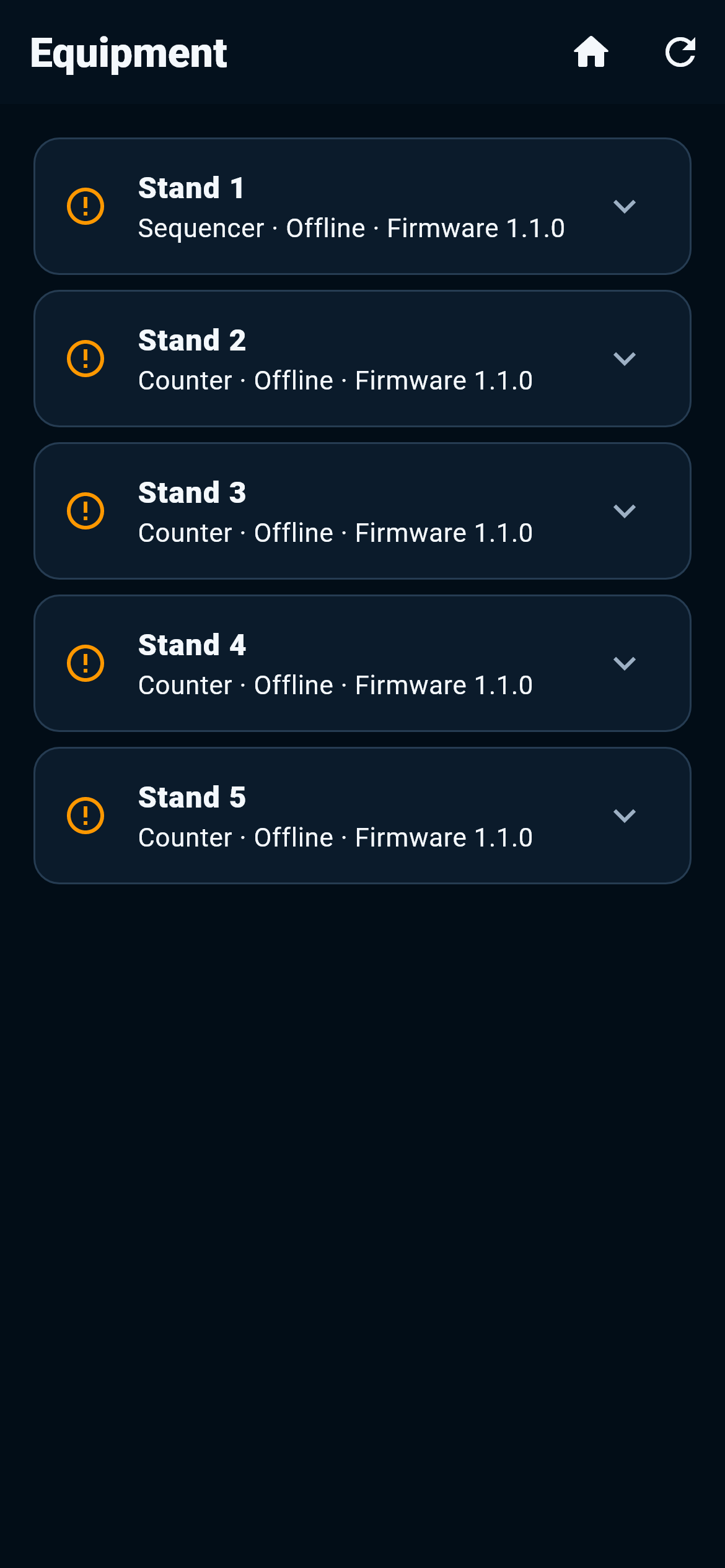
Check recorded equipment status and firmware details. An offline or unconfirmed device is distinct from one known to be available.
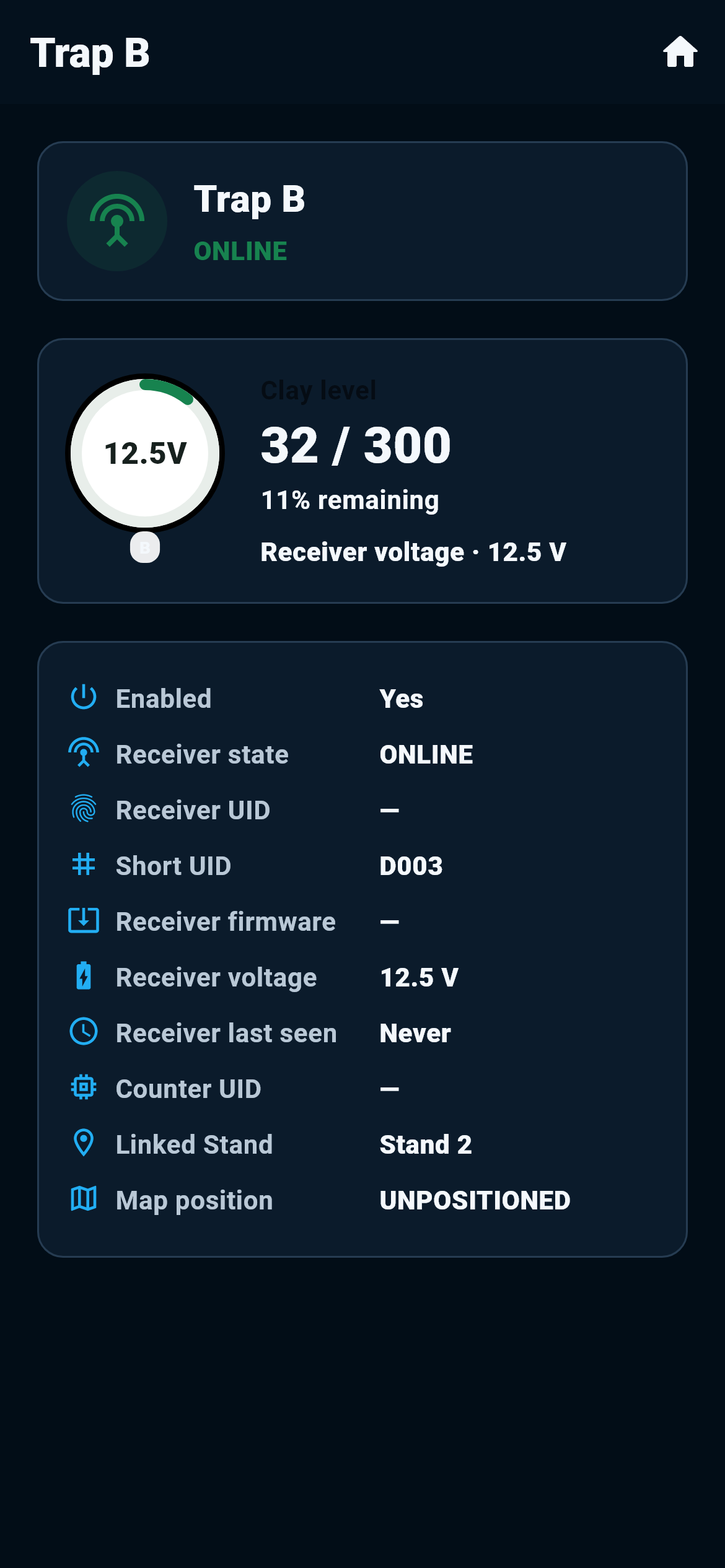
Explore NetLink+See remaining clays, receiver voltage and communication status where reported. Investigate a specific trap rather than guessing what is wrong.
Explore NetLink+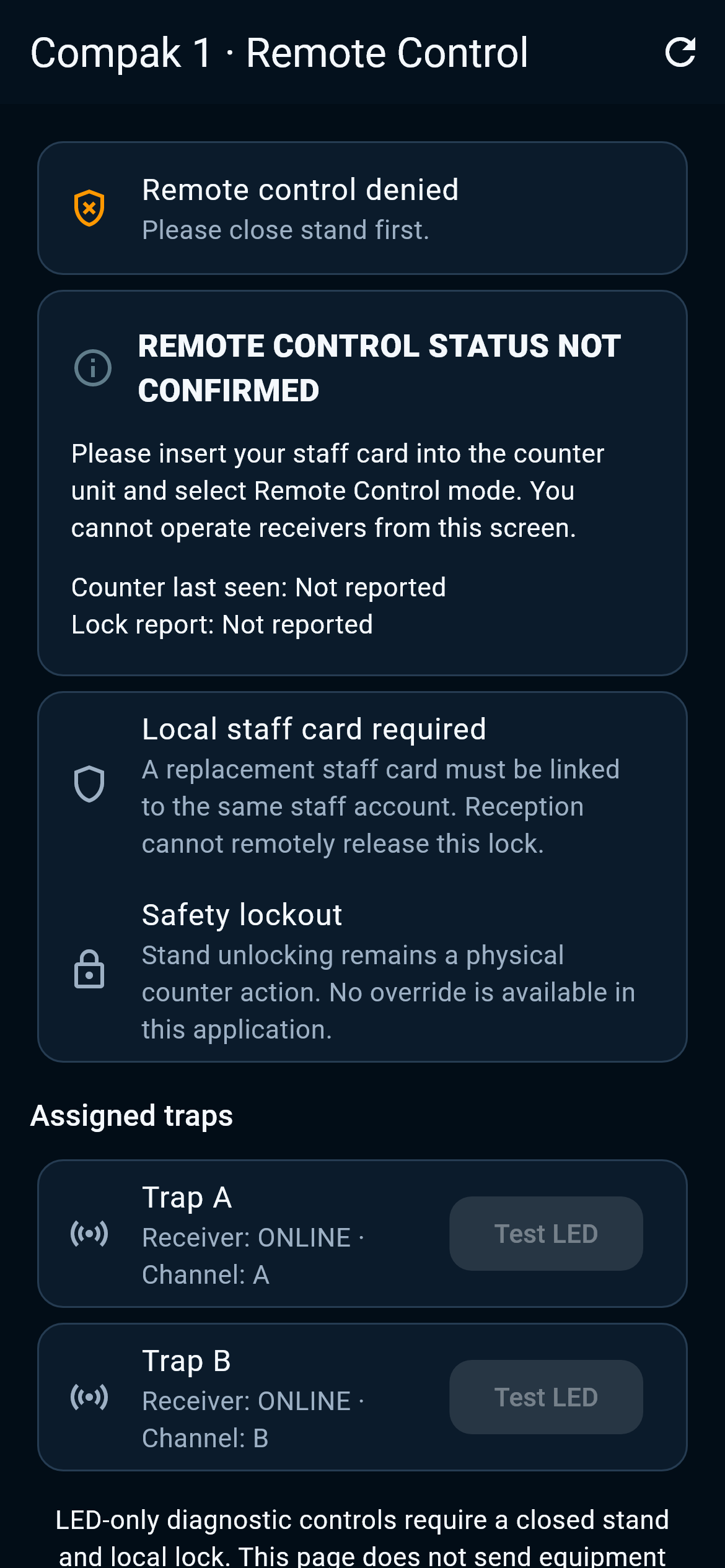
Inspect the stand's diagnostic state and approved LED-test controls. The interface enforces local authorisation and safety lockout; it is not a remote clay-release control.
Explore NetLink+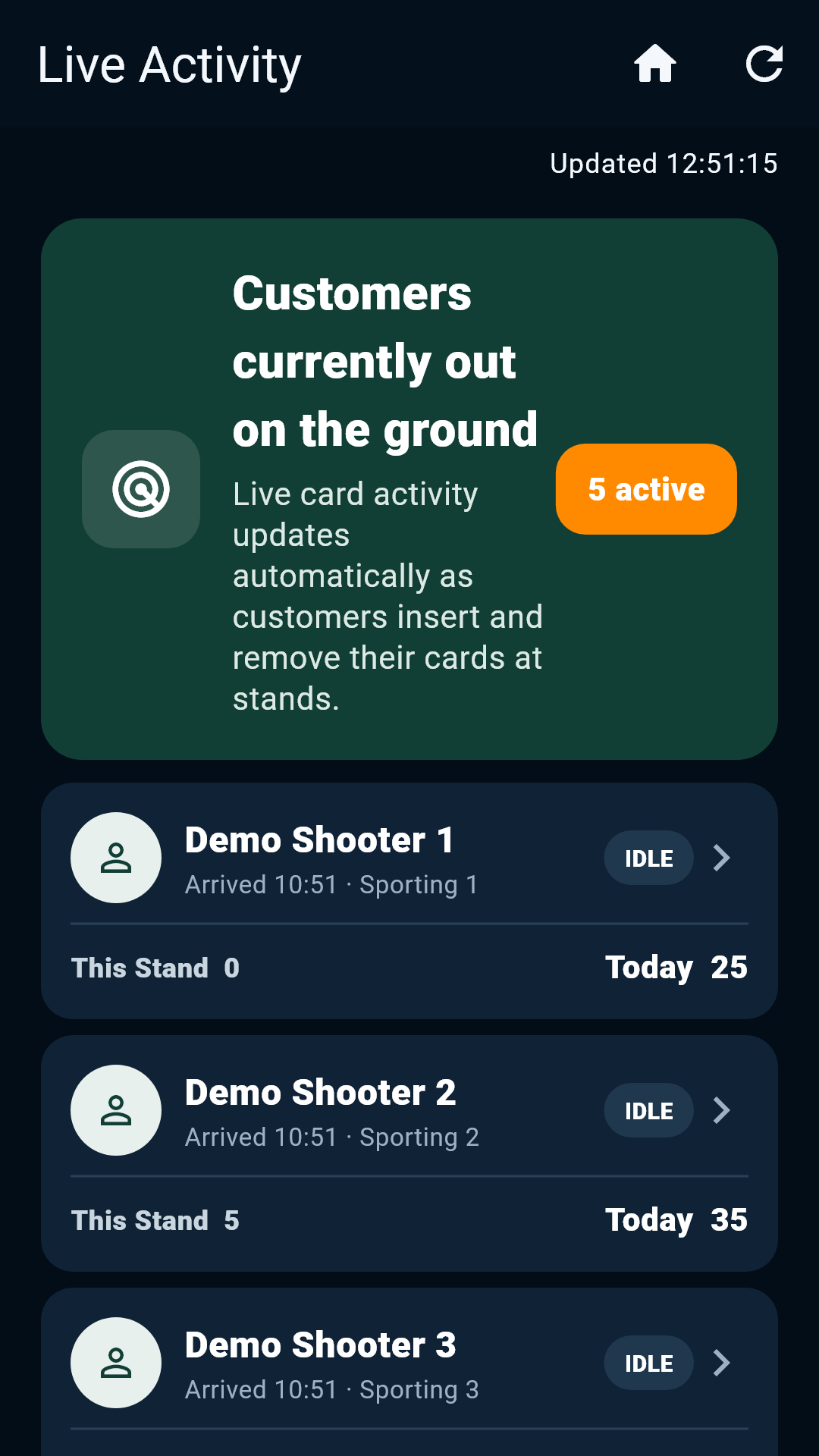
See customer activity reported by the system, including current stand and clay records when available.
Explore NetLink+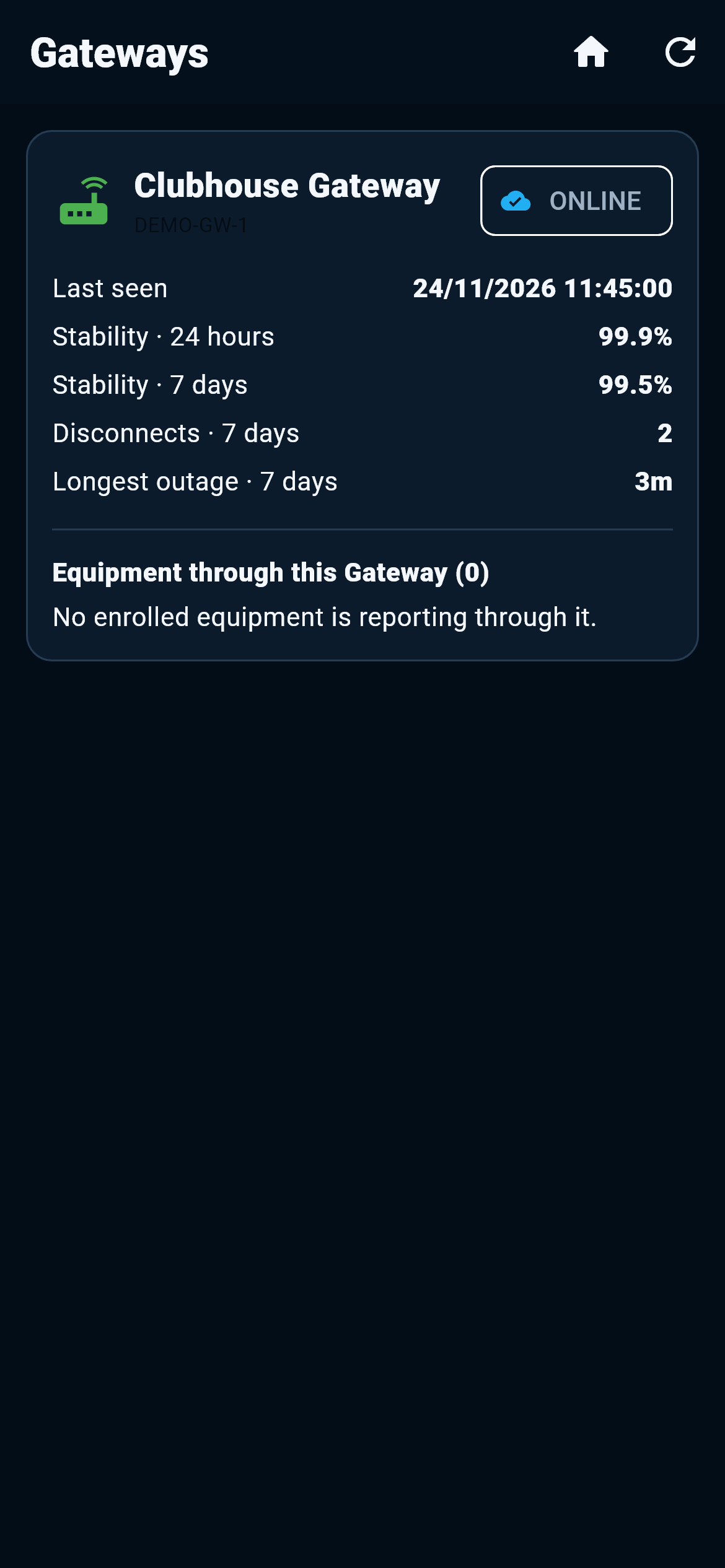
Review the connection history and stability of the gateway linking the field and Cloud.
Explore NetLink+Make maintenance, stock and staff coordination part of the working day.
Review equipment requiring service and record completed maintenance under the appropriate permissions.
Explore NetLink+Review recorded stock quantities and recent movements; record a delivery when authorised.
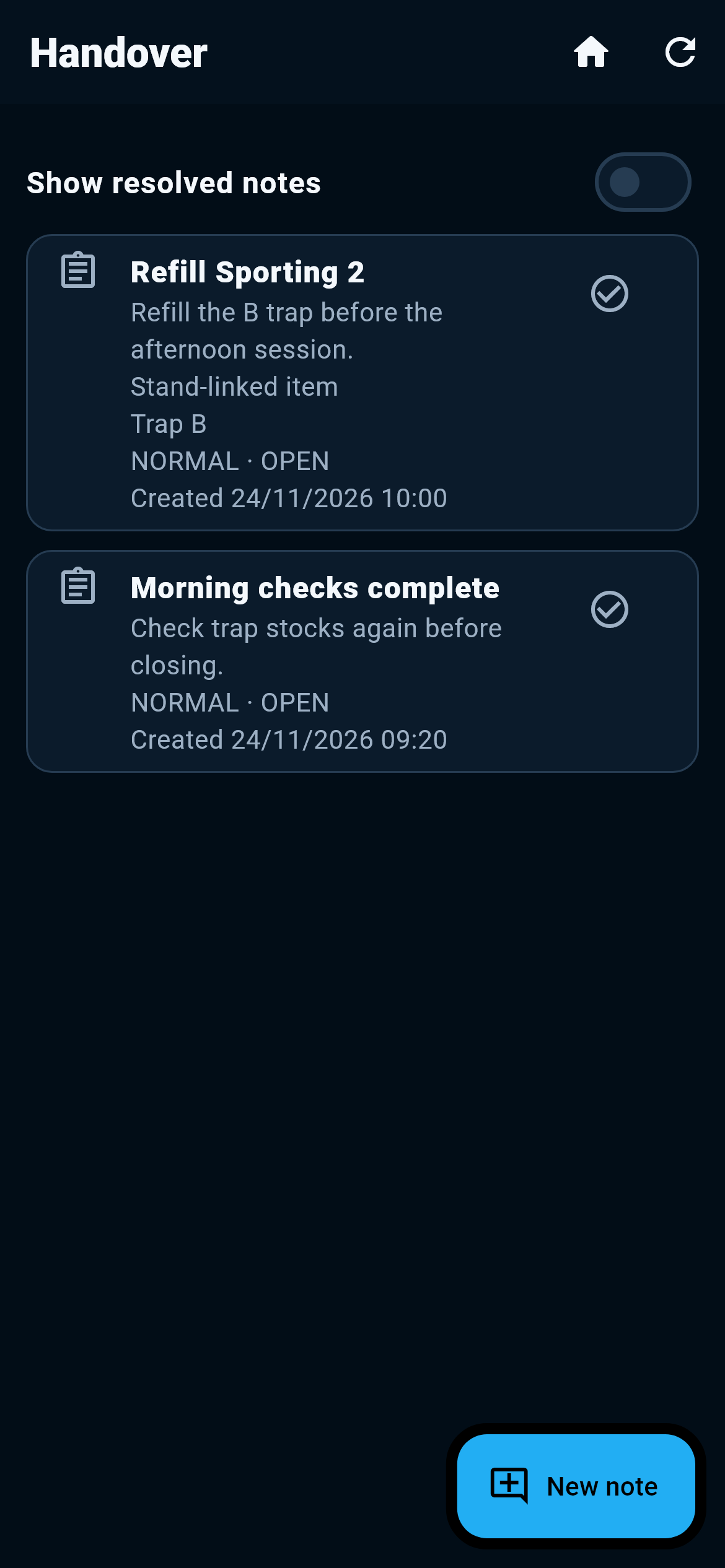
Explore NetLink+Leave stand-specific tasks and information for colleagues, and resolve completed handover items.
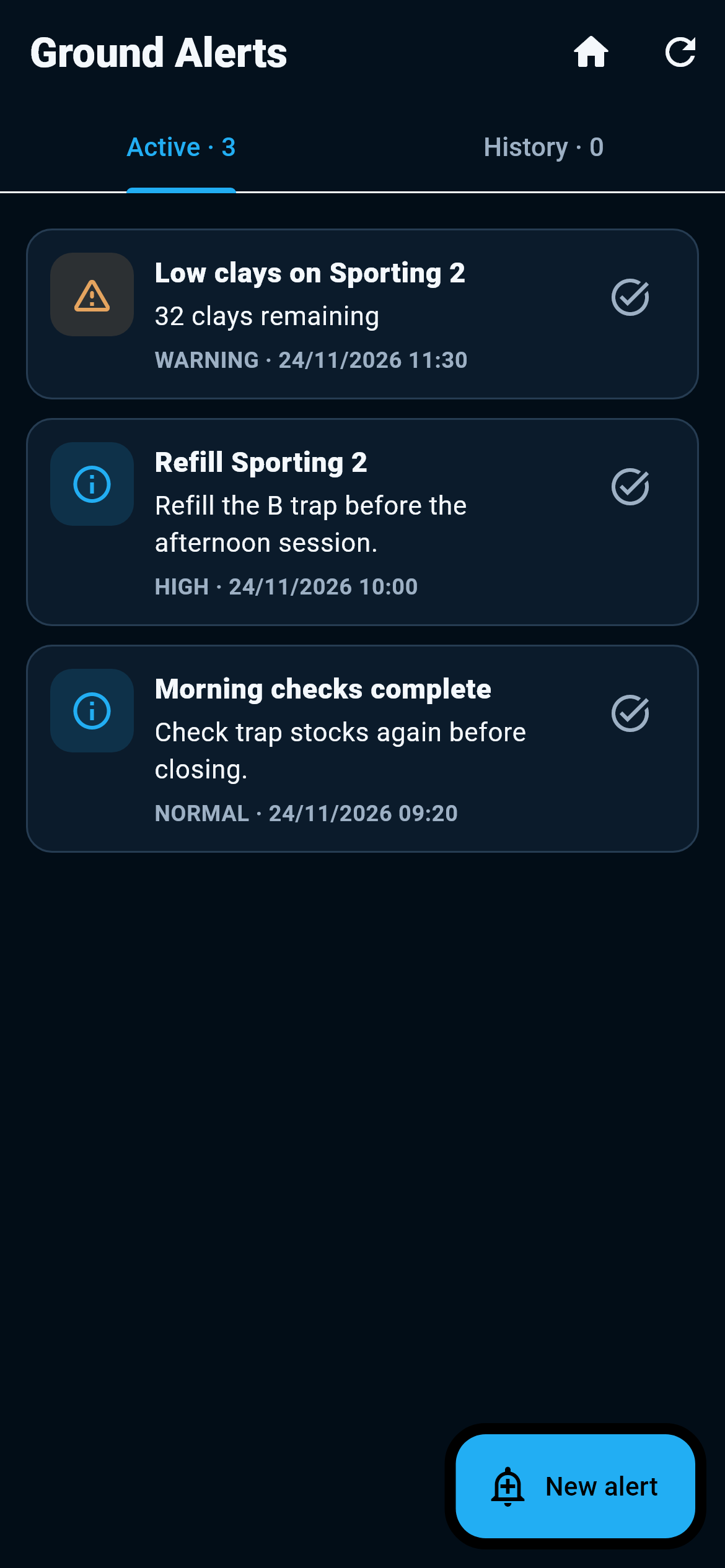
Explore NetLink+Find the warnings and outstanding staff reports that need attention. Keep the record of resolved items.
Explore NetLink+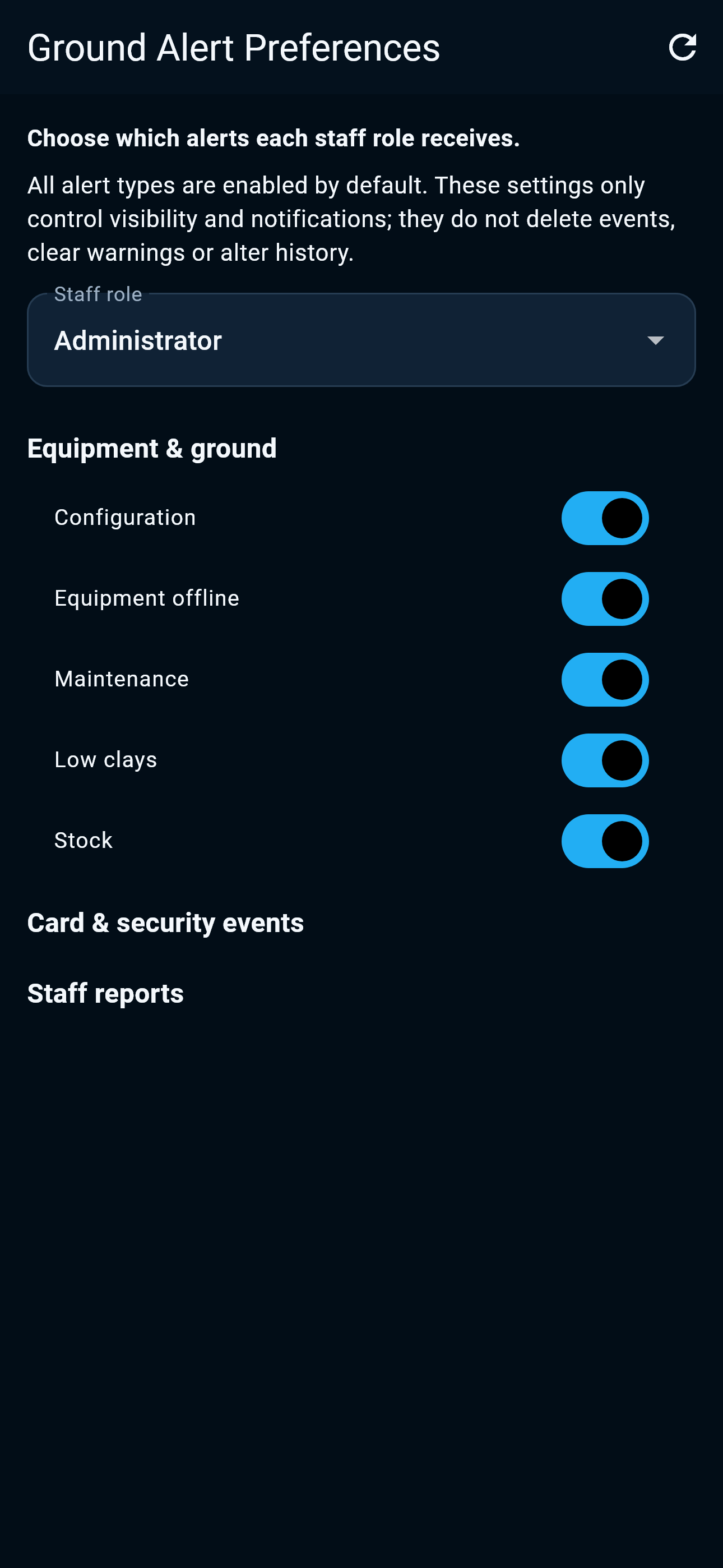
Review or configure role-specific visibility of alert categories under authorised permissions.
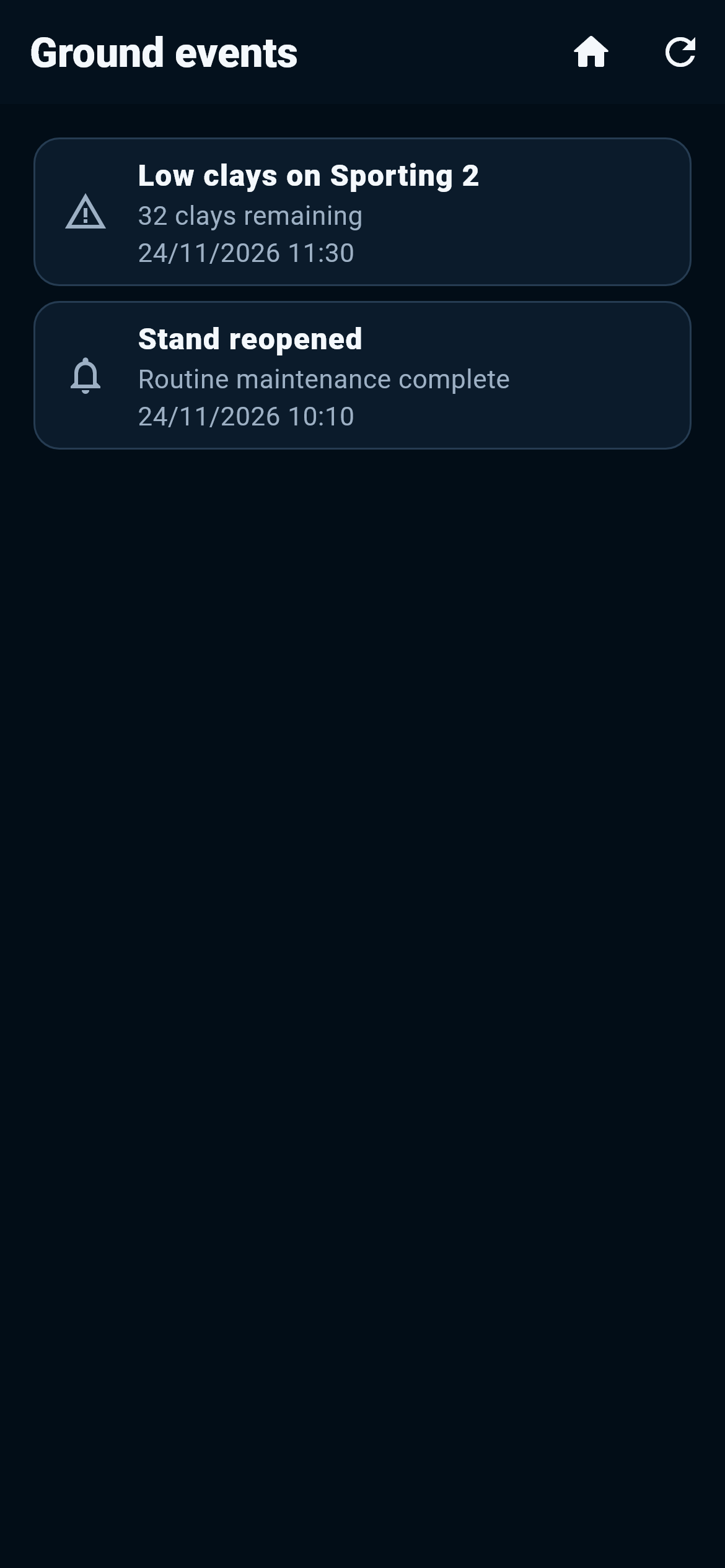
Explore NetLink+Review recorded operational events such as warnings and stand status changes.
Explore NetLink+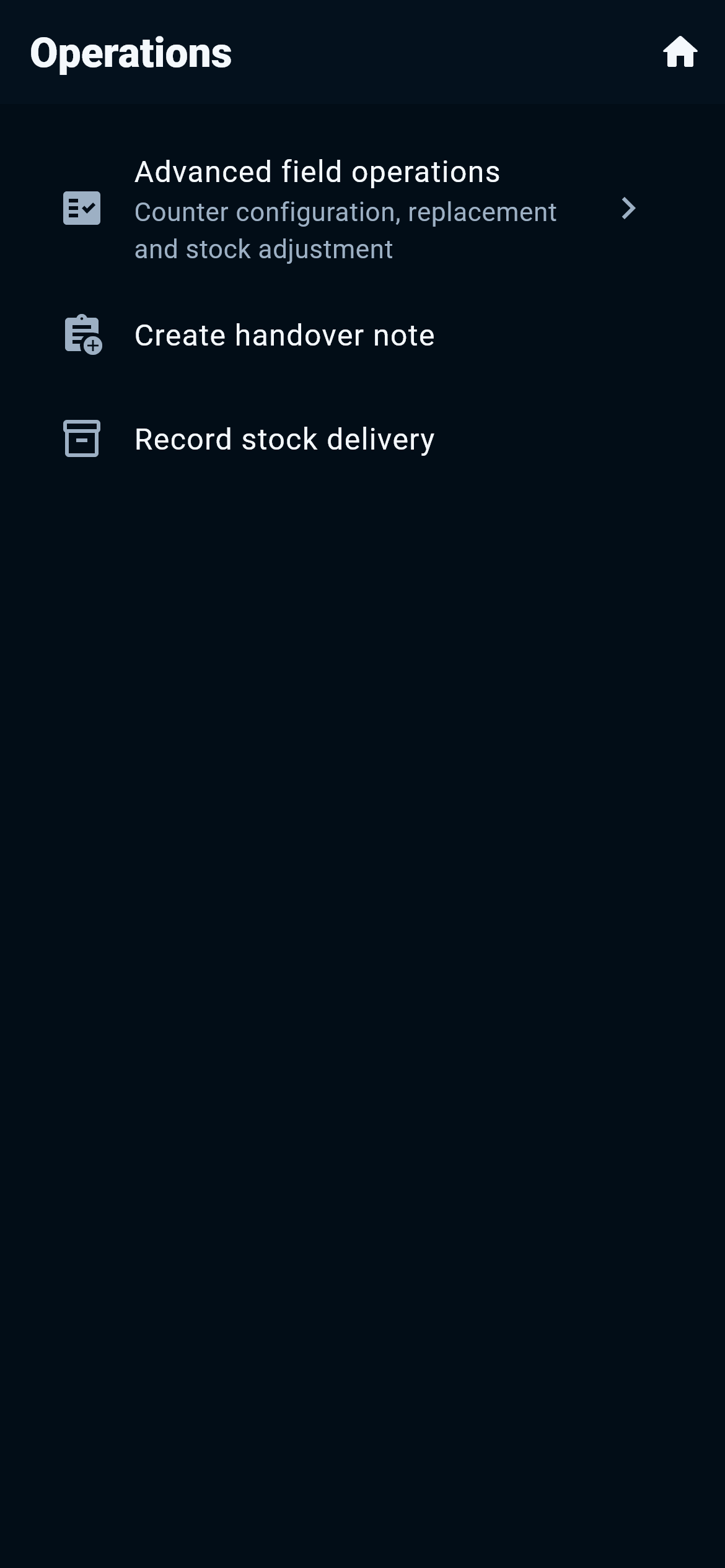
Access practical field actions including handover and stock delivery, with additional administration where permitted.
Explore NetLink+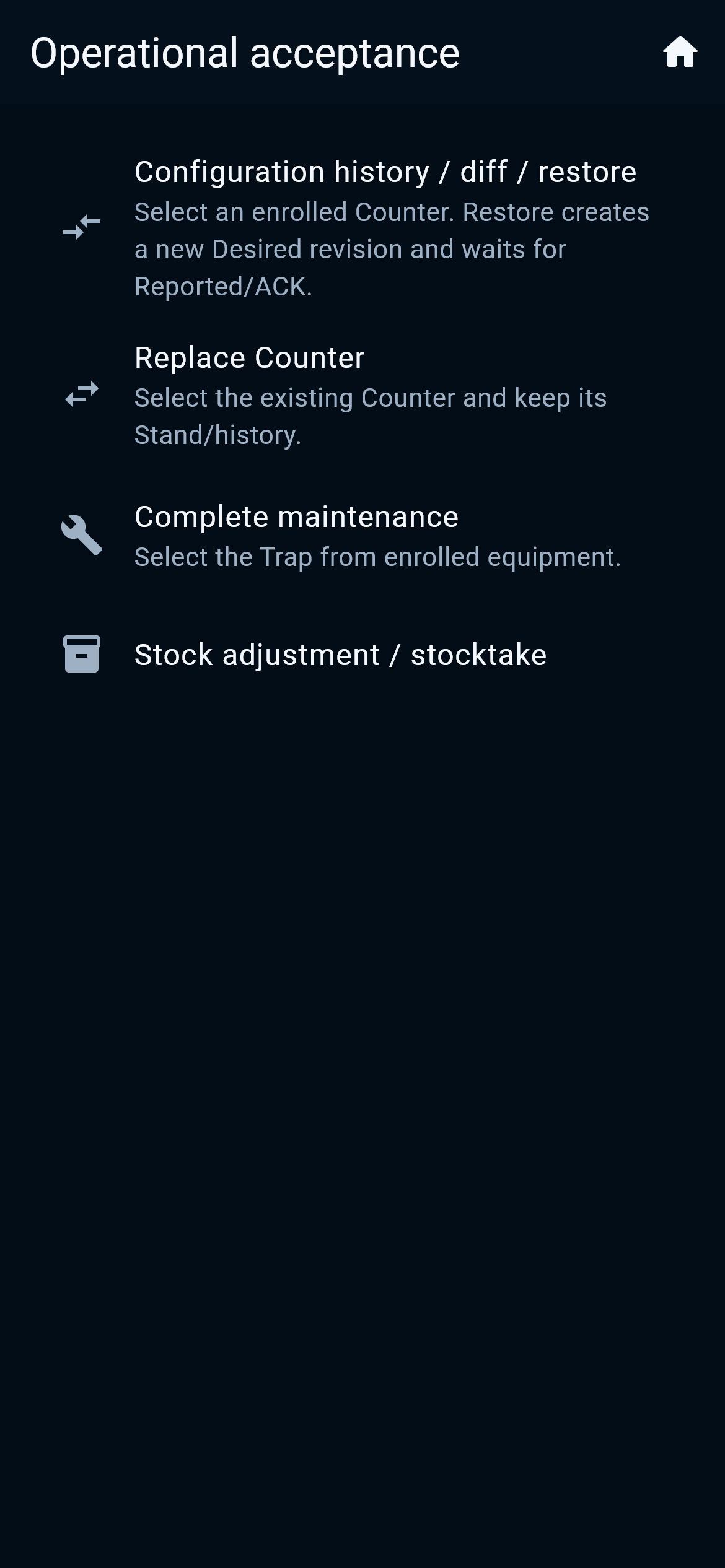
Review configuration history, supported counter replacement, completed maintenance and stock adjustments.
Explore NetLink+Bring the right people, equipment and communications together.

See current ground information shared with staff.
Explore NetLink+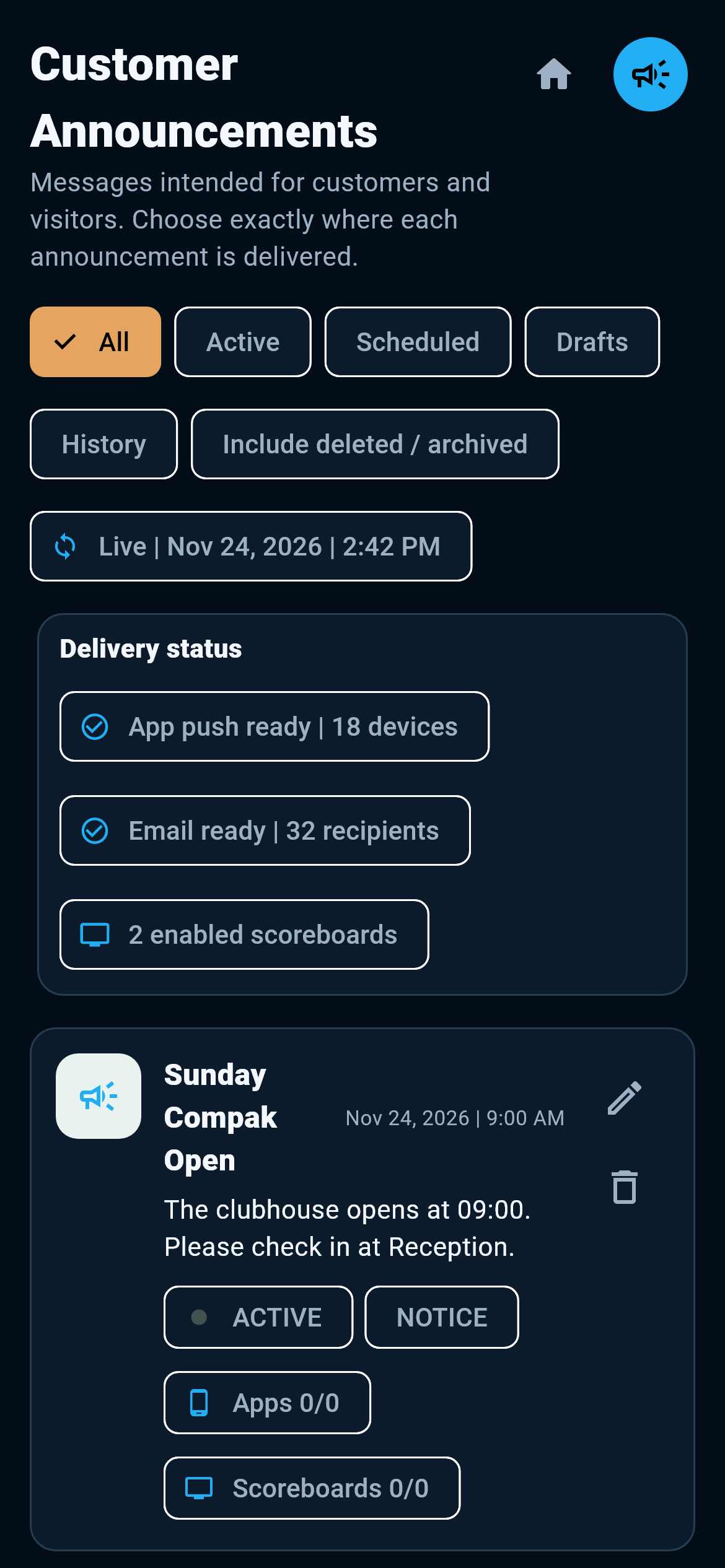
Create and manage announcements through authorised delivery channels, including supported app and display delivery.
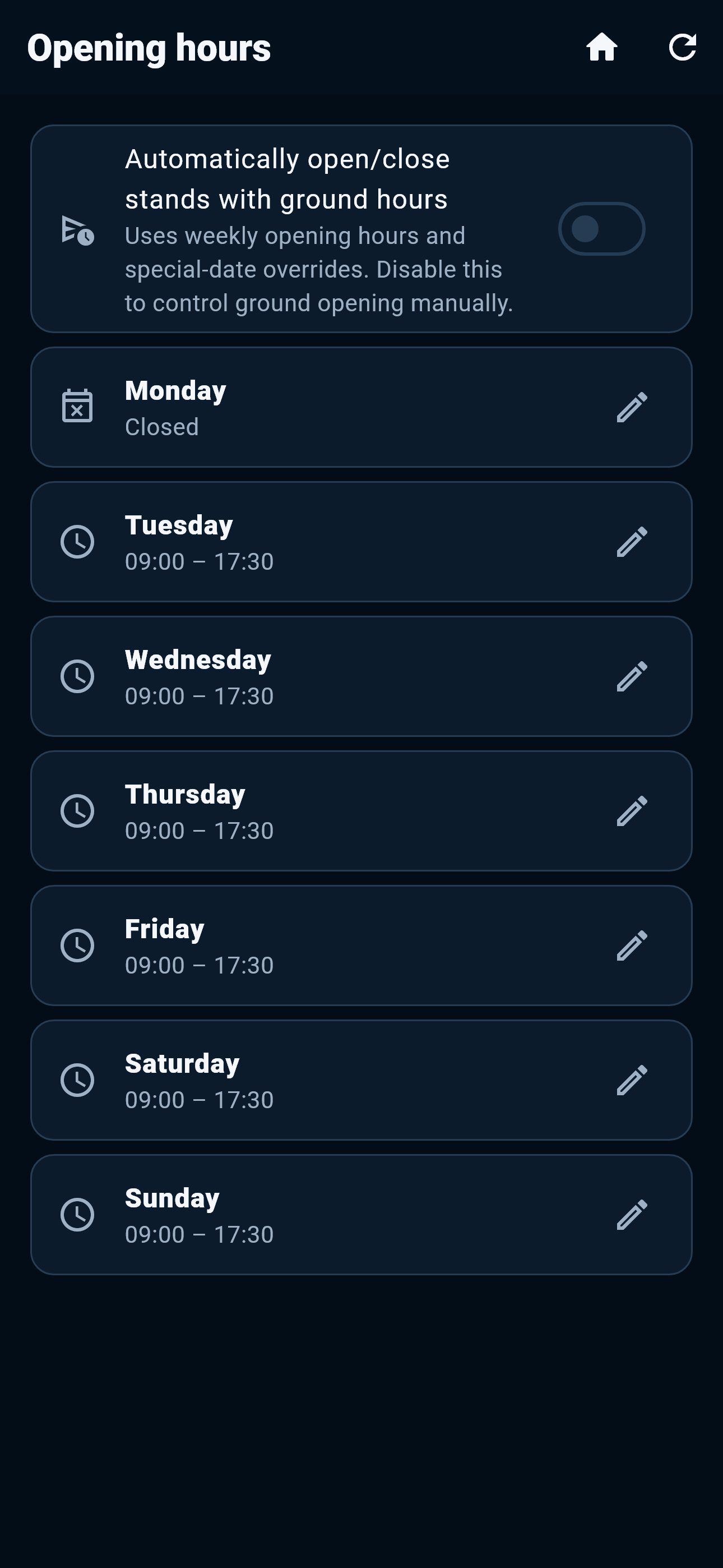
Explore NetLink+Inspect and manage regular hours, and supported ground-opening automation, according to role.
Explore NetLink+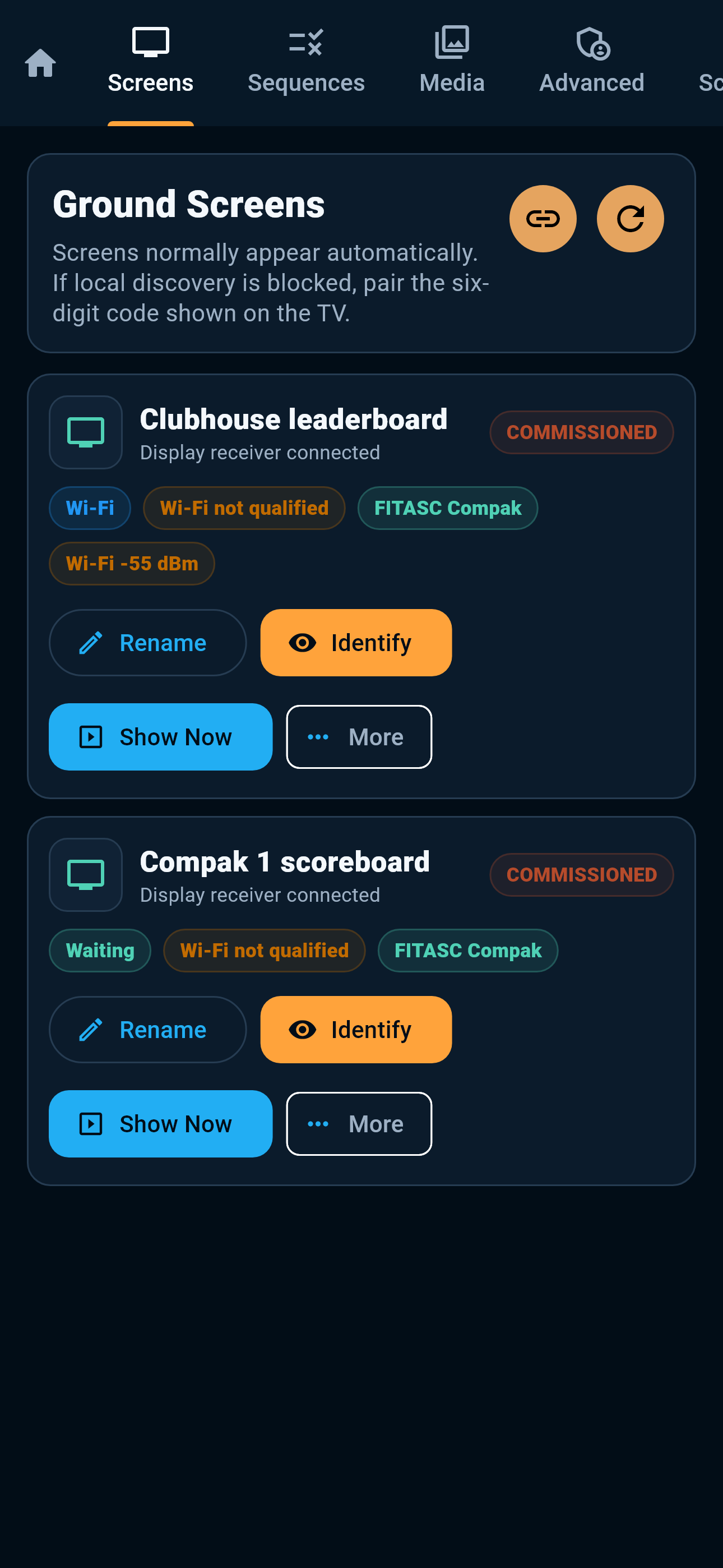
Review connected display endpoints, configuration, supported content and screen controls.
Explore NetLink+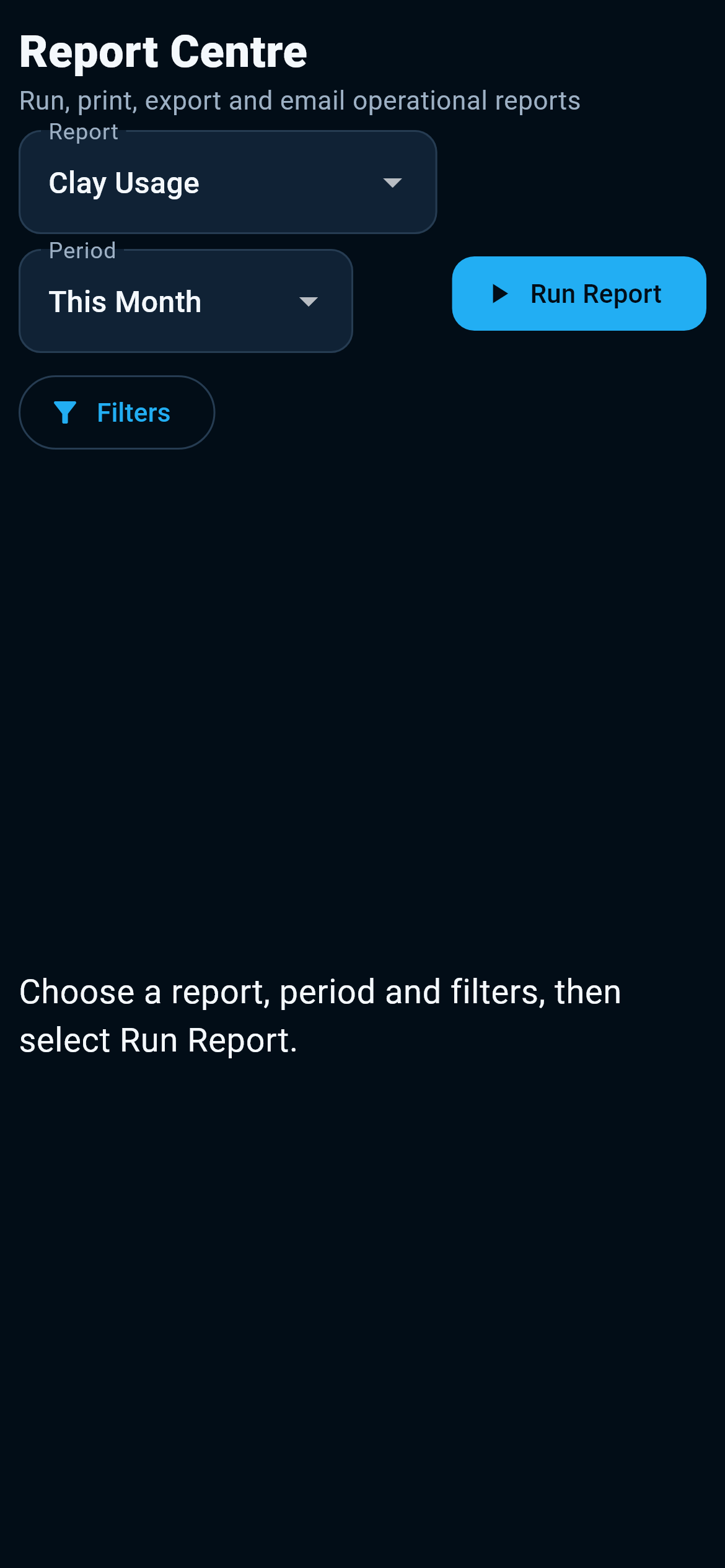
Choose a report and relevant period, then run and use the available results from the field.
Explore NetLink+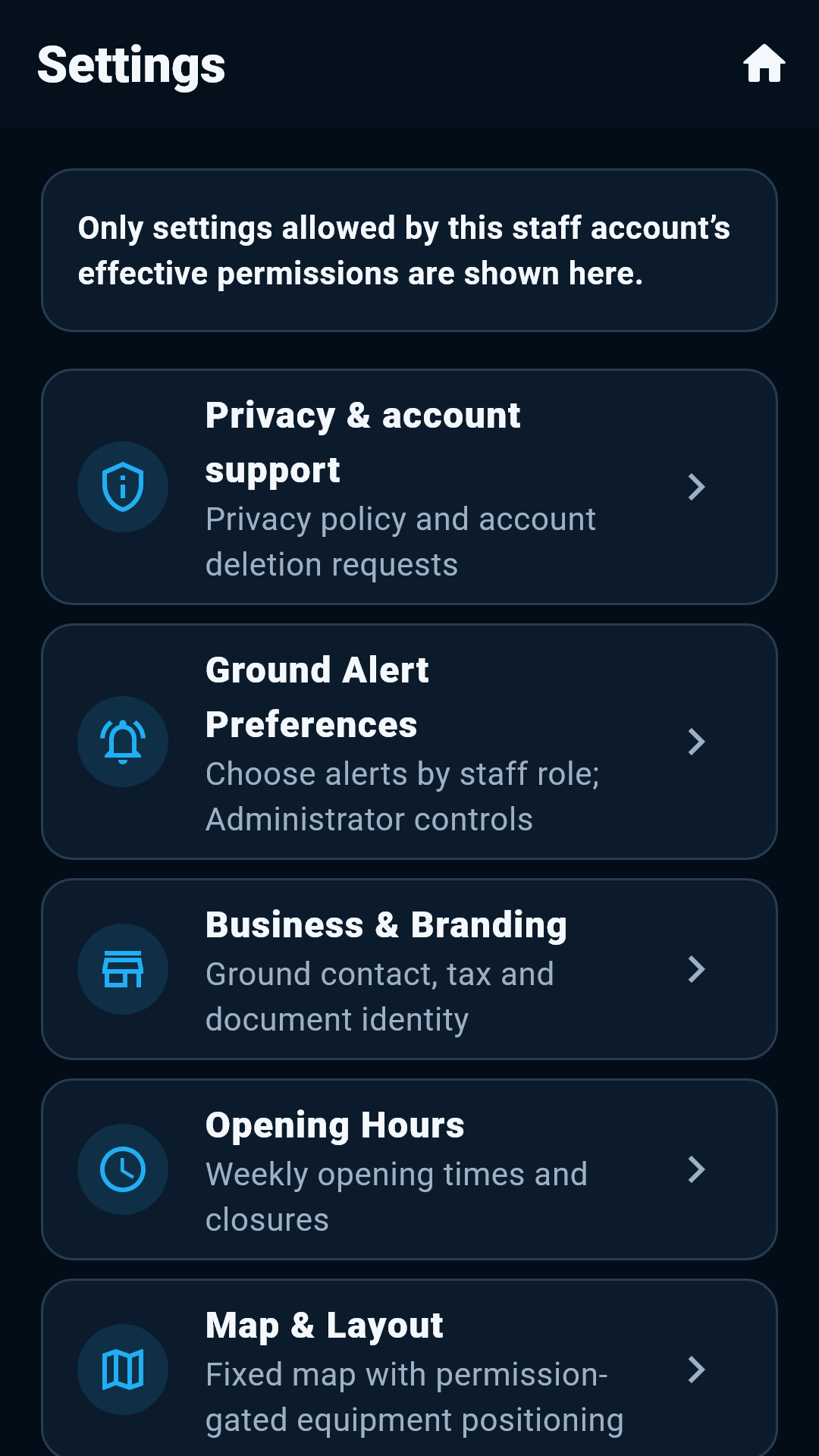
Reach equipment and ground administration tools from the settings workspace, subject to your staff permissions.
Explore NetLink+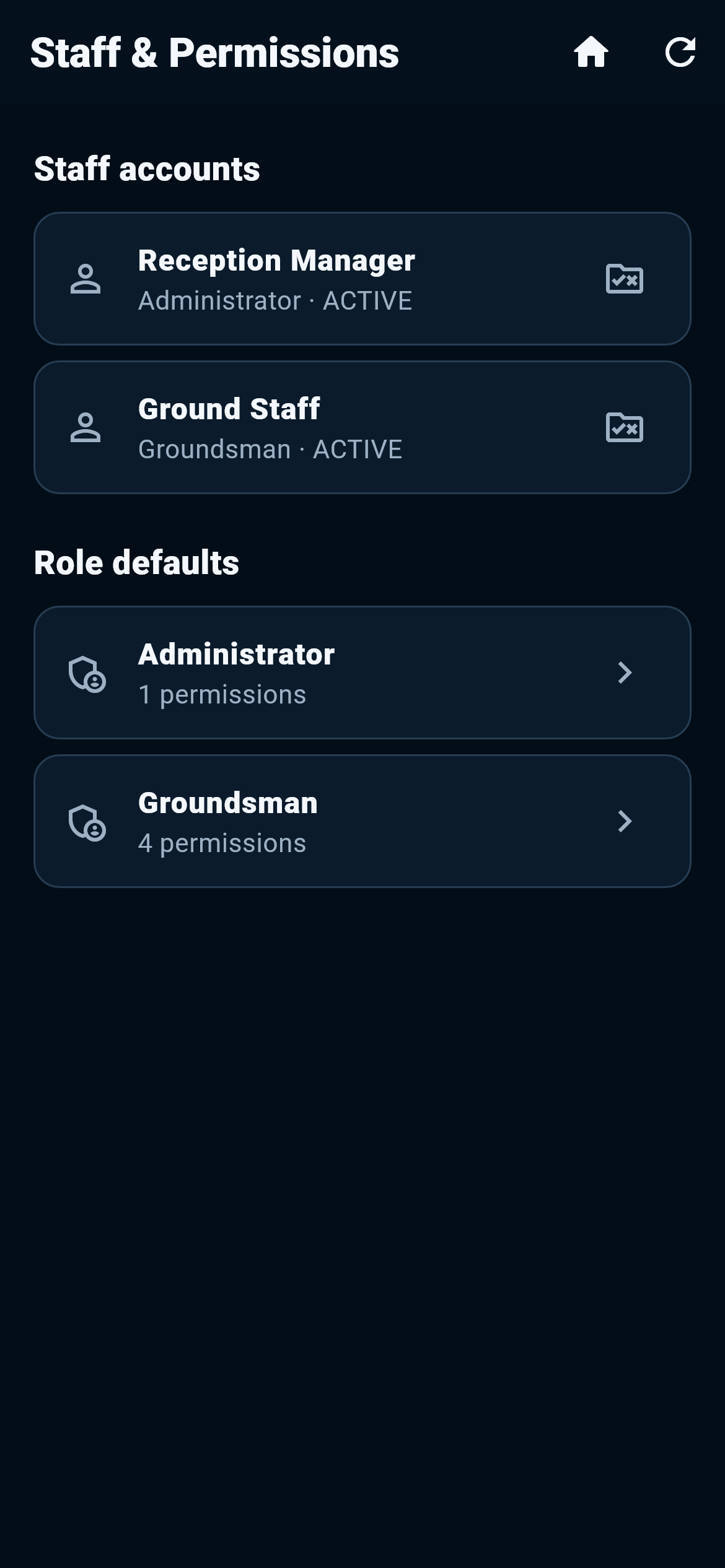
Authorised managers can review staff accounts and role defaults from their phone.
Explore NetLink+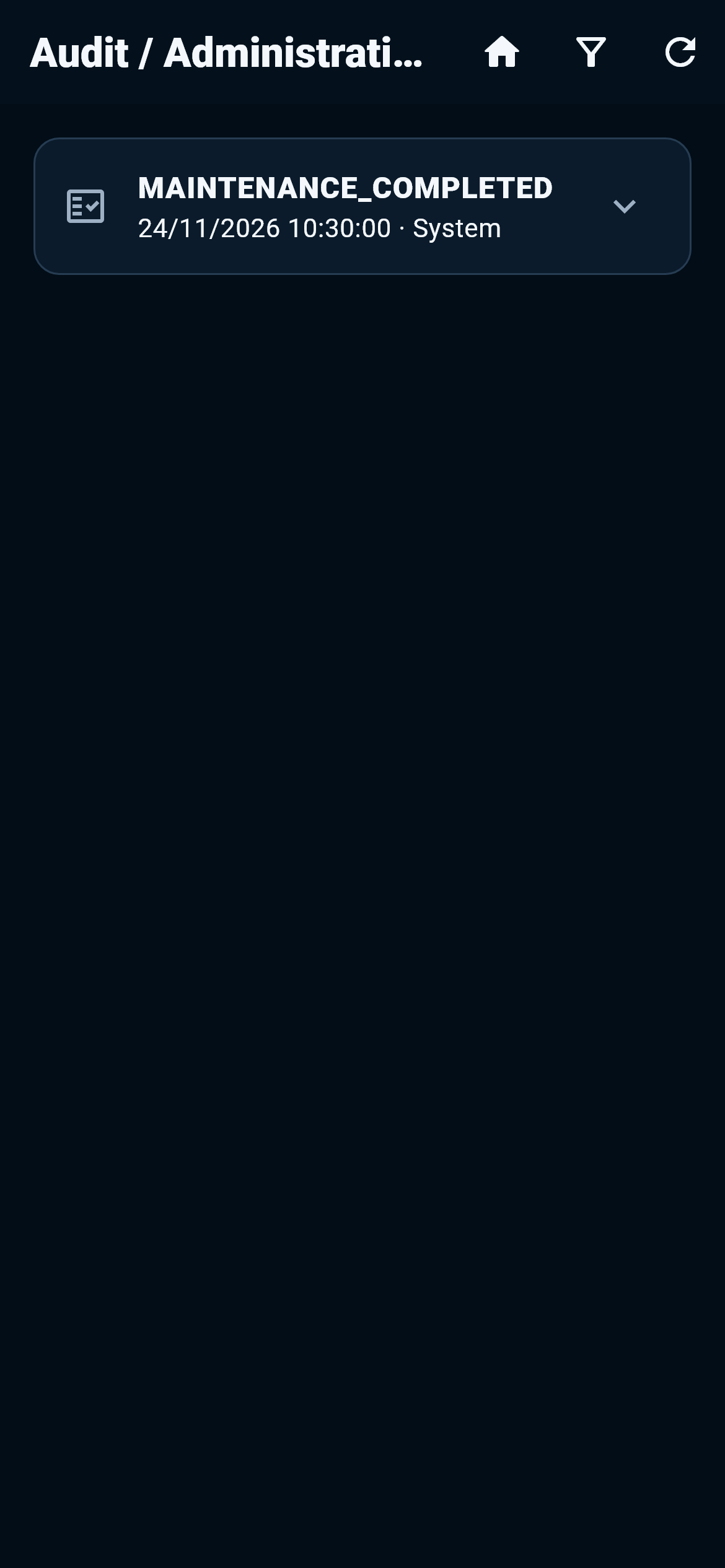
Review administrative events and use available filters to investigate changes.
Explore NetLink+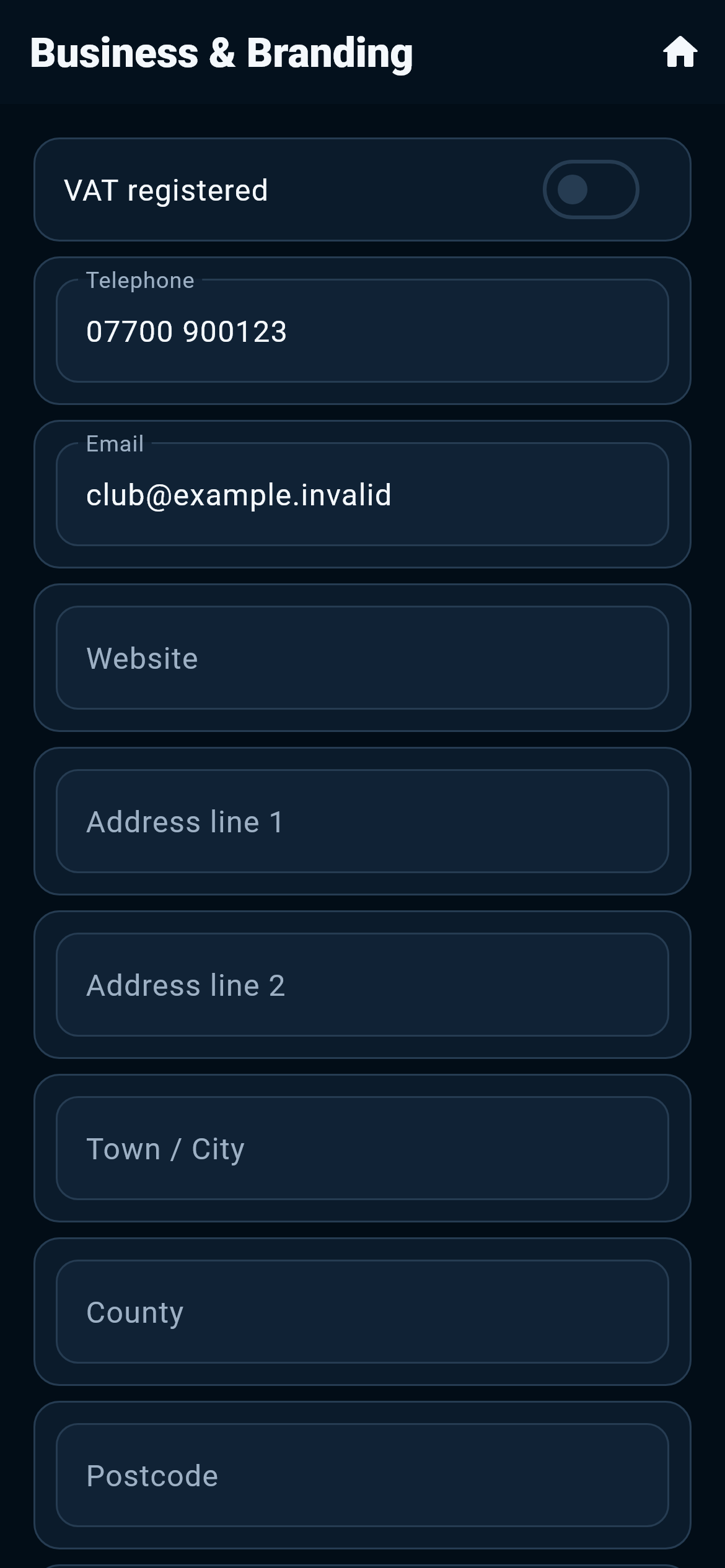
Manage business and contact details where your role permits.
Explore NetLink+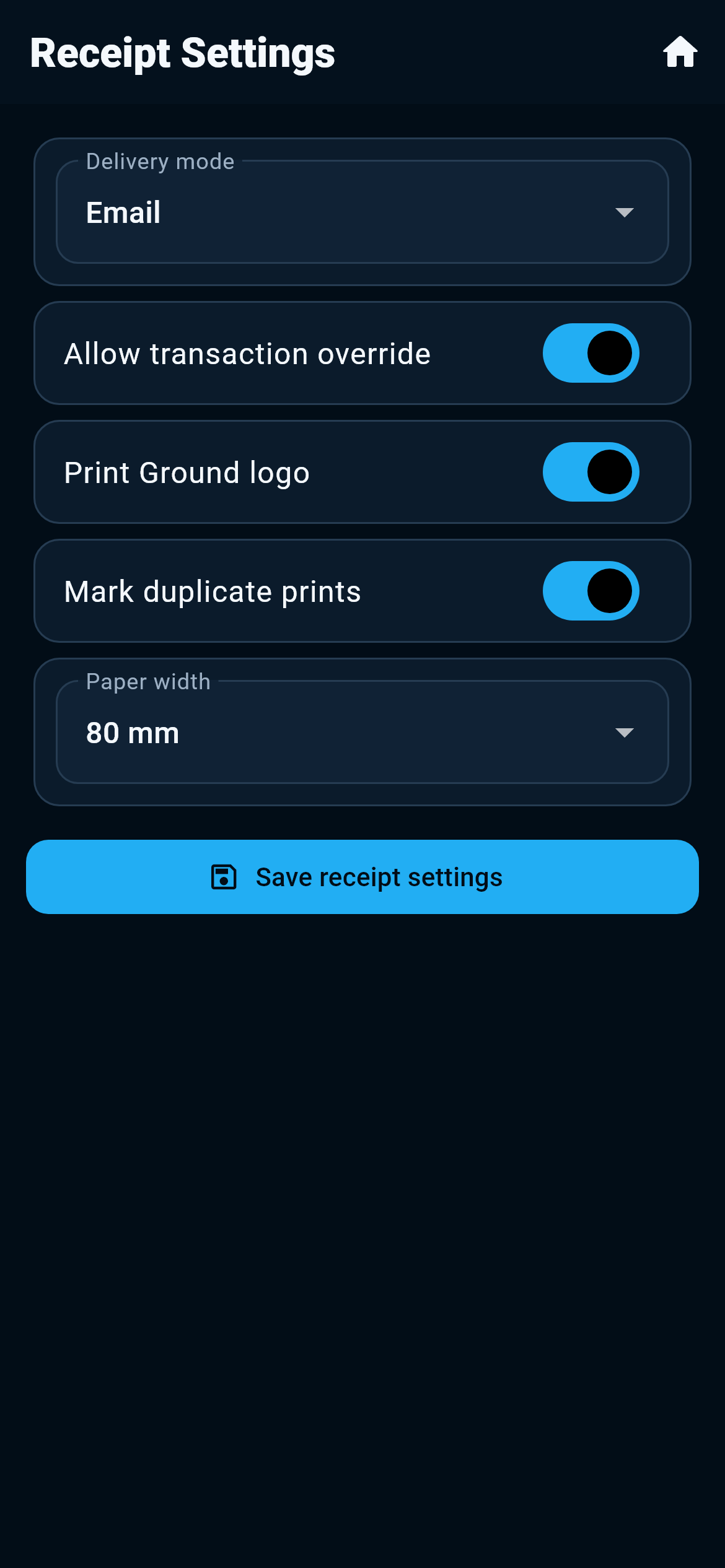
Review and manage receipt delivery and print preferences under authorised access.
Explore NetLink+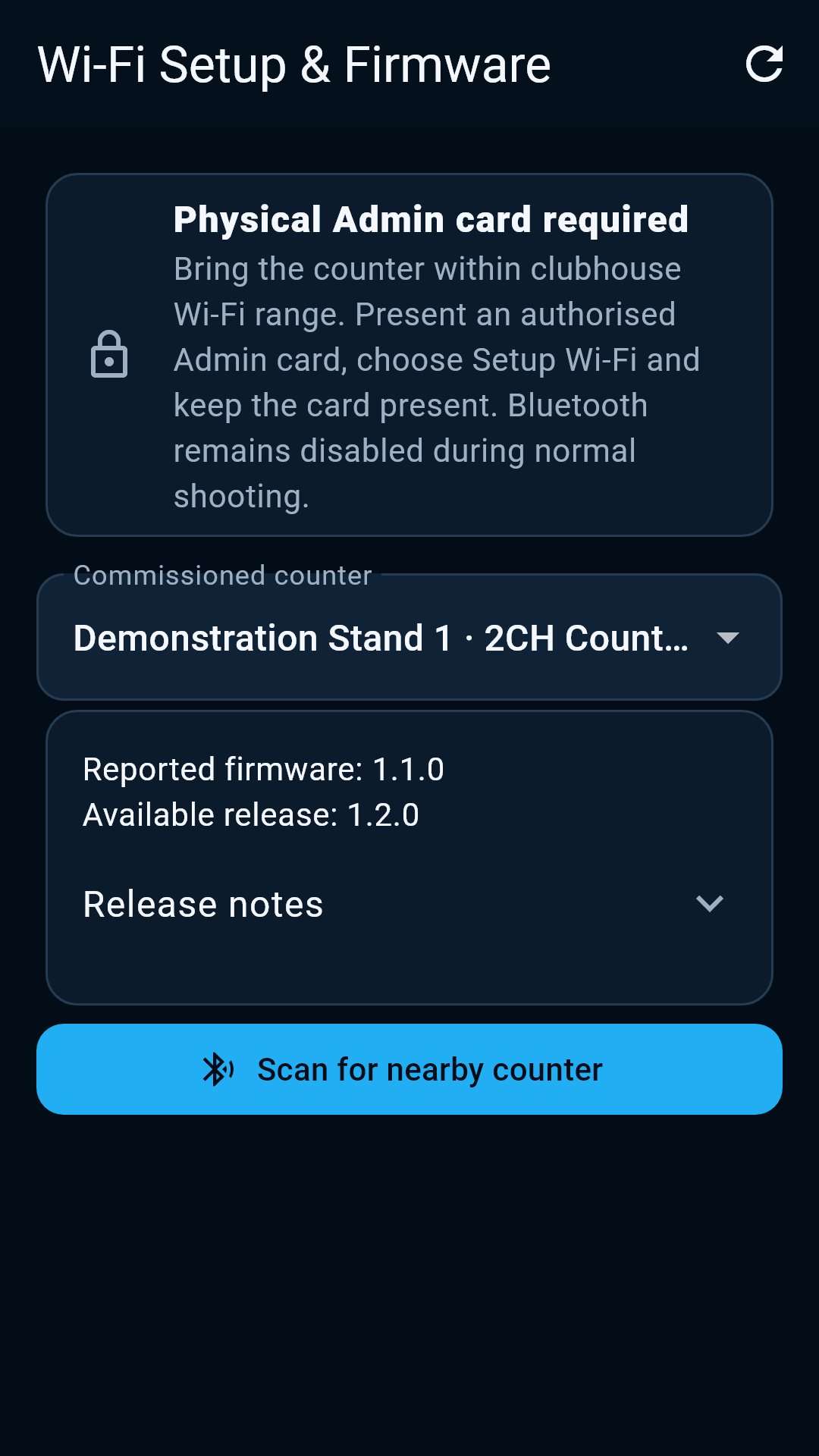
Prepare supported local maintenance tasks and check device version information. Physical staff-card authorisation is required for applicable controllers.
Explore NetLink+Enjoy the Customer and Groundsman apps, advanced insight and seven-day support from your first production Gateway activation. Then choose NetLink+ at £40 per month per ground on a 12-month paid term, or continue with Core.
Plan a system around your stands, disciplines and operational requirements.