
Welcome & account
Reception prepares the customer's account and appropriate card.
Explore this step ↗NetLink brings together compatible FieldTech equipment and authorised software for the people who run and visit the ground.
Explore the hardware
Conceptual information flow, not an installation diagram. Local score display and maintenance connections vary by device and accepted firmware; direct local Wi-Fi stand scoring is in development.
Follow the links between the clubhouse, stand equipment, Gateway and the applications.
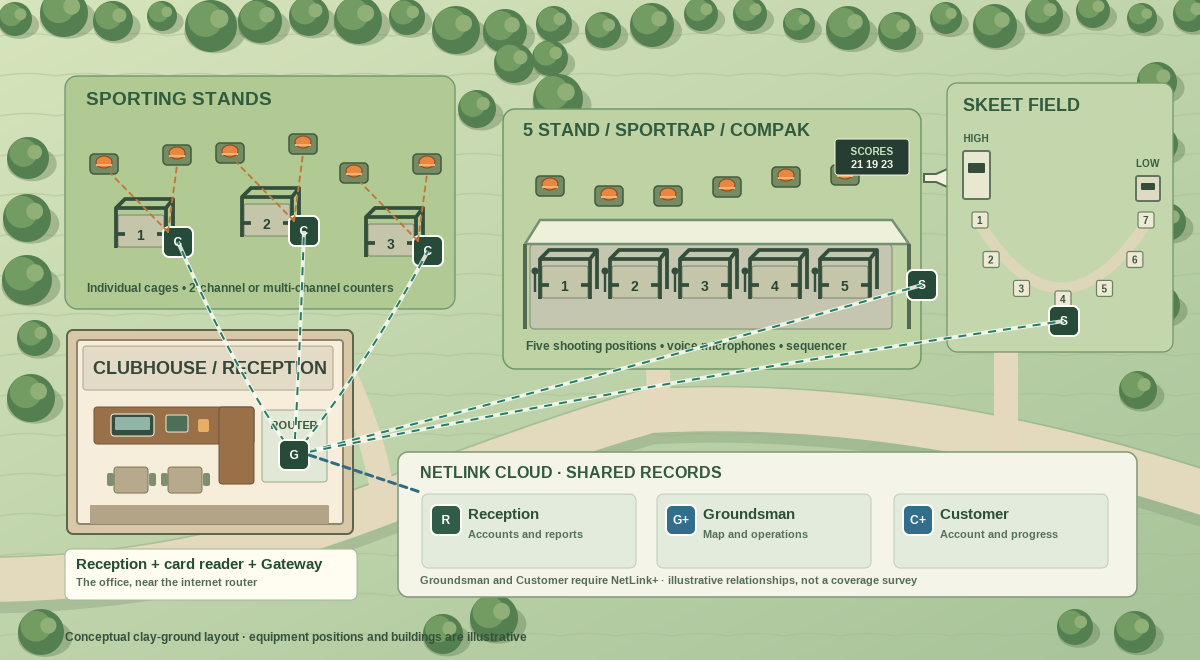
Operational information follows supported equipment and network paths. Apps present the information according to the user's role.
Local counter operation and synchronisation depend on approved firmware, mode and connectivity. Direct local screen links are in development.
The appropriate account and stand configuration determine the records available.
Reception prepares the customer's account and appropriate card.
Explore this step ↗Compatible stand equipment records the applicable clay usage and score events.
Explore this step ↗Staff review stand information, equipment status and maintenance.
Explore this step ↗Reporting and personal performance views bring recorded activity together.
Explore this step ↗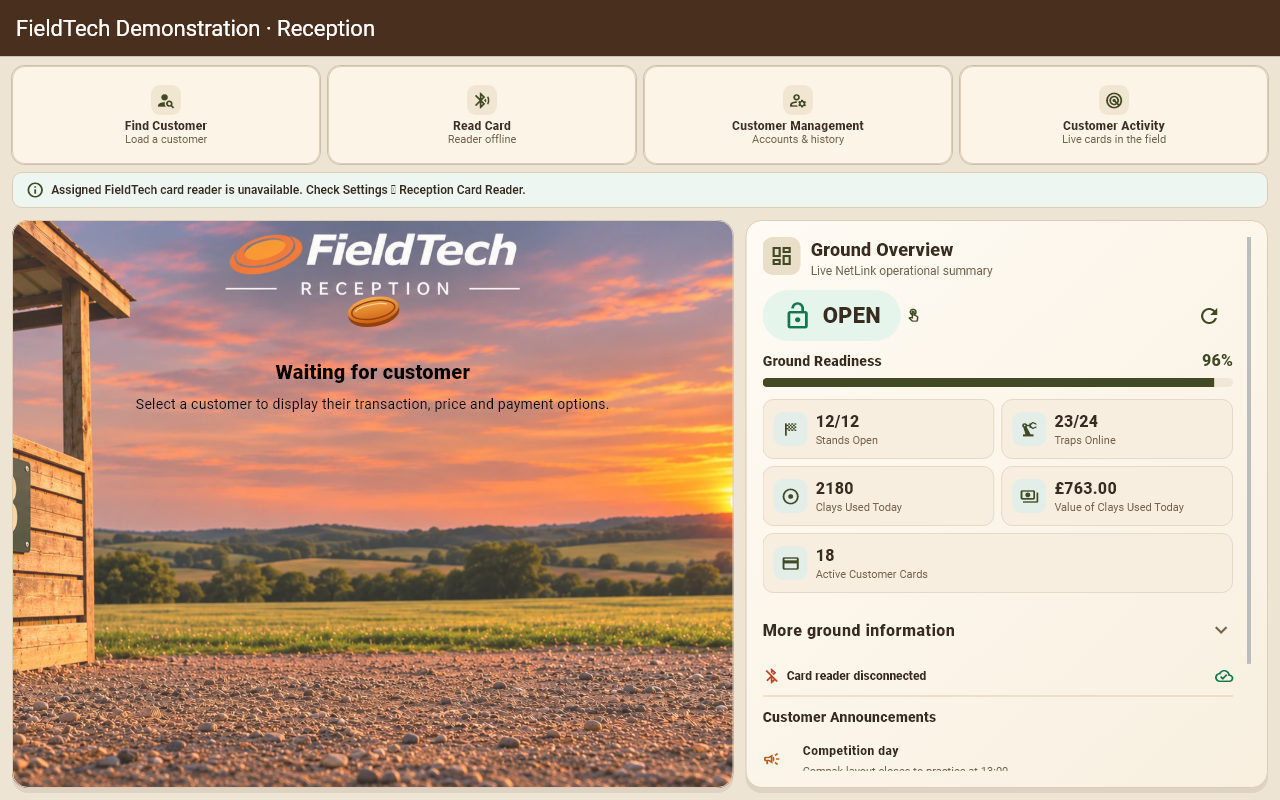
The complete clubhouse workspace for accounts, memberships, clay accounting, equipment and reporting.
Discover Reception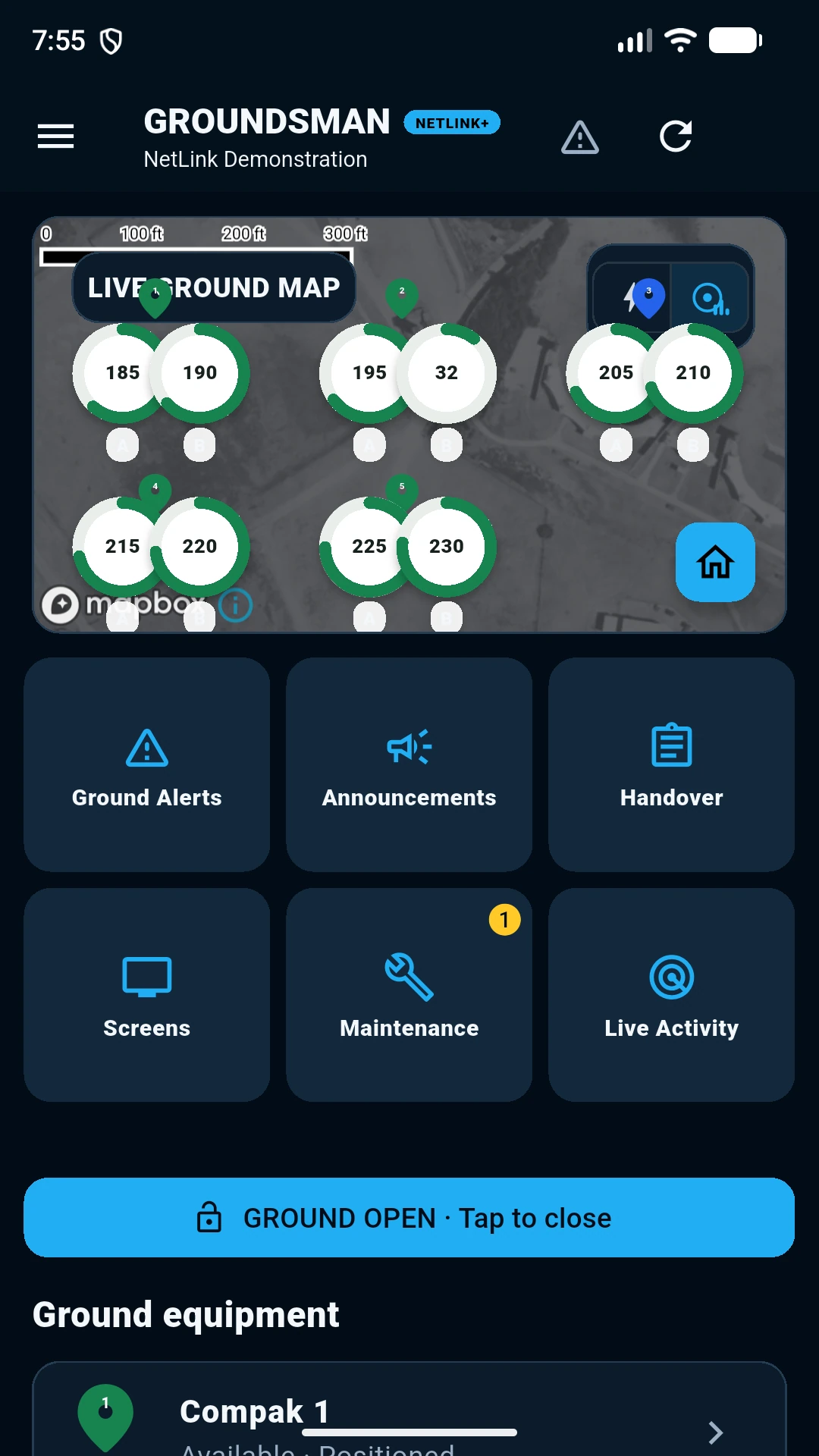
See equipment and remaining clays in the field, coordinate maintenance and respond to warnings.
Discover Groundsman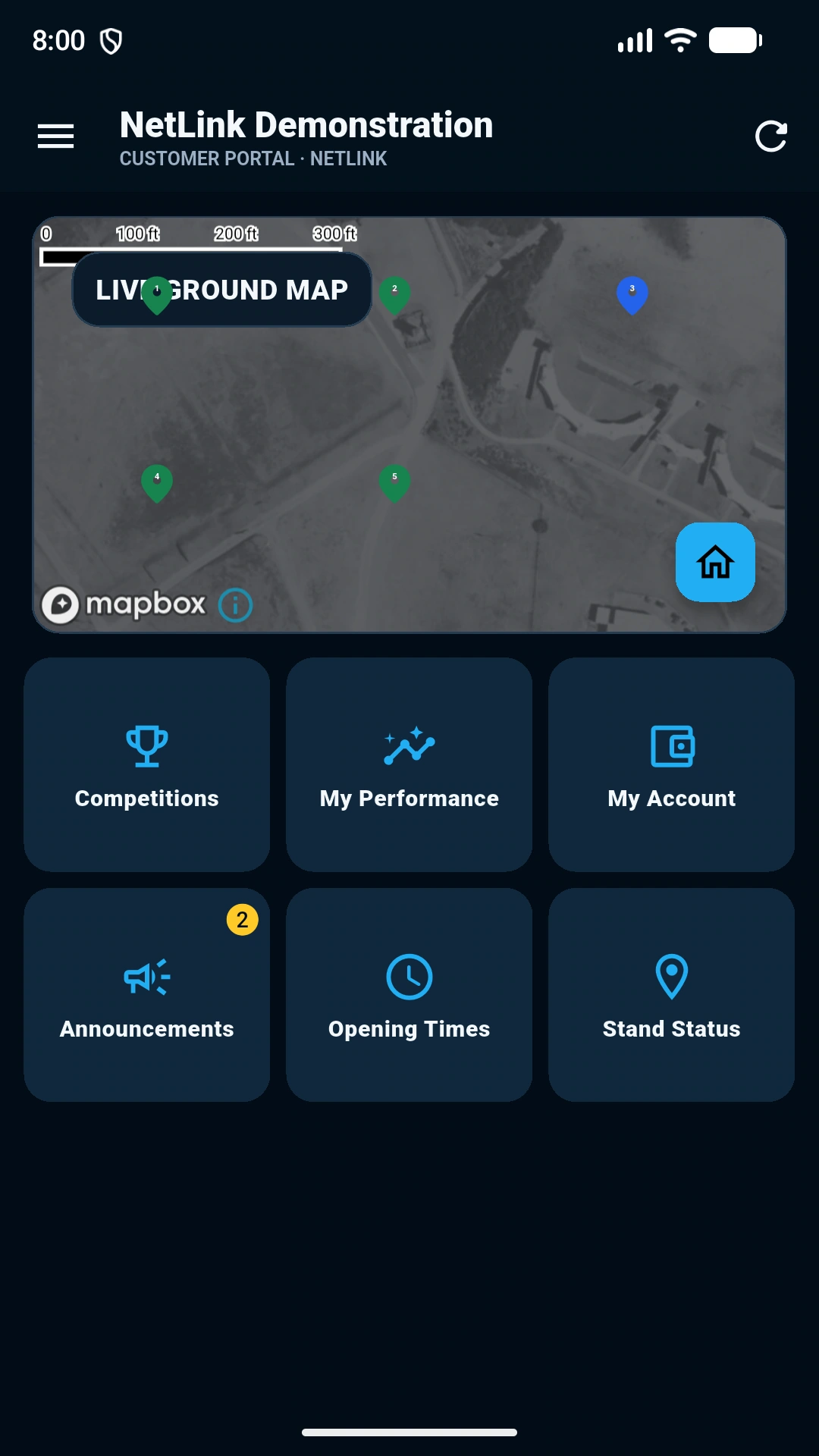
Give customers their shooting account, ground information and personal performance in one place.
Discover CustomerNetLink+ Customer and Groundsman apps, personal performance, customer push notices and advanced analytics are NetLink+ benefits. Core includes Reception and its operational reporting. Availability depends on configured equipment and permissions.
Discuss your disciplines, equipment, connectivity and business requirements with FieldTech.
Position equipment, compare configurations and request a technical review.
Open the Ground Designer →Explore the Reception application screen by screen.
See ground readiness, activity, clay usage and the main customer operations together. Start a new visit without switching between disconnected systems.
Explore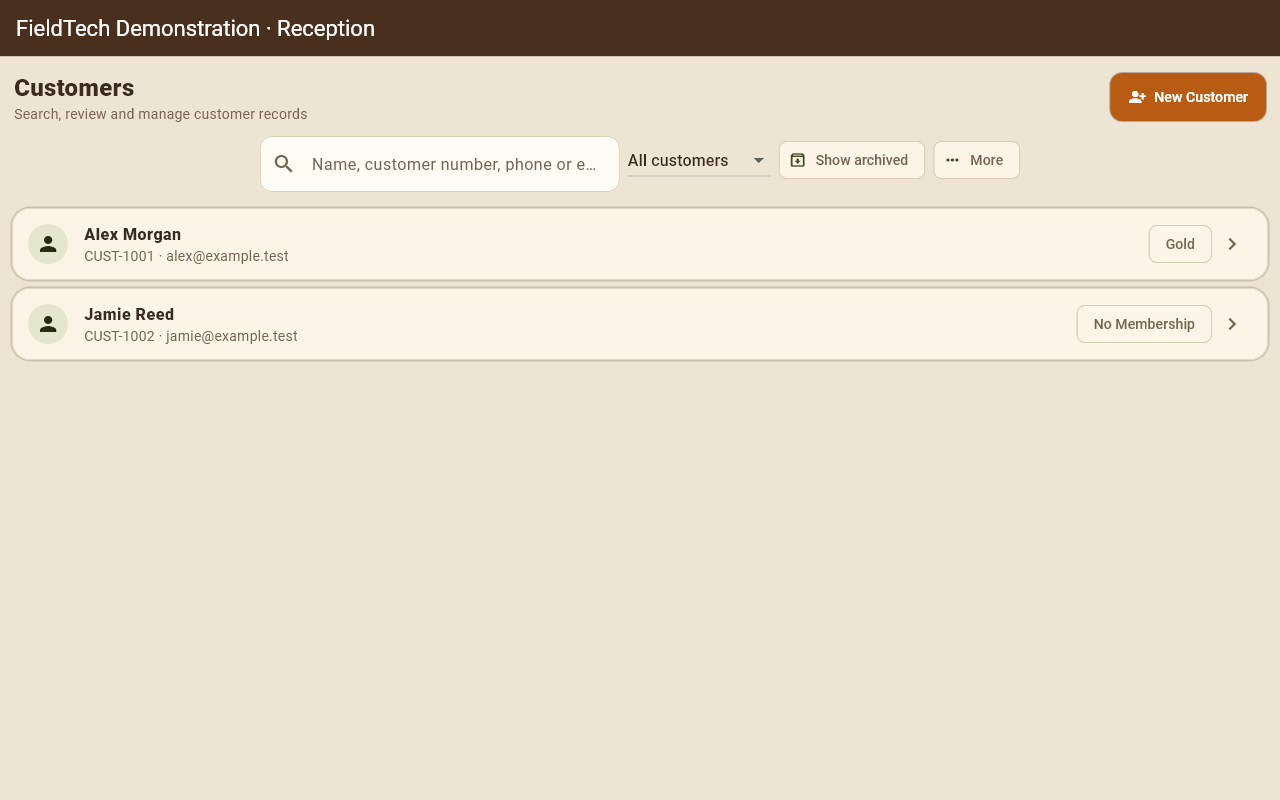
Search customer accounts, see membership status and open the appropriate customer workspace.
Explore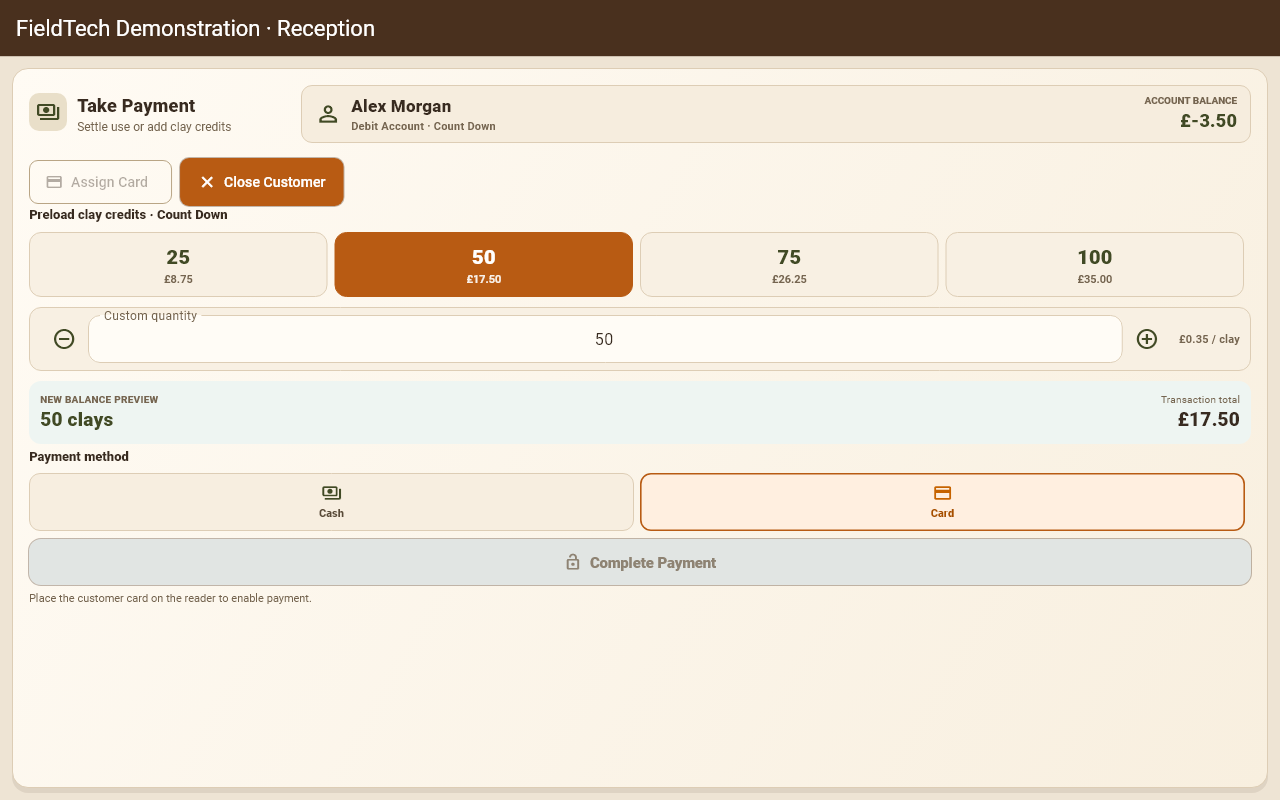
Review recorded charges and payments for the configured count-up or count-down workflow; settle the account at Reception.
Explore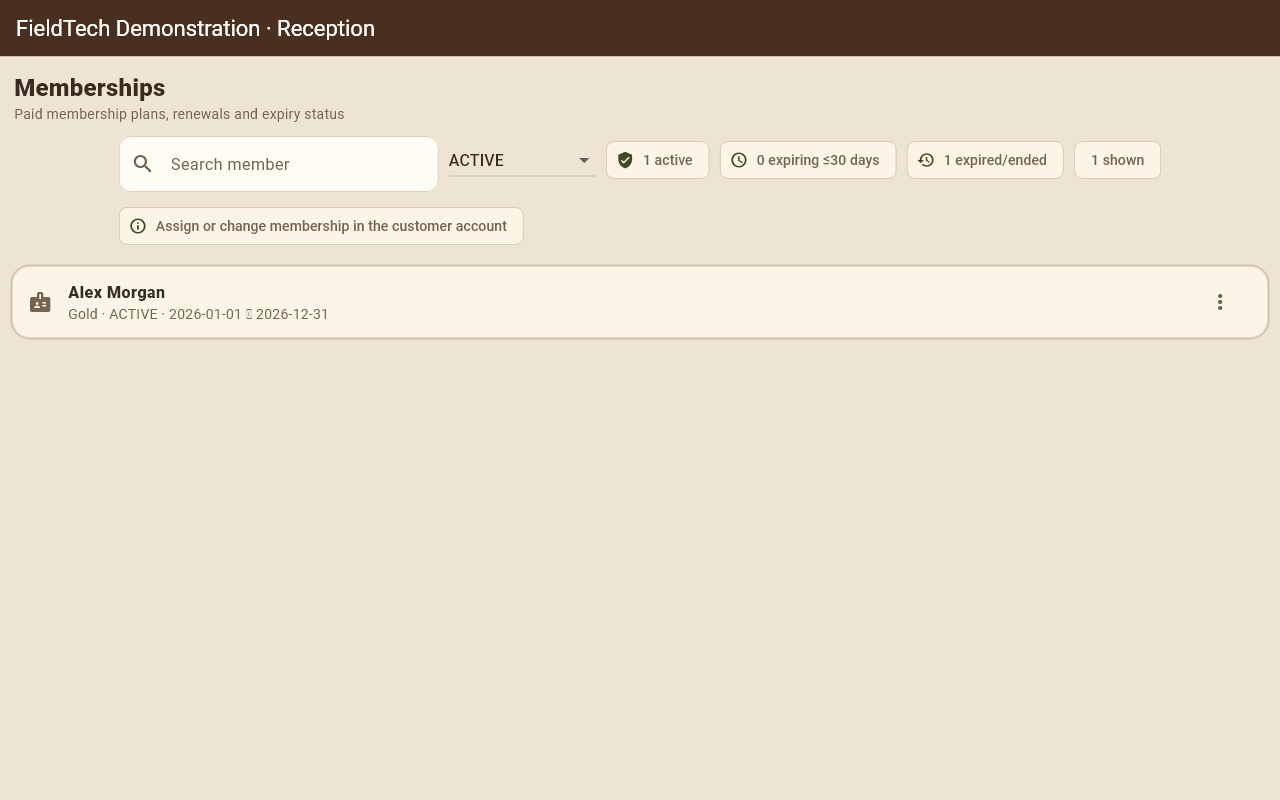
Manage membership dates, renewals and status. Membership-based clay pricing can form part of the account workflow.
Explore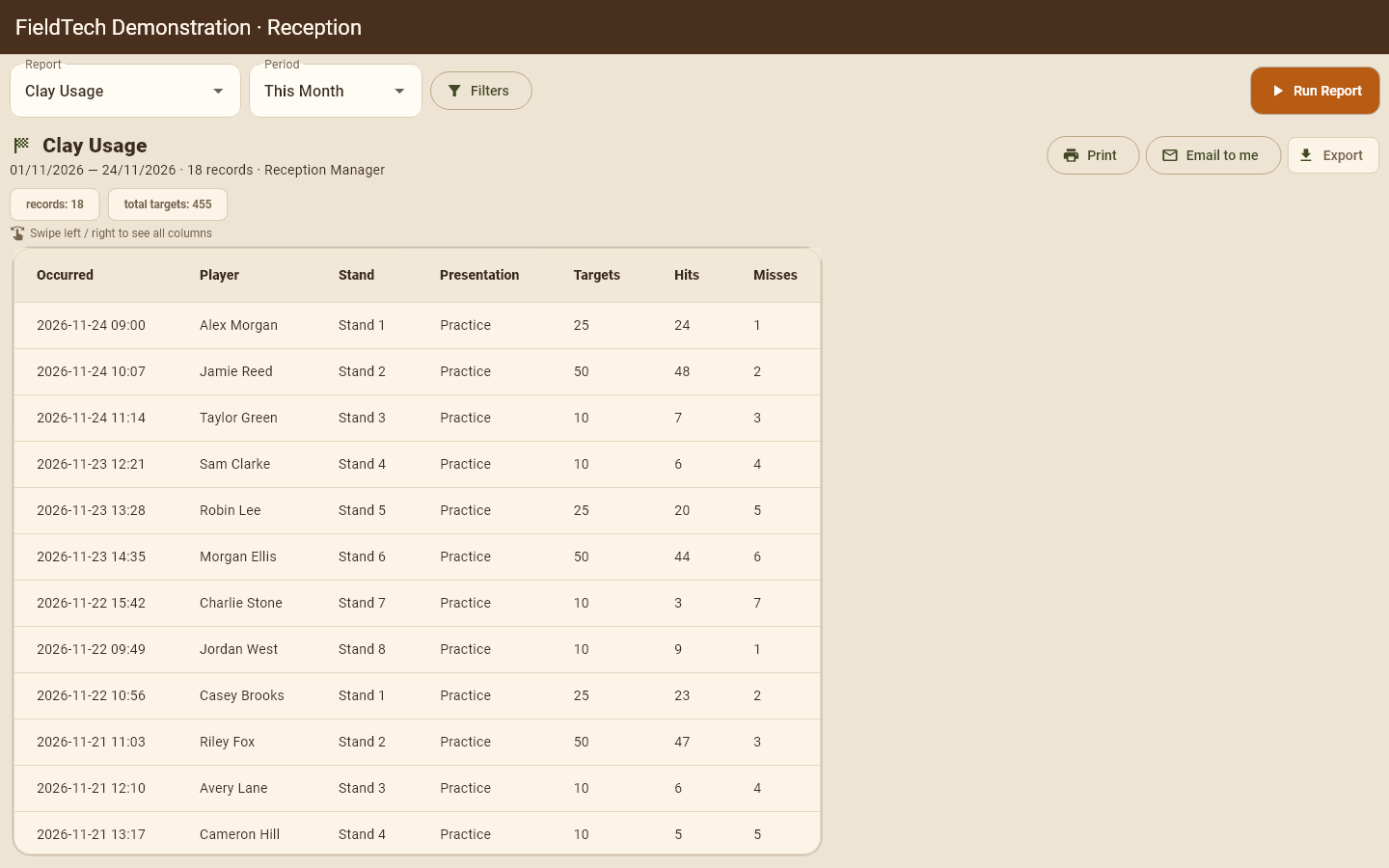
Choose from 12 reporting categories, select periods and available filters, and run, print, export or email the supported reports.
Explore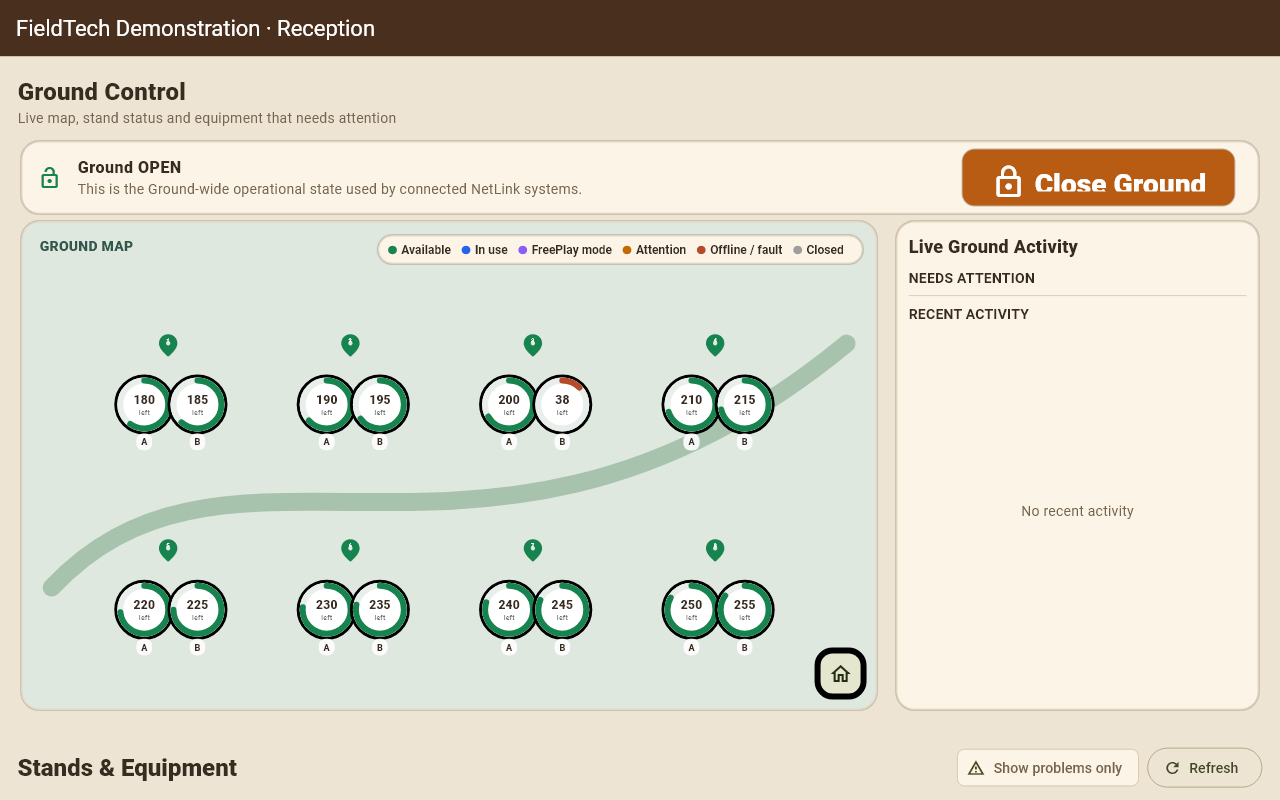
See the configured stands, associated traps, connectivity and clay availability. Investigate issues before reopening a stand.
Explore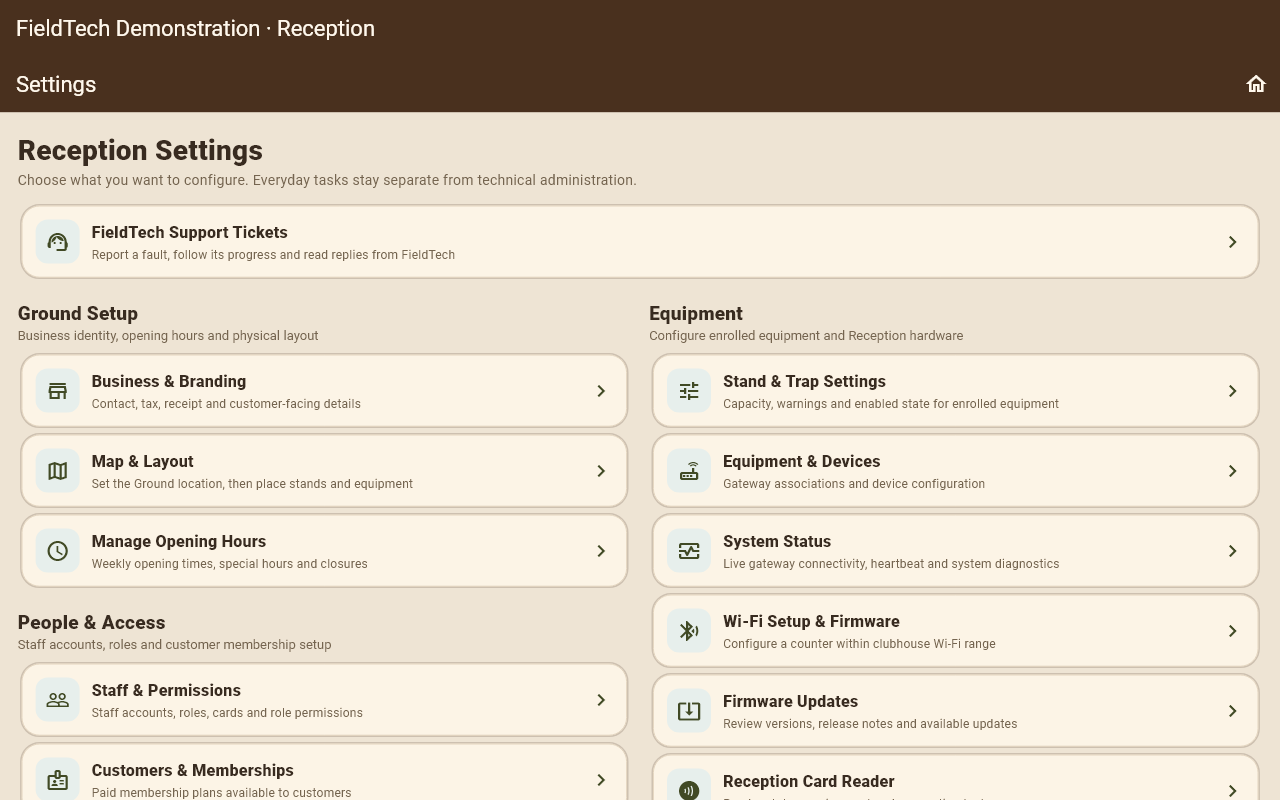
A single administrative starting point for the ground, equipment, people, accounts and system settings.
Explore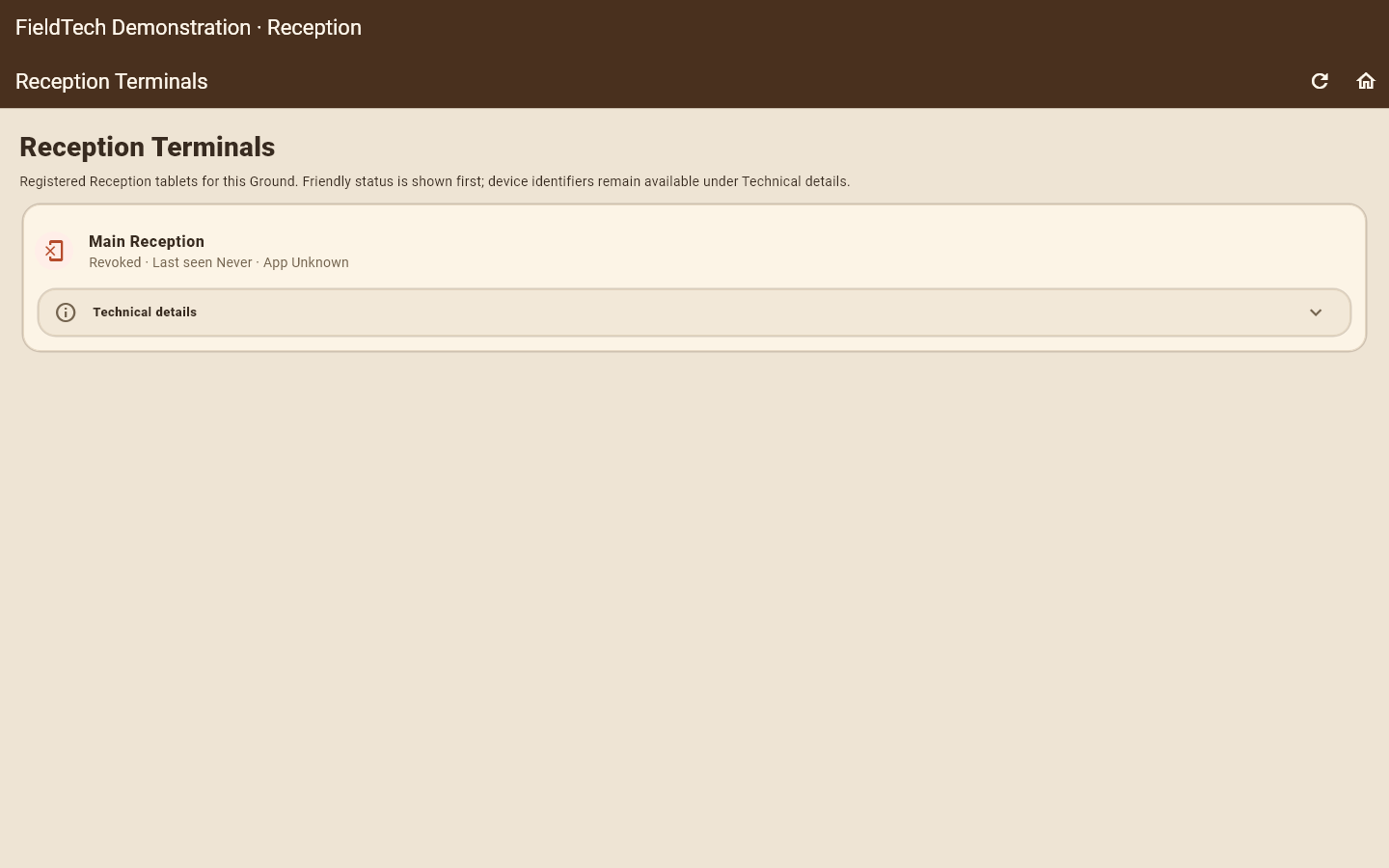
Review enrolled Reception terminals and their available status information; manage replacements through authorised procedures.
Explore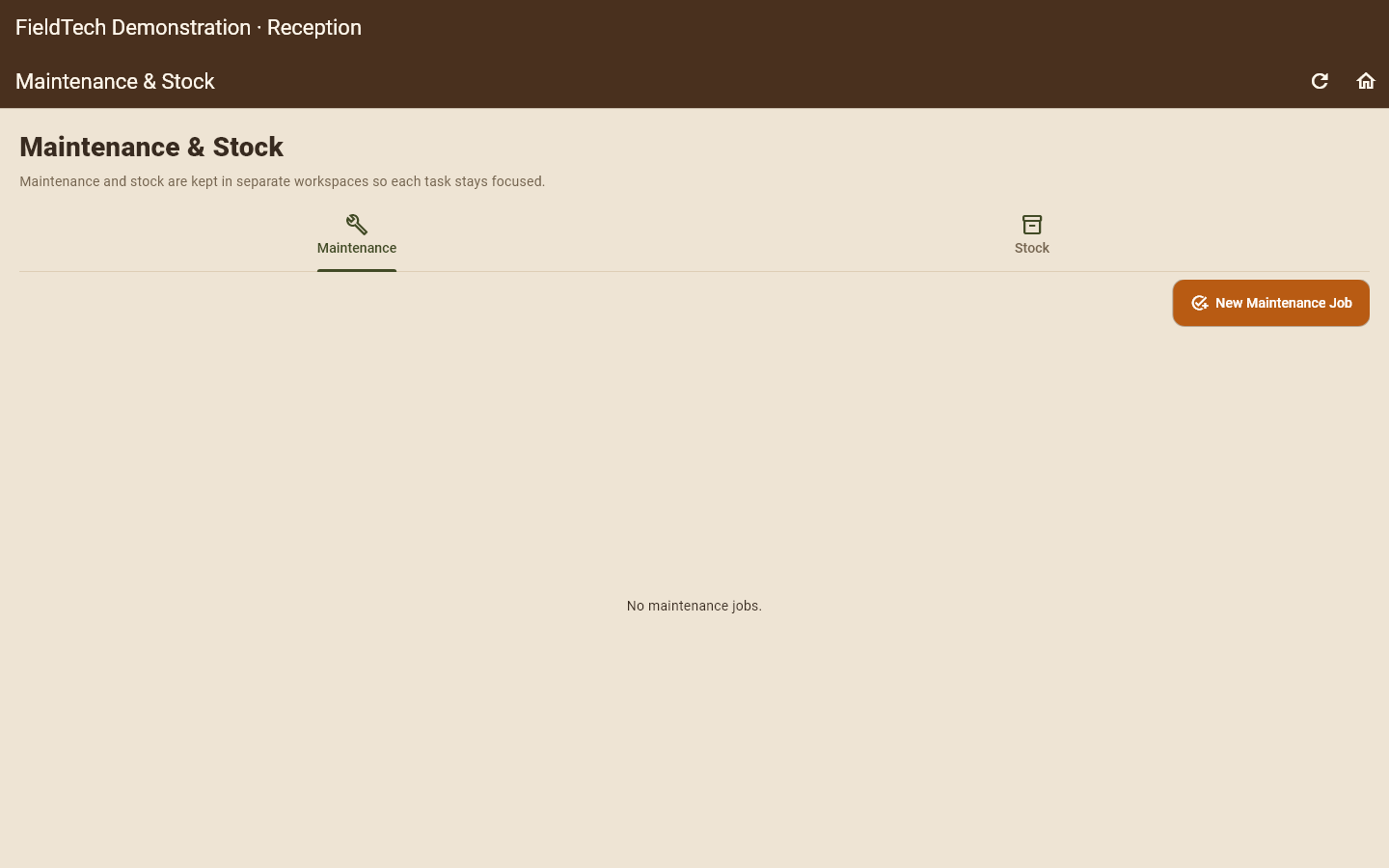
Manage maintenance jobs and stock records, alongside operational trap usage and service information.
Explore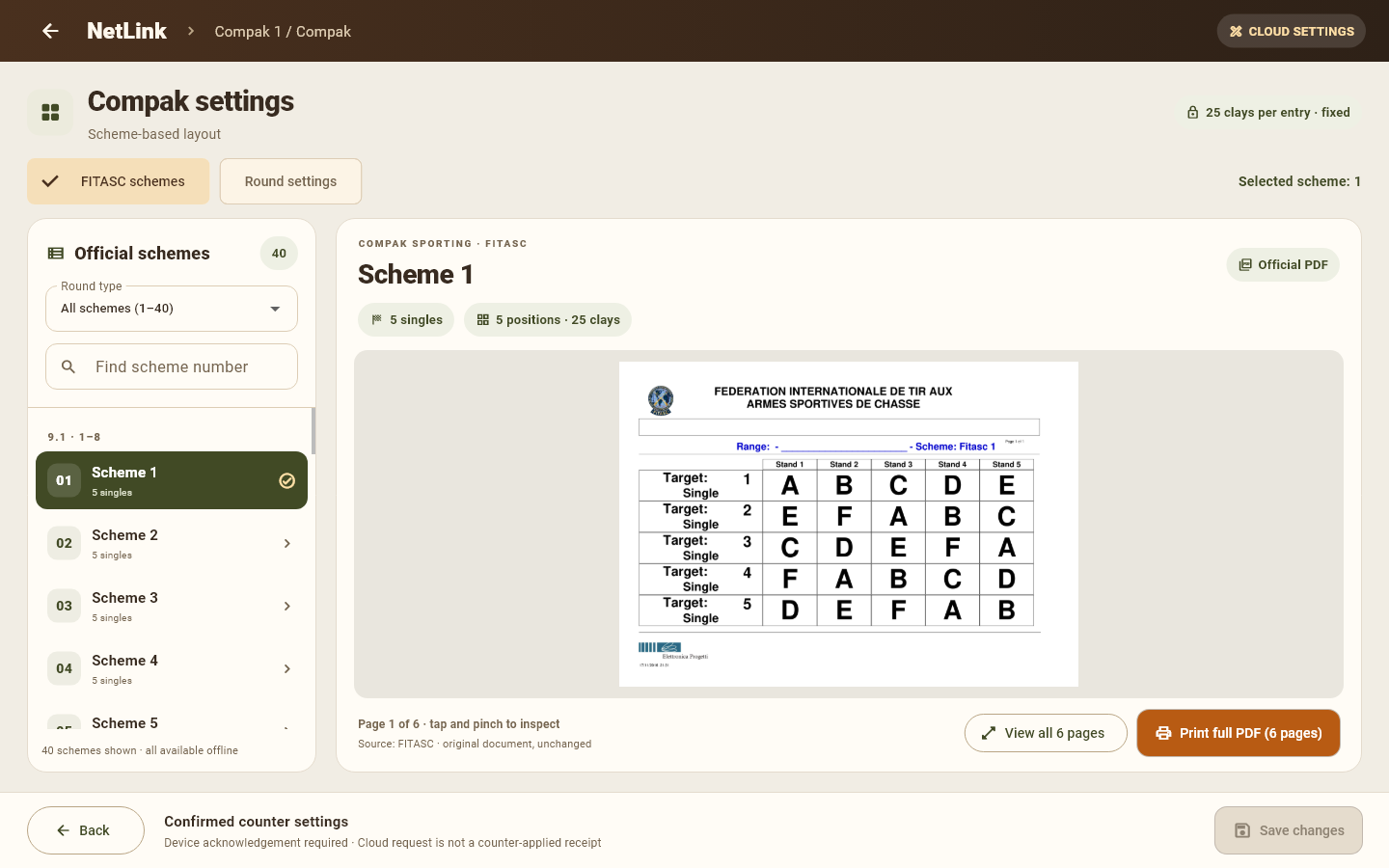
Browse all 40 bundled FITASC schemes, filter by round type or find a scheme number. Review the selected official PDF alongside the list before requesting a settings change.
Explore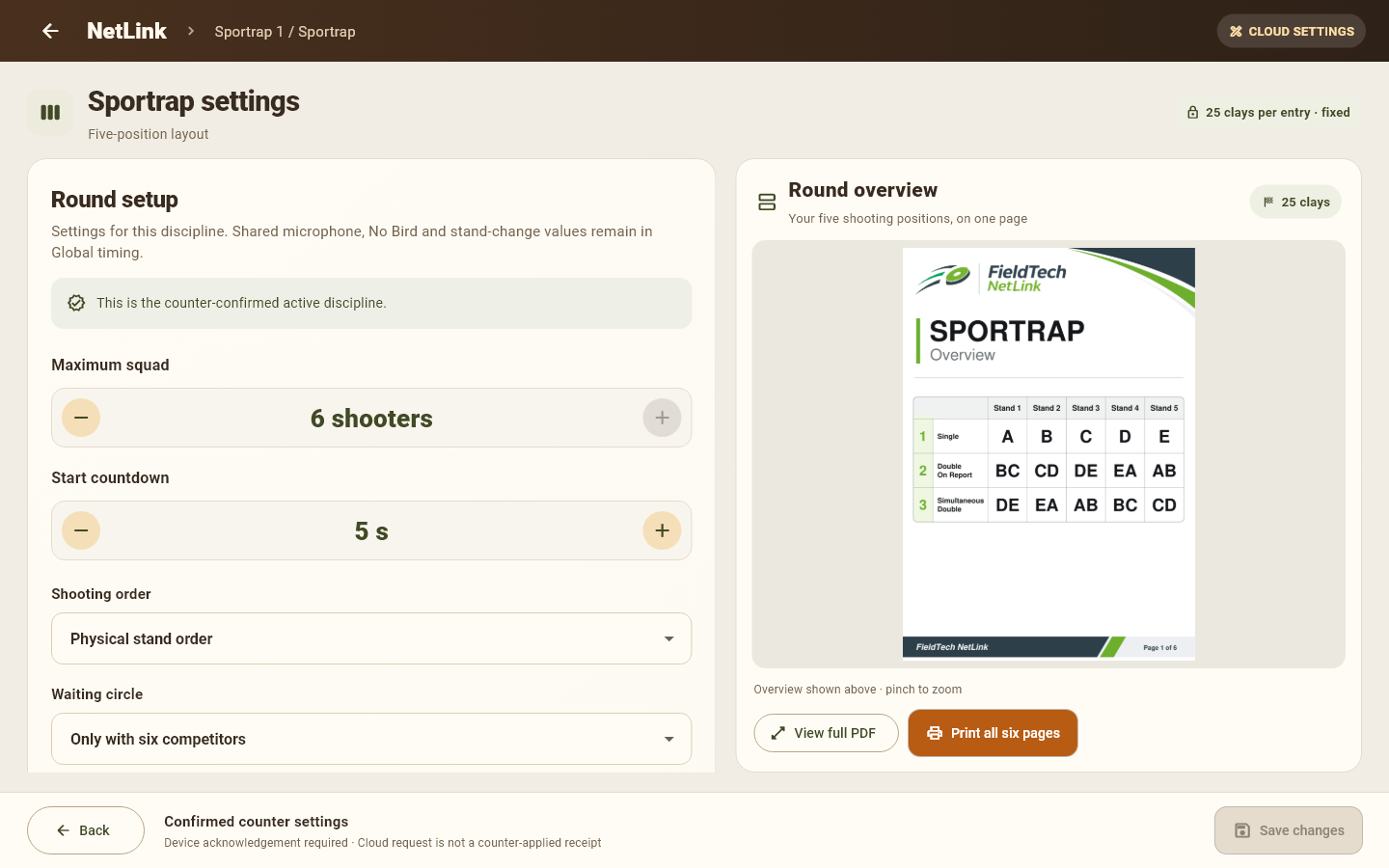
Configure the supported squad size, countdown and progression settings alongside the FieldTech round overview.
ExploreExplore the Groundsman application screen by screen.
Open the key operational tools from the staff home workspace. View available information according to the permissions granted to your account.
Explore NetLink+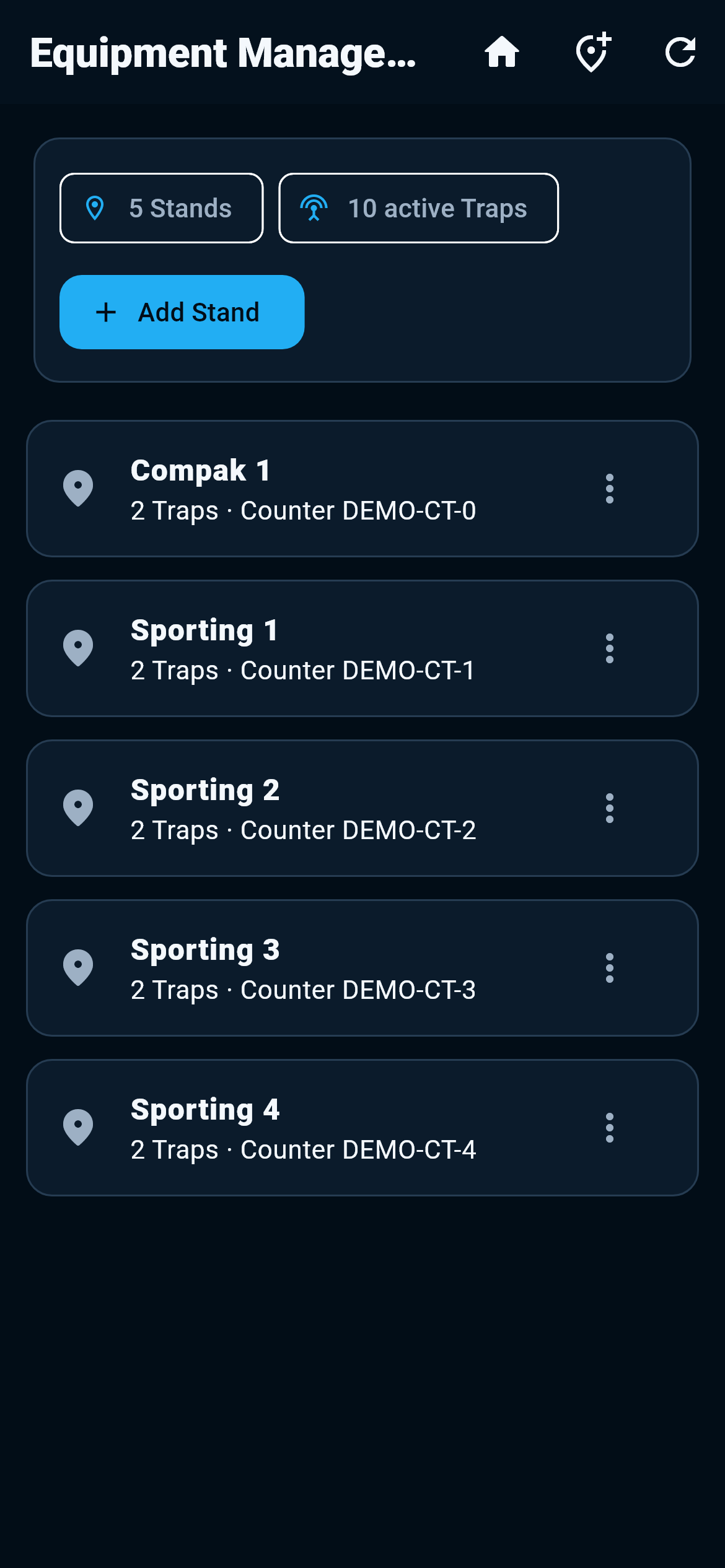
Review stands and their associated traps; inspect and manage configuration through the permitted equipment controls.
Explore NetLink+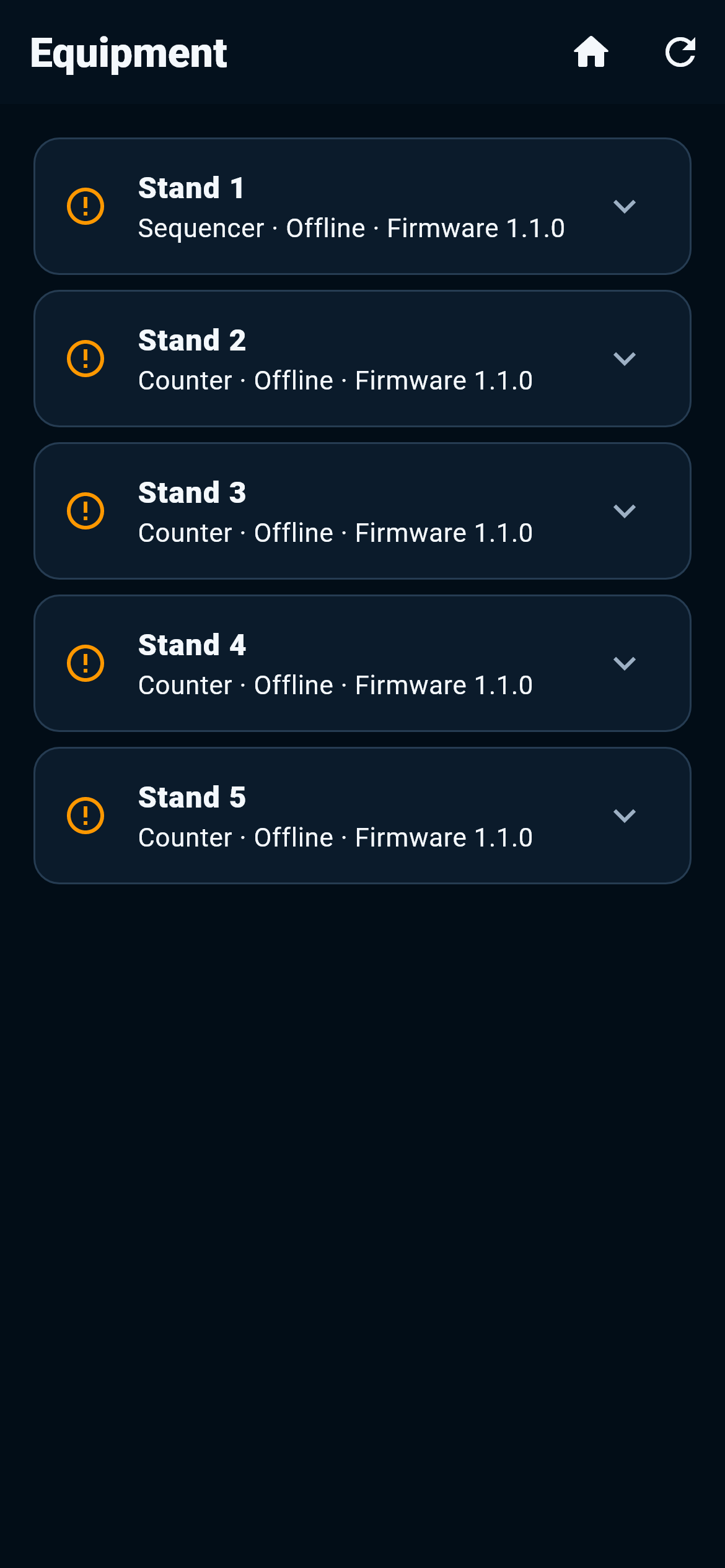
Check recorded equipment status and firmware details. An offline or unconfirmed device is distinct from one known to be available.
Explore NetLink+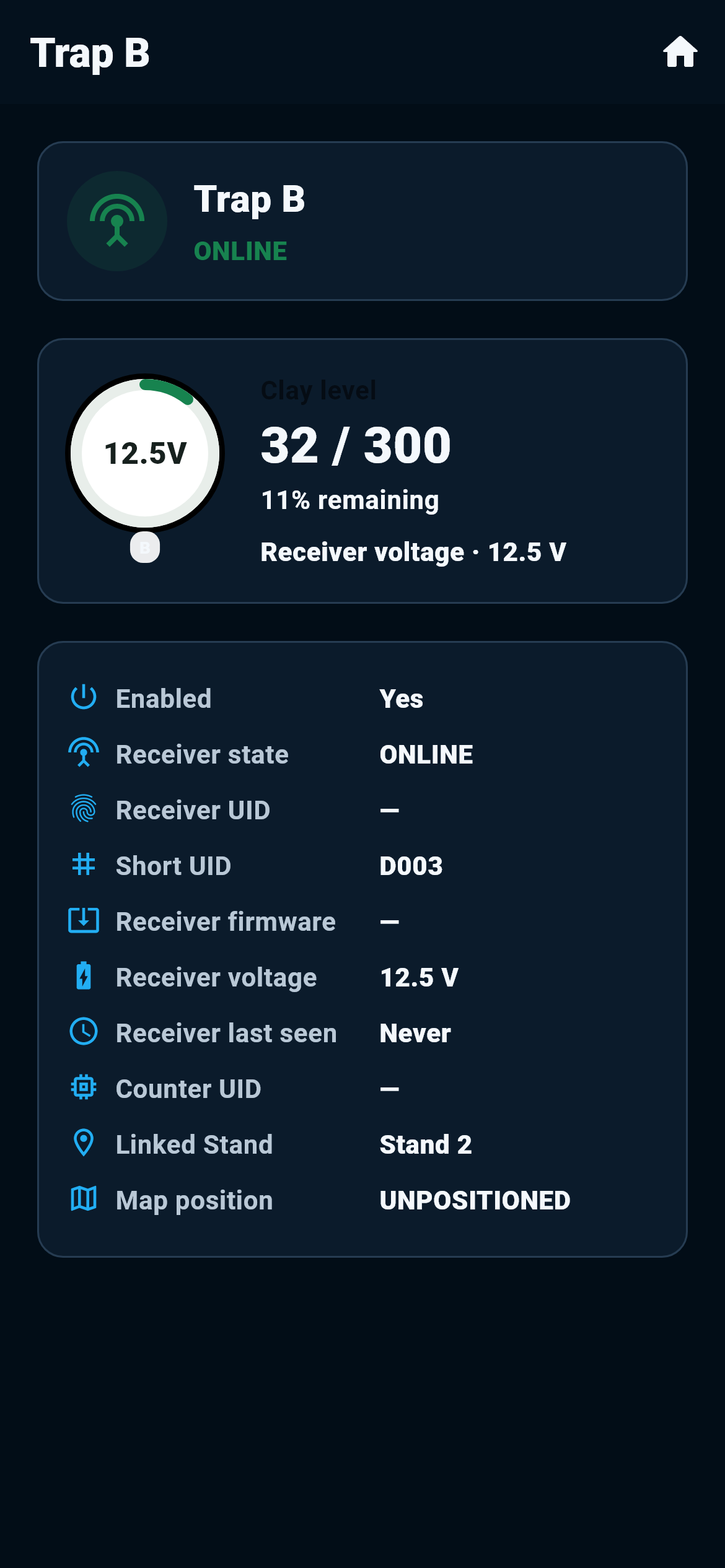
See remaining clays, receiver voltage and communication status where reported. Investigate a specific trap rather than guessing what is wrong.
Explore NetLink+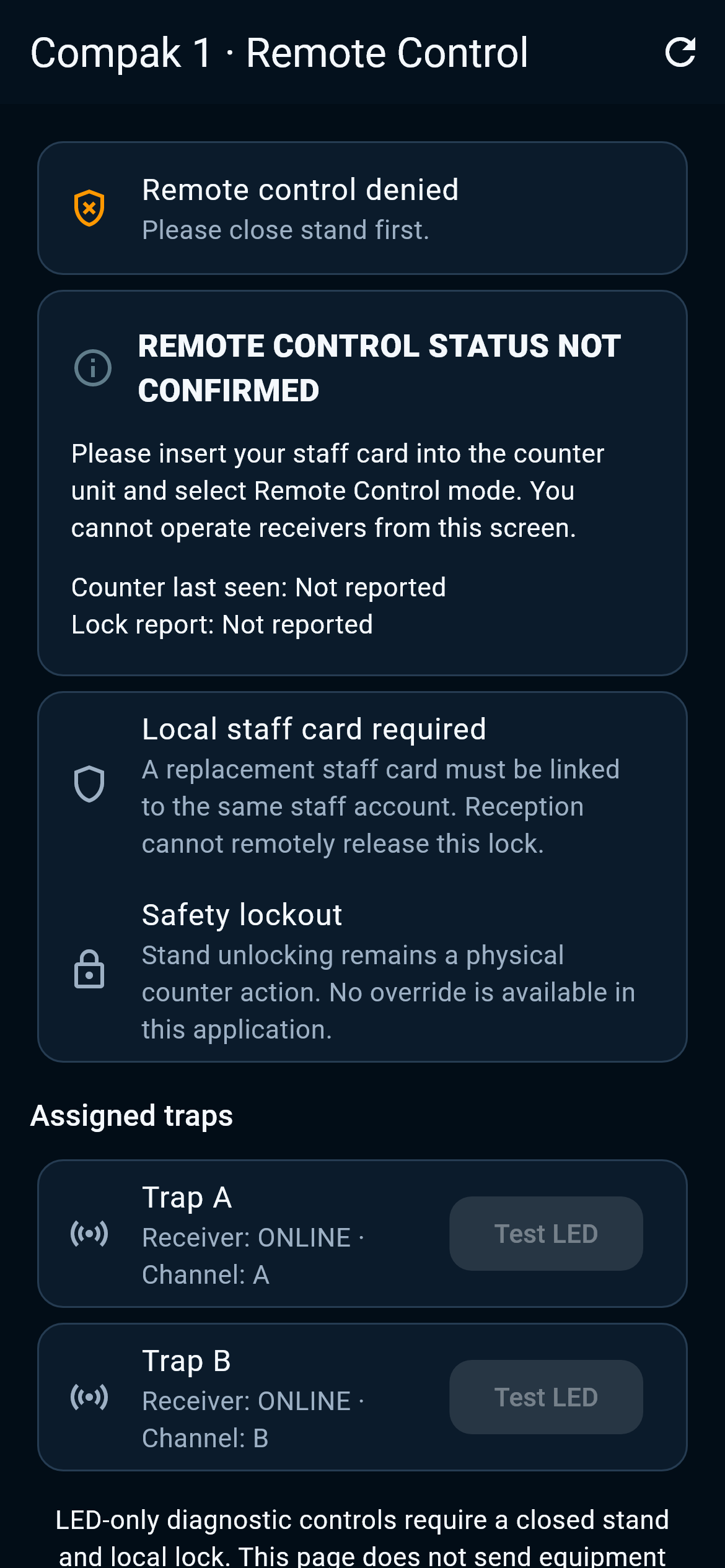
Inspect the stand's diagnostic state and approved LED-test controls. The interface enforces local authorisation and safety lockout; it is not a remote clay-release control.
Explore NetLink+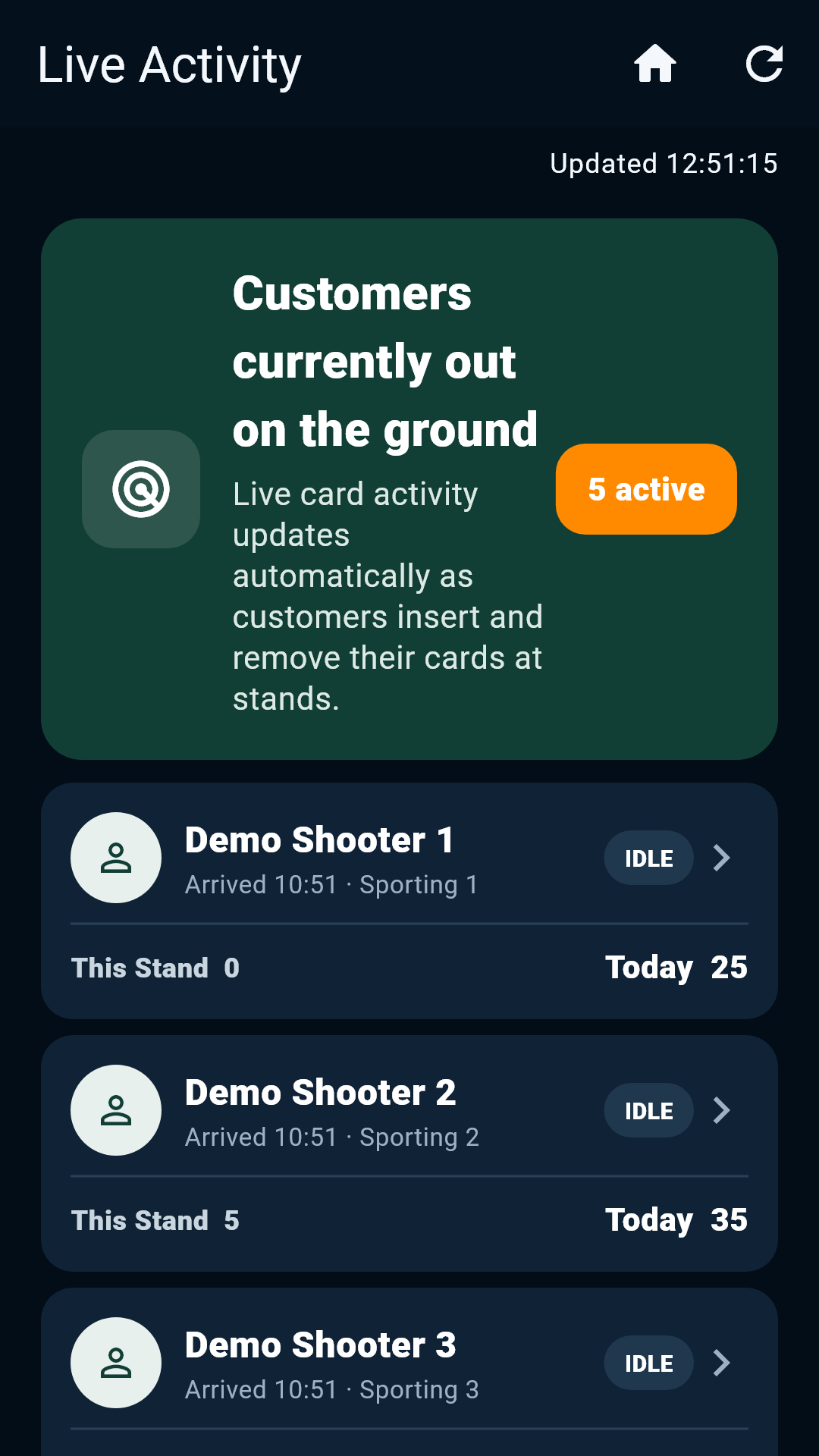
See customer activity reported by the system, including current stand and clay records when available.
Explore NetLink+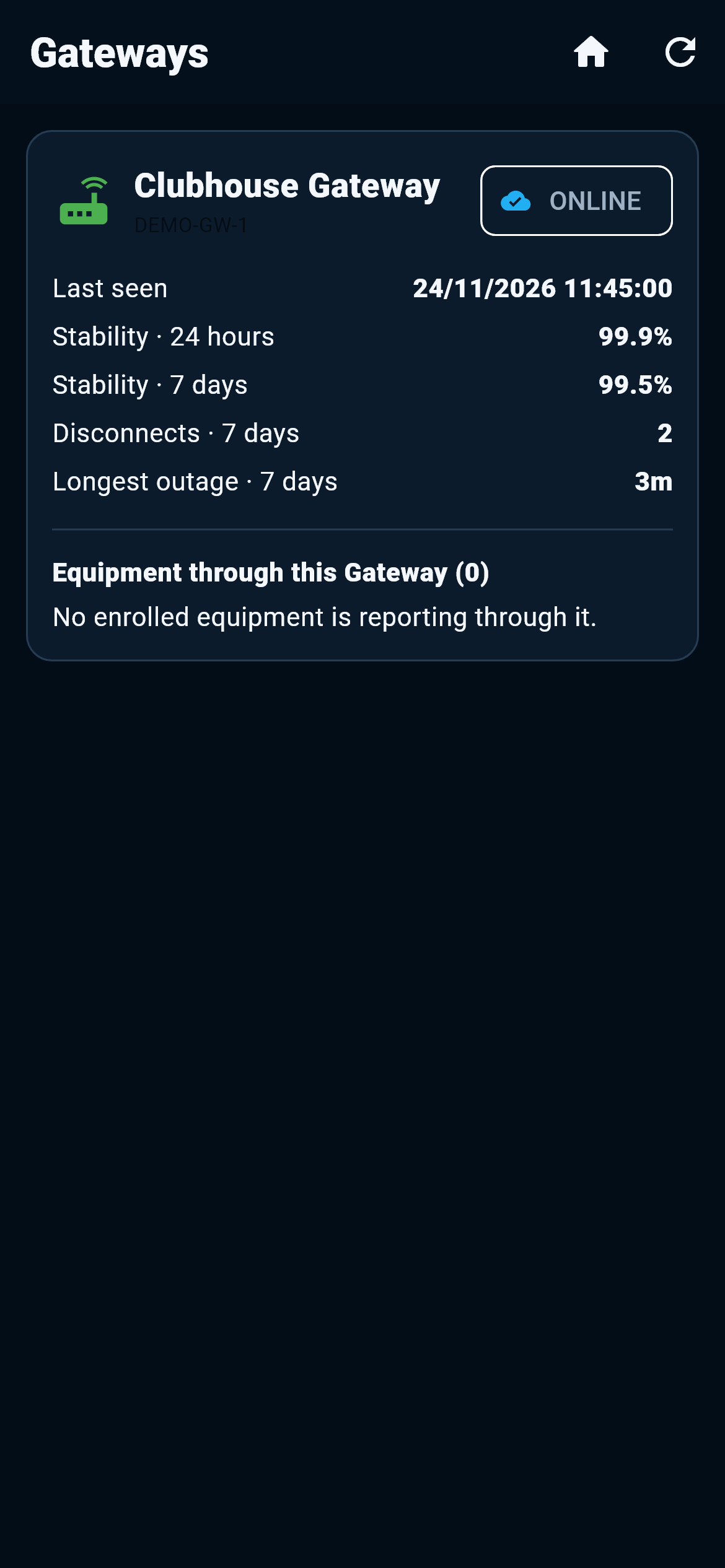
Review the connection history and stability of the gateway linking the field and Cloud.
Explore NetLink+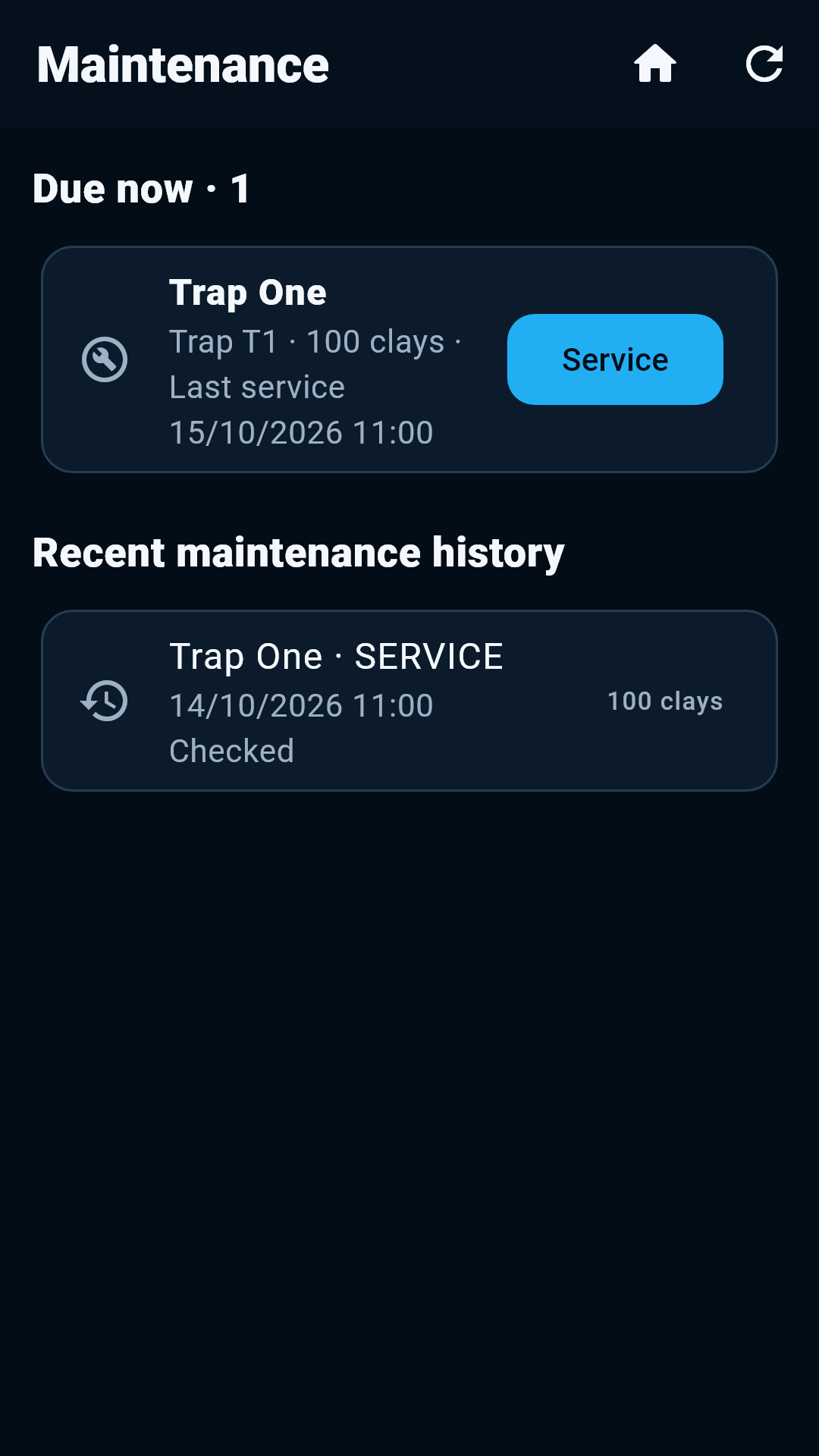
Review equipment requiring service and record completed maintenance under the appropriate permissions.
Explore NetLink+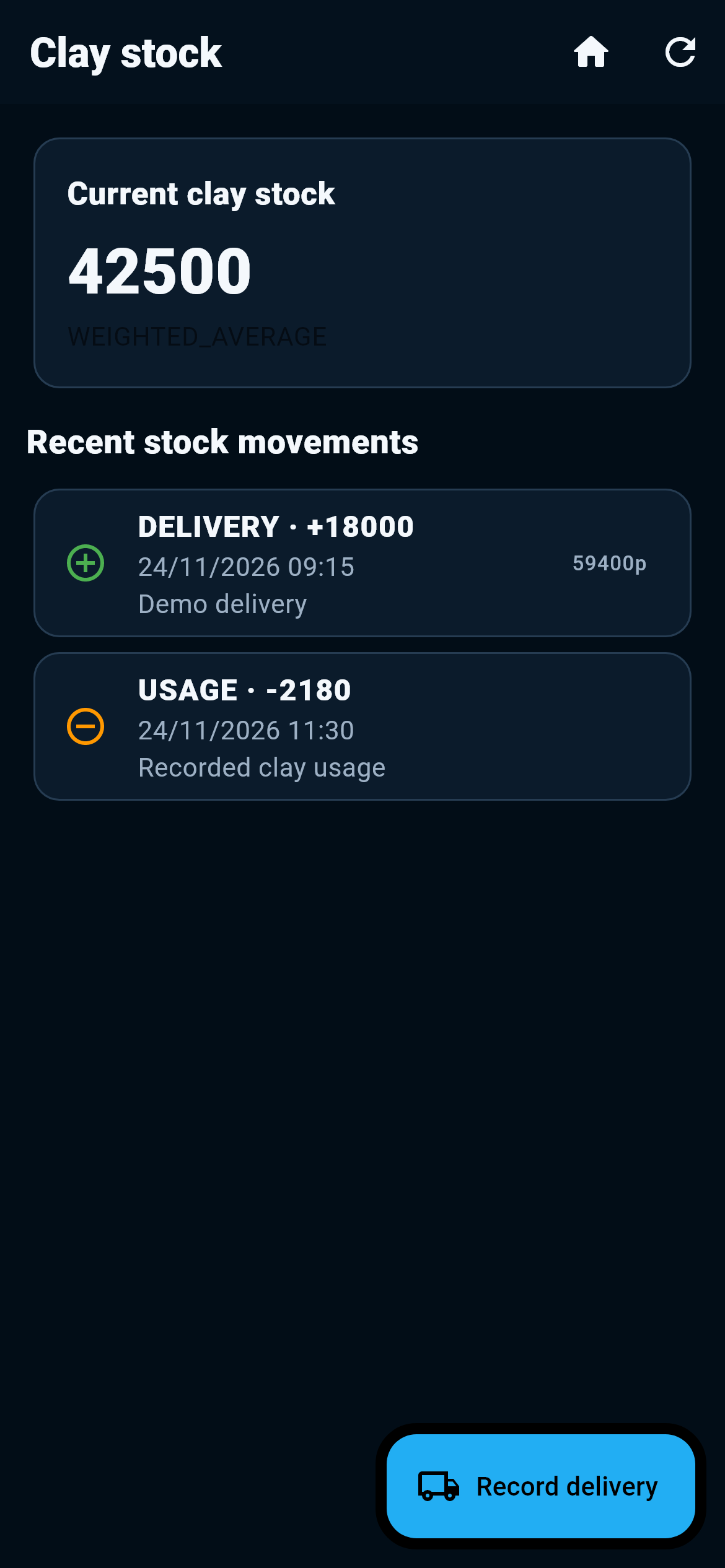
Review recorded stock quantities and recent movements; record a delivery when authorised.
Explore NetLink+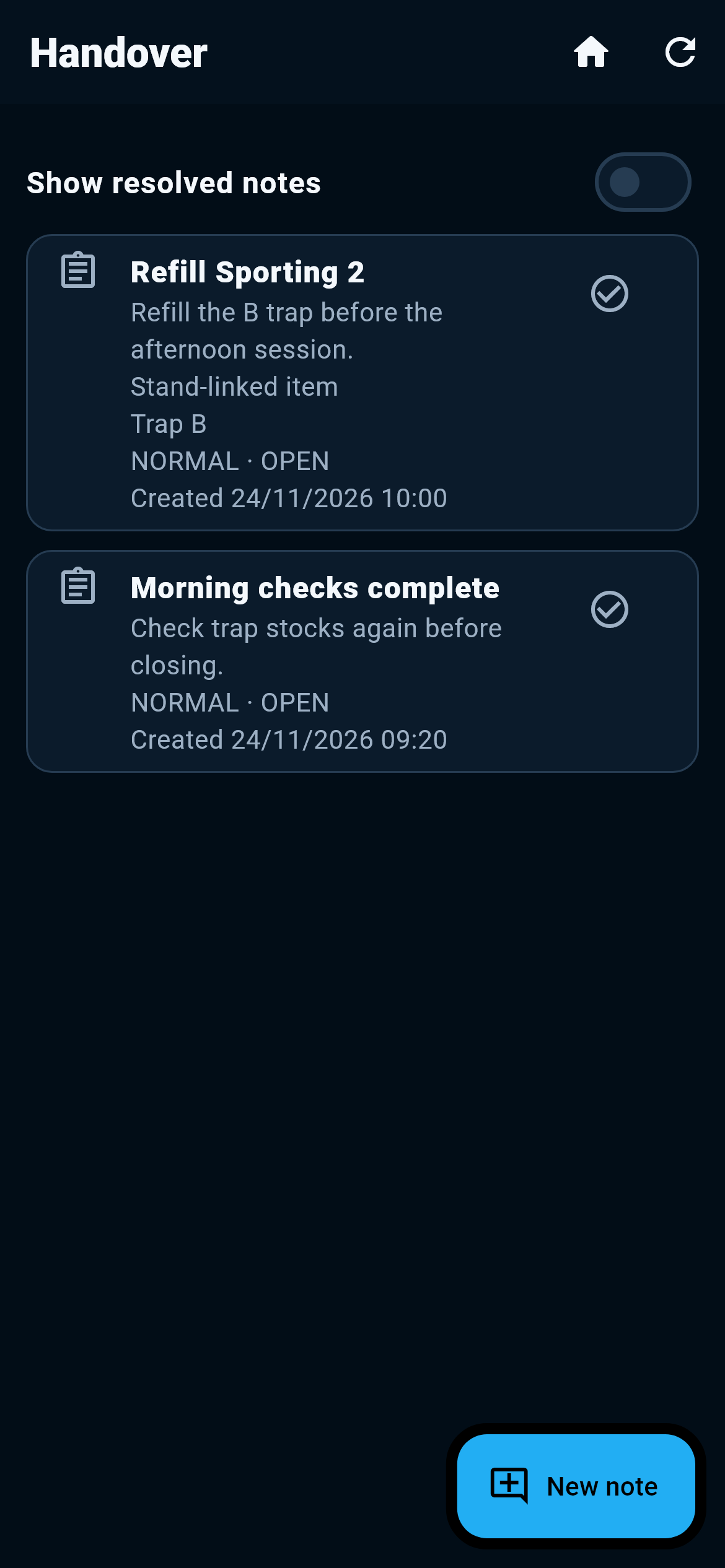
Leave stand-specific tasks and information for colleagues, and resolve completed handover items.
Explore NetLink+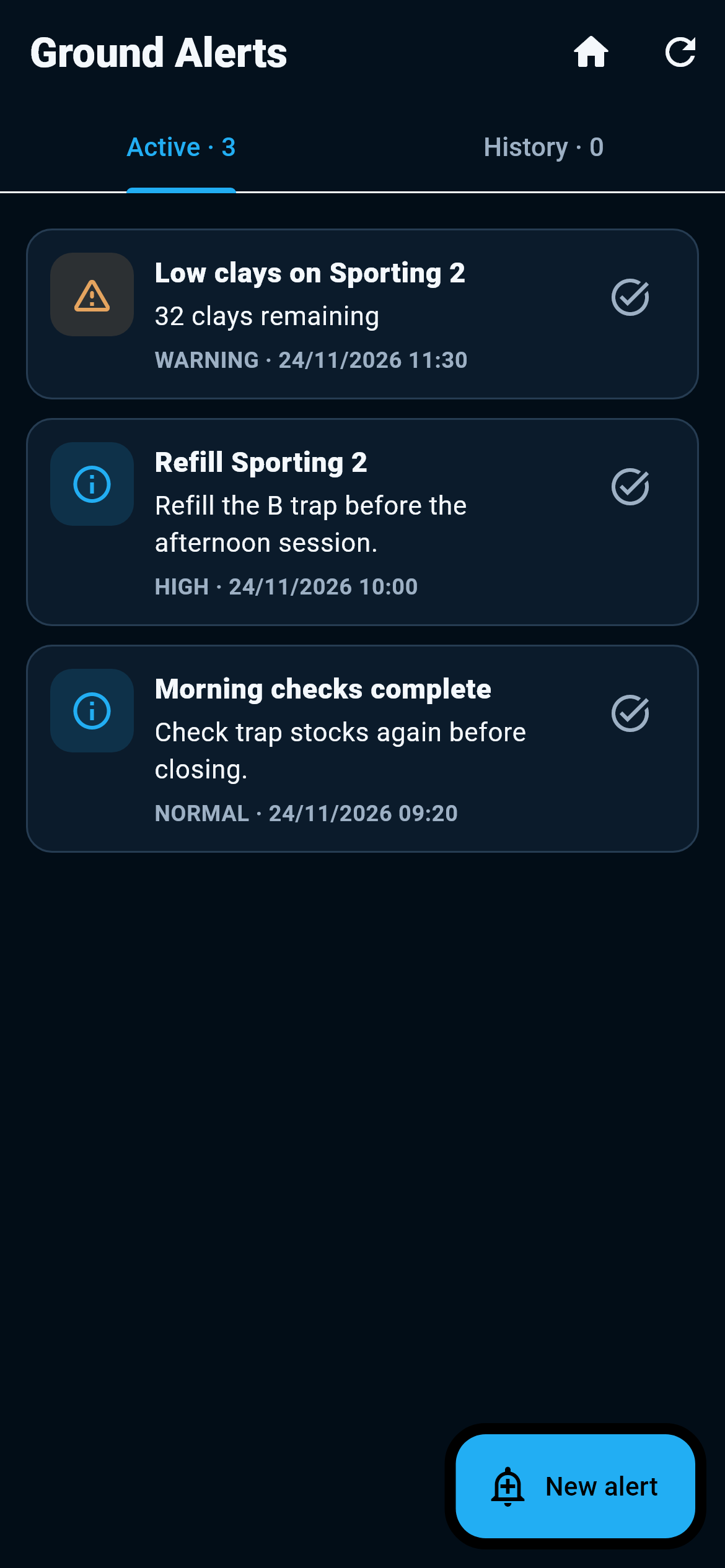
Find the warnings and outstanding staff reports that need attention. Keep the record of resolved items.
Explore NetLink+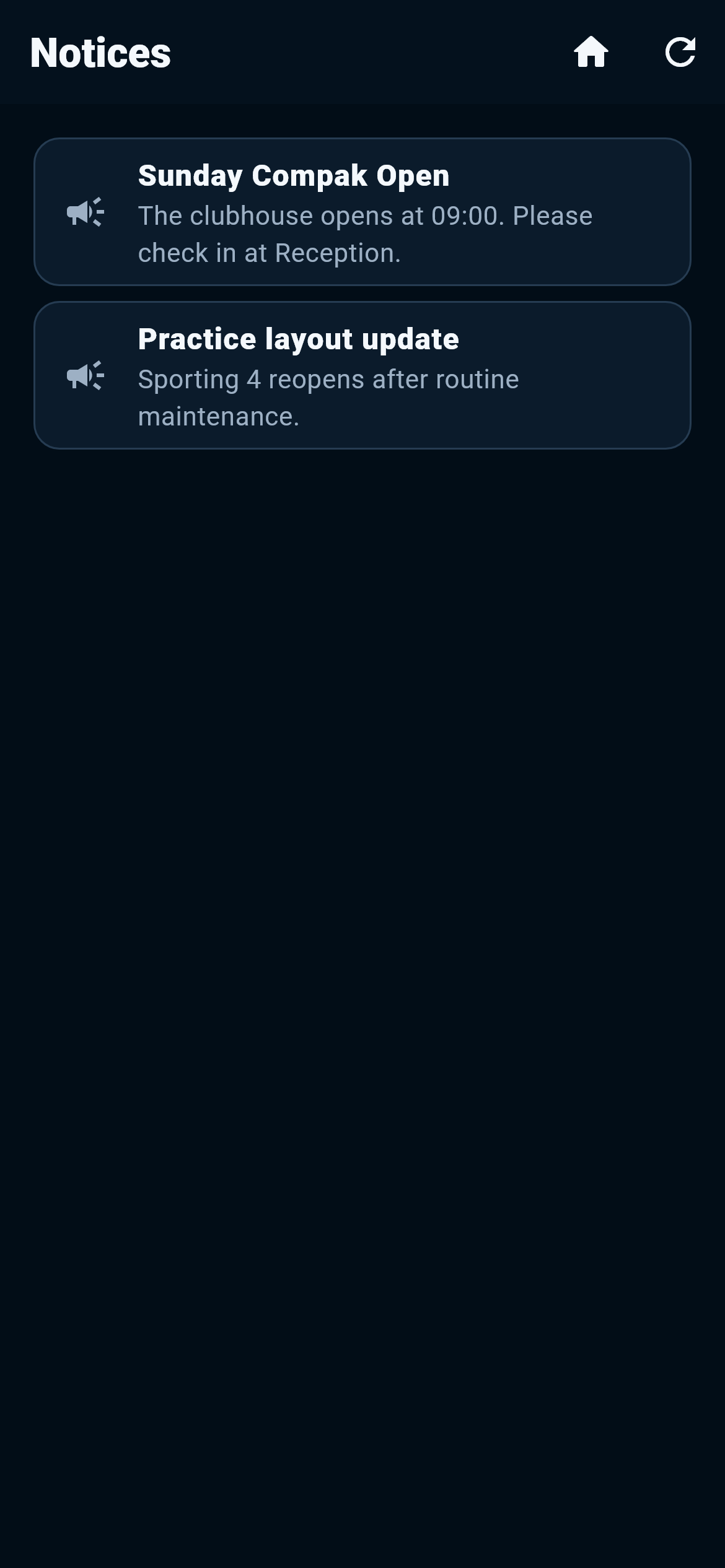
See current ground information shared with staff.
Explore NetLink+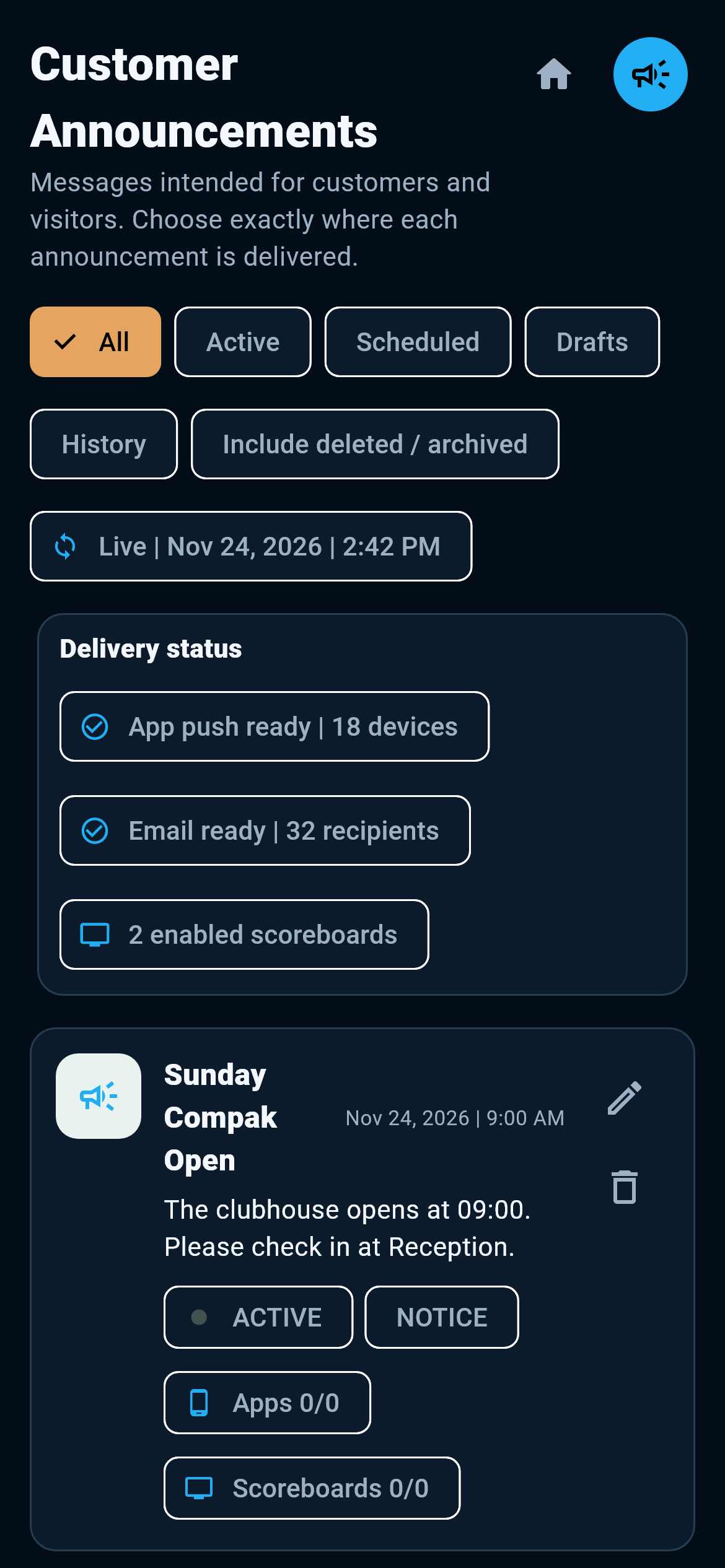
Create and manage announcements through authorised delivery channels, including supported app and display delivery.
Explore NetLink+Explore the Customer application screen by screen.
Choose the relevant ground and reach your account, competitions, announcements and other available customer features.
Explore NetLink+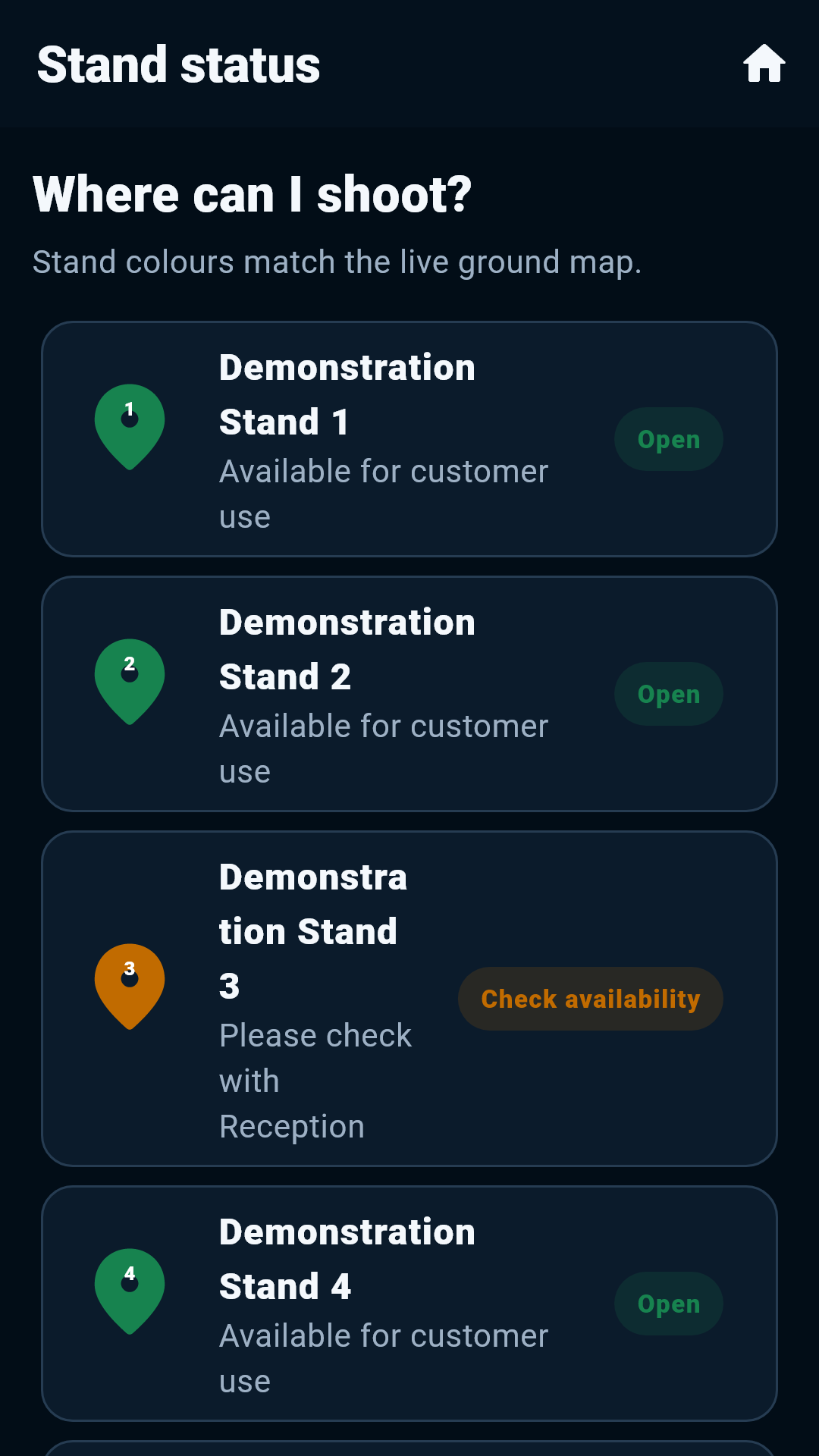
Check recorded stand status before heading out. Availability reflects the information reported by the ground.
Explore NetLink+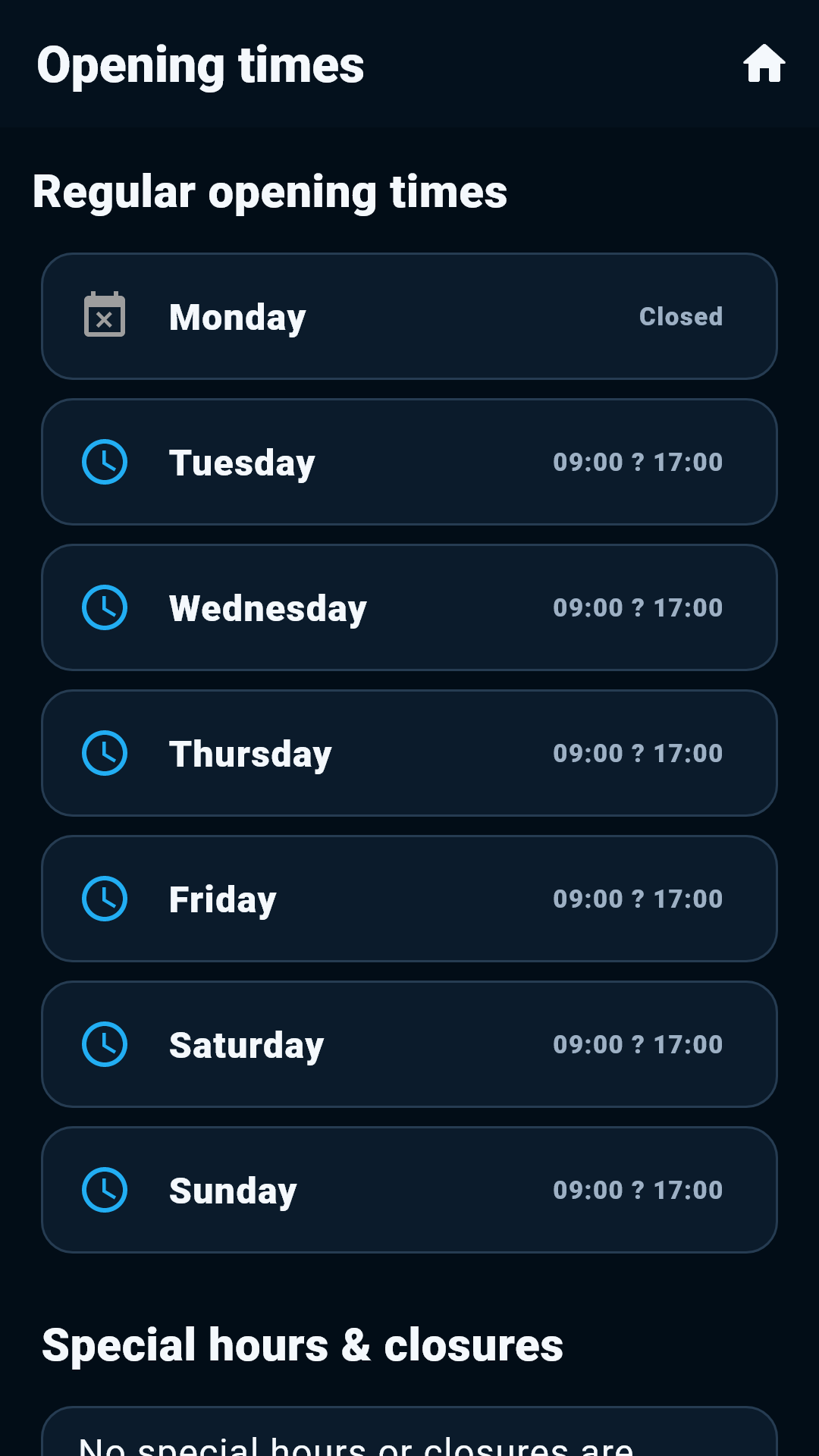
Check the normal and special opening hours maintained by the ground.
Explore NetLink+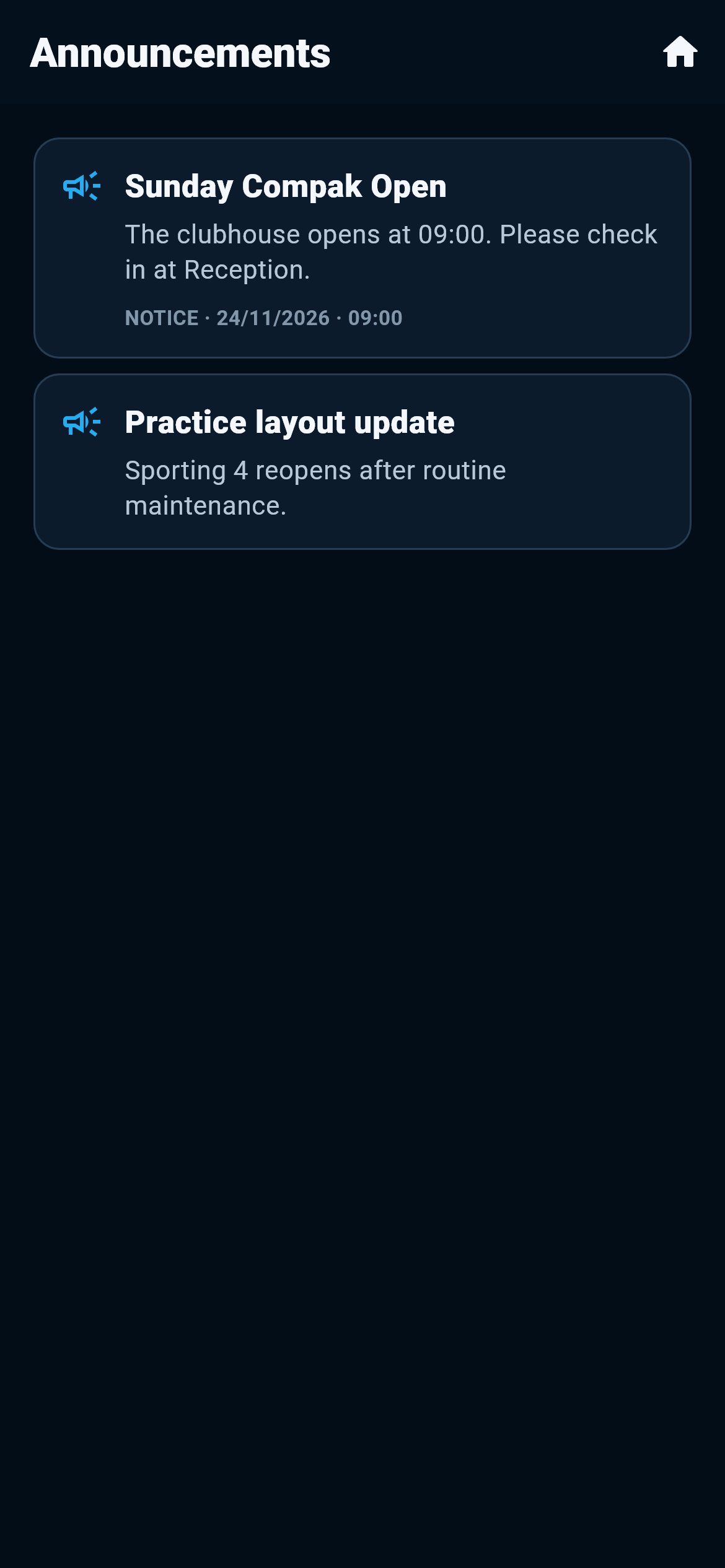
Read notices from the ground, such as layout changes or competition information.
Explore NetLink+
Choose which supported notification categories you want to receive; device settings govern sound and quiet behaviour.
Explore NetLink+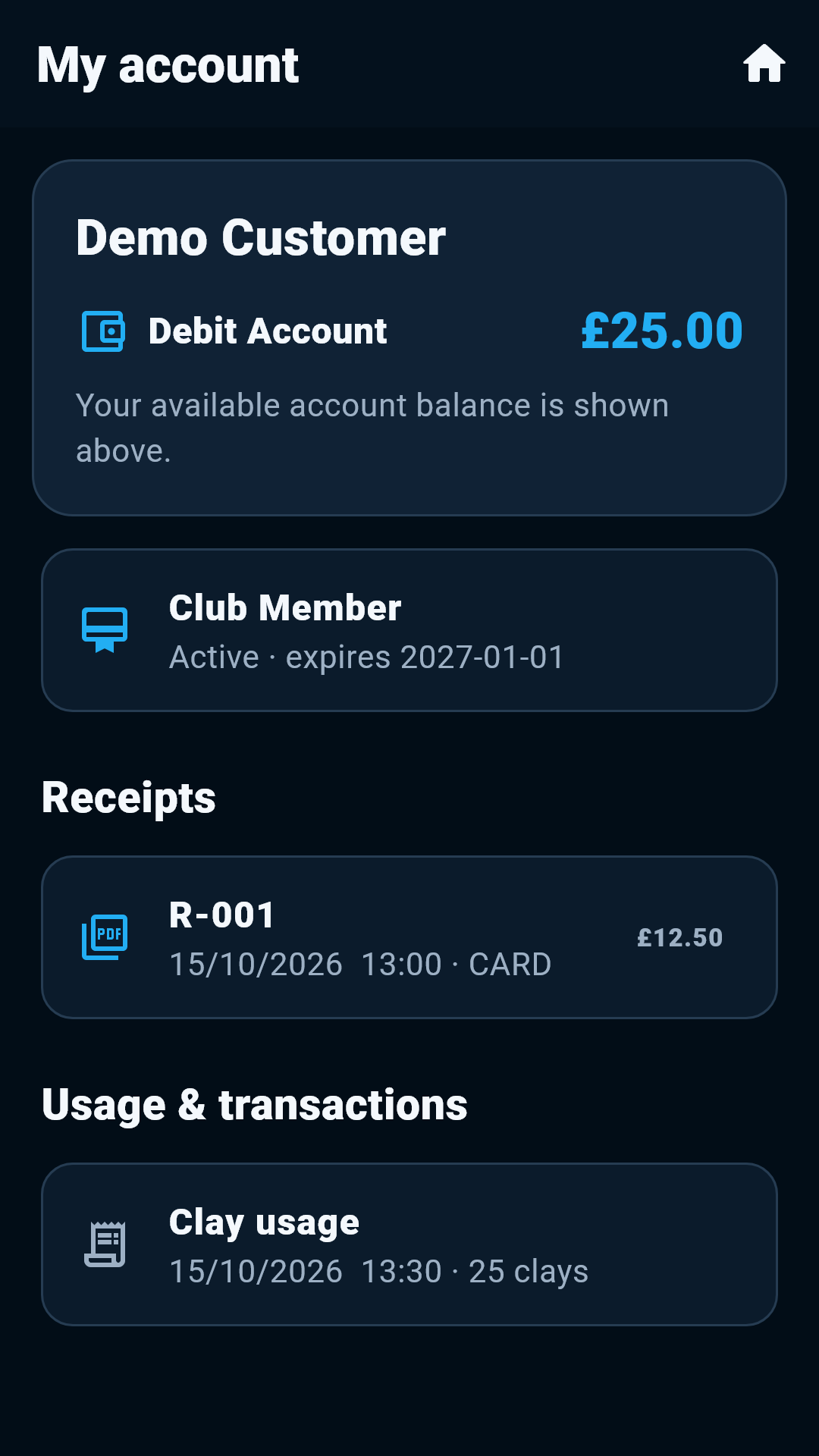
Review account information, clay balance or recorded charges, membership and available transaction or receipt history.
Explore NetLink+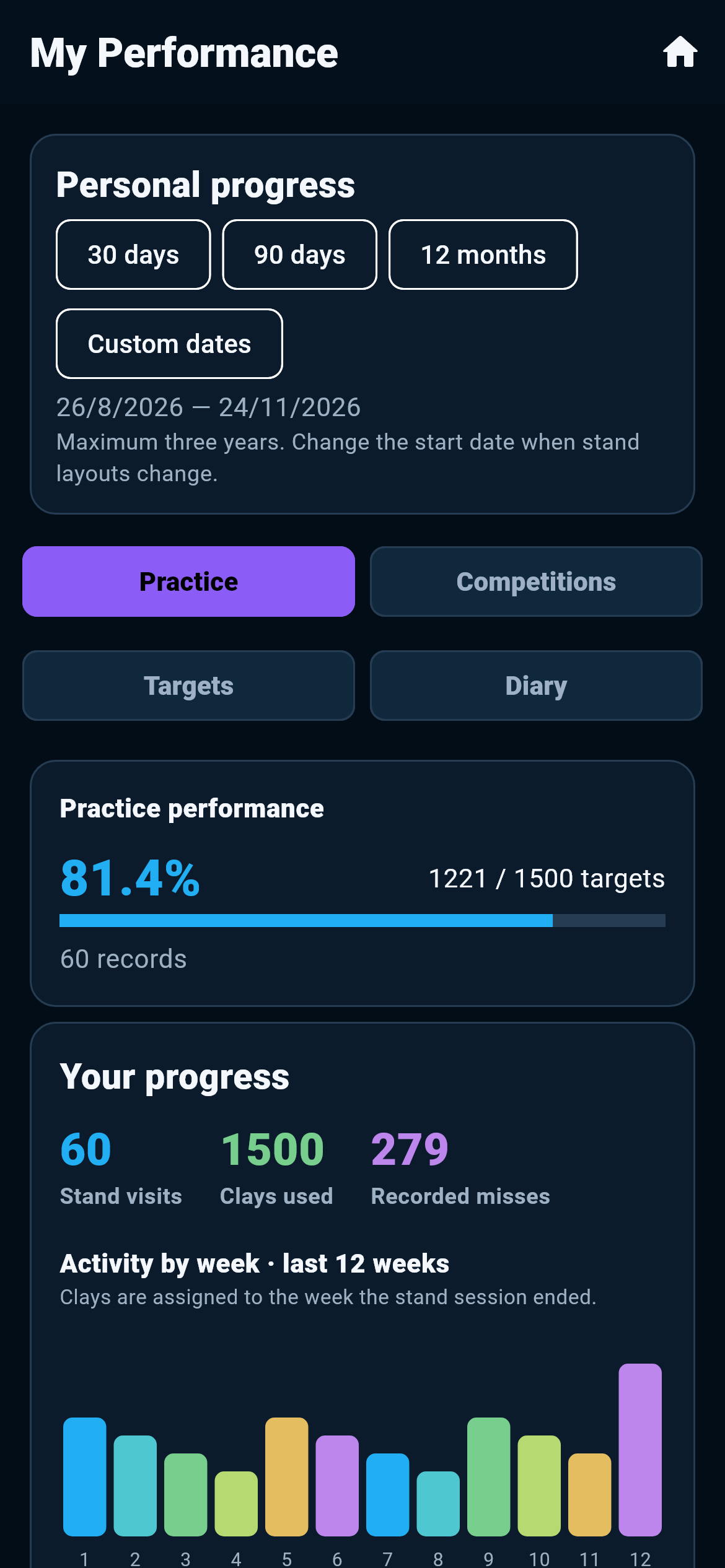
Explore recorded practice and competition activity over time, with date ranges, stand-session details, target analysis where available and a private training diary.
Explore NetLink+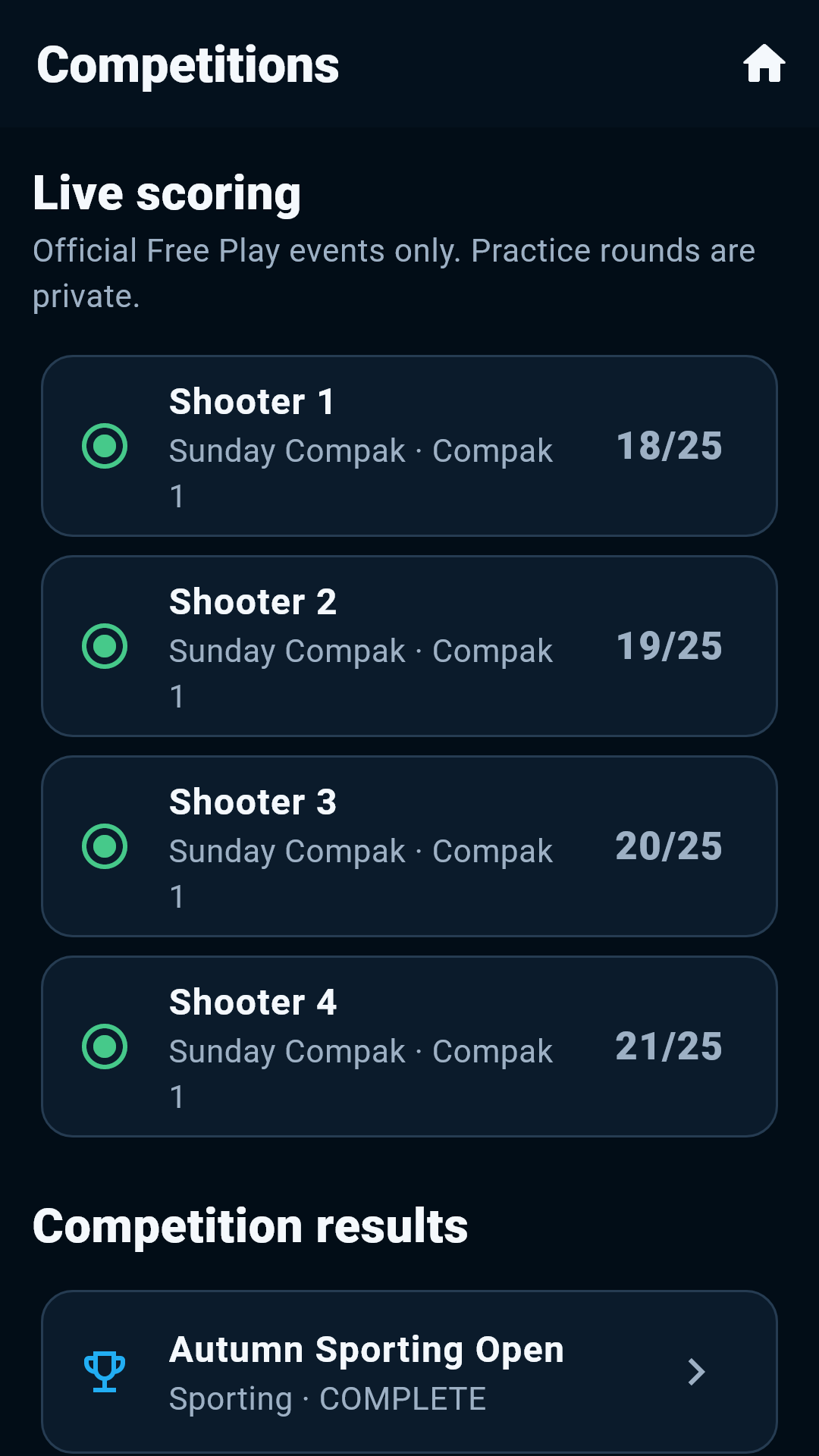
Review available competition information and recorded results. The data depends on the equipment and supported event workflow.
Explore NetLink+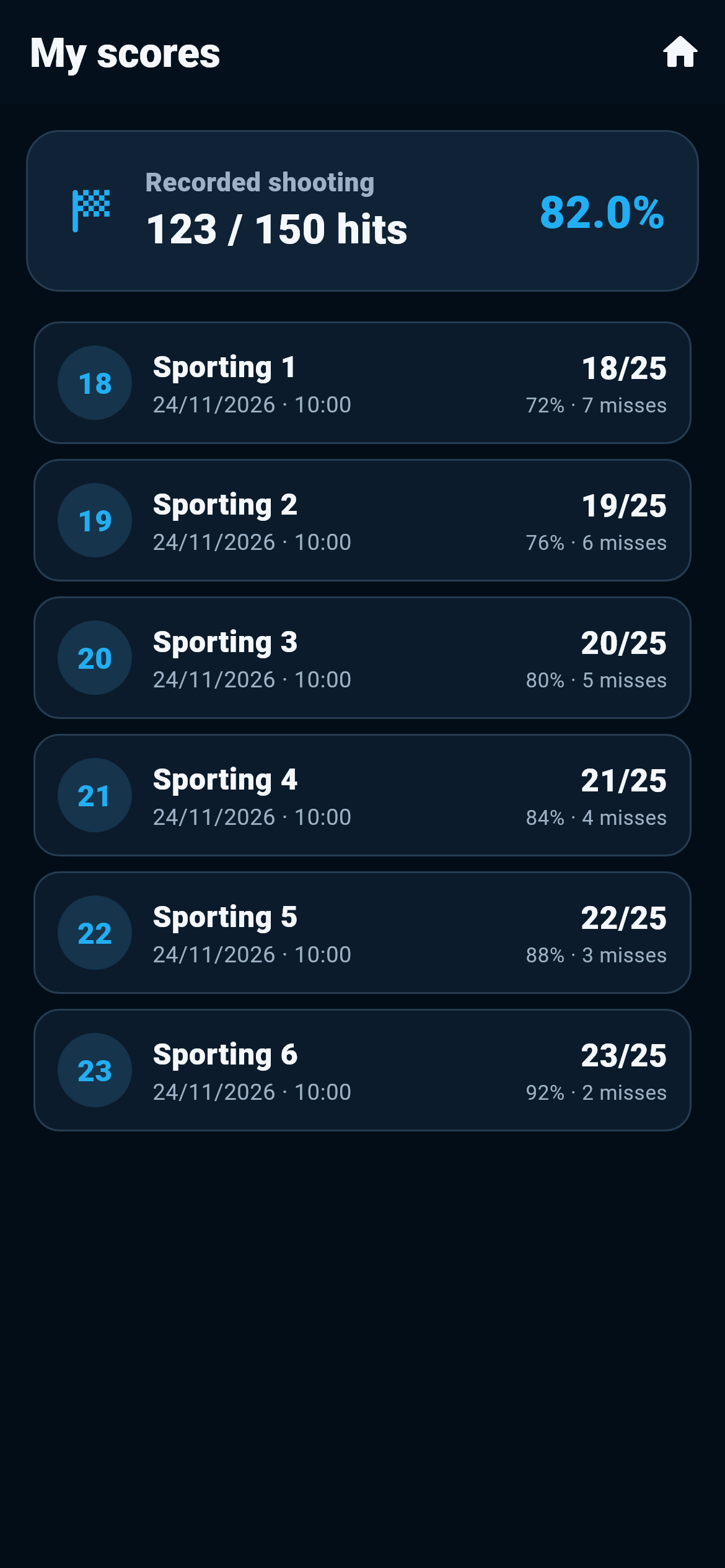
Review scores available to your account, including hits and misses for reported scored sessions.
Explore NetLink+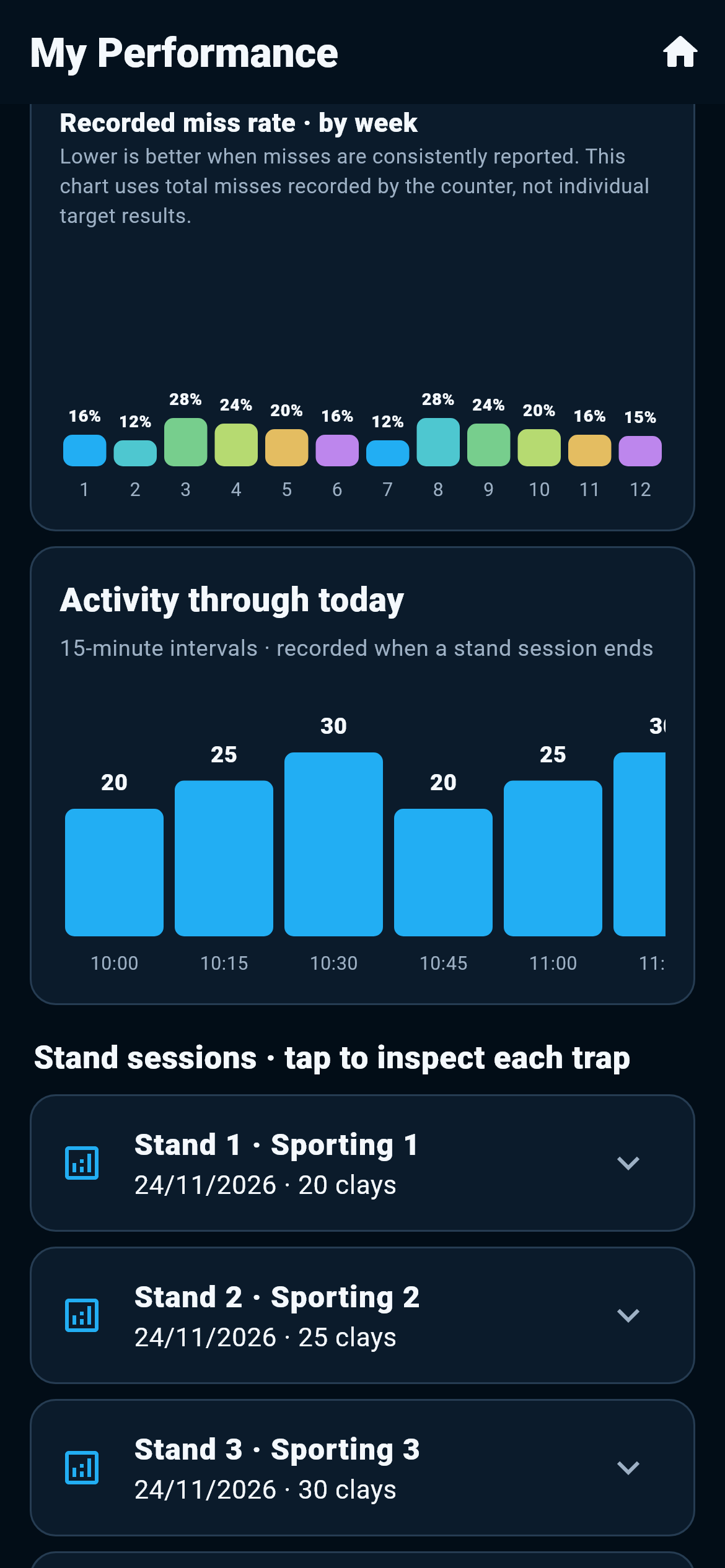
Follow weekly activity and recorded miss-rate trends.
Explore NetLink+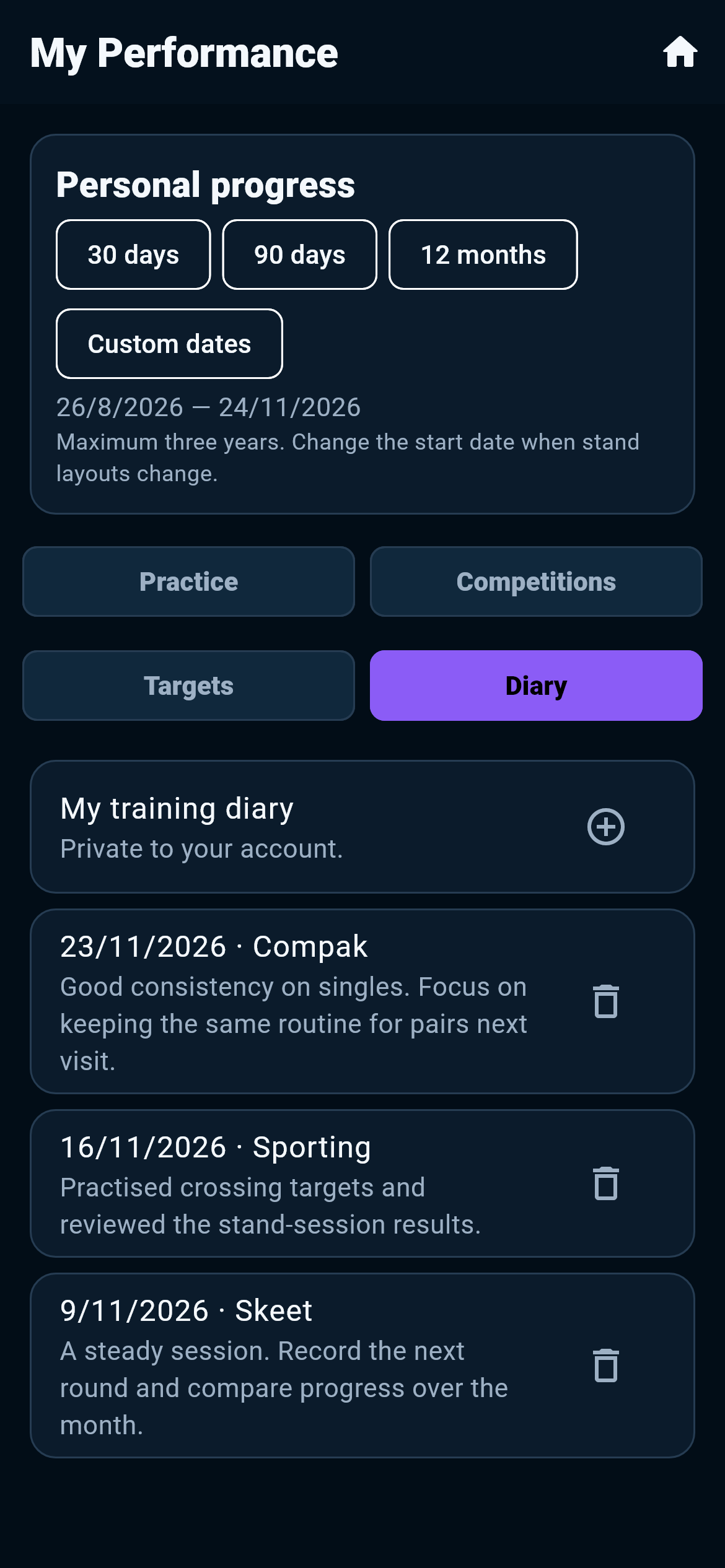
Keep private shooting notes alongside the records.
Explore NetLink+Explore every individual Sporting, Trap and Skeet profile.
Explore this feature →See the five-position set and its role in the system.
Explore this feature →