Configure
Prepare a supported discipline and layout.
Explore this step ↗Combine appropriate discipline configurations, supported score records and presentation tools for the ground, staff and shooters.
Request a demonstration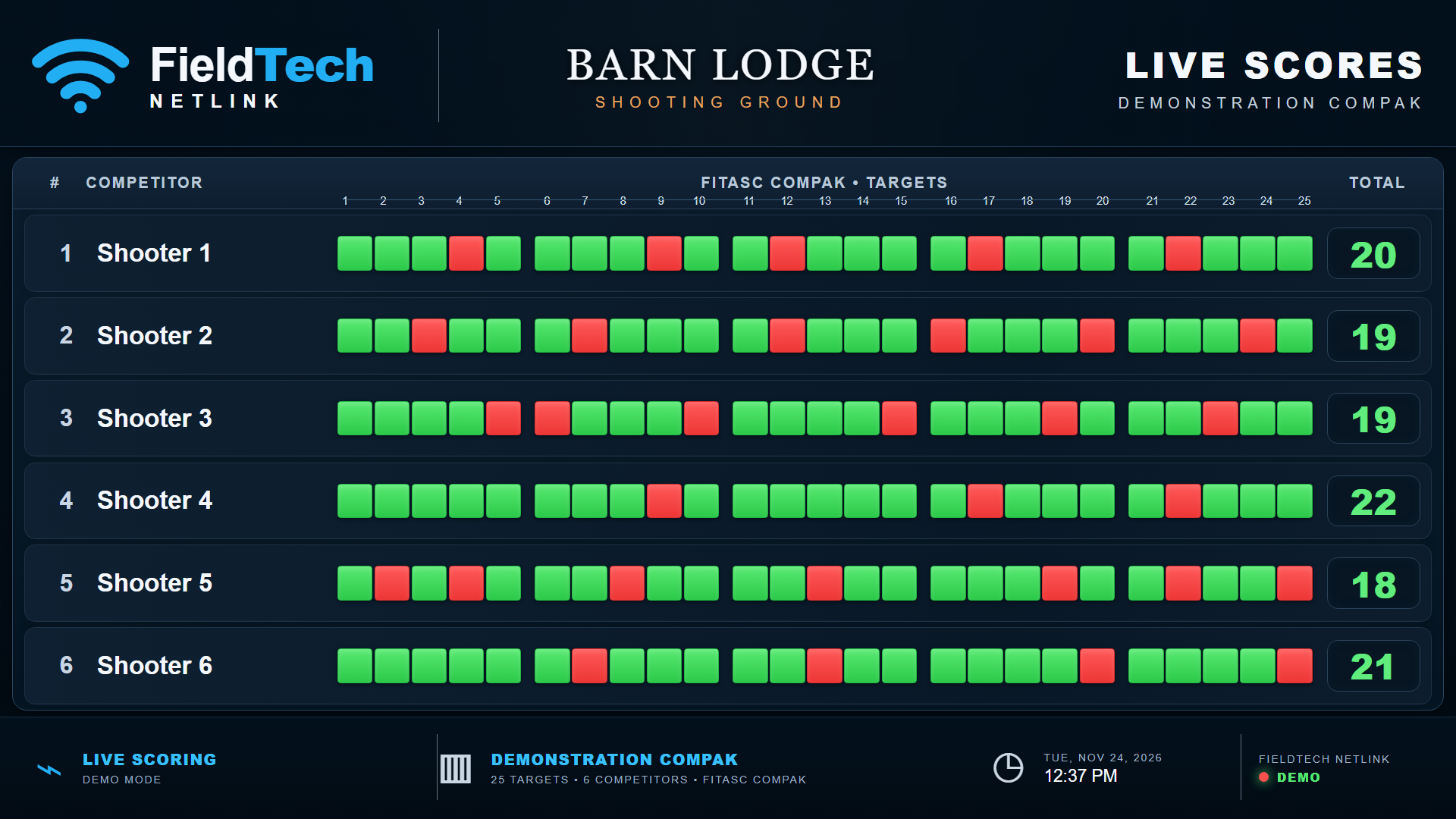
Competition and score-display capabilities depend on accepted hardware, firmware and configured discipline. Extended sequencer profiles remain development candidates.
The diagram describes the experience, not a claim of end-to-end physical validation.
Prepare a supported discipline and layout.
Explore this step ↗Use compatible control equipment and referee functions.
Explore this step ↗Display the relevant scoring view.
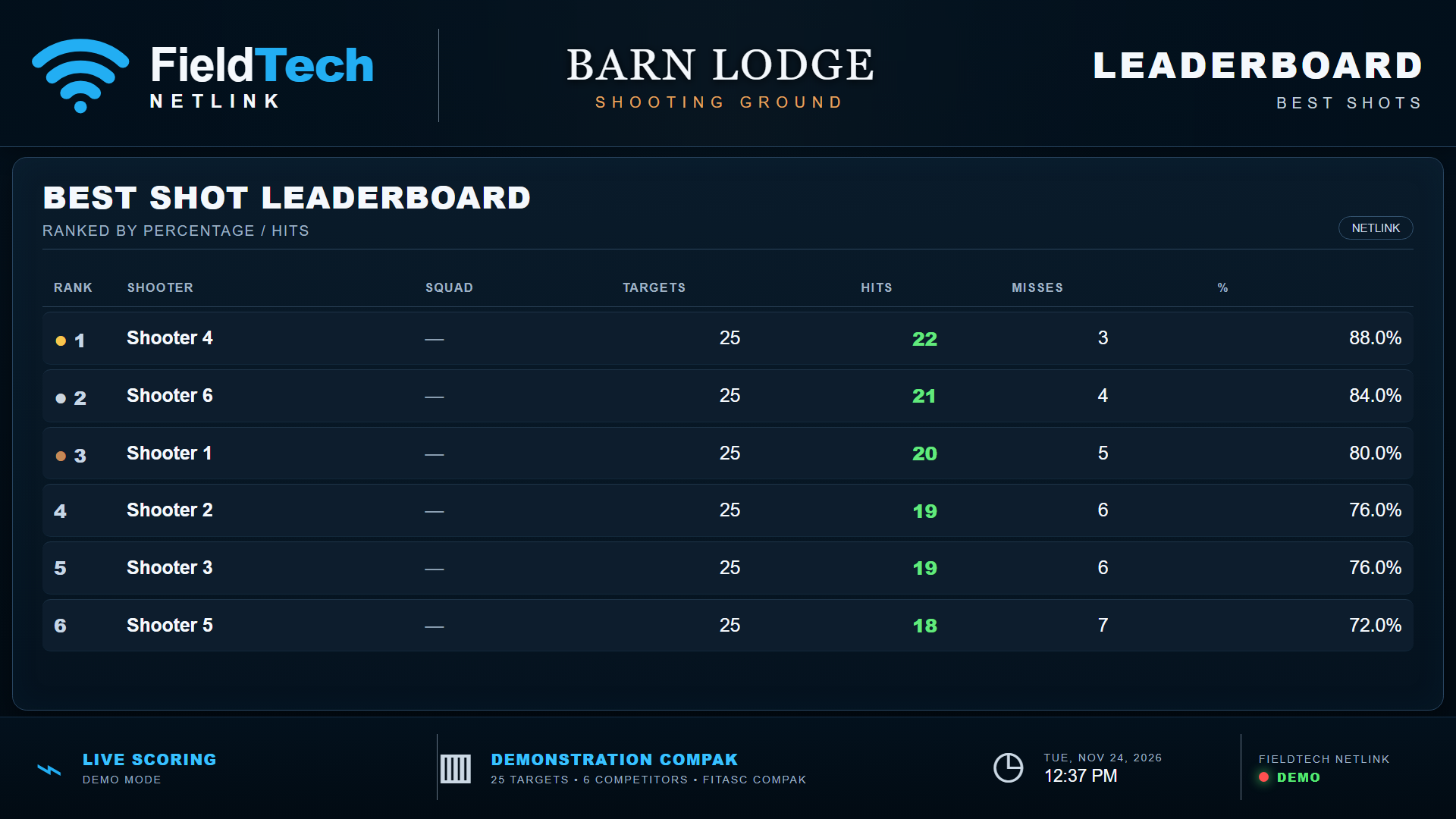
Explore this step ↗See supported competition results and history.
Explore this step ↗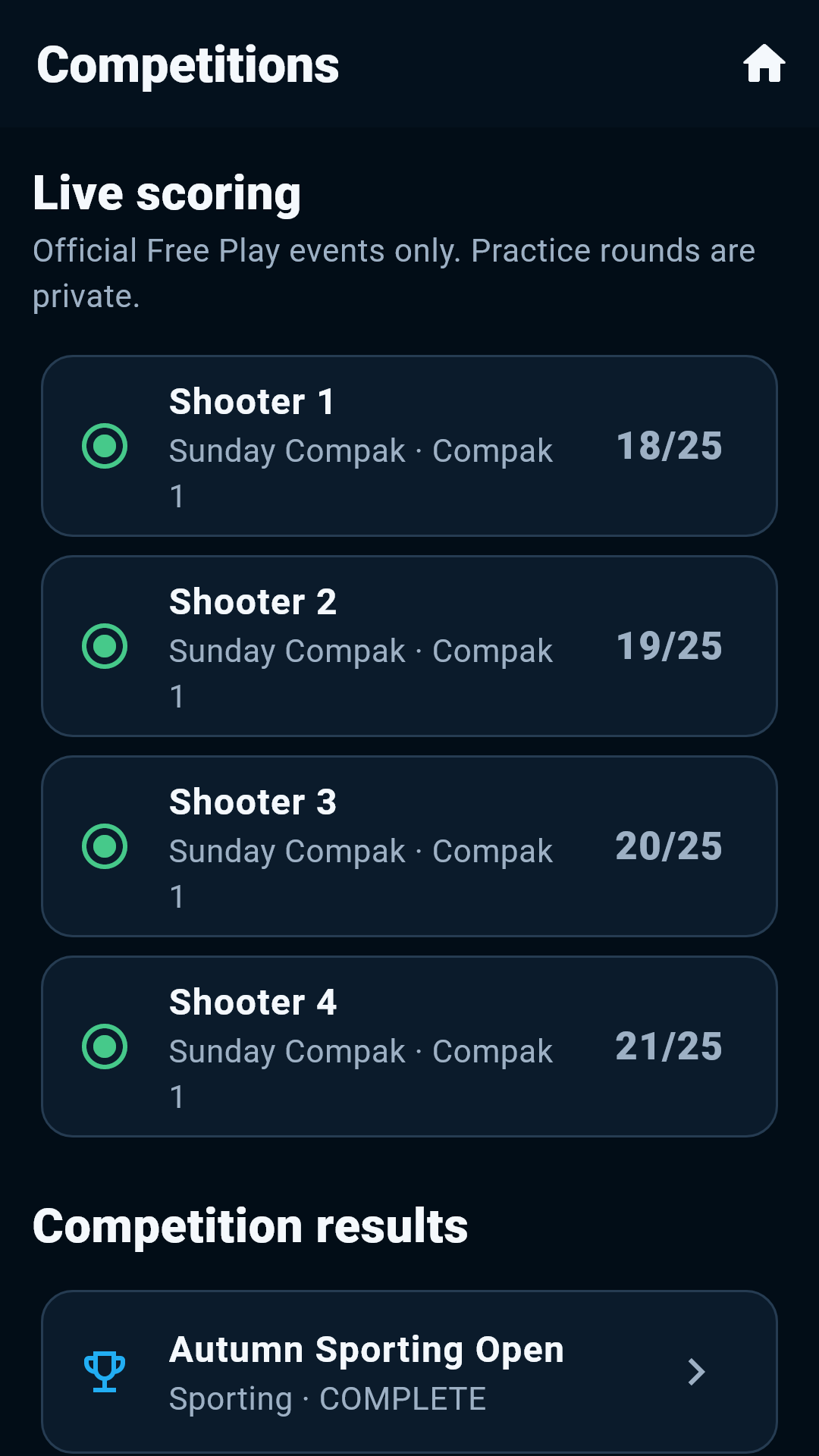
The Customer app includes a competition area for the supported information available from the ground.
Explore CustomerCurrent candidate display interfaces.
Discuss your disciplines, equipment, connectivity and business requirements with FieldTech.
Current application screenshots using isolated demonstration records. Access and availability depend on the approved package and configuration.
Review available competition information and recorded results. The data depends on the equipment and supported event workflow.
Explore this feature →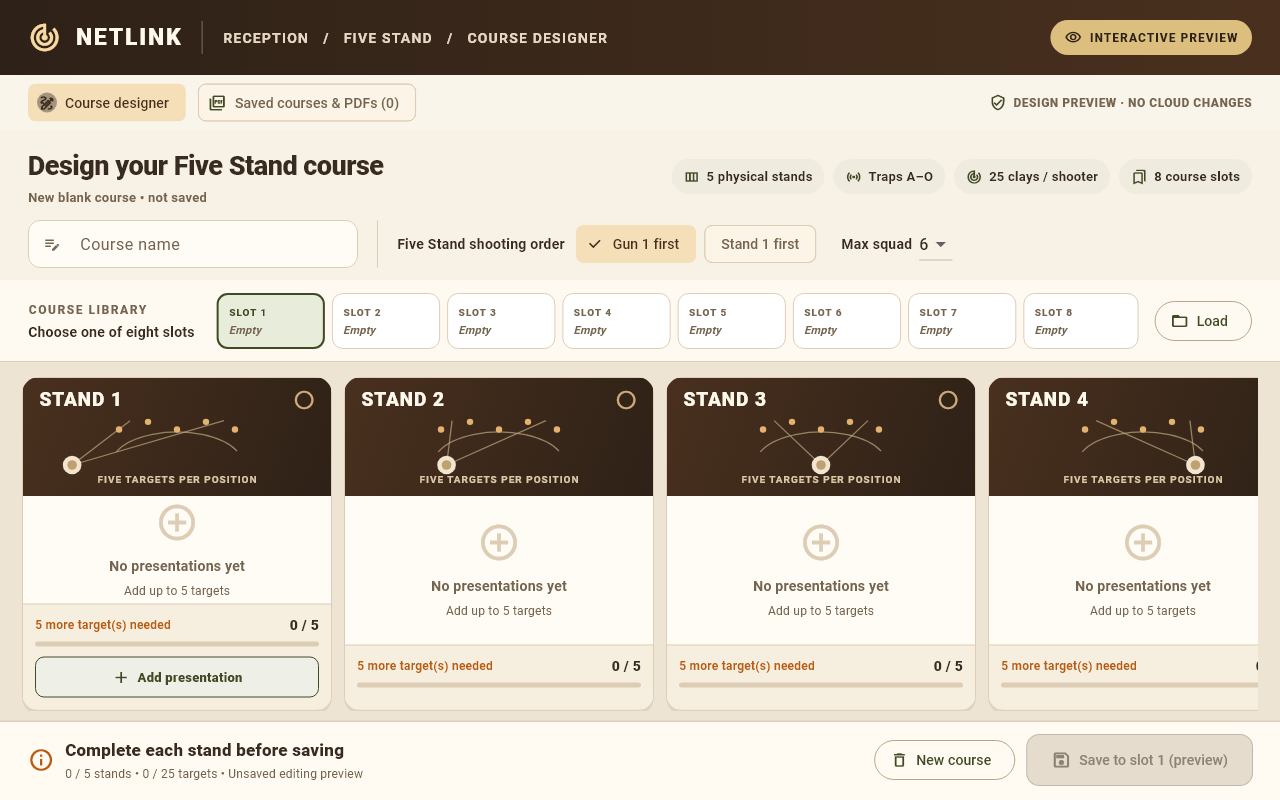
Configure and review the course in the appropriate sequencer workspace before using compatible stand equipment.
Explore this feature →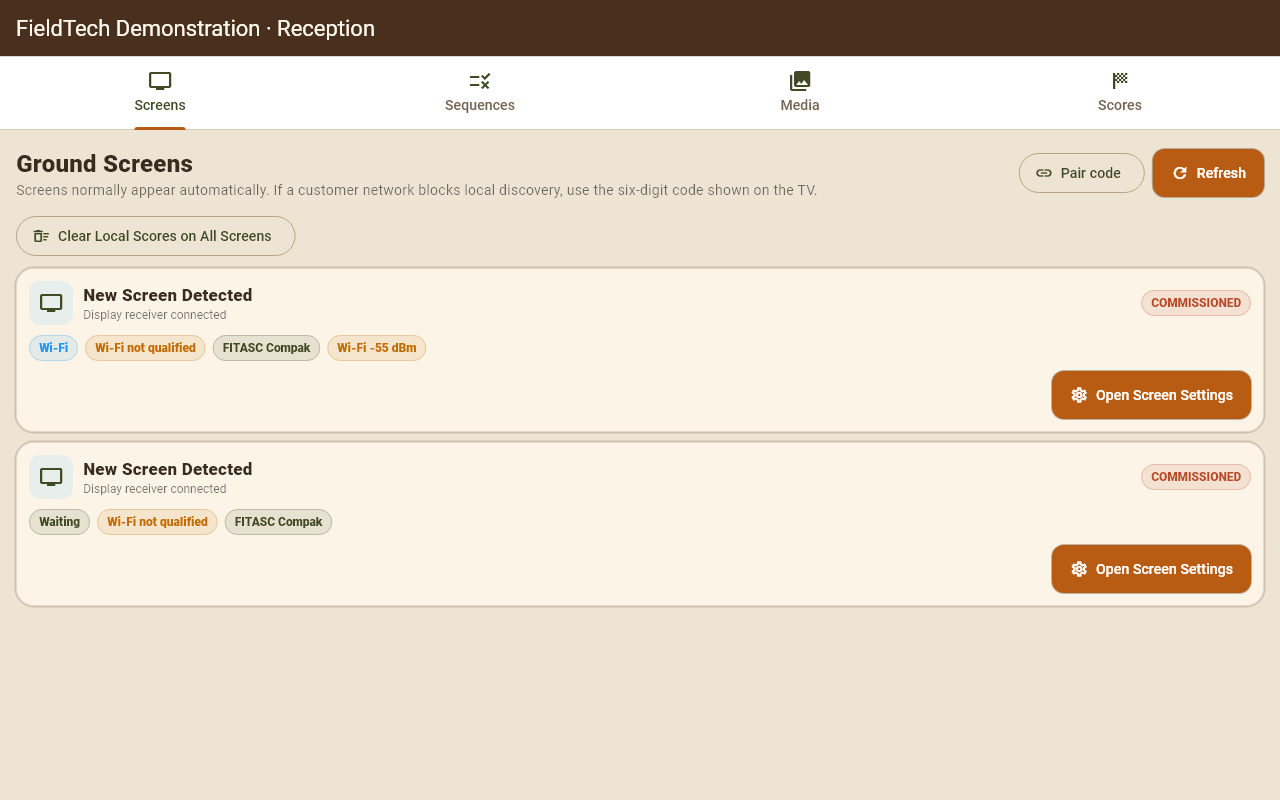
Commission and identify display endpoints, manage supported sequences, media and screen content for the ground.
Explore this feature →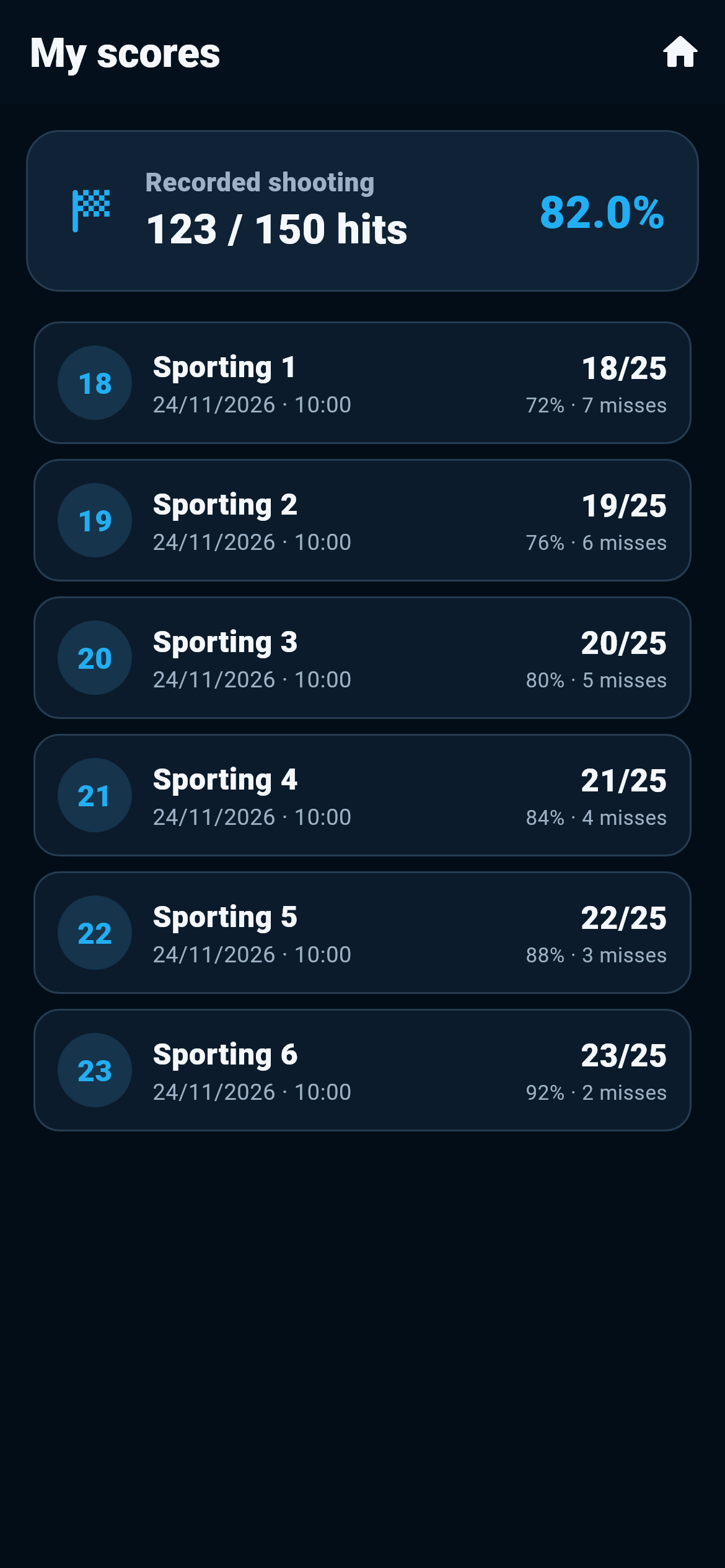
Review scores available to your account, including hits and misses for reported scored sessions.
Explore this feature →NetLink+ Customer and Groundsman apps, personal performance, customer push notices and advanced analytics are NetLink+ benefits. Core includes Reception and its operational reporting. Availability depends on configured equipment and permissions.
Compare the options